Postgres database
Postgres for every app, with development and production kept apart.
Each project gets a real Postgres database for development and another for production. Your agent changes the schema in dev as often as it likes; publishing carries only additive changes to prod, after a snapshot.
| title | style | starts_at | booked |
|---|---|---|---|
| Sunrise Flow | vinyasa | Tue 06:30 | 3 / 14 |
| Core Pilates | pilates | Tue 12:15 | 9 / 10 |
| Slow Yin | yin | Wed 19:00 | 6 / 12 |
| Breath Reset | breathwork | Thu 07:00 | 12 / 12 |
Production is a separate database. Publish applies additive changes after a snapshot.
- Real Postgres
- Tables, indexes, views, functions and triggers
- Dev and prod
- Two databases that never share rows
- Additive publish
- Nothing dropped without your go-ahead
- Snapshot first
- A backup before every publish
How the database follows your app
Describe tables and fields in the contract: text, number, boolean, date, timestamp, enum, ref, email, url, image and attachment. Add uniqueness where it matters.
Apply. The development database is created or extended without losing rows, and seed data fills the preview.
Publish. Appbricx snapshots production and applies only additive changes. Dropping a column or table waits for an explicit destructive publish.
"entities": [{
  "name": "booking",
  "fields": [
    { "name": "member_id",  "type": "ref", "ref": "member" },
    { "name": "session_id", "type": "ref", "ref": "session" },
    { "name": "status", "type": "enum",
      "enum_values": ["booked", "attended", "cancelled"] }
  ],
  "unique": [["member_id", "session_id"]]
}]

// later, without resending the contract
[{ "op": "add_field", "entity": "session",
   "field": { "name": "price", "type": "number" } }]
A database you can trust in production
Schema from the contract
Tables, refs, enums and unique constraints come from the contract and stay in step as it changes. Platform columns such as id and created_at are on every table.
Your own SQL is kept
Indexes, views, functions, triggers, constraints and policies you add in dev are carried to production in dependency order.
Adopt hand-made tables
Create a table with SQL, then adopt_table turns its columns into fields with access rules, keeping its rows.
Safe changes
A removed field leaves the app, not the database: its column and data stay until a destructive publish.
Full SQL when you need it
Run SQL on dev or prod from the builder or the sql tool. A read-only script runs rolled back.
Backups built in
Snapshots before every publish and every hand-made production change, the last 30 kept, one-click restore.
Nook keeps bookings from clashing
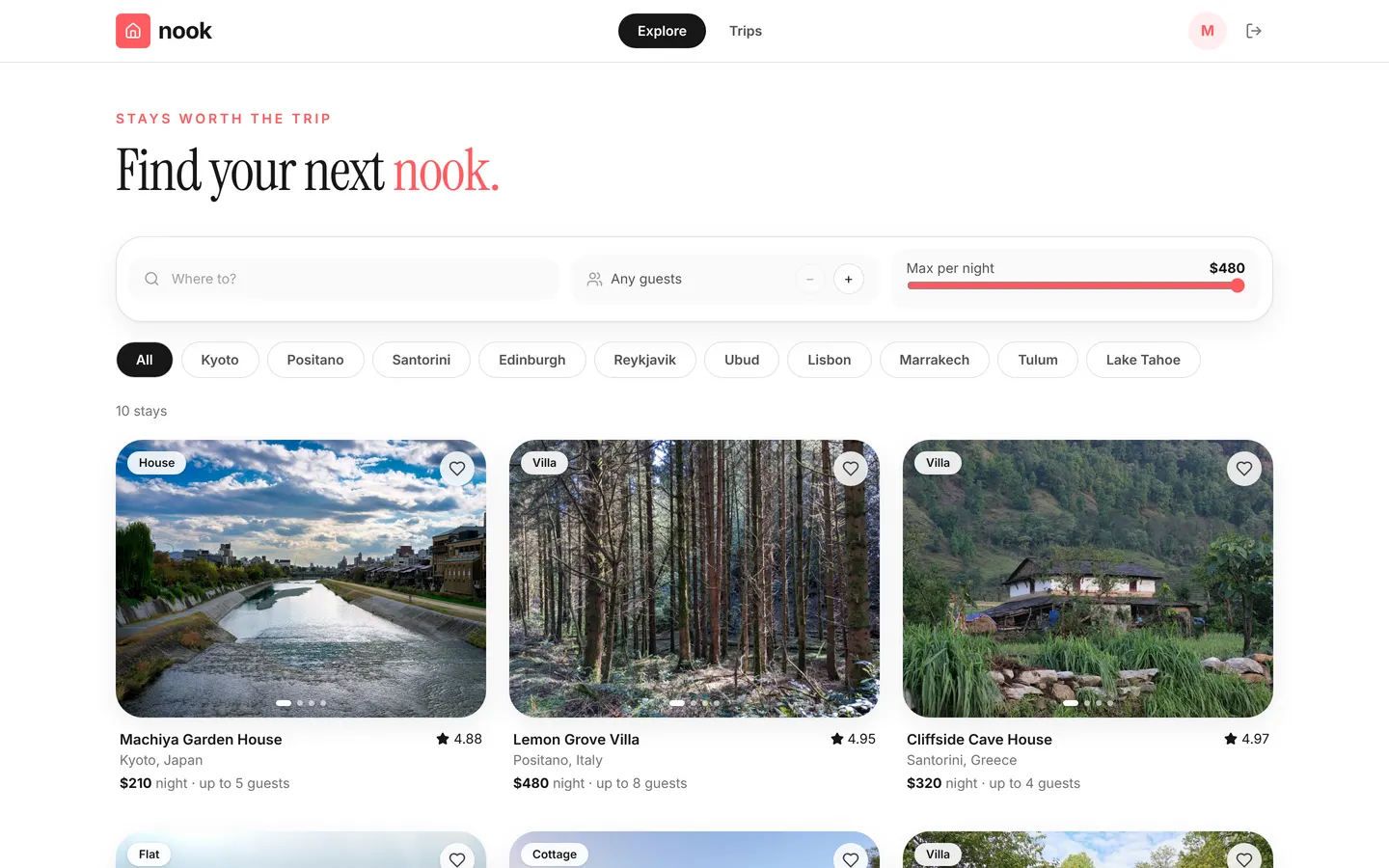
Nook's guests request stays and hosts accept them. Its database holds listings, stays, bookings and reviews, and six server rules refuse overlapping dates, past check-ins and too many guests before a row is written.
Read the docs
Works with
Postgres database: common questions
Is it real Postgres?
Yes. Each project has its own Postgres databases. You can run SQL, add indexes, views, functions and triggers, and see the full schema.
Why separate development and production databases?
Your agent can change the schema and seed data freely in development while customers use production. The two never share rows, and production only changes when you publish.
What happens to my data when the schema changes?
Publishing applies additive changes (new tables, columns and indexes) and keeps every row. Destructive changes such as dropping a column wait until you publish with allowDestructive, and a snapshot is taken first.
Can I connect tables I created myself?
Yes. Tables you create with SQL keep row-level security with no policies until you adopt them with the adopt_table operation, which makes them part of the app with access rules.