Workflows and jobs
Work that runs on its own, and never quietly drops a job.
A workflow is work your app does on the server: tell a doctor about a new booking, send a digest every morning, record a payment when the provider calls back. Runs are queued, retried and logged; failed ones wait in a dead-letter list until you replay them.
- #812ticket-defaultsdata change✓ 0.8s
- #811email-to-ticketwebhook✓ 1.1s
- #810sla-escalationscheduleretrying, attempt 2
- #809solved-notifydata changedead letter
- Five triggers
- Data change, schedule, webhook, topic, call
- Retries
- Failed runs retried, then dead-lettered
- Replay
- Run a failed job again with the same input
- Run now
- Test on dev or prod with your own input
How a workflow runs
Pick the trigger: a row is created or a field changes to a value, a schedule such as daily 07:00 in your time zone, a signed webhook, a topic message, or a call from a screen.
Pick the steps: notify a role or one person, send an email, call an integration, record a webhook payload, or write a custom TypeScript step with ctx.db, ctx.ai and more.
Apply. Verify checks the workflow is armed. Every run lands in the logs; a run that runs out of retries waits under Failed jobs for Replay.
{ "id": "morning-digest",
  "on": { "schedule": "daily 07:00", "entity": "booking",
          "tz": "Europe/Lisbon" },
  "do": [{ "action": "notify", "role": "instructor",
           "body": "{{count}} bookings in the last 24 hours." }] }

{ "id": "payment-received",
  "on": { "webhook": "payment-received" },
  "do": [{ "action": "record", "entity": "payment_event" }] }
// POST /hooks/<project>/payment-received
// signed with HMAC-SHA256 in x-appbricx-signature
Durable background work, without a server to babysit
Data-change triggers
Every insert, update and delete is a change event. Start a workflow on a new row, or when a field changes to a value.
Cron-style schedules
hourly, every 30m, daily 08:00, weekly mon 09:00 or monthly, in UTC or the time zone you set. Digests cover the window since the last run.
Signed webhooks
Each webhook gets a URL; callers sign the body with HMAC-SHA256, and an idempotency key stops repeats within 24 hours.
Server functions
A screen calls app.call and your function runs on the server with your secrets, calling any HTTPS API and returning JSON.
Retries and dead letters
Failed runs are retried; when retries run out they wait under Failed jobs, where Replay runs them again with the same input.
Logs for every run
Each run's log lines, notifications and results are in Backend, Logs, and agents read them with the logs and tail tools.
Relay turns emails into tickets and escalates late ones
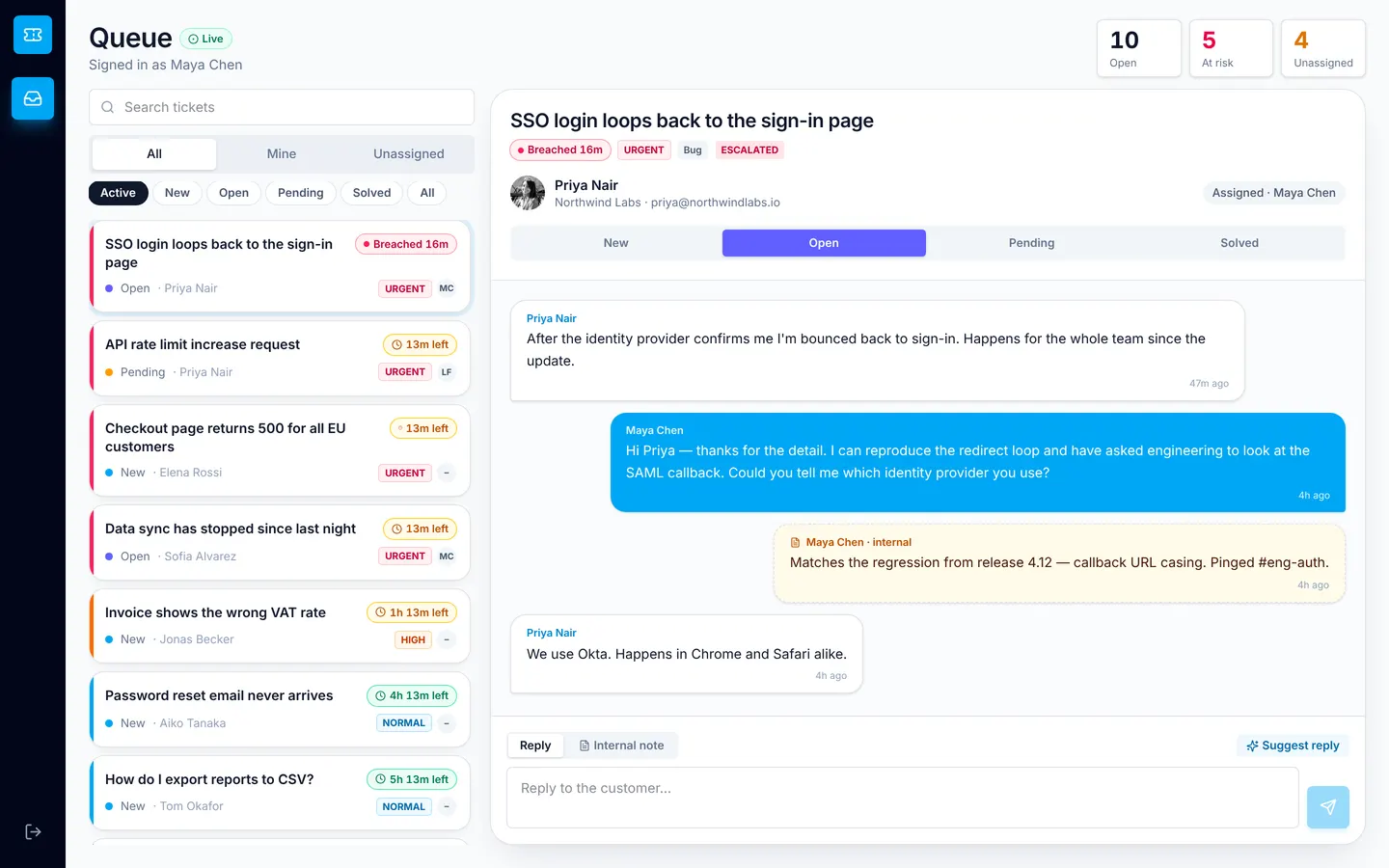
Relay's email-to-ticket workflow is a signed webhook that creates a ticket from an inbound email. A scheduled SLA escalation flags tickets close to their reply deadline, and agents and customers are notified as replies arrive.
Workflows and jobs: common questions
What can start a workflow?
A row being created or changed, a field changing to a value, a schedule, a signed inbound webhook, a message on a topic, or a call from a screen with app.call.
What happens when a workflow fails?
The run is retried. When it runs out of retries it lands under Backend, Workflows, Failed jobs, where Replay runs it again with the same input. Agents use the run tool with dead_letters and replay.
Can I run a schedule in my time zone?
Yes. Schedules run in UTC unless you set tz, for example Europe/Lisbon.
How are webhooks secured?
Callers sign the raw body with HMAC-SHA256 using the project's signing secret and send it in x-appbricx-signature. An x-appbricx-idempotency-key makes repeats within 24 hours return without running again.
Can a workflow call a third-party API?
Custom workflow steps have no network. Use an integration step, or a server function, which can fetch any HTTPS API with secrets read from ctx.secrets.