Your coding agent builds the app. Appbricx runs it.
UI components, Postgres, sign-in, data APIs, workflows, realtime, in-app AI, hosting and rollbacks, tested as every user before release.
Works with Claude Code, Cursor and any MCP client:
claude mcp add --transport http appbricx https://appbricx.com/api/mcp
Everything a production app needs, already running.
The parts every real app needs and every agent would otherwise rebuild, in one backend your agent can build on, test and ship.
BuildYour agent builds, checks and operates
- Coding agents and MCPClaude Code, Cursor or any MCP client builds, checks and deploys on its own.
- UI components and hooks17 data-bound blocks, about 100 primitives, your agent's own React and a typed app SDK.
- Templates57 checked apps, features, workflows and components your agent adds in one call.
- Verify testingEvery release tested as every role, in a real browser, before it ships.
- Builder consoleSQL, row edits, schema, backups, live events, logs and secrets on dev or prod.
DataPostgres, APIs and live updates
UsersSign-in, access and payments
- Row-level securityEach role sees only its rows, enforced by Postgres. Rules check every write.
- Sign-in and authEmail, magic link, Google with no setup, GitHub, two-factor and organisations.
- Organisations and teamsMulti-tenant B2B apps: each organisation sees only its own rows, enforced by Postgres.
- PaymentsStripe Checkout, Razorpay for INR and UPI, and offline payments, with amounts set by the server.
LogicWhat happens after a write
- Workflows and jobsSchedules, webhooks and data-change triggers, with retries and replay.
- Server functions and webhooksYour own server code behind app.call, and webhooks signed by Stripe, Razorpay, GitHub or any HMAC sender.
- AI in your appapp.ai in screens, ctx.ai in workflows, keys on the server, budgets per user.
- IntegrationsAbout 200 apps such as Slack, Stripe, HubSpot and Google Sheets.
Ship and ownReversible, on your domain, portable
Watch it run.
Recorded on the real product: an agent building an app, the builder editing and rolling back production data, and the live apps.
Claude Code builds Learnly. The real session, condensed: contract, checks, a failed verify and its fix, then deploy. Waits and retries cut.
Screens from ready blocks, or your agent's own React.
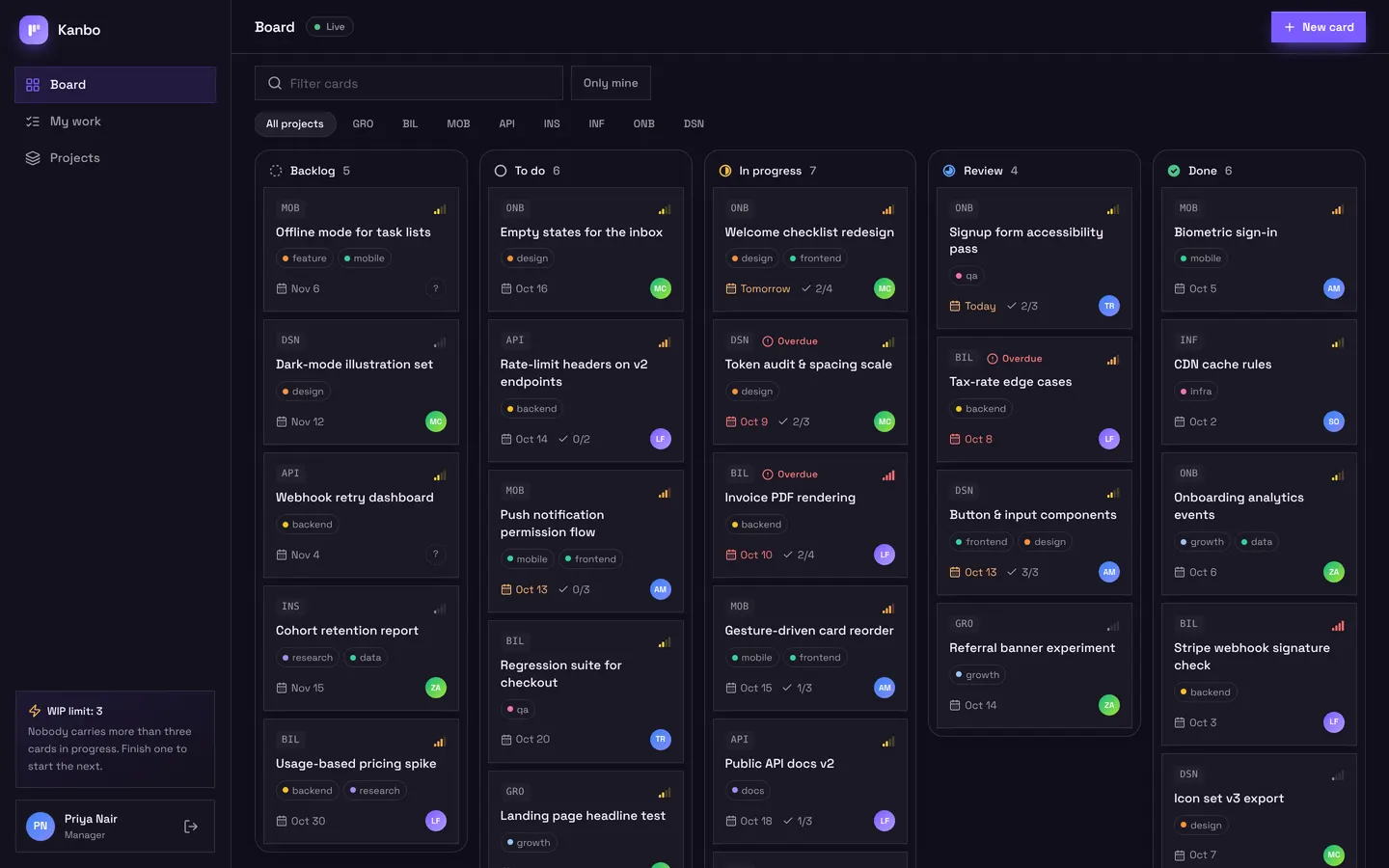
Pages are built from blocks that read your tables directly. Where an app needs its own look, your agent writes React components that get data, sign-in, AI and payments through one typed app handle.
- 17 blocks such as EntityList, EntityForm, Board, CalendarView and TeamAdmin, and about 100 primitives
app.rows,app.live,app.callandapp.ai, plus React hooks, with access applied on every call- 20 themes, your exact brand colour, Tailwind, motion and charts, checked before they ship
Start from a checked app, or add a checked feature.
Your agent searches the template marketplace, previews the diff on a dry run and applies a whole app or one feature to dev. Every template already passes the checker.
- Stripe subscriptions, organisations and teams, bookings, comments and notifications
- Workflows for welcome emails, digests, reminders and overdue alerts
- Nothing is overwritten: a name clash is refused until you add a prefix
- Starting points for AI agents, knowledge-base assistants, support triage, workflow builders, CRMs and client portals
- organisations-and-teamsblock checks clean
- stripe-subscriptionsblock checks clean
- daily-digestworkflow checks clean
- trend-chartcomponent checks clean
use_template with dry_run shows the diff before anything changes.
A Postgres database and REST API for every app.
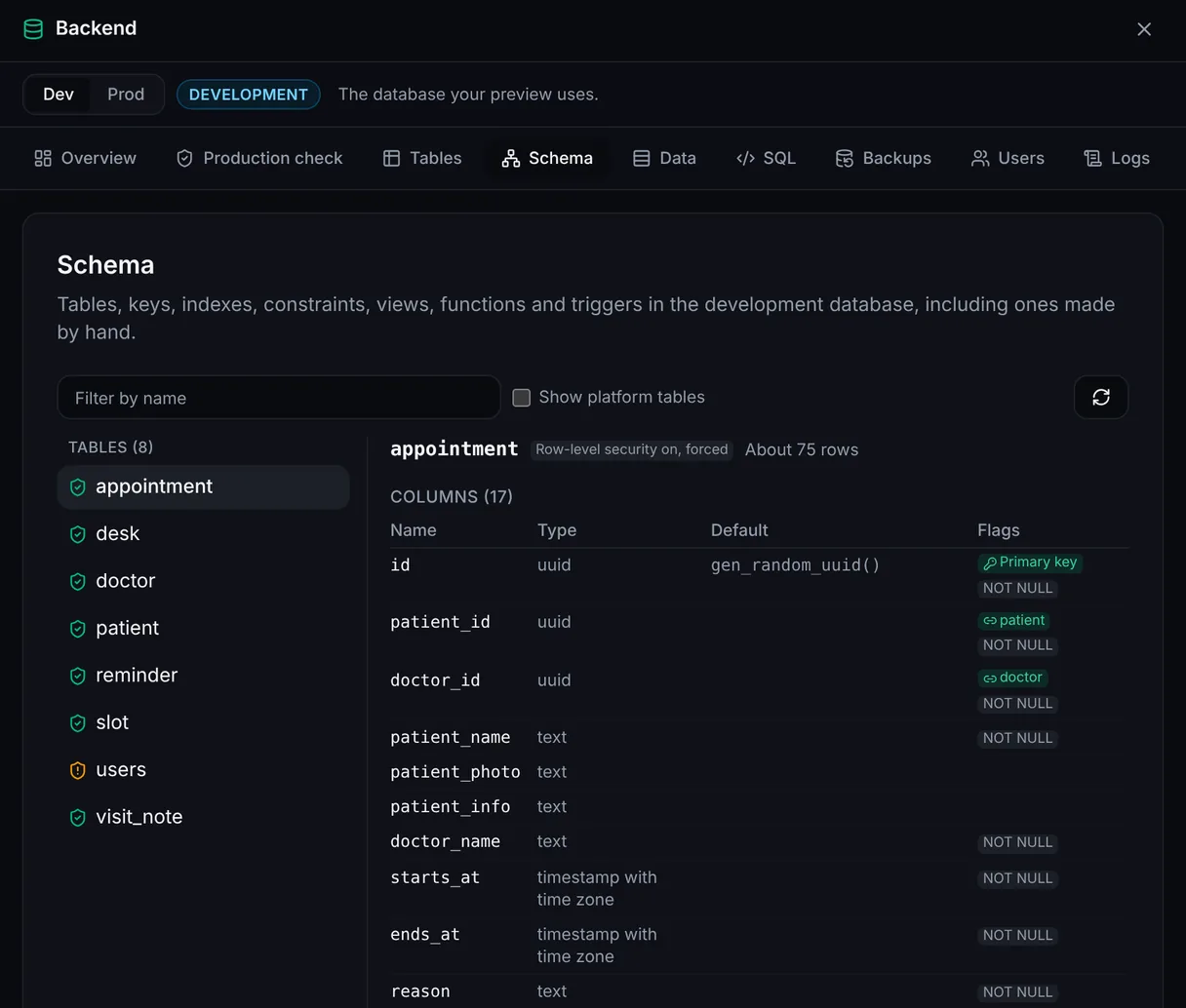
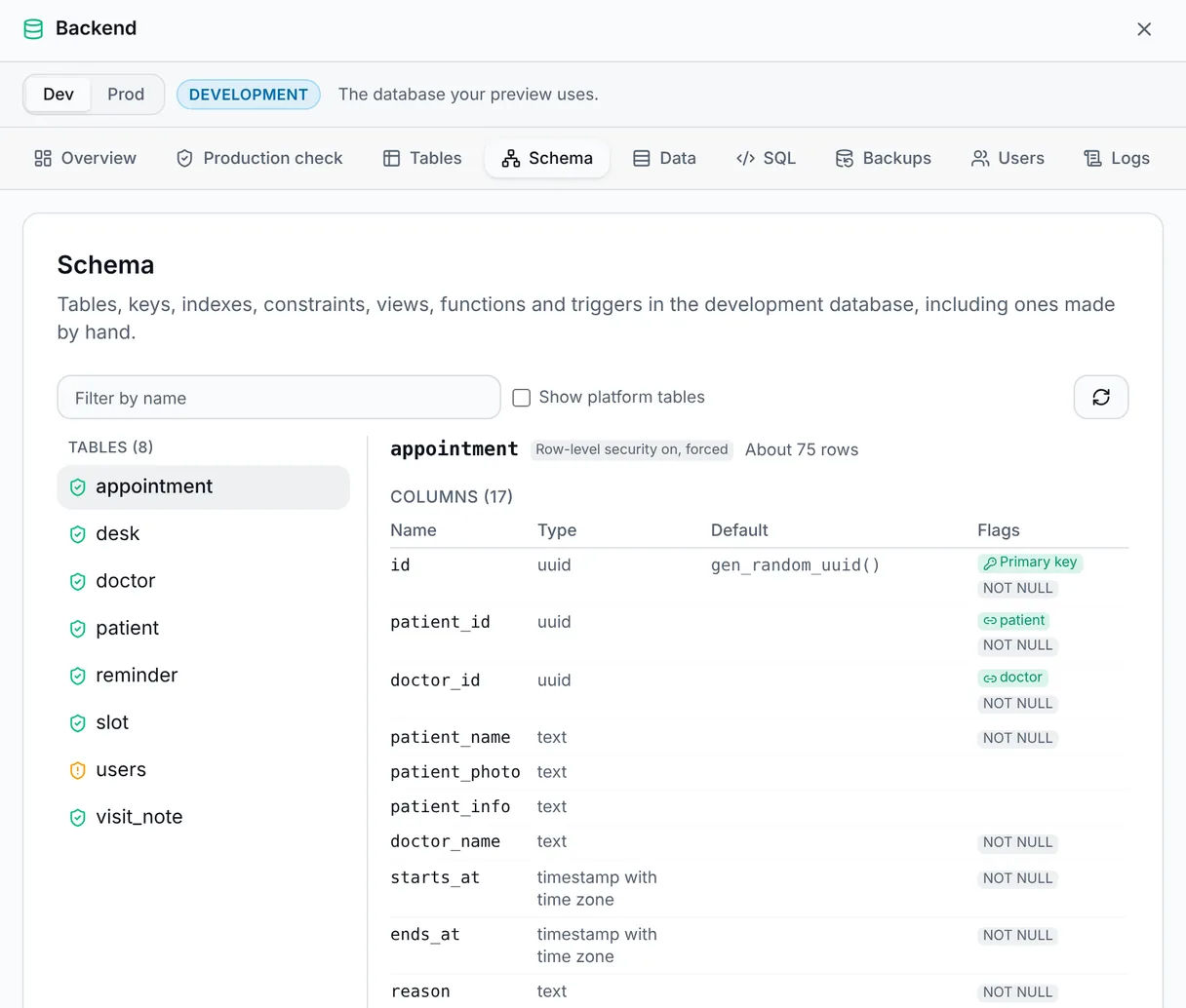
Each project gets its own Postgres for development and another for production, and every table gets a data API your screens, workflows and scripts share.
- Additive publishes after a snapshot; nothing is dropped without your go-ahead
- List, get, create, update, delete, aggregate and search, described at
openapi.json - Run SQL, add indexes and views, adopt tables you made by hand
Row-level security for every role, enforced by Postgres.
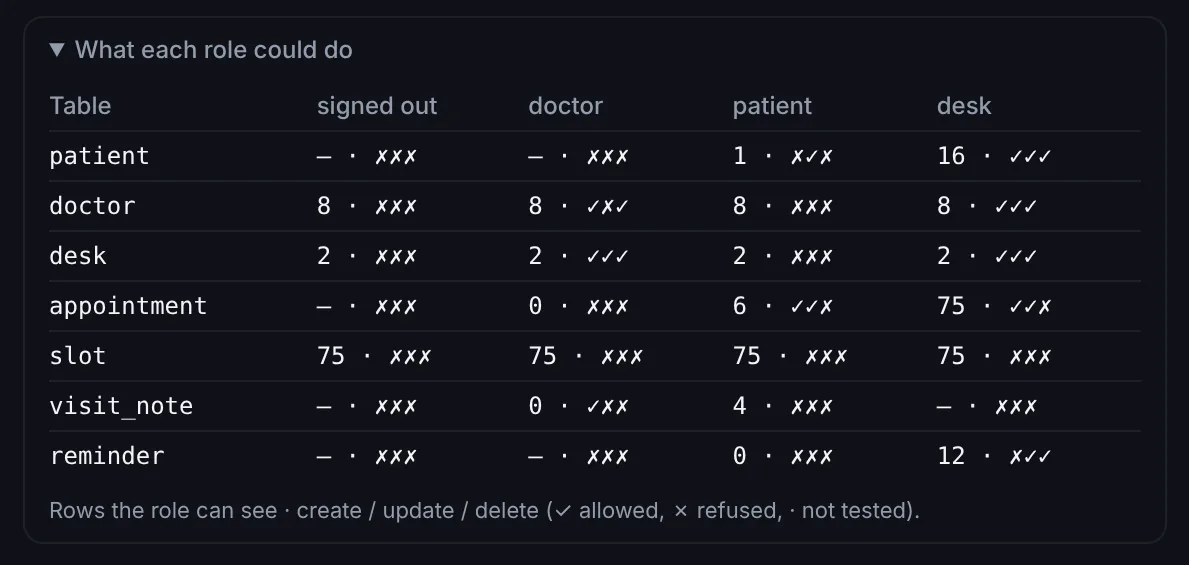
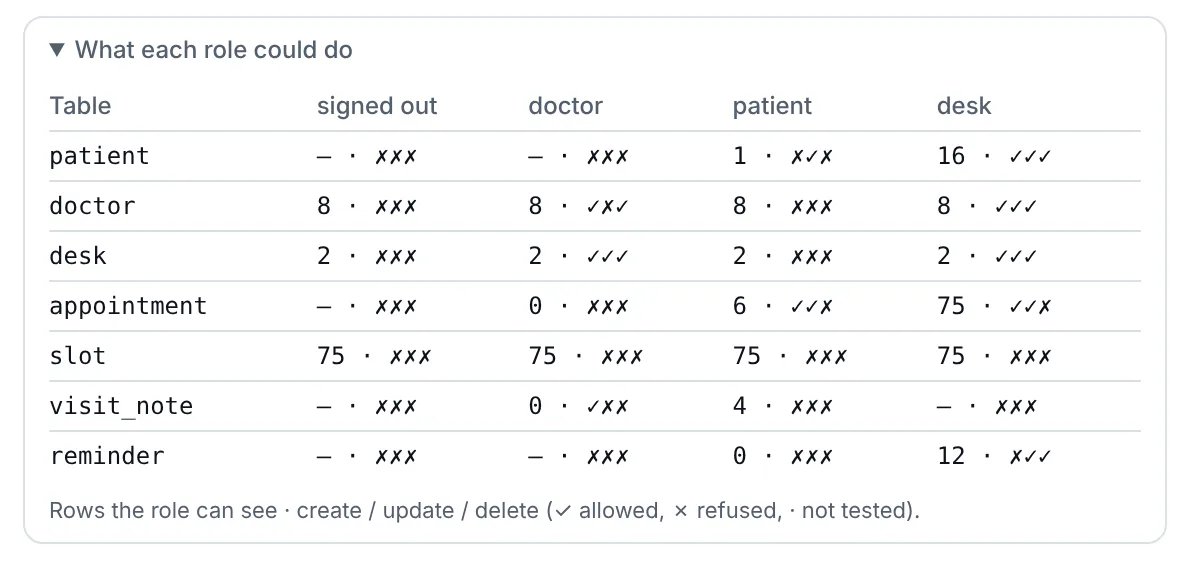
Say who your users are and what each may do. Appbricx turns it into row-level security, checks every write against your business rules, and proves it for every role.
- Read, create, update and delete per role and table: own, all or none
- Business rules refuse bad writes with your message, from any caller
- Verify lists exactly which tables signed-out visitors can read
- Multi-tenant apps: org and org_admin scopes keep each organisation's rows its own
User sign-in with Google, magic links and two-factor codes.
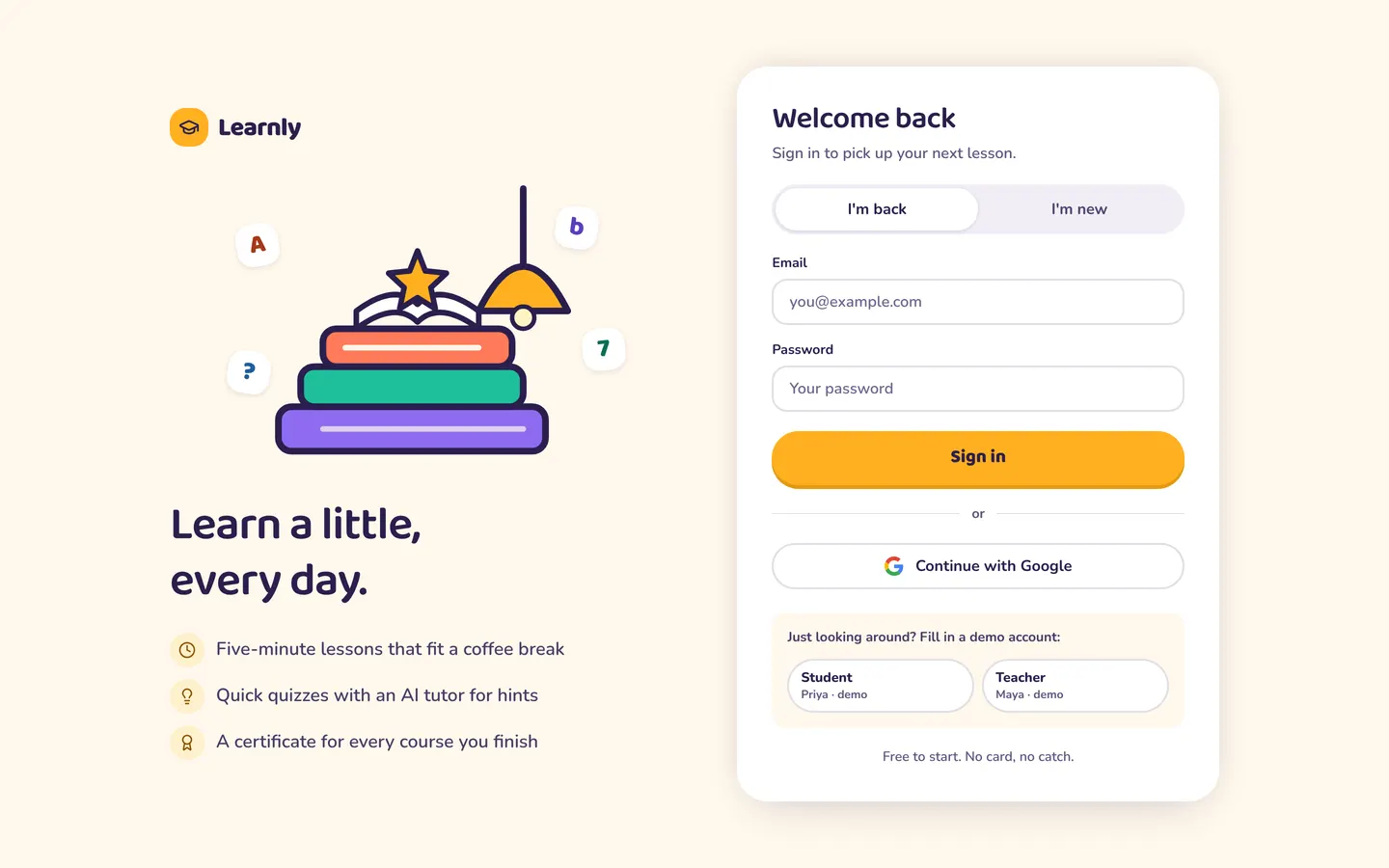
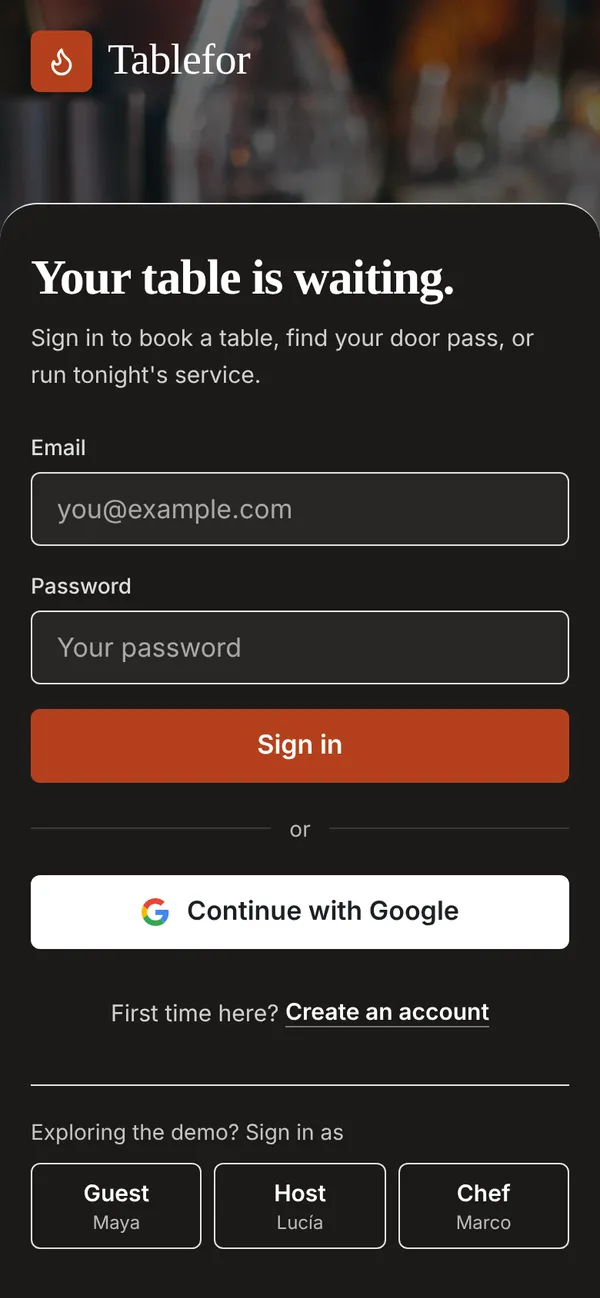
Every app has accounts from day one, on a sign-in screen in its own colours. You write no auth code and store no passwords.
- Sign in with Google in one switch, with no Google Cloud project
- Email and password, magic links, GitHub, authenticator codes with backups
- Organisations with invites, and sign-up that is open, invite-only or off
Background jobs, schedules and webhooks that never drop work.
A patient books. The change event starts a workflow that emails a confirmation, posts to the front desk's Slack and asks the app's AI to prepare the visit. Failed runs retry, then wait for replay.
Workflows and jobs Server functions and webhooks Integrations
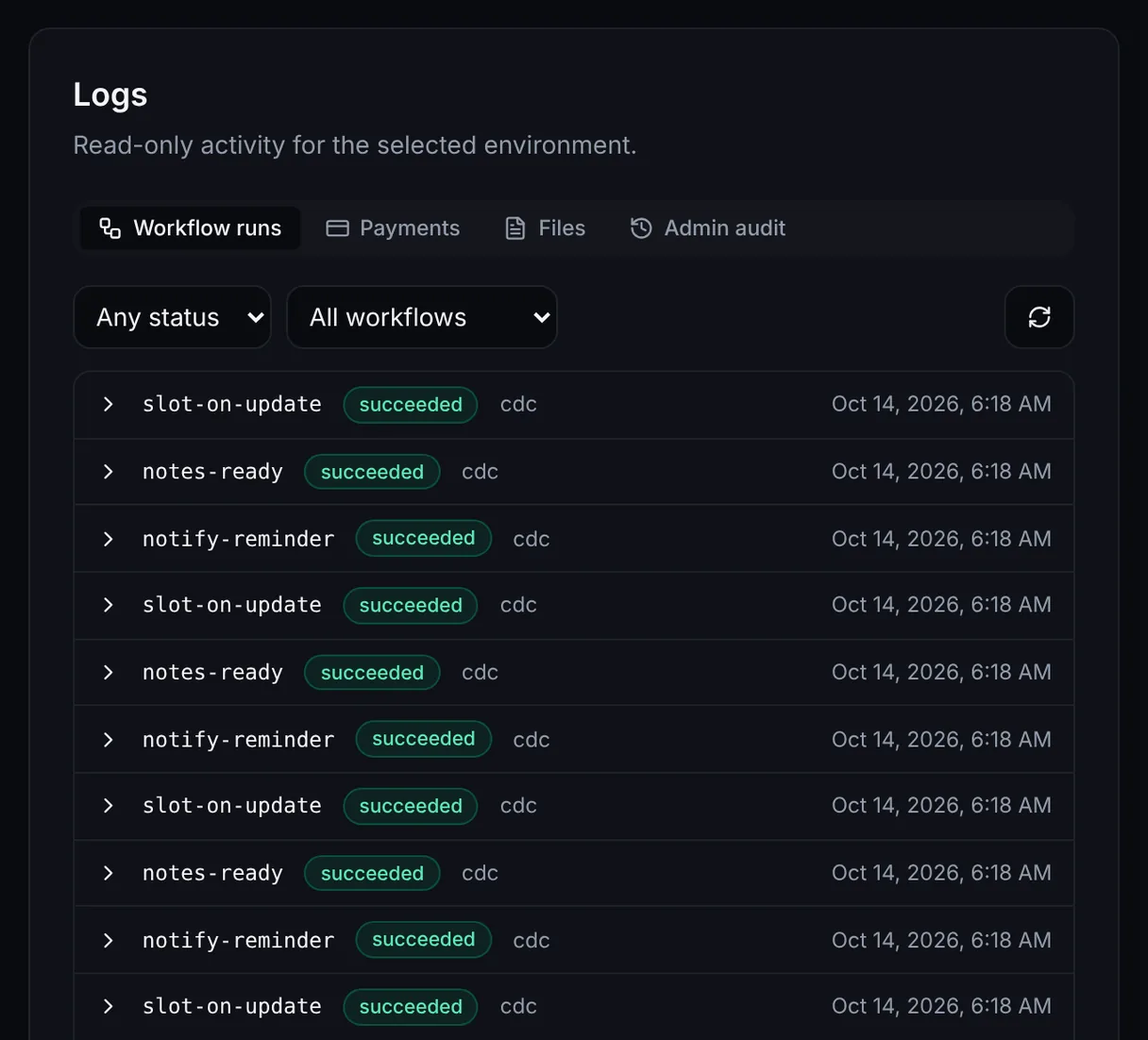
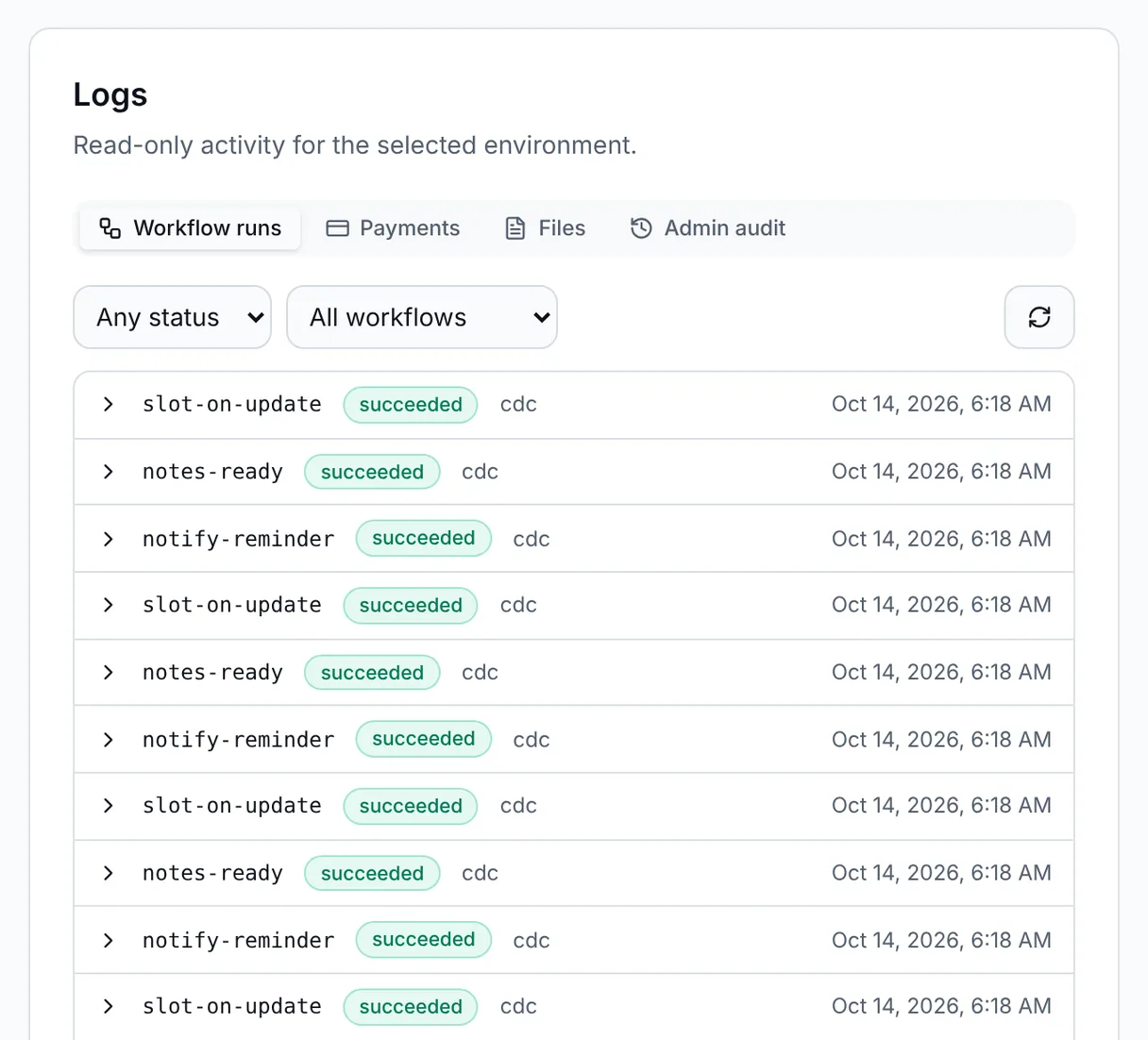
- Triggers: a data change, a cron-style schedule, a webhook signed by Stripe, Razorpay, GitHub or you, a topic or a call from a screen
- Retries, a dead-letter list and Replay with the same input
- Server functions with
app.callreach any API with your secrets - Email, SMS, WhatsApp and about 200 integrations as workflow steps
Realtime updates and in-app AI, without extra servers.
Screens that update themselves
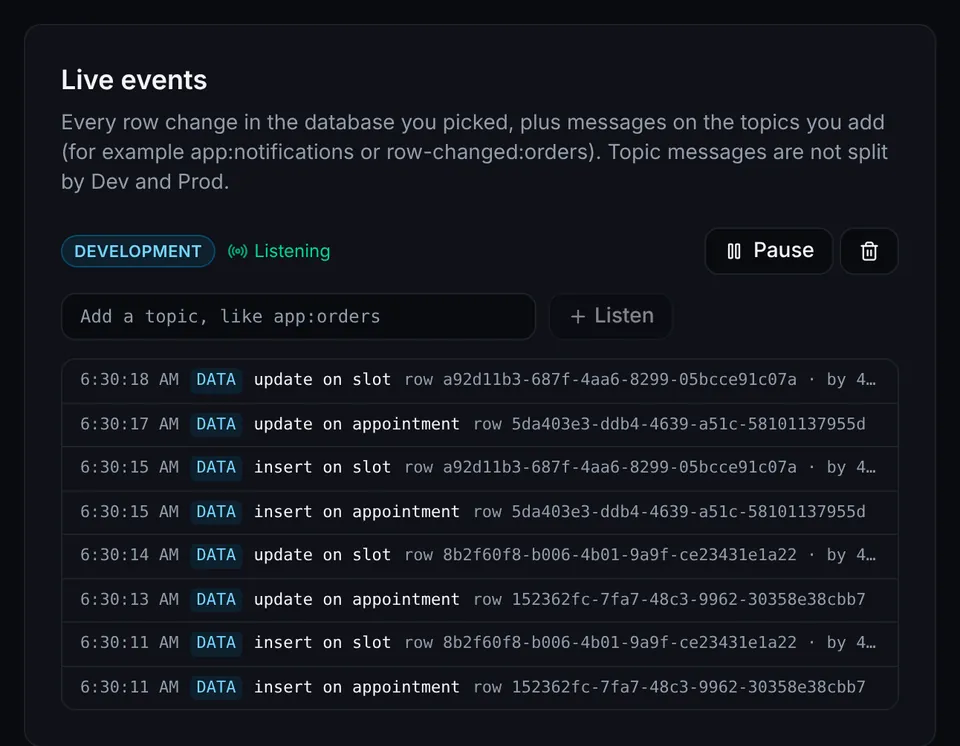
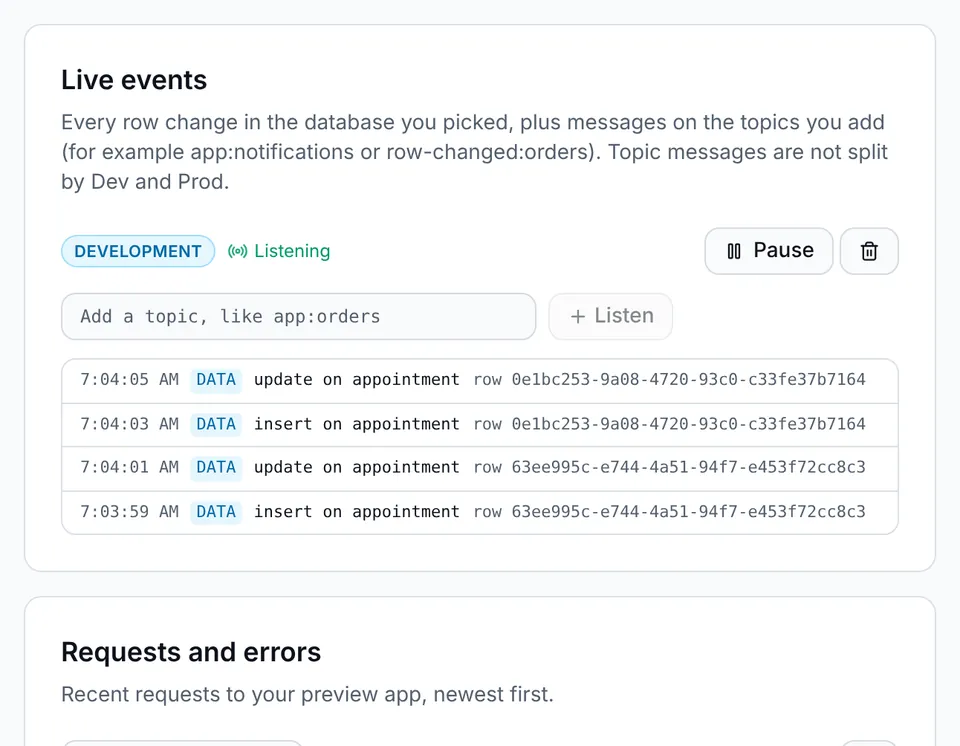
One line of app.live keeps a list current as anyone writes. Topics carry chat and alerts over server-sent events, and access still applies. Presence and chat channels ride the same connection: who is online, who is typing, and every message.
AI features with the key on the server
app.ai in screens and ctx.ai in workflows, on your own model key or plan credits, with budgets per app and per user.
Every release tested as every user, automatically.
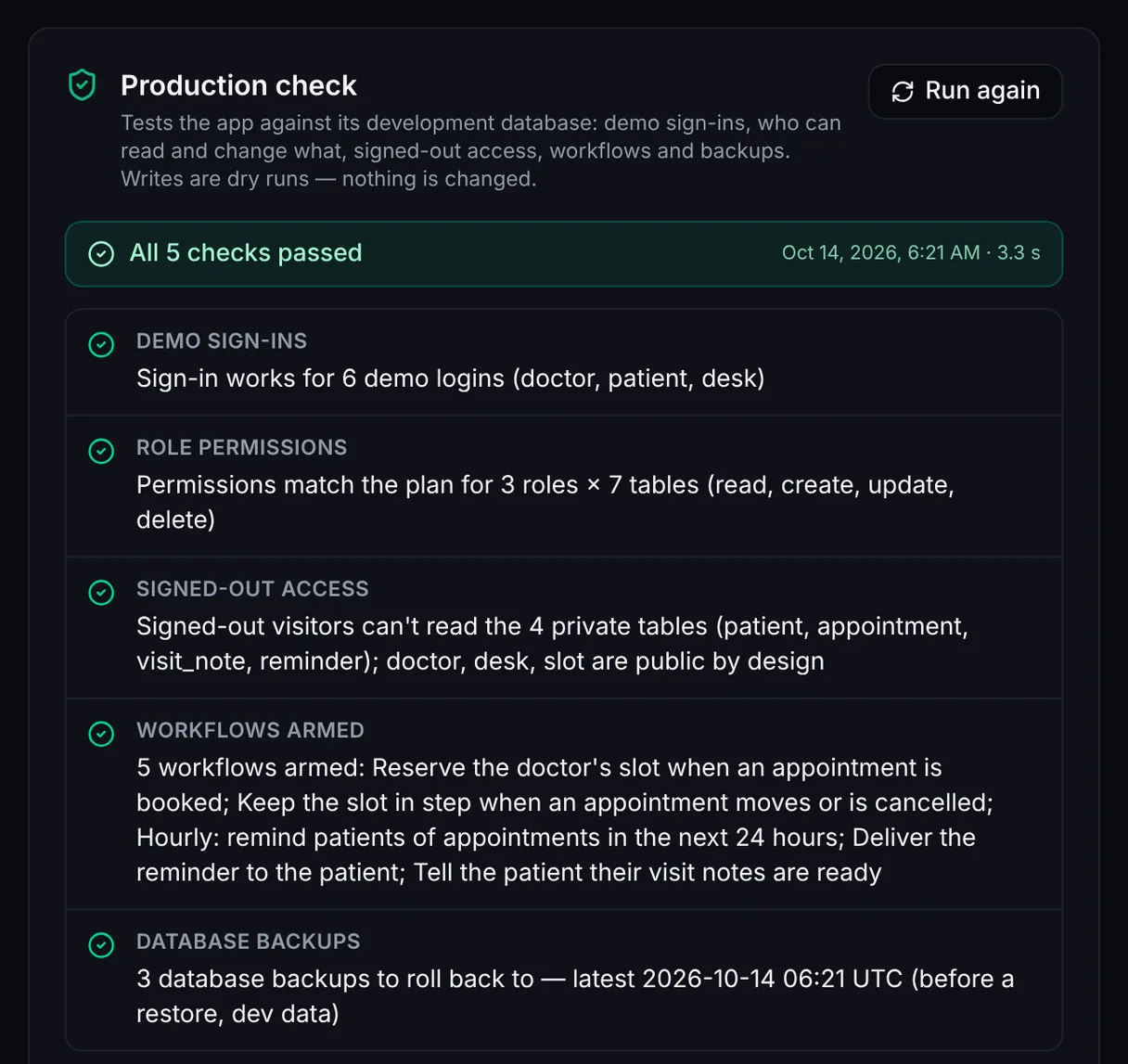
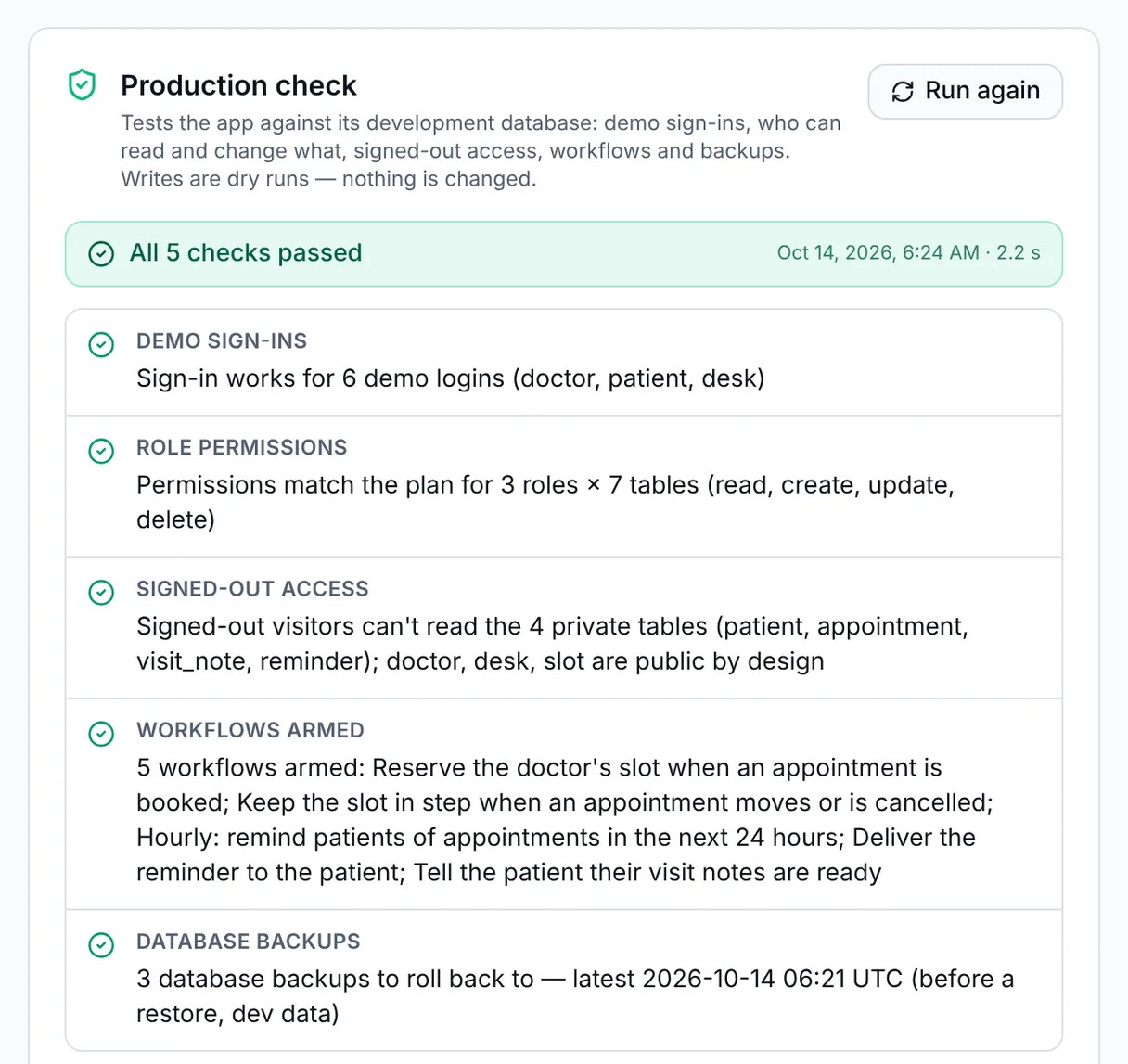
Before anything goes live, Appbricx checks the contract, signs in as each role, tries every table, proves anonymous visitors can't read private data, then opens every page in a real browser and saves screenshots your agent can look at.
- A role by table permission matrix on the real database
- Deploys refuse to go out while anything is red
- A skipped check never counts as a pass
Backups, one-click rollback and a console for production.
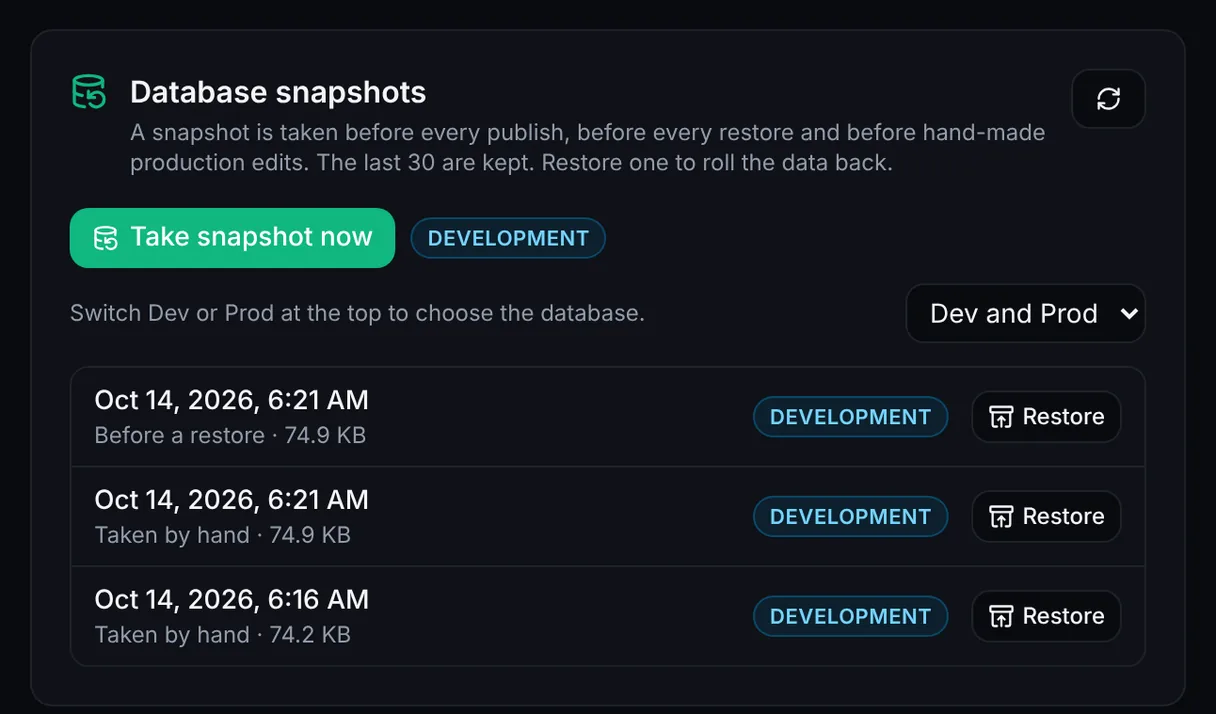
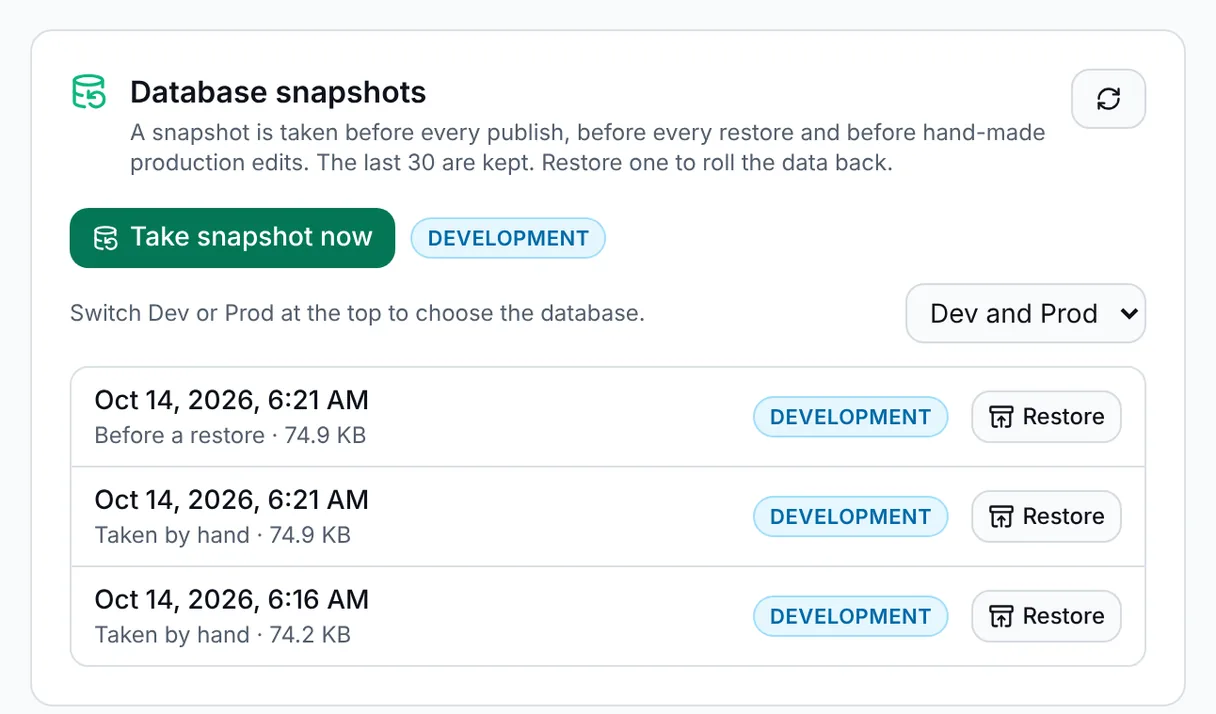
Every publish takes a snapshot first. Restore data or serve an earlier deploy in one click, and fix live data from the builder's console or by asking your agent.
- The last 30 snapshots, each labelled with why it was taken
- SQL, row edits, schema, live events, logs, Run now and secrets on dev or prod
- The same operations as MCP tools, with a snapshot before every prod change
Payments, integrations, hosting and an exit, built in.
Payments
Stripe or Razorpay (INR, UPI) on your own account. The server sets every amount and the provider confirms it.
Integrations
About 200 services, from Slack and HubSpot to Google Sheets, with credentials in a vault.
Hosting and domains
A live link on publish, then your own domain with HTTPS issued for you.
Self-host and export
Export the code any time, or run Appbricx on your own servers with a one-time license.
Nine live apps. Sign in and try them.
Restaurant bookings, a clinic, a help desk and more, each built by a coding agent on Appbricx, with demo accounts for every role.
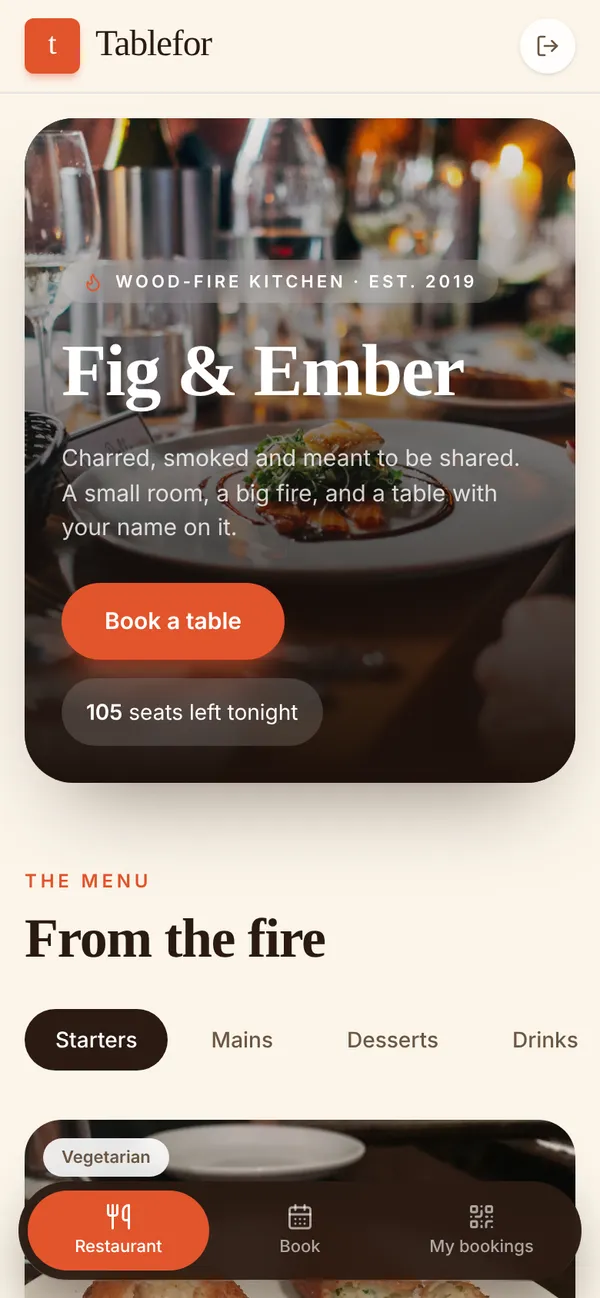 TableforRestaurant bookings with a live kitchen board
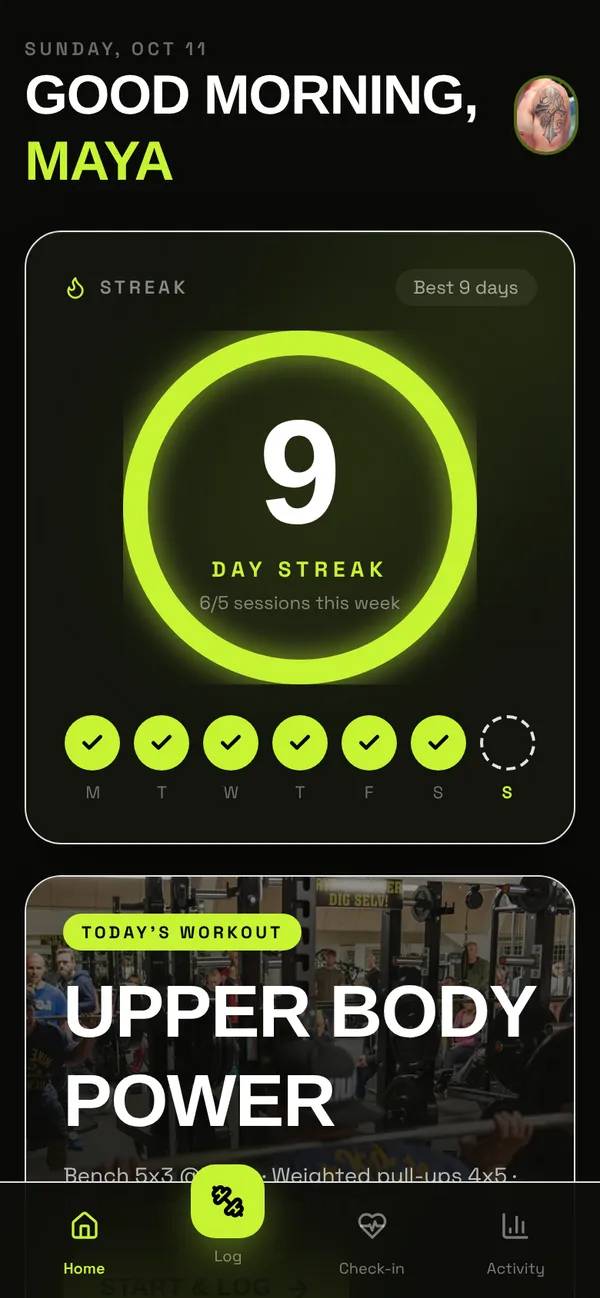 StrideTraining and coaching in one app
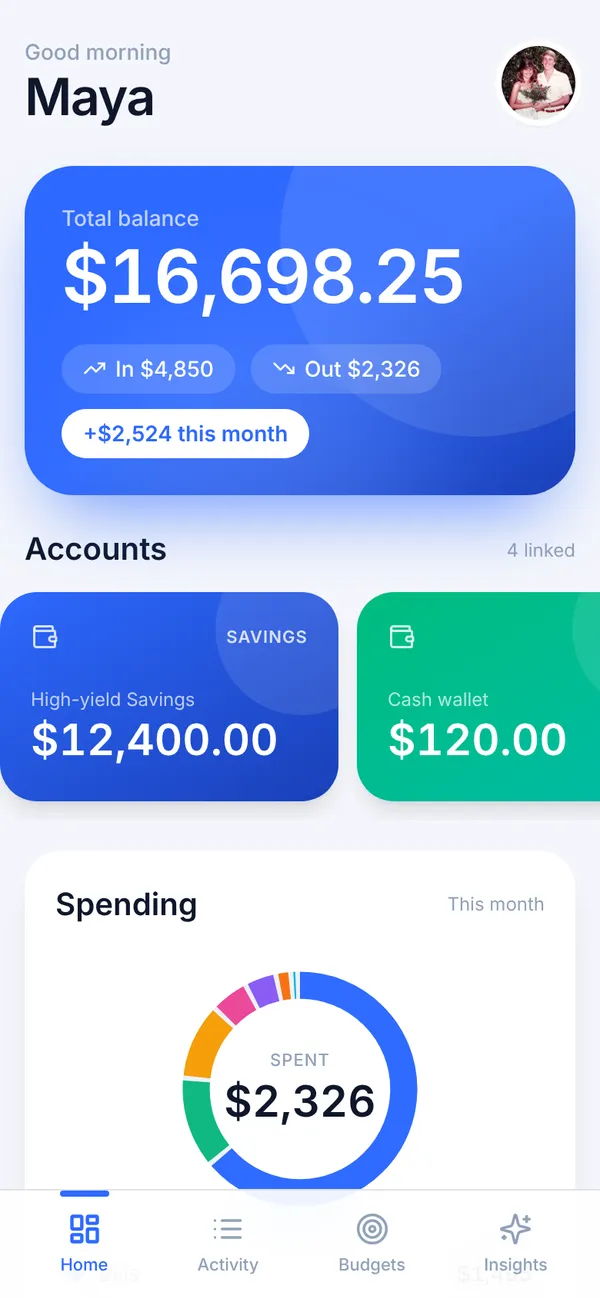 LedgerlyPersonal finance that explains your month
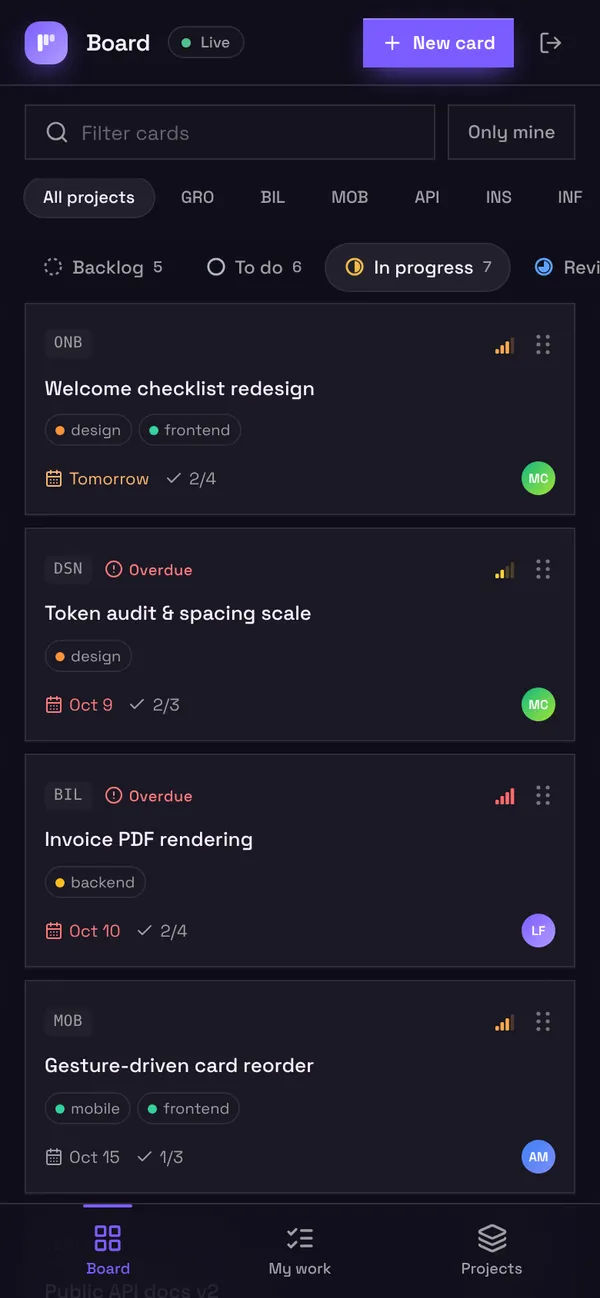 KanboA team board that keeps work moving
 AtelierA marketplace for handmade goods
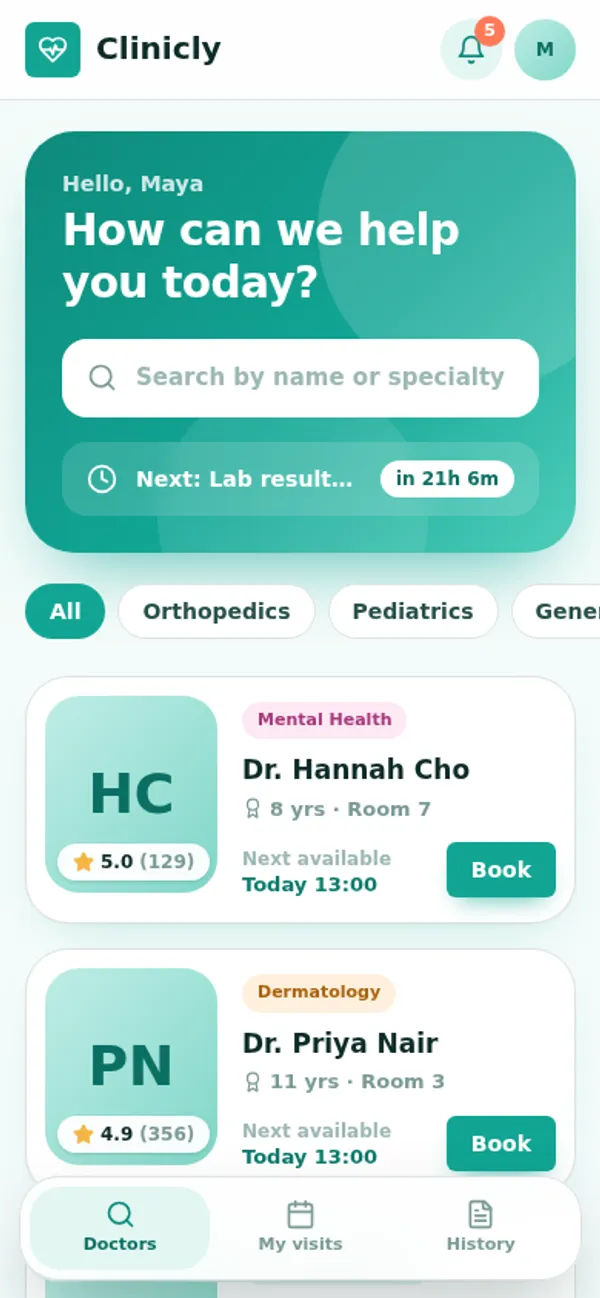 CliniclyClinic appointments without double booking
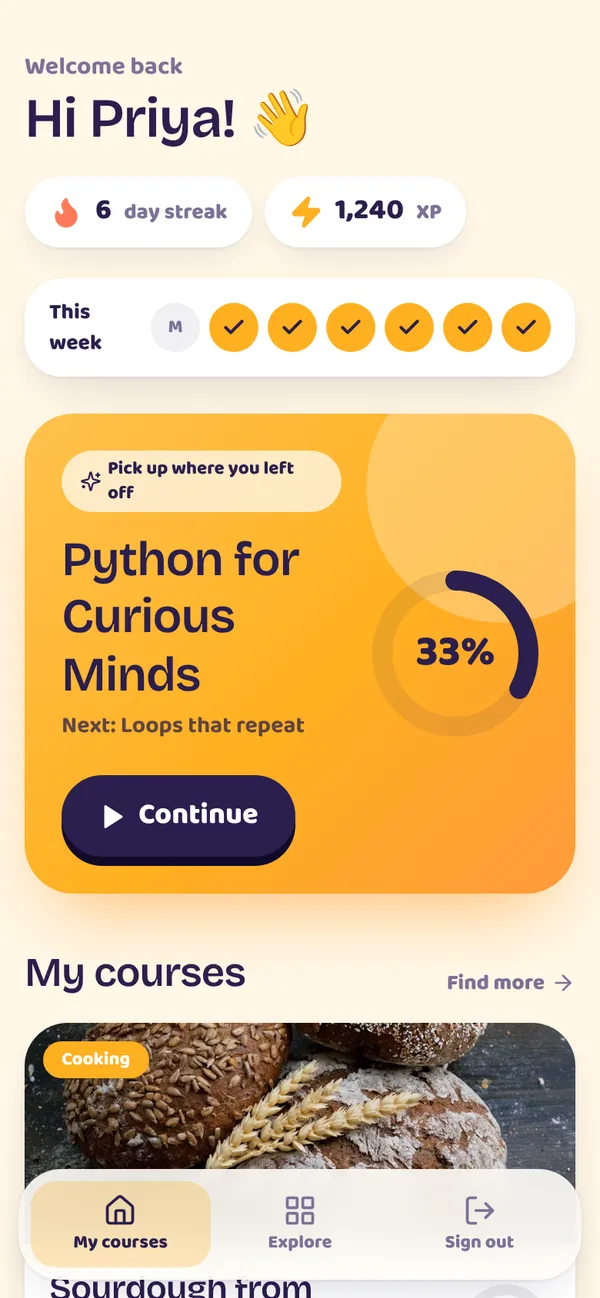 LearnlyCourses with quizzes, streaks and an AI tutor
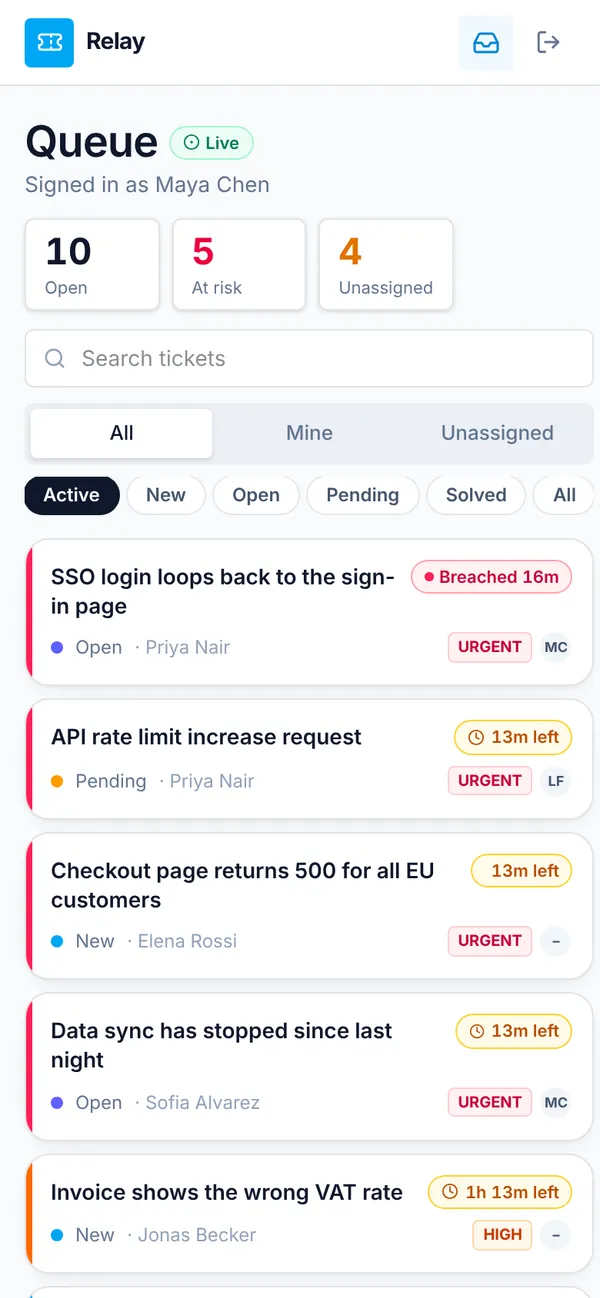 RelayA help desk that answers on time
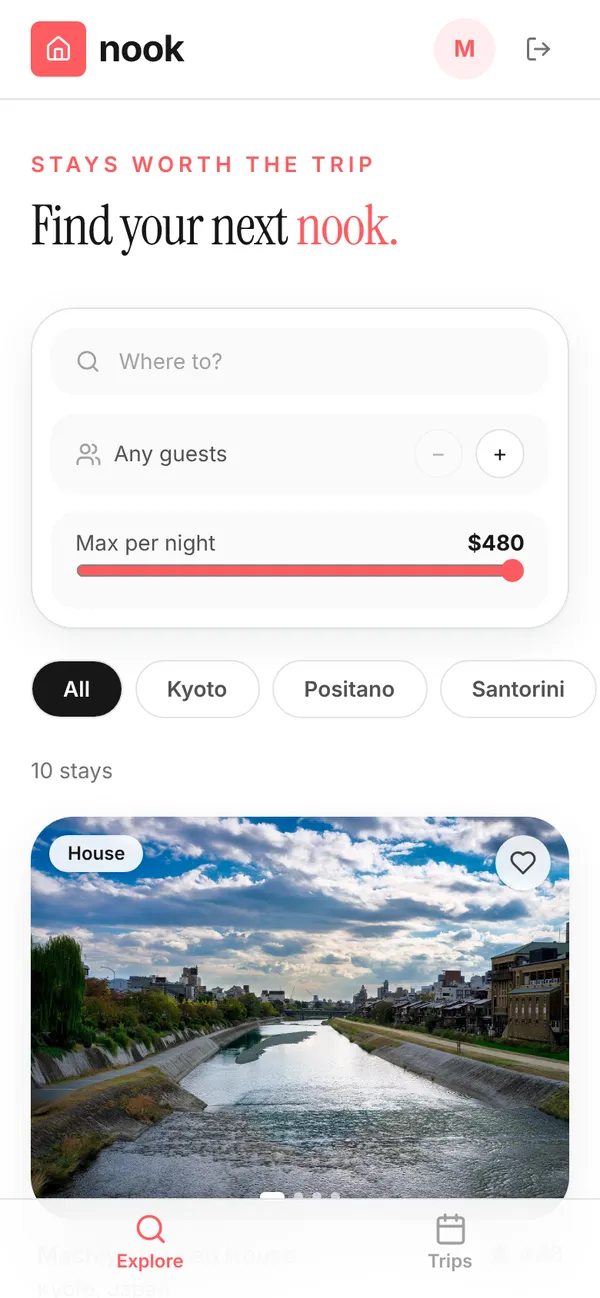 NookVacation rentals, booked without clashes
On one live app, a single agent session added a branded sign-in, an exact brand colour and a new business rule in 12 minutes, for $2.98 of model usage.
From prompt to production in three steps.
Connect your agent
One command in Claude Code, or a block of settings in Cursor or any MCP client. A browser window asks you to authorize it.
Build in dev
Describe who uses it and what must hold. Your agent writes tables, roles, screens and workflows against a dev database.
Verify and publish
Checks pass, prod gets the additive schema change after a snapshot, and you share the link.
# connect Claude Code to Appbricx
claude mcp add --transport http appbricx https://appbricx.com/api/mcp
# a browser window asks you to authorize it; no token to copy
Who it's for.
Founders and solo developers
Put a real product in front of paying customers this week, not a demo you will have to rebuild later.
For freelancersAgencies
Deliver client apps with sign-in, workflows and their branding, each in its own workspace, on our cloud or theirs.
For agenciesTeams with internal tools
Replace spreadsheets and one-off scripts with tools colleagues sign in to, wired to Slack, Sheets and the systems you already use.
IntegrationsRegulated businesses
Keep data on servers you control, in your own AWS, GCP, Azure or private network, with a one-time self-host license.
Self-host
Why not a hosted AI builder?
They are great for a first draft. Here is what changes when real customers sign in.
| What you need | Appbricx | Typical builders |
|---|---|---|
| Works with the coding agent you already use | Yes | Rarely |
| Postgres with separate dev and prod databases | Yes | Partly |
| Row-level security derived from roles, no policies to write | Yes | Rarely |
| Workflows with schedules, retries and replay | Yes | Rarely |
| Every release tested as each role in a browser | Yes | No |
| Snapshot before publish and one-click rollback | Yes | Partly |
| Export the code or run it in your own cloud | Yes | Rarely |
Side by side: Appbricx vs Supabase · Lovable alternative · Bolt alternative
Free to start. Pay as you grow.
Your agent's model usage stays on your own bill: you only pay for the apps you run. No agent? The built-in builder runs on your own model key, on the same plans.
Free
Connect Claude Code or Cursor and build a real app with real sign-in and data. Your AI usage stays on your own provider bill.
- 1 app
- Build from your agent: MCP, command line or API
- Test as every kind of user, with screenshots
- A private database: each user sees only their own data
- Shareable link on *.apps.appbricx.com (with watermark)
- Your own domain
- Teammates
Starter
Launch real apps from your coding agent. You pay for the apps you run, plus what your agent already costs you.
- 5 apps
- Build from your agent: MCP, command line or API
- Every release tested before it goes live
- 500 MB database per app
- Your own domain with HTTPS
- Export all your code
- Email support
- Teammates
- Reusable private templates
Pro
For teams launching serious products: bigger apps, and each teammate's agent gets its own access.
- 20 apps
- Build from your agent: MCP, command line or API
- 2 GB database per app
- 5 team seats
- Your own domain with HTTPS
- Reusable private templates
- Priority support
- Company sign-in (SSO) and audit log
Business
Room to grow: higher limits, company sign-in and an audit log.
- Unlimited apps
- Build from your agent: MCP, command line or API
- 10 GB database per app
- 25 team seats
- Company sign-in (Google / SAML)
- Audit log of who changed what
- Priority support
- Export all your code
Pay in rupees from India, in dollars anywhere else. Every plan is on the pricing page.
Need it on your own infrastructure?
Self-host on your own servers with a one-time license: run it in your AWS, GCP, Azure or private network, with the Docker Compose install and runbook. Questions? Write to contact@appbricx.com or see pricing.
- Self-host license$2,499
Run Appbricx in production on your own servers with Docker Compose. Pay once. After the update period, the version you have keeps working.
Buy self-host license
Questions people ask first
claude mcp add command), Cursor, and any other agent that supports MCP. Scripts and CI can use the CLI or the HTTP API instead. No agent? The built-in builder works from a description too. How agents use Appbricx.app.ai.ask or app.ai.chat from your screens, or ctx.ai from a workflow. The model key stays on the server. Use your own key or plan credits, with token budgets per app and per user. AI in your app.Inspired by
Appbricx stands on ideas from projects we admire.
Supabase
A Postgres-first backend: database, auth, row-level security, storage and realtime in one place.
PocketBase
A whole backend you can run yourself as one small binary.
NATS
Simple, fast messaging and pub/sub for realtime events.
Neon
Serverless Postgres with branching and instant databases.
Osmite
AI agents that build and run apps from a description, in its products Neura and OffSpace.
Doable
An open-source (MIT) AI app builder: describe an app, get its code, backend and deployment.