Comments
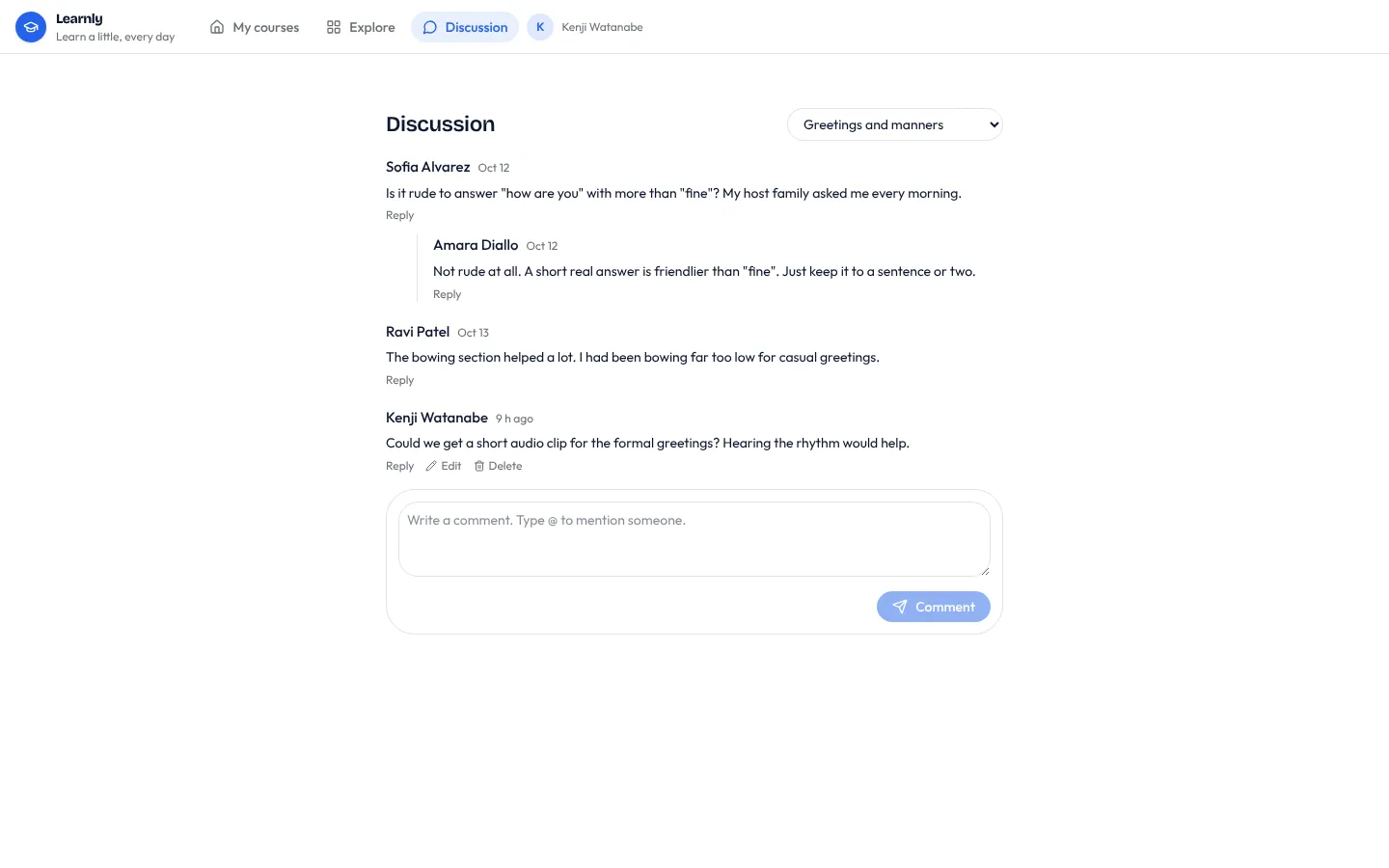
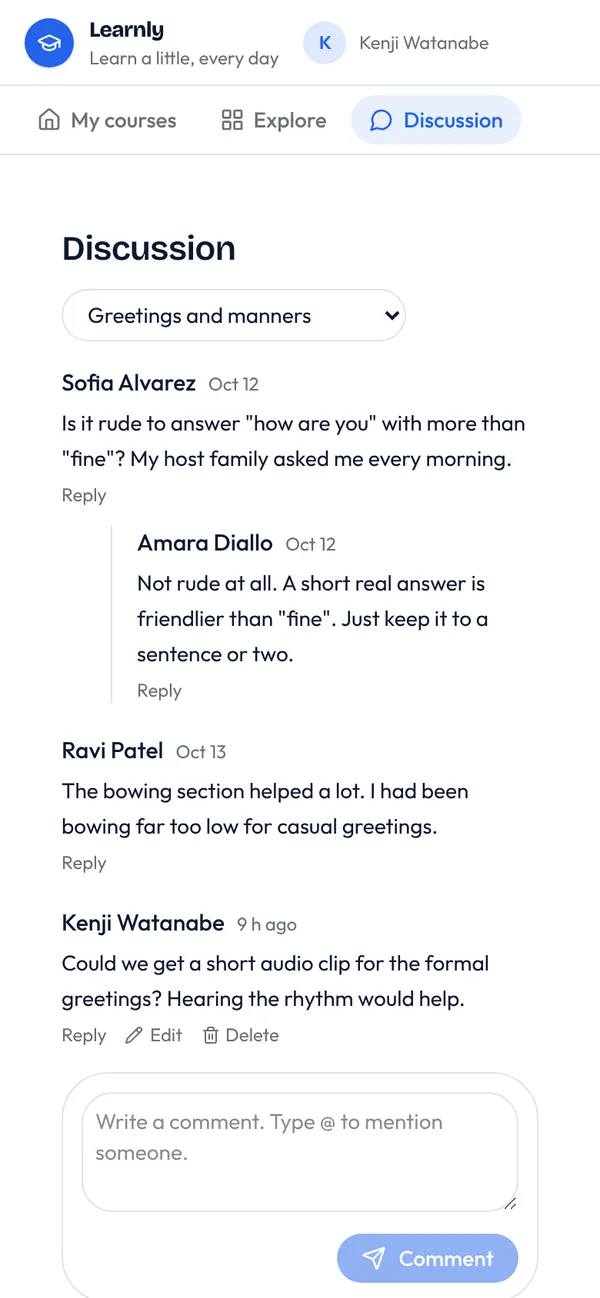
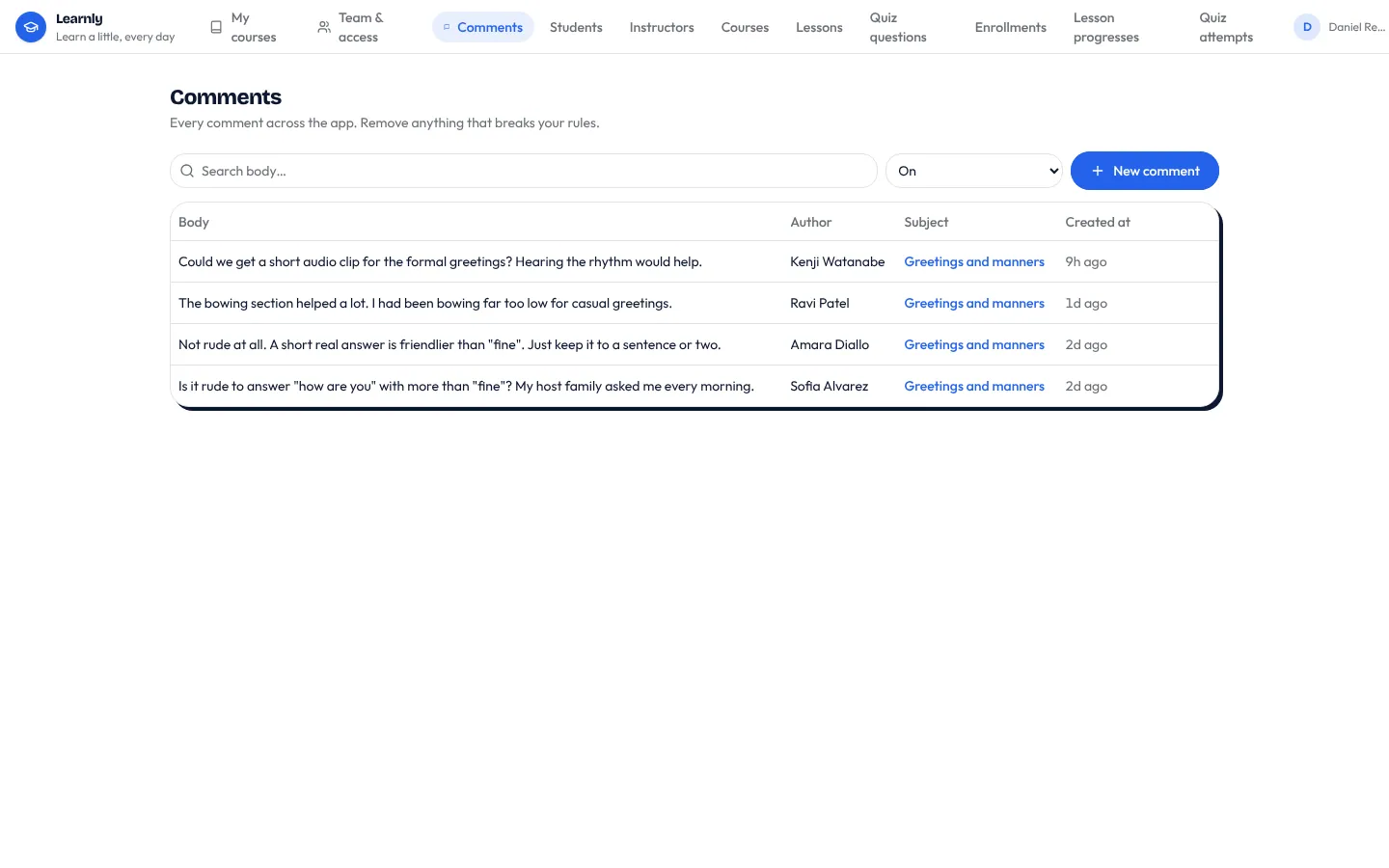
Adds a comment table attached to one of your tables (tasks, posts, lessons, listings) and a CommentThread component: replies nest under the comment they answer, typing @ suggests people to mention, authors can edit and delete their own comments, and new comments appear for everyone without a refresh. People are told in-app when they are mentioned or someone replies to them. Staff get a moderation list.
What it adds to your app
Table comment: subject, parent, author, body, mentions. CommentThread component (threads, @mentions, edit, delete, live). A Discussion page and a staff moderation list. One workflow: notify mentions and replies.
Tables
commentsubject_id, parent_id, author_id, body, mentions, edited_at, organisation_id
Pages
/discussionDiscussion (‹author_role›)/comments-adminComments (@staff)
Components
CommentThreadThreaded comments on one ‹attach_to› with replies, @mentions, edit and delete, updating live
Rules on every write
commentWrite something before you post.commentA reply belongs to the same thread as the comment it answers.commentA comment keeps its author.commentA comment belongs to the organisation of what it's about.
How its workflows run
Each one is a server workflow in your project: it runs on its trigger, with retries, and its runs show in the builder's log.
- Tell people they were mentioned or replied to
When a row changes:
comment created. Then: Look up ‹author_role›, then Notify.
Set it up
It merges into the contract of an app you already have. Nothing is overwritten: a name you already use is refused until you pass a prefix.
- Pick the project
Use the button above, or ask your coding agent with the Appbricx MCP server connected (quickstart).
- Point it at your tables and roles
Leave out the ones with defaults; a wrong one is refused with the options your app has.
Param What it is Example attach_toThe table whose records people comment on. taskauthor_roleThe role whose people write comments (their own table is the author). Optional. memberorg_fieldOptional: the ref on that table naming its organisation (from organisations-and-teams). Comments then belong to that organisation and only its members read them. Optional. organisation_id - Preview, then apply to dev
A dry run shows the diff and the check report; applying it changes your dev environment only.
- Deploy
When dev looks right, deploy. Production gets a snapshot first, so you can roll back.
Use it with your coding agent
The agent reads the template, runs a dry run, shows you the diff and applies it.
Add the Comments template (slug "comments") to my Appbricx project. Read it with get_template, run use_template with dry_run first and show me the diff, then apply it. Ask me where it attaches if you can't tell from my contract (attach_to: comment on; author_role: who comments; org_field: organisation (optional)).{
"tool": "use_template",
"arguments": {
"slug": "comments",
"project_id": "<your project id>",
"params": {
"attach_to": "task",
"author_role": "member",
"org_field": "organisation_id"
},
"dry_run": true
}
}appbricx templates use comments --param attach_to=task --param author_role=member --param org_field=organisation_id --dry-runGoes well with
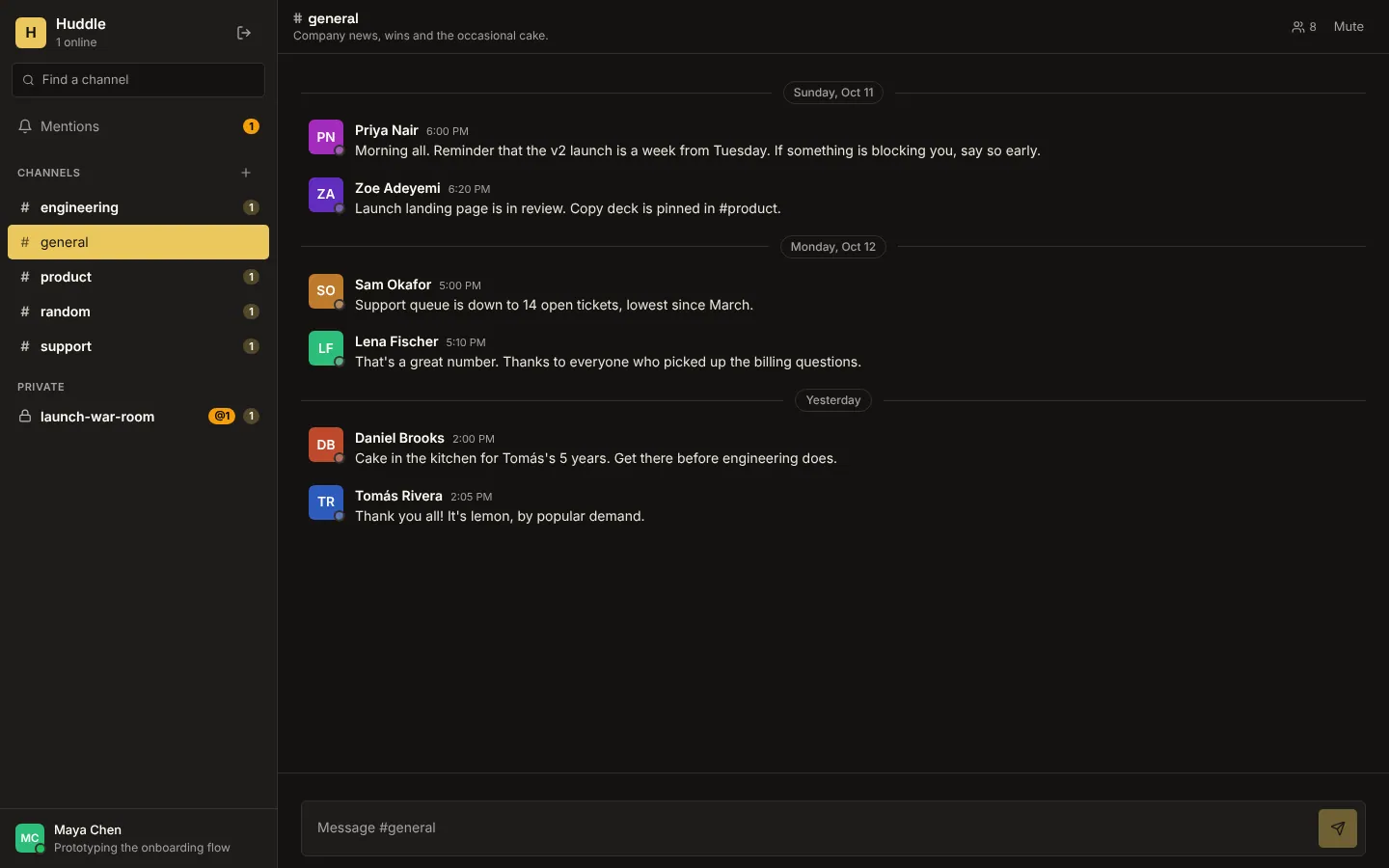
Huddle
Realtime team chat: public and private channels, live messages, typing indicators, who's online, unread counts and @mentions.
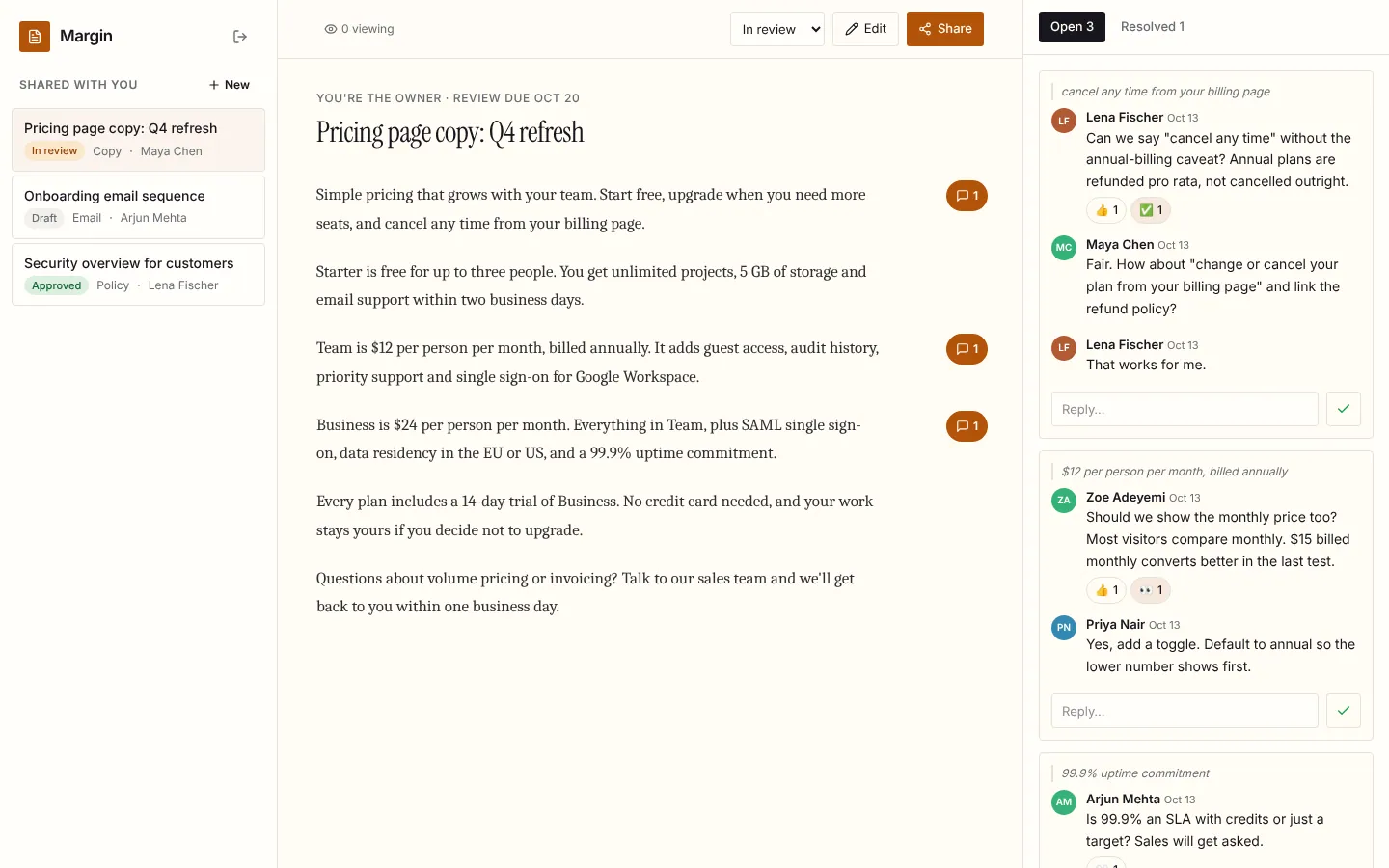
Margin
Live document review: comments in the margin, replies, reactions and resolve, who's viewing, and edits that appear for every reader as they're saved.
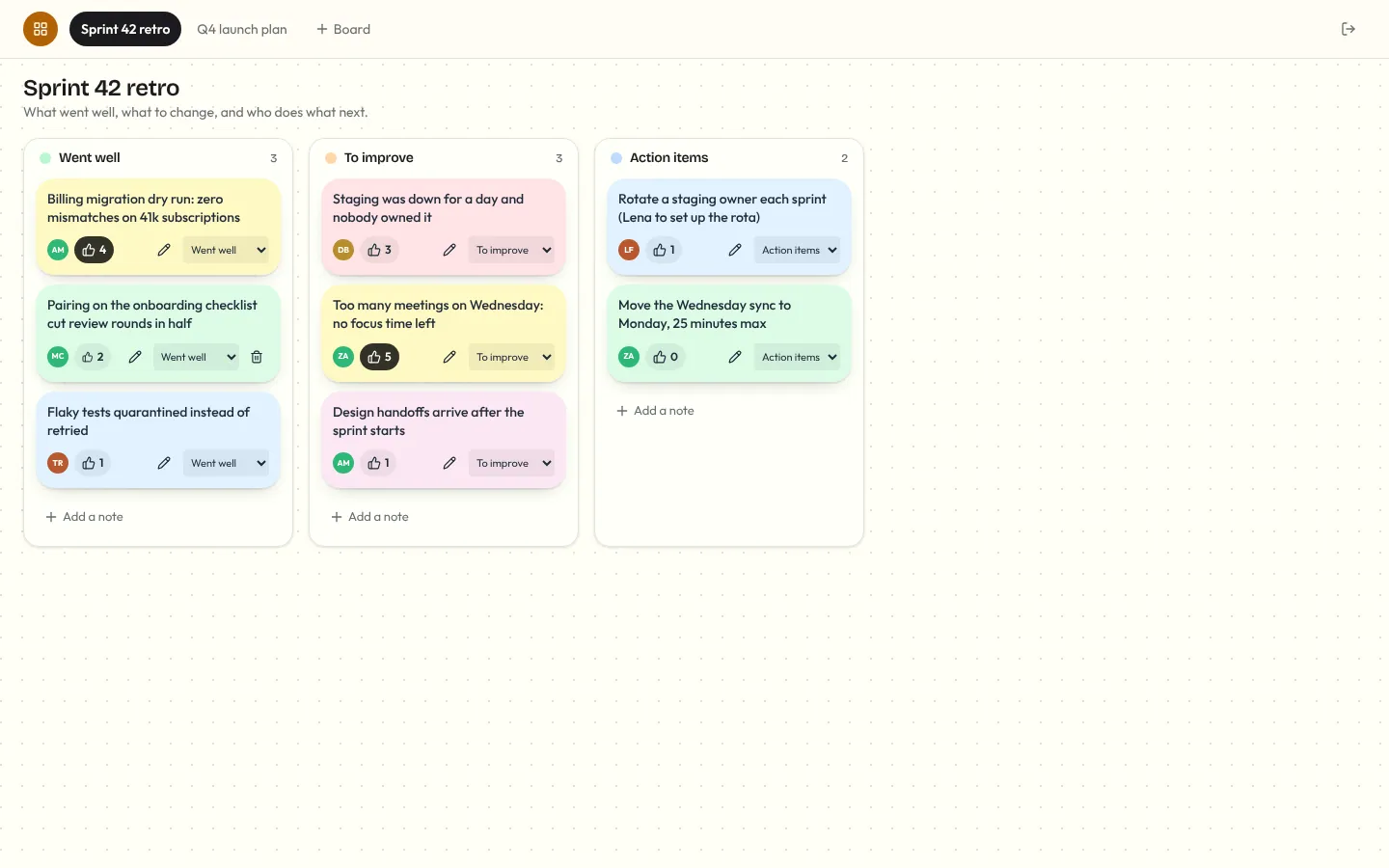
Corkboard
Multiplayer sticky-note board for retros and planning: notes you add, edit, drag between lanes and vote on, live for everyone, with who's on the board and who's editing which note.