Draftline
Producers write briefs and start a run. A research agent writes notes, a writer agent drafts from them and an editor agent critiques and revises; each stage's output is stored and becomes the next stage's input. A failed stage retries up to its limit. After the edit, the run stops at a reviewer gate: approve and it publishes as an article; request changes and the draft agent runs again with the feedback. Every attempt is on the brief's run timeline. Without an AI key each agent falls back to a deterministic template and says so.
Invite-only. Producers write briefs and run the pipeline. Reviewers approve drafts or send them back.
What's inside
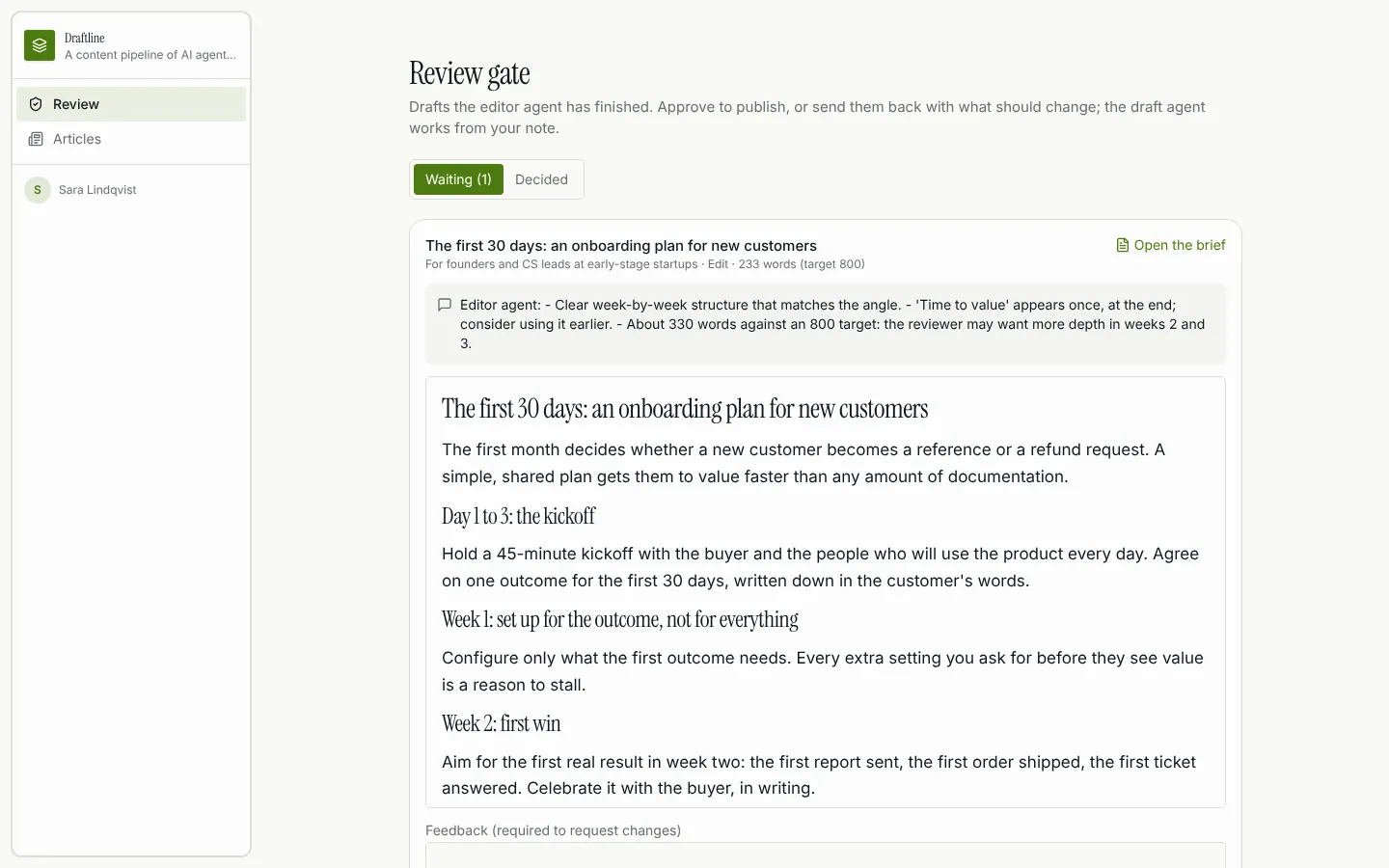
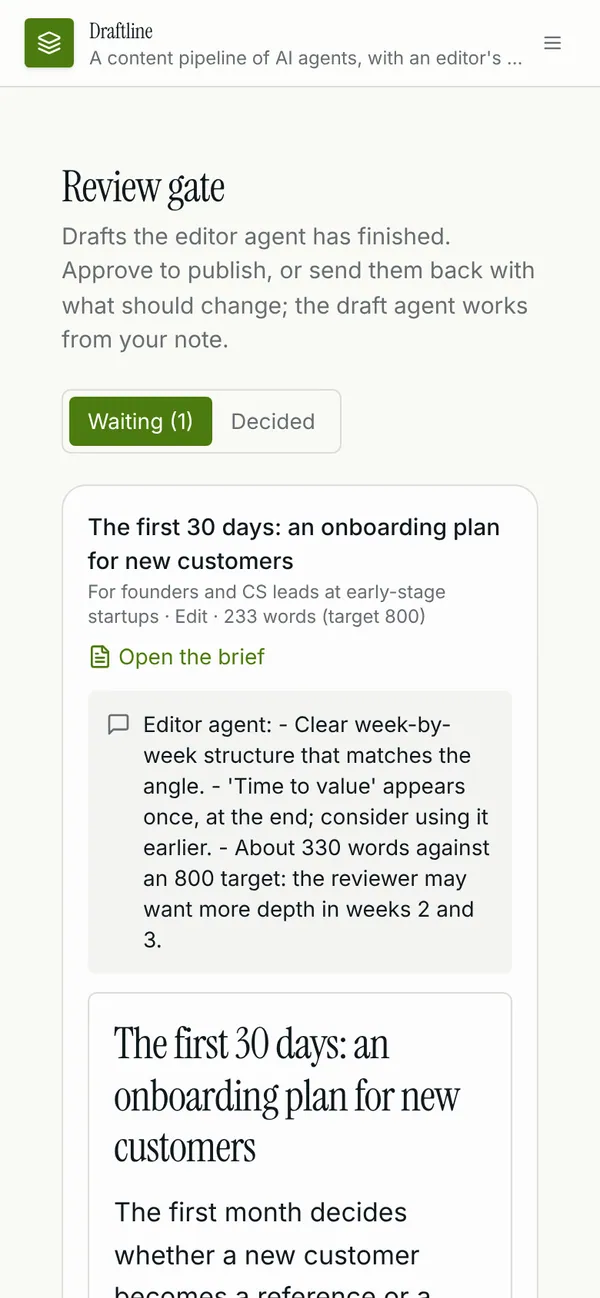
Brief page with a live pipeline view: stages, attempts, outputs and the gate. Reviewer gate with the edited draft and the editor agent's notes. Run timeline with every stage attempt, plus notes. Pipeline stages you configure: order, agent prompt, retries, gate. Articles published by the pipeline.
Tables
producername, emailreviewername, emailstagename, key, agent_name, position, instructions, max_retries, gate, active, …brieftitle, progress, topic, audience, tone, length_words, keywords, revision_notes, …runbrief_id, status, current_stage, attempts, started_at, finished_atstage_runrun_id, brief_id, stage_key, stage_name, agent_name, attempt, status, mode, …gatebrief_id, run_id, stage_run_id, stage_name, kind, decision, reviewer_id, feedback, …articletitle, slug, summary, body, word_count, published_at, brief_id, run_id
Roles
producerProducer, staffreviewerReviewer, staff
Pages
/briefsBriefs (producer)/briefs/:idBrief (producer, reviewer)/reviewReview (reviewer)/reviewsReviews (producer)/runsRuns (producer)/articlesArticles (producer, reviewer)/articles/:idArticle (producer, reviewer)/pipelinePipeline (producer)/teamTeam (producer)/reviewersReviewers (producer)
Components
PipelineViewOn a brief: run the pipeline and follow each stage's attempts, outputs, handoffs, retries and the reviewer gateReviewGateReviewer queue: the edited draft with the editor agent's notes, approve to publish or request changes with feedback
Rules on every write
gateReview refused
How its workflows run
Each one is a server workflow in your project: it runs on its trigger, with retries, and its runs show in the builder's log.
- Start a pipeline run
When a row changes:
run created. Then: Look up brief, then Update run, then Notify, then Create stage_run. - Run a stage and hand off
When a row changes:
stage_run created. Then: Update stage_run, then Look up stage, then Create article, then Look up stage_run, then Create stage_run, then Update run, then Notify. - Ask reviewers to review
When a row changes:
gate created. Then: Notify reviewer, then Send email. - Publish or revise on the reviewer's decision
When a row changes:
gate updated. Then: Update gate, then Look up run, then Notify, then Create stage_run. - Retry a failed run
When the app calls it:
server function (producer). Then: Look up run, then Update run, then Create stage_run. - Stop stages that never finished
On a schedule:
schedule every 15m over stage_run. Then: Look up stage_run, then Update stage_run, then Notify.
Set it up
It starts a new project, with its data, roles and sign-in ready.
- Start the project
Use the button above, or ask your coding agent with the Appbricx MCP server connected (quickstart).
- Sign in as each role
The demo logins open each role's home. Change what you like in plain words or in the contract.
- Deploy
When dev looks right, deploy. Production gets a snapshot first, so you can roll back.
Use it with your coding agent
The agent creates the project, builds it and signs in as each role.
Start a new Appbricx project from the Draftline template (slug "draftline") with use_template. Call it "My Draftline", then sign in as each role, verify it and tell me what to change first.{
"tool": "use_template",
"arguments": {
"slug": "draftline",
"name": "My Draftline"
}
}appbricx templates use draftline --name "My Draftline"Goes well with
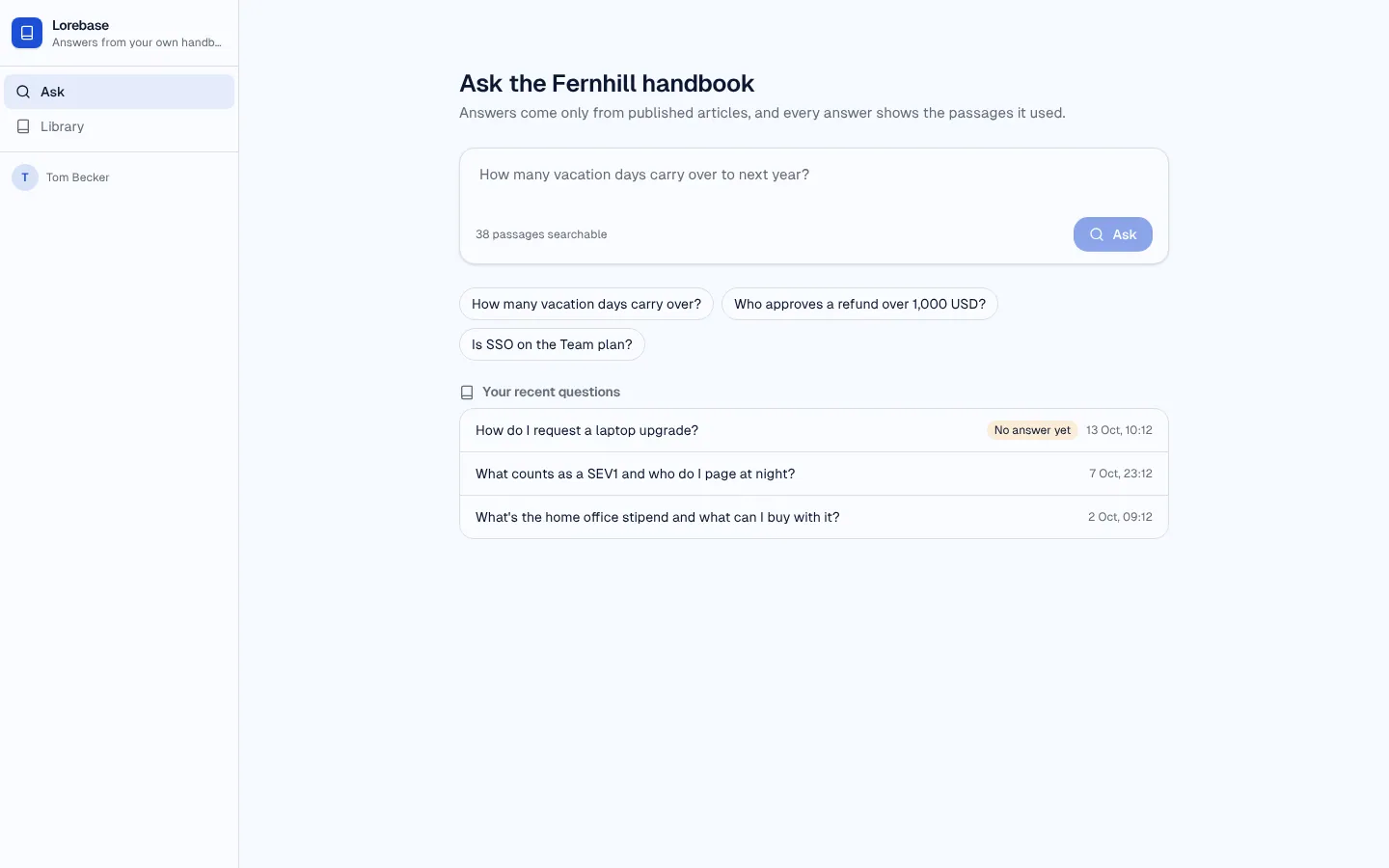
Lorebase
RAG knowledge-base assistant: ask your handbook, get an answer that cites its passages, rate it, and close the gaps.
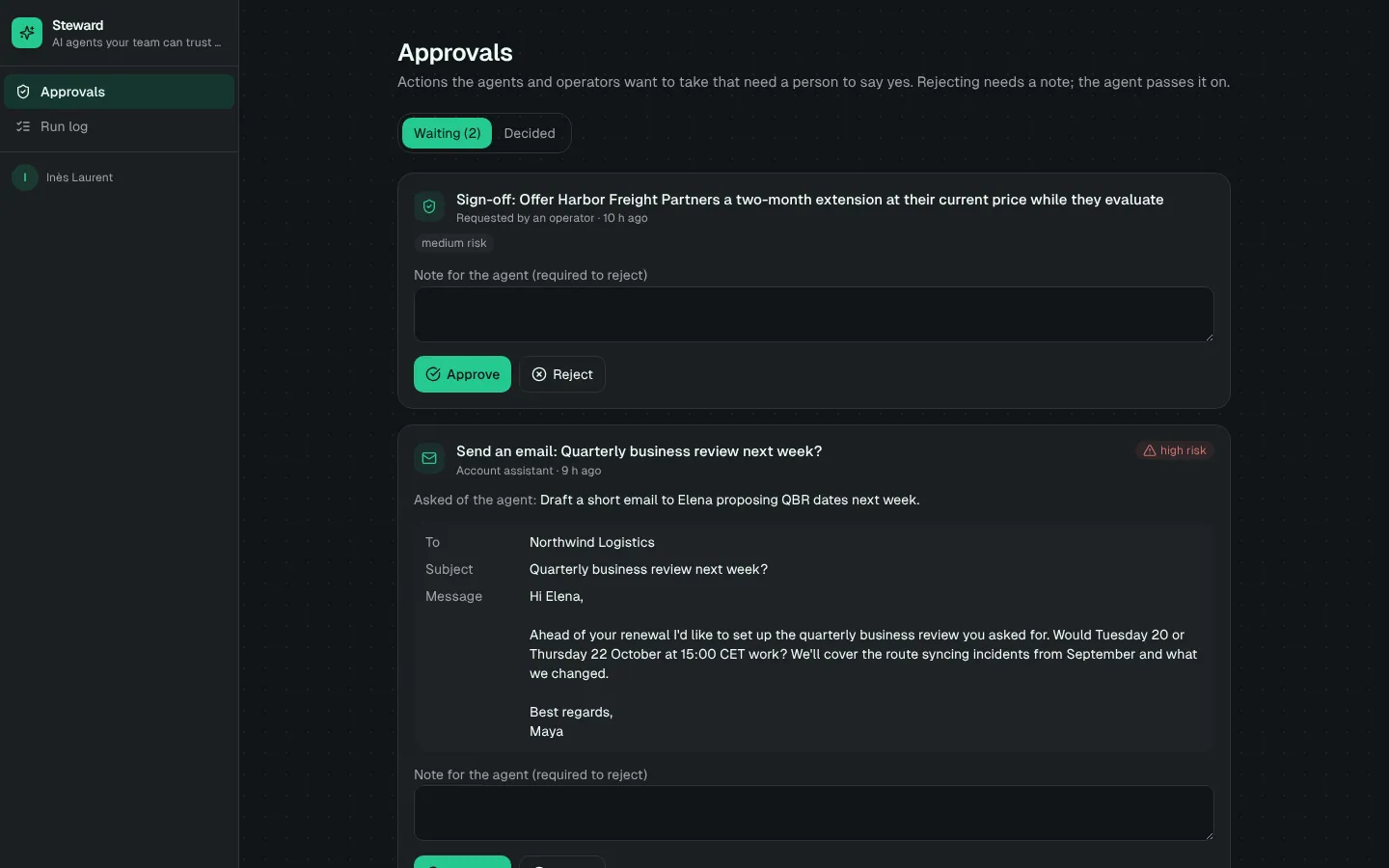
Steward
Custom AI agent with tools, memory, a step-by-step run log and human approval before sensitive actions.
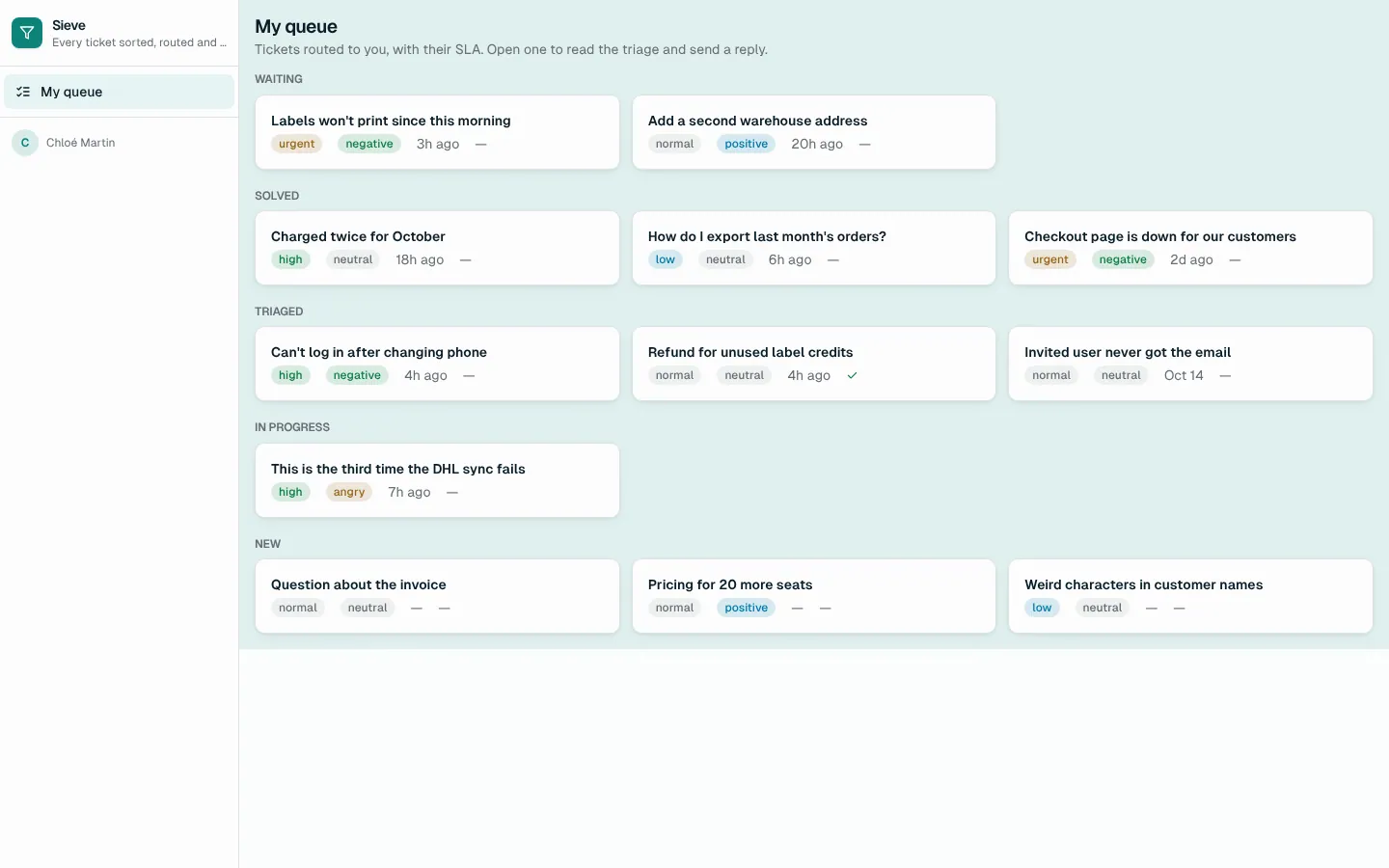
Sieve
Support triage agent: AI classifies every ticket with a confidence, routes it by your rules, drafts the reply; leads review the unsure ones.