Pulse
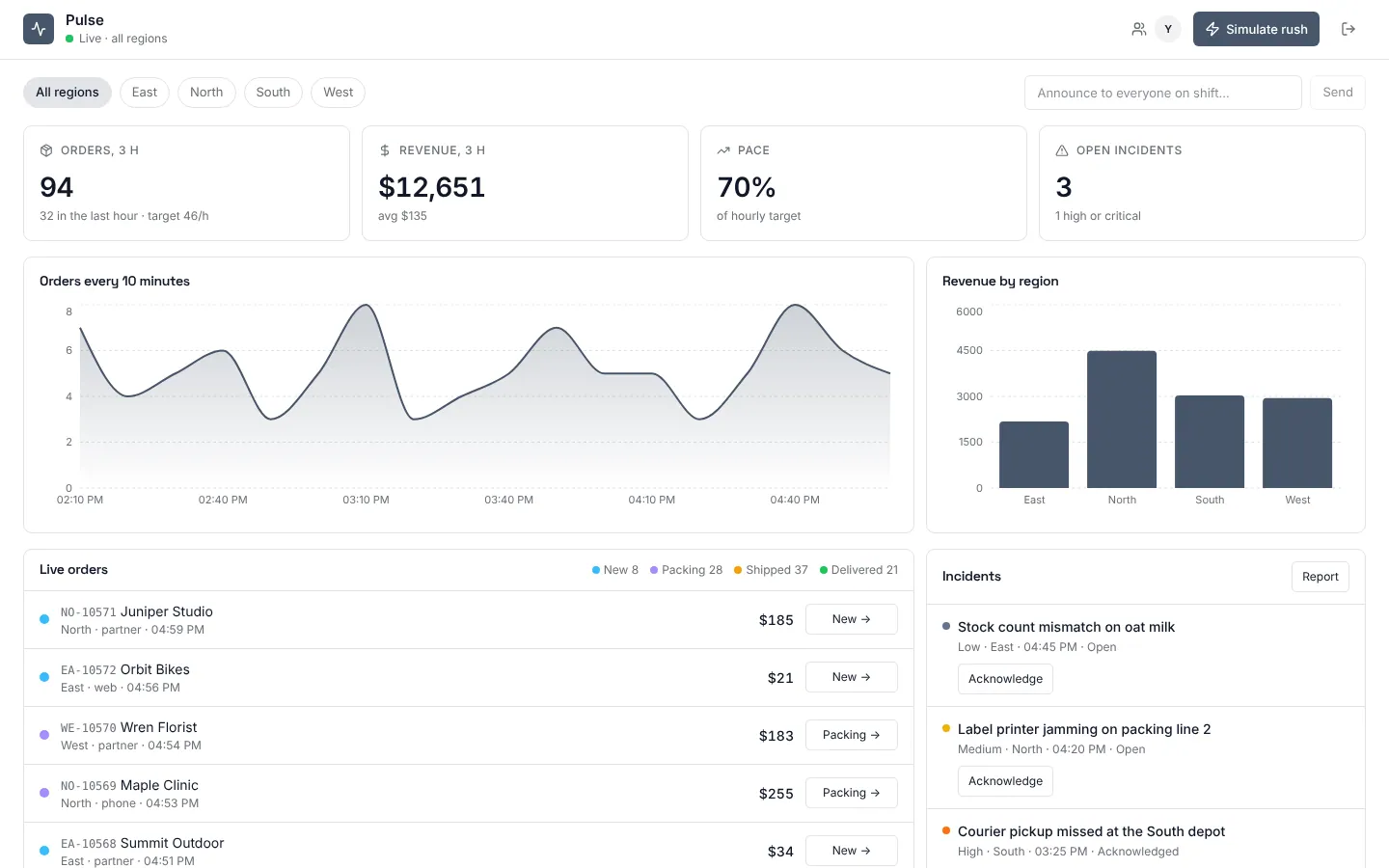
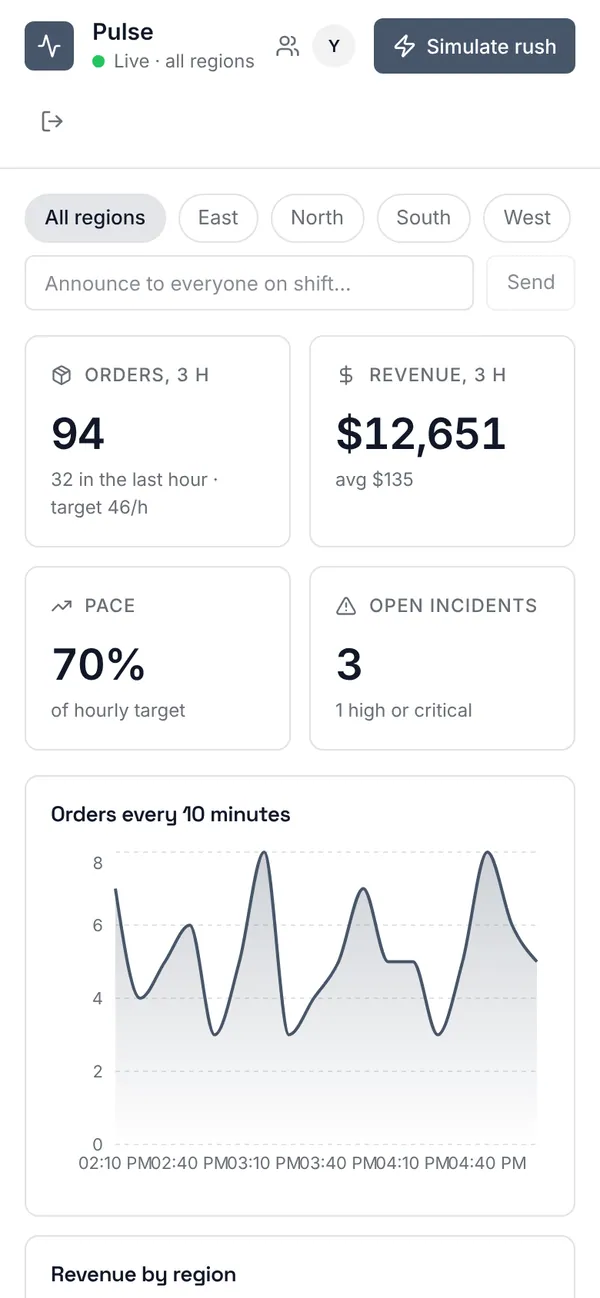
An ops room for a business with regional teams. KPIs, an orders-per-10-minutes chart and revenue by region redraw on every live order; the order feed and incident list update without a refresh. A region lead sees only their region, enforced by the database, and can't join another region's live room. Managers see everything, post announcements to everyone on shift and can simulate a rush; a scheduled workflow keeps the demo moving with new orders and next steps every two minutes.
Operations managers see every region; region leads see their own.
What's inside
KPIs, orders and revenue charts that move with every order. Live order feed with one-click next steps. Incidents: report, acknowledge, resolve. Who is on shift, manager announcements. A rush simulation and an every-2-minutes order stream.
Tables
managername, emailleadname, emailregionname, code, lead_id, target_per_hourordernumber, region_id, customer, amount, channel, statusincidentregion_id, title, detail, severity, status
Roles
managerOperations manager, staffleadRegion lead, staff
Pages
/opsLive operations (manager, lead)/accessPeople (manager)
Components
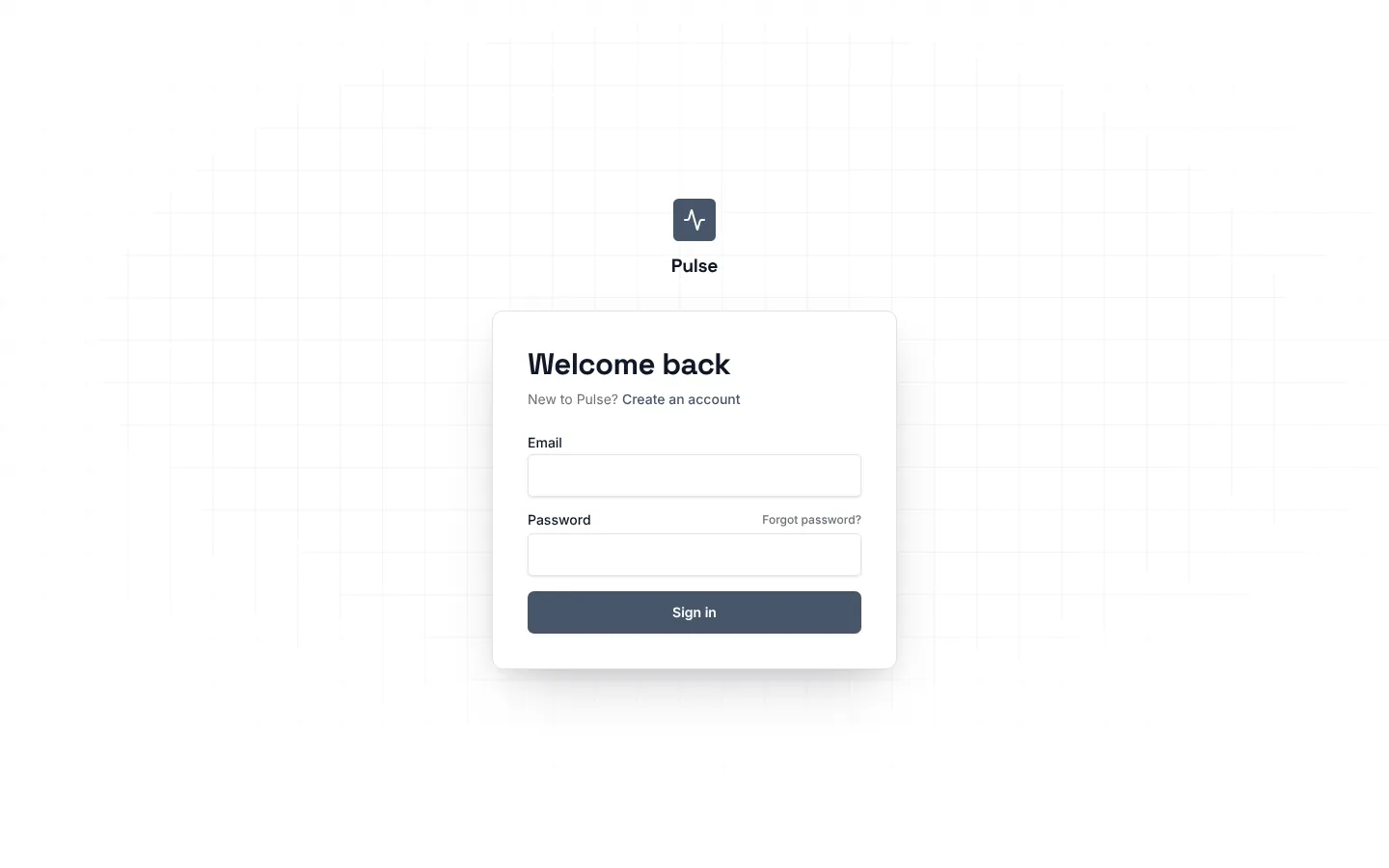
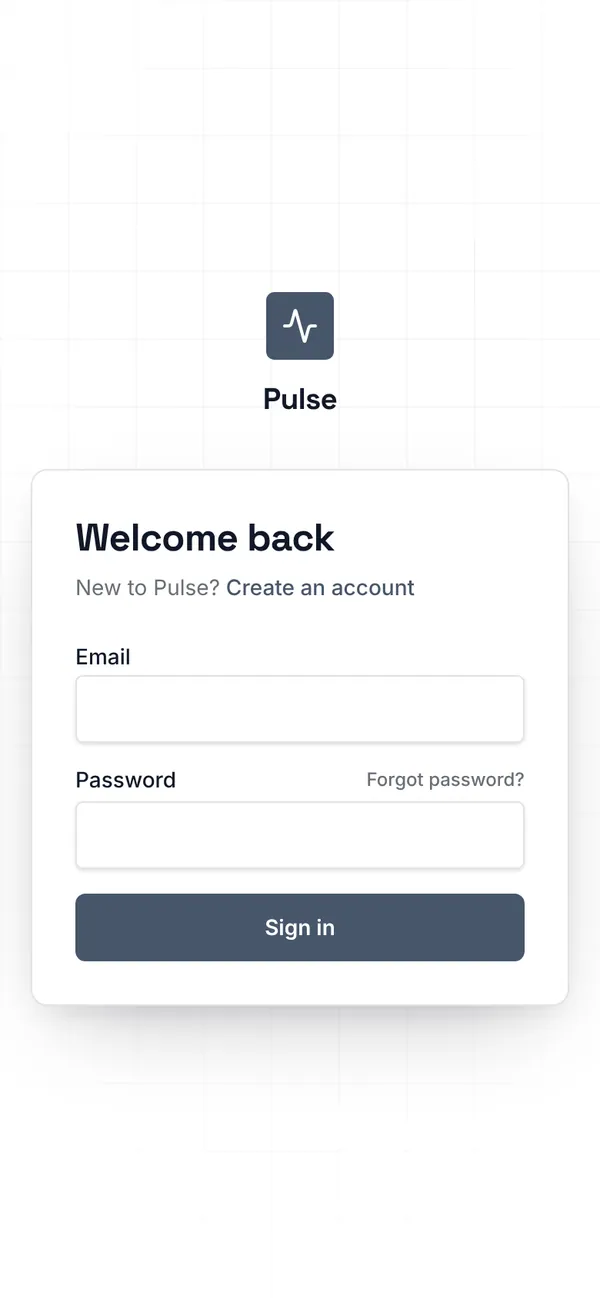
PulseLoginSign-in for Pulse: email and password, Google, reset, beside a live tickerPulseOpsLive operations dashboard: KPIs, orders and revenue charts that move with every order, live order feed, incidents with acknowledge and resolve, who is on shift, manager announcements and a rush simulation
Rules on every write
orderAn order's amount is between 0 and 100,000.incidentDescribe the incident in 5 to 140 characters.
Realtime
regionLive: each change reaches whoever can read the roworderLive: each change reaches whoever can read the rowincidentLive: each change reaches whoever can read the rowops_roomChannel. Join: manager, lead. Send: manager. Shows who is hereregion_room:<region>Channel. Join: manager, lead (and can read the region). Send: members. Shows who is here
How its workflows run
Each one is a server workflow in your project: it runs on its trigger, with retries, and its runs show in the builder's log.
- Keep the floor moving: new orders and next steps every two minutes
On a schedule:
schedule every 2m over order. Then: Look up region, then Create order, then Update order. - Simulate a rush: a burst of orders across every region
When the app calls it:
server function (manager). Then: Look up region, then Create order. - Alert the managers to a high or critical incident
When a row changes:
incident created. Then: Look up region, then Notify.
Set it up
It starts a new project, with its data, roles and sign-in ready.
- Start the project
Use the button above, or ask your coding agent with the Appbricx MCP server connected (quickstart).
- Sign in as each role
The demo logins open each role's home. Change what you like in plain words or in the contract.
- Deploy
When dev looks right, deploy. Production gets a snapshot first, so you can roll back.
Use it with your coding agent
The agent creates the project, builds it and signs in as each role.
Start a new Appbricx project from the Pulse template (slug "pulse") with use_template. Call it "My Pulse", then sign in as each role, verify it and tell me what to change first.{
"tool": "use_template",
"arguments": {
"slug": "pulse",
"name": "My Pulse"
}
}appbricx templates use pulse --name "My Pulse"Goes well with
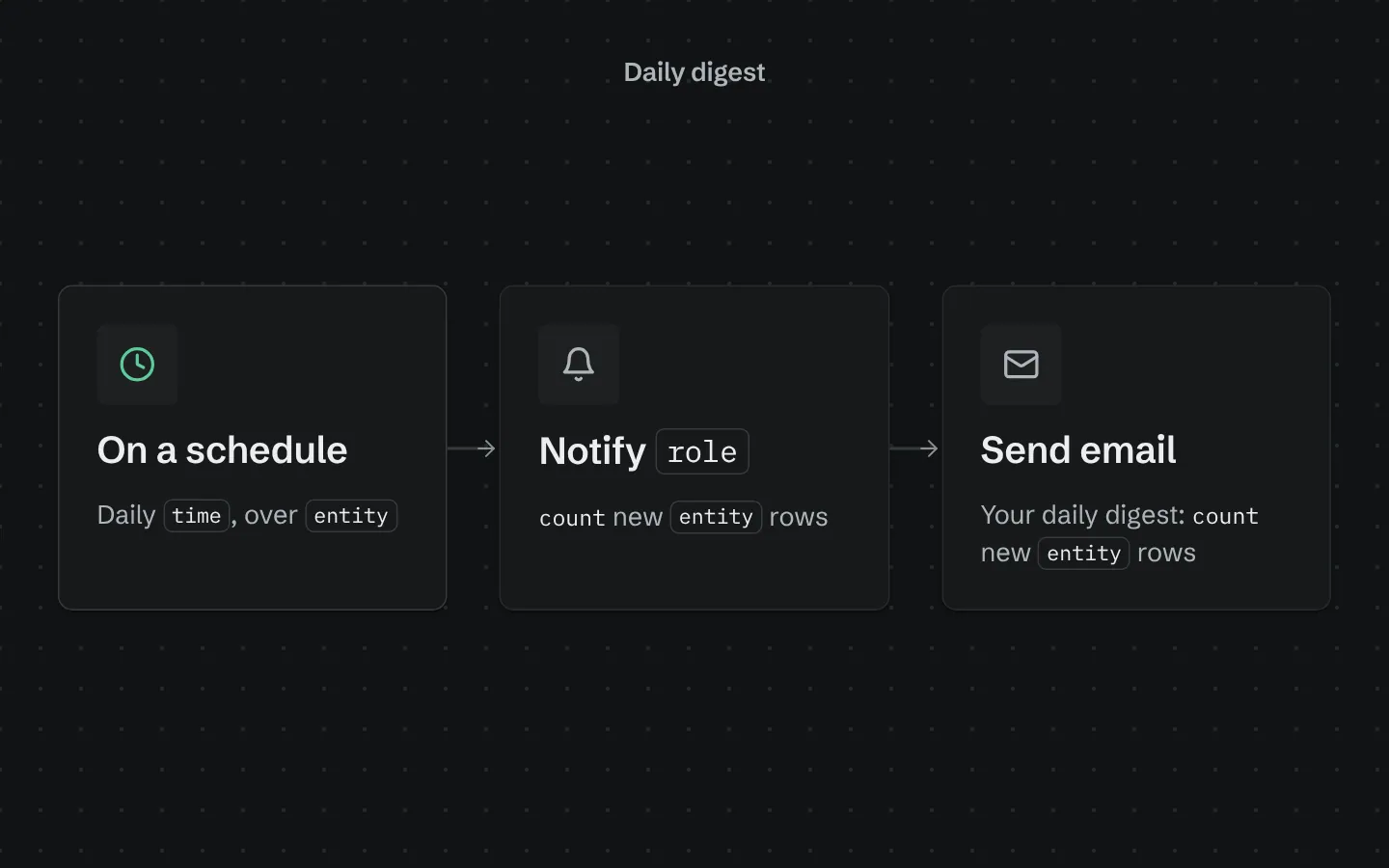
Daily digest
Every morning, sends your team a digest of yesterday's new rows in one table, in-app and by email.
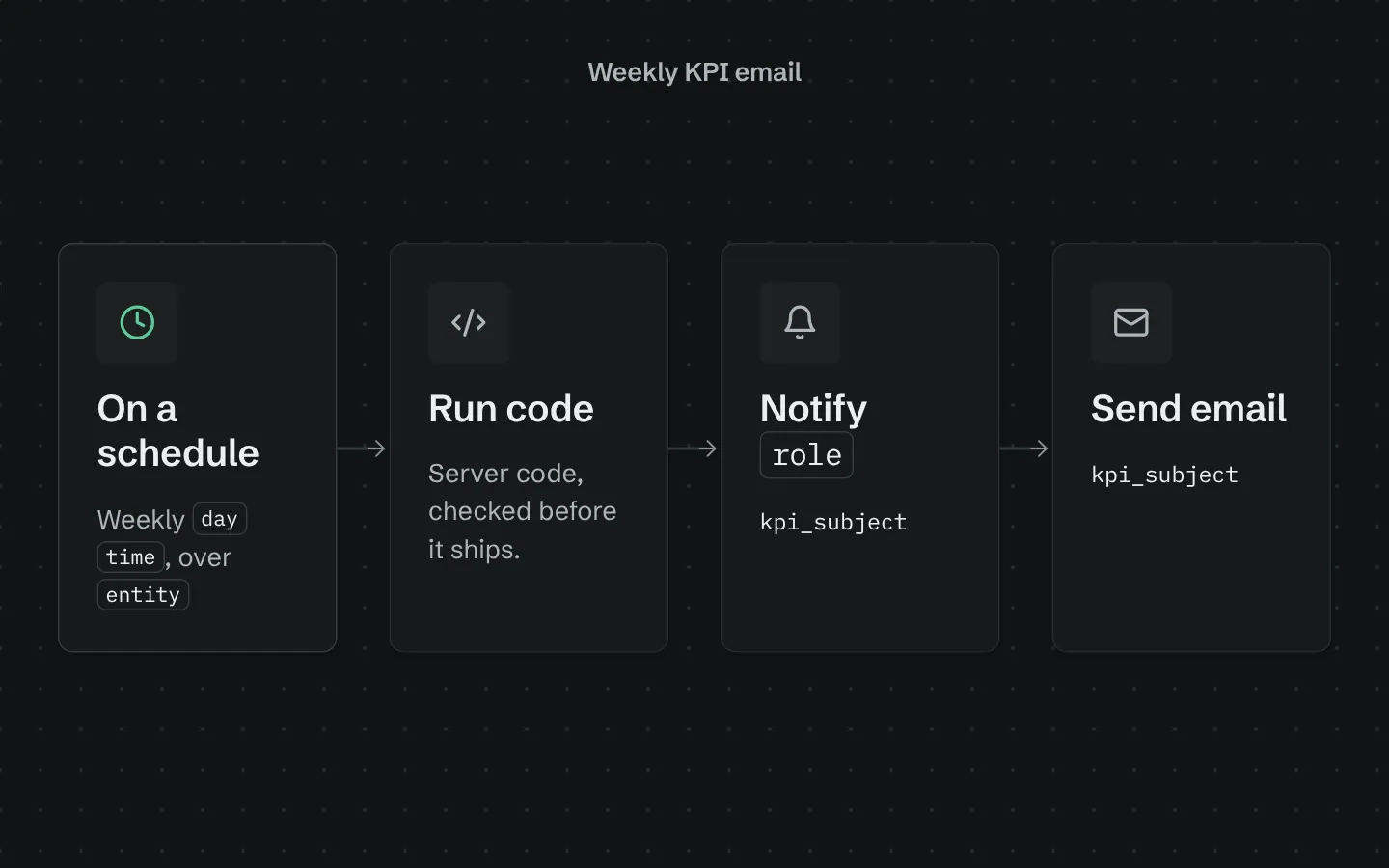
Weekly KPI email
Every week, emails your team this week's numbers for one table against the week before: count, total, average and a breakdown.
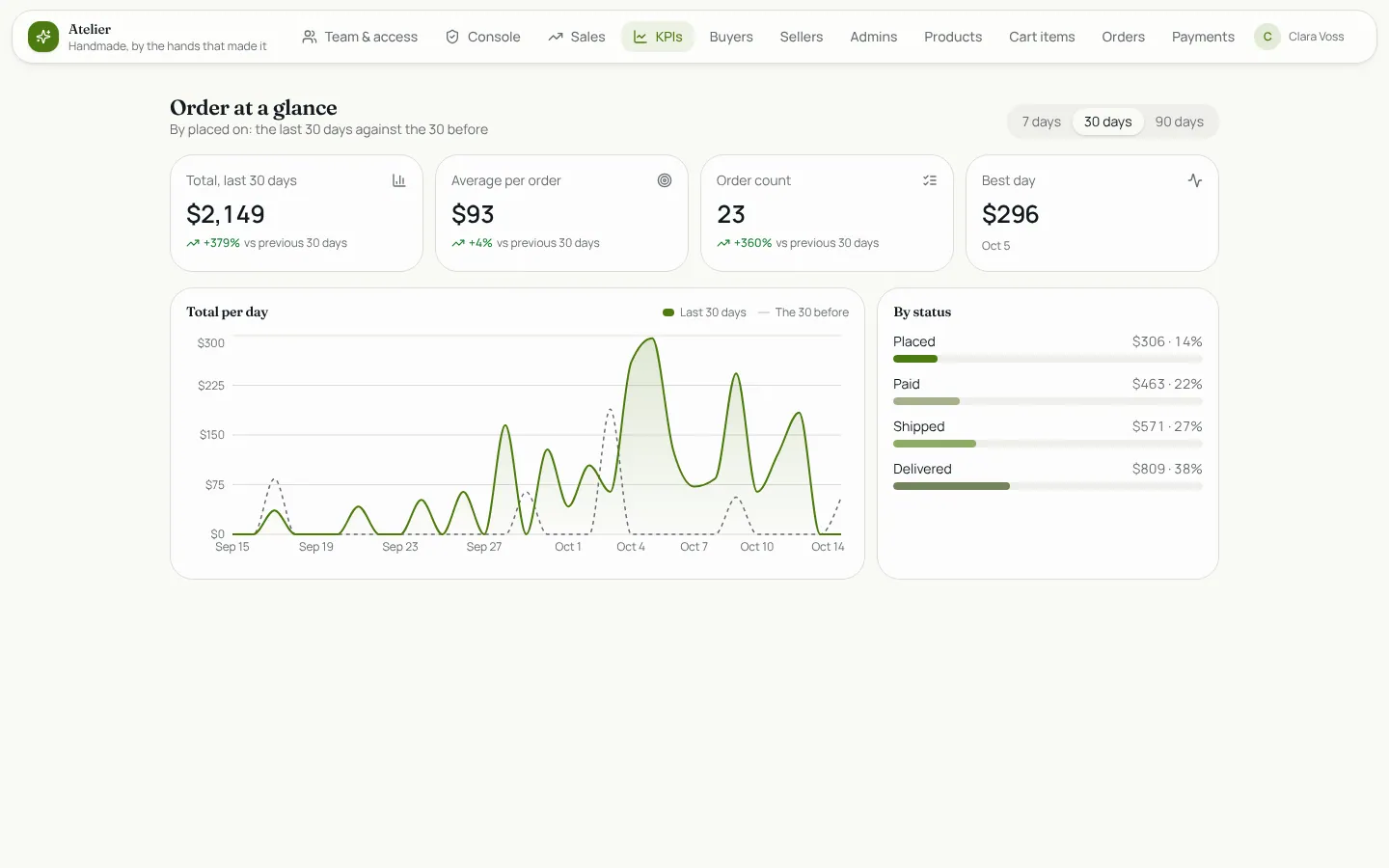
KPI chart cards
KPI cards and a trend chart for any table: total, average and count over 7, 30 or 90 days, the change on the period before, and a breakdown.