CSV export
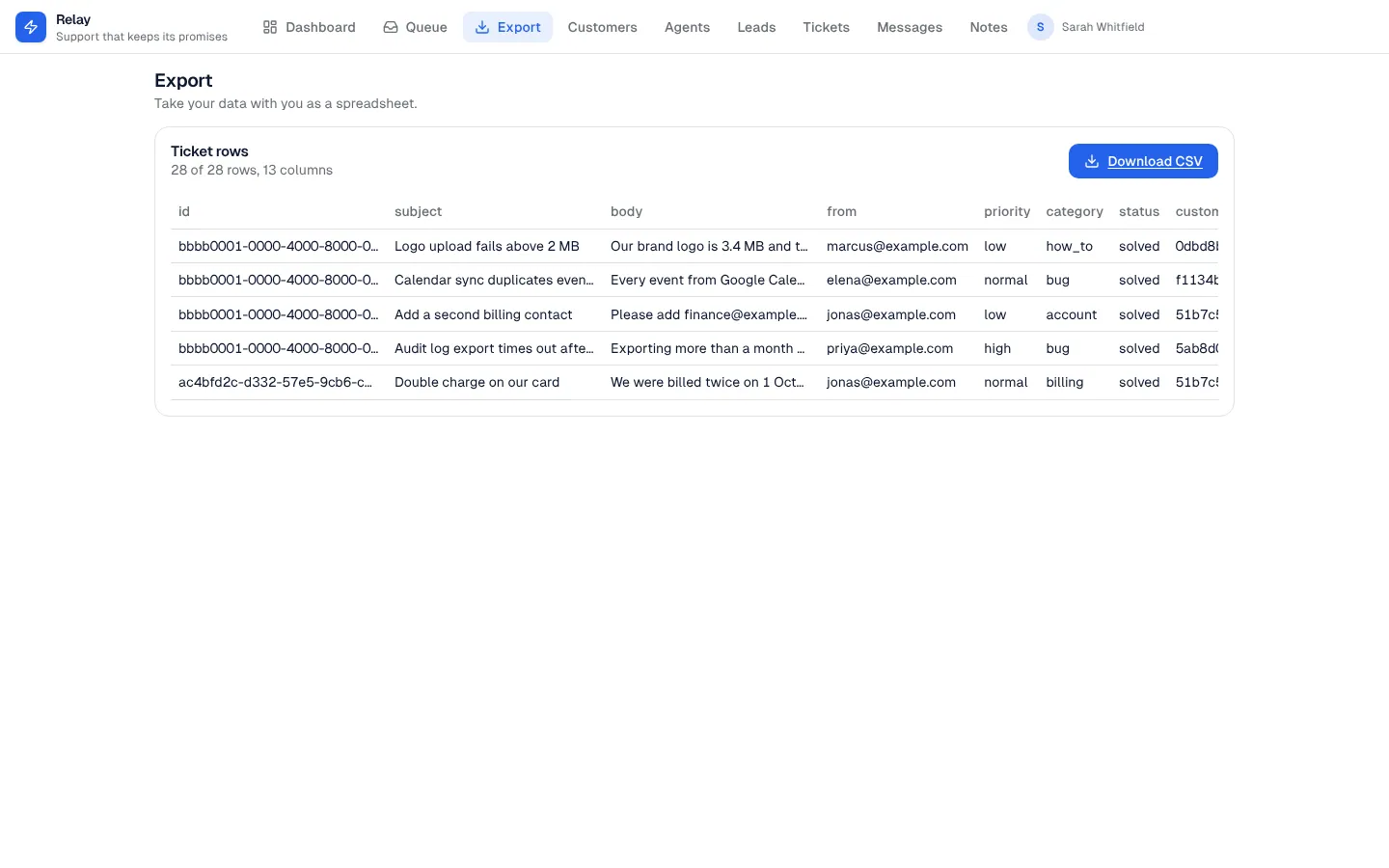
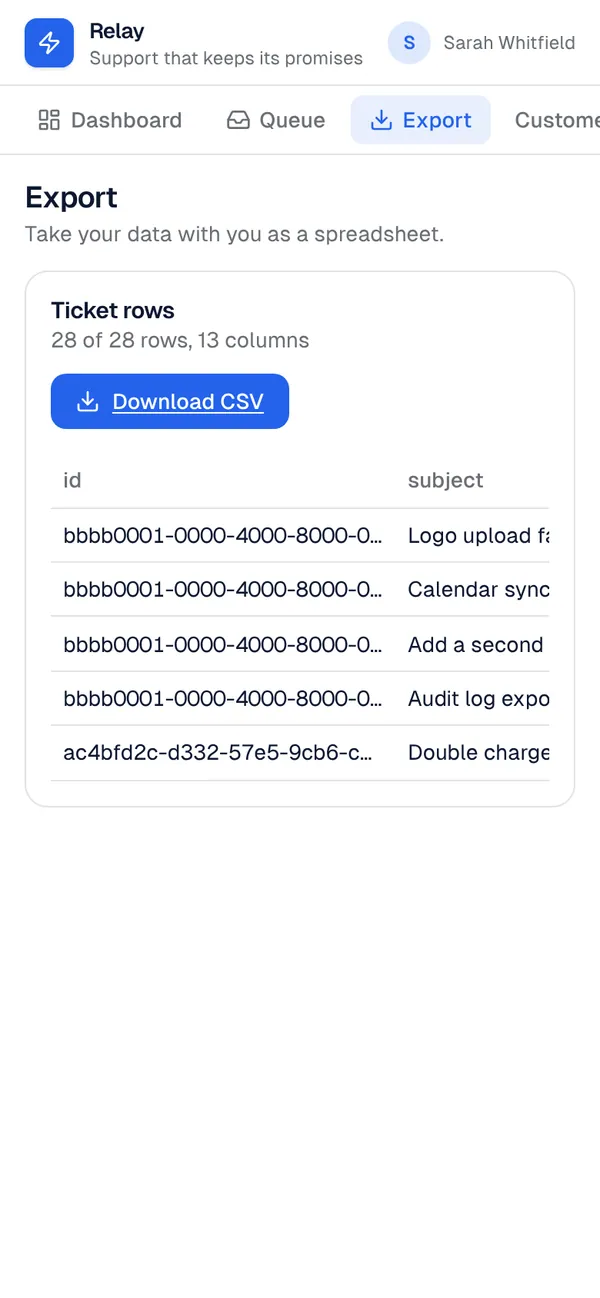
A custom component that gathers the rows of one table the viewer is allowed to see (up to 5,000, newest first) and offers them as a CSV file that opens in any spreadsheet. Pick the columns or let it use every field. The template adds it with an Export page for the role you choose.
What it adds to your app
Component CsvExport (props: title, entity, columns). An Export page.
Pages
/exportExport (‹page_role›)
Components
CsvExportDownload the rows of a table the viewer may see as a CSV file, with a preview of the first rows
Set it up
It merges into the contract of an app you already have. Nothing is overwritten: a name you already use is refused until you pass a prefix.
- Pick the project
Use the button above, or ask your coding agent with the Appbricx MCP server connected (quickstart).
- Point it at your tables and roles
Leave out the ones with defaults; a wrong one is refused with the options your app has.
Param What it is Example entityThe table the Export page offers as CSV. orderpage_roleThe role the Export page is for. Optional. staff - Preview, then apply to dev
A dry run shows the diff and the check report; applying it changes your dev environment only.
- Deploy
When dev looks right, deploy. Production gets a snapshot first, so you can roll back.
Use it with your coding agent
The agent reads the template, runs a dry run, shows you the diff and applies it.
Add the CSV export template (slug "csv-export") to my Appbricx project. Read it with get_template, run use_template with dry_run first and show me the diff, then apply it. Ask me where it attaches if you can't tell from my contract (entity: table to export; page_role: who sees the export page).{
"tool": "use_template",
"arguments": {
"slug": "csv-export",
"project_id": "<your project id>",
"params": {
"entity": "order",
"page_role": "staff"
},
"dry_run": true
}
}appbricx templates use csv-export --param entity=order --param page_role=staff --dry-runGoes well with
Trend chart
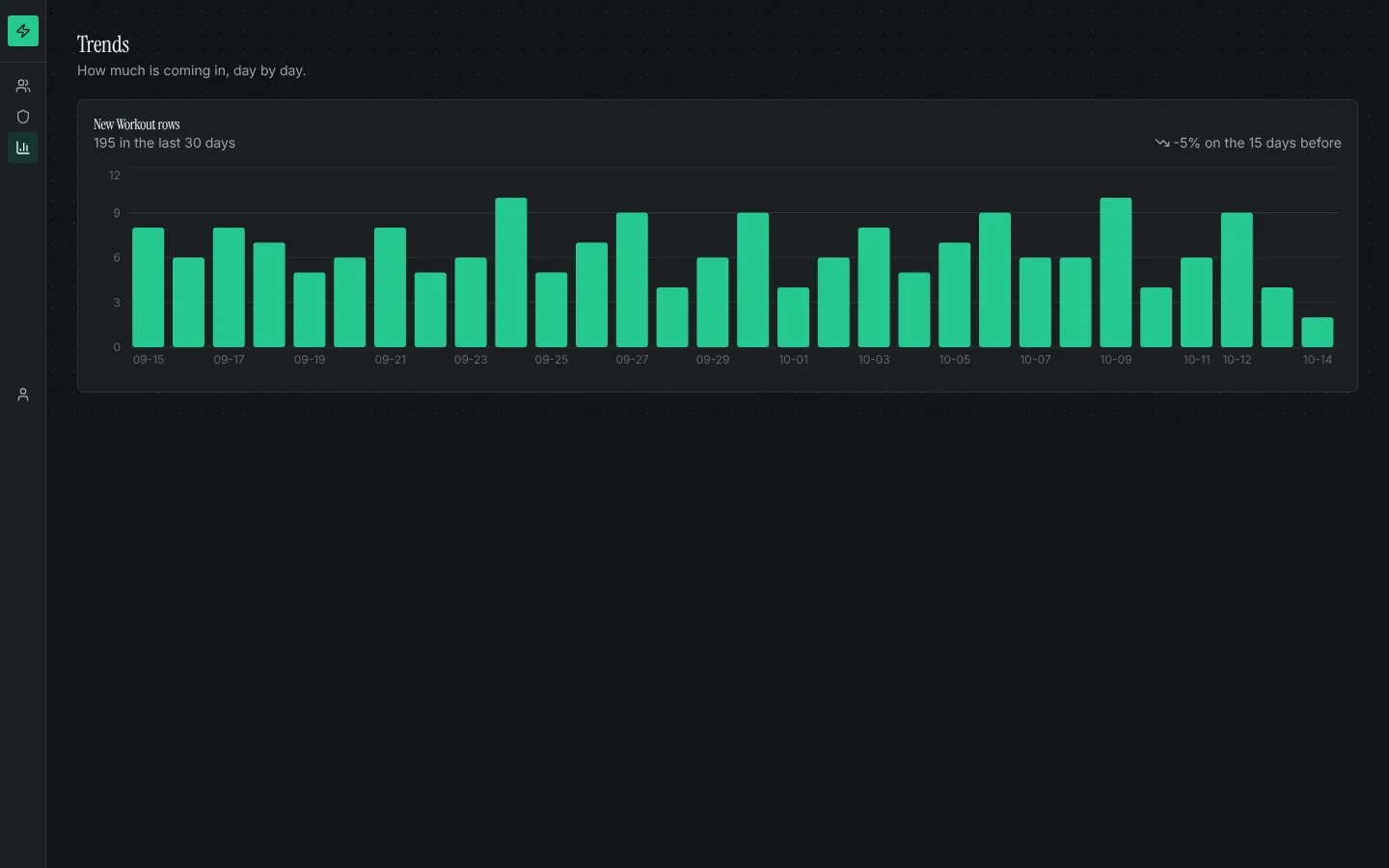
A daily bar chart of new rows in any table, with the change against the period before.
Presence avatars
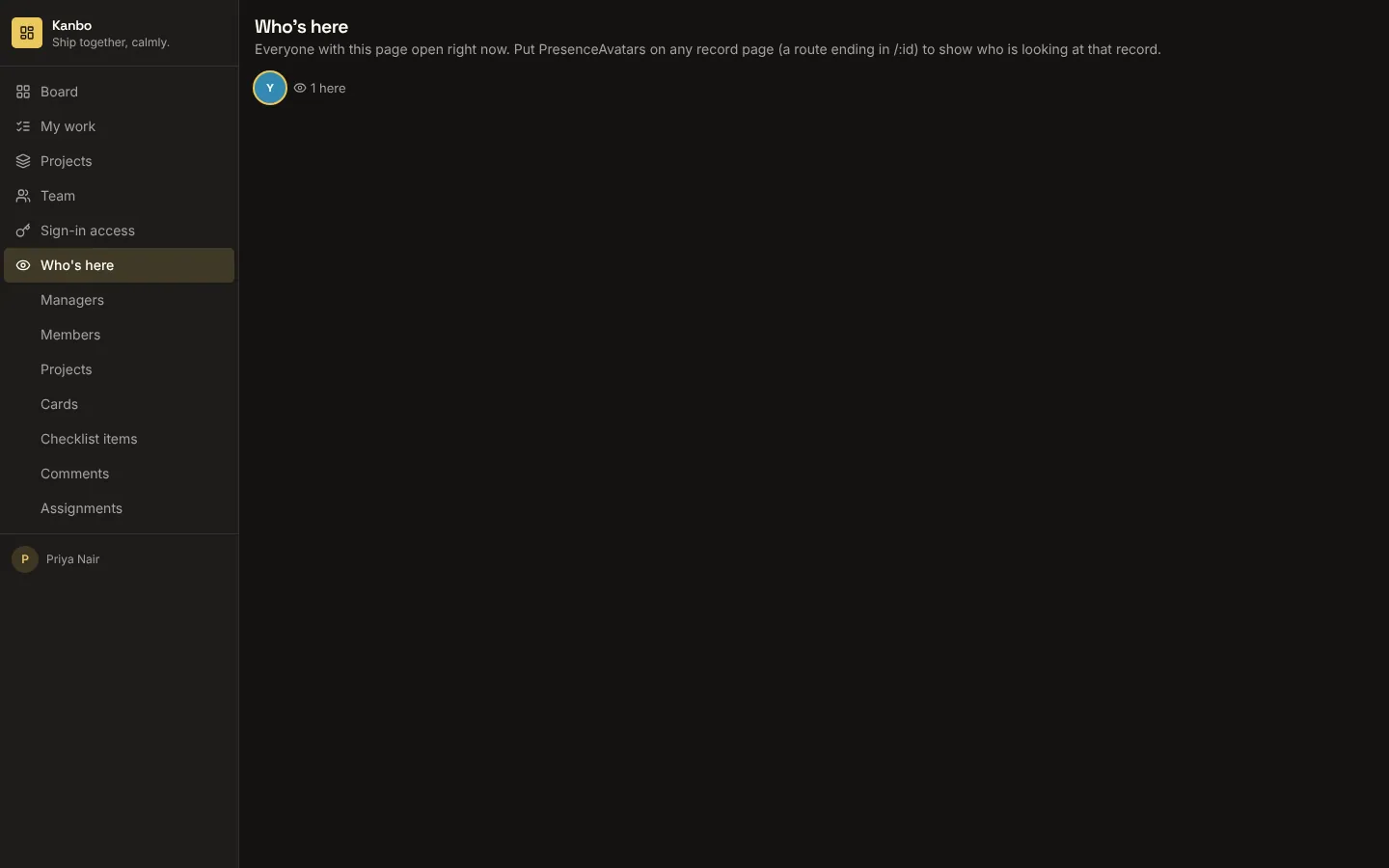
Faces of the people looking at a record or a page right now, updating as they arrive and leave.
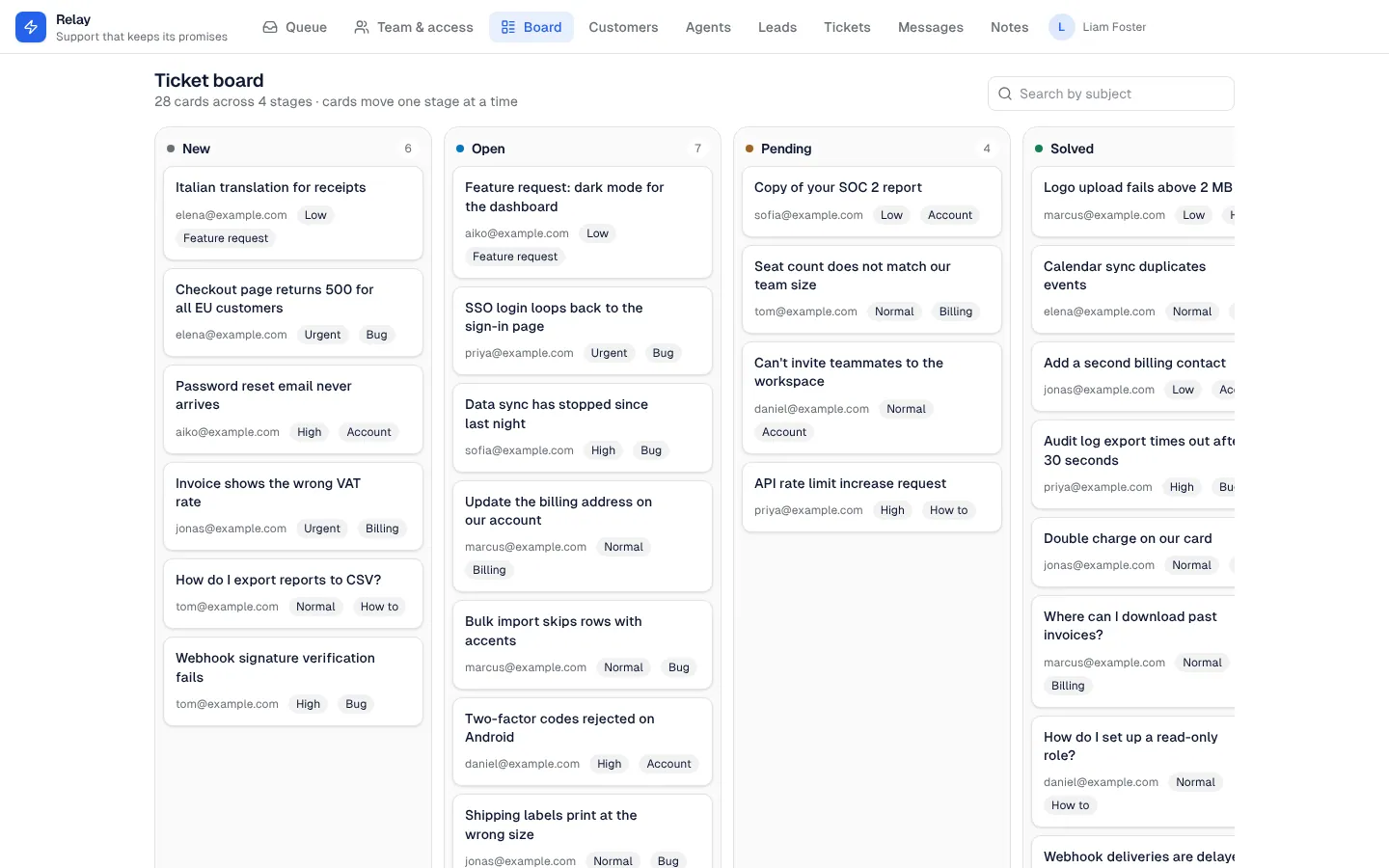
Kanban board
A drag-and-drop board over any table with a status field: a lane per status, quick add, search, and a card sheet to edit in place.