Kanbo
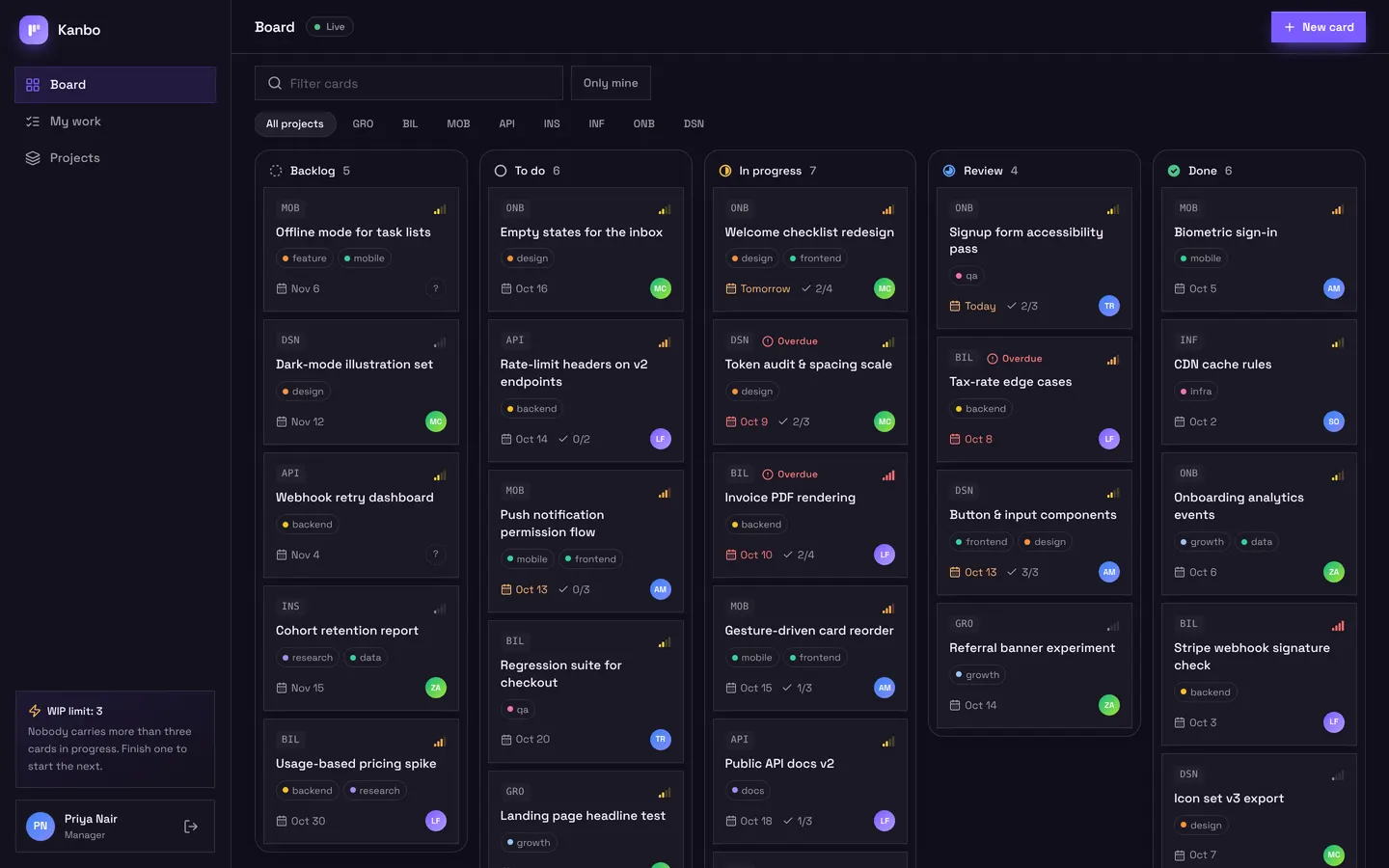
A project board for a small team: columns with draggable cards, a card sheet with checklist and comments, and a My work view per person. A rule enforces a work-in-progress limit, the board updates live, assignees are notified and a daily job flags overdue cards.
Managers and members, invited by the team.
What's inside
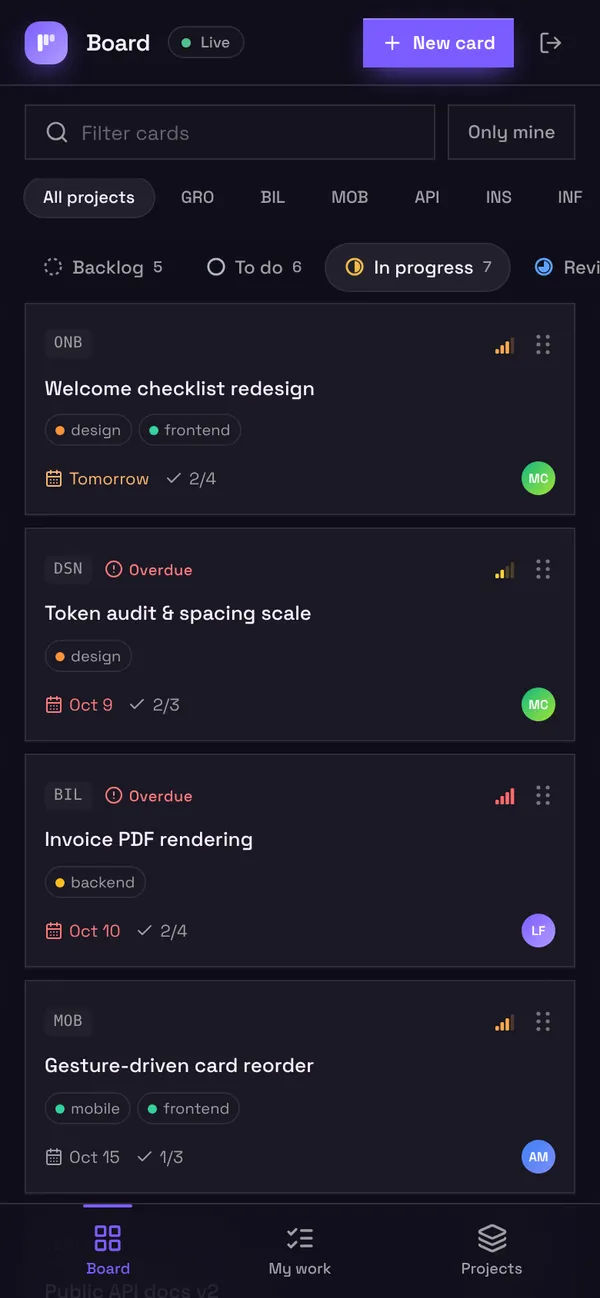
Board with columns and draggable cards. Card sheet with checklist and comments. My work and project progress.
Tables
managername, email, title, avatarmembername, email, title, avatarprojectname, code, summary, cover, due, status, statecardtitle, description, project, assignee, stage, priority, due, labels, …checklist_itemcard, text, done, positioncommentcard, assignee, author, bodyassignmentcard, assignee, by, title
Roles
managerManager, staffmemberMember, staff
Pages
/boardBoard (manager, member)/my-workMy work (manager, member)/projectsProjects (manager)/teamTeam (manager)/accessSign-in access (manager)
Components
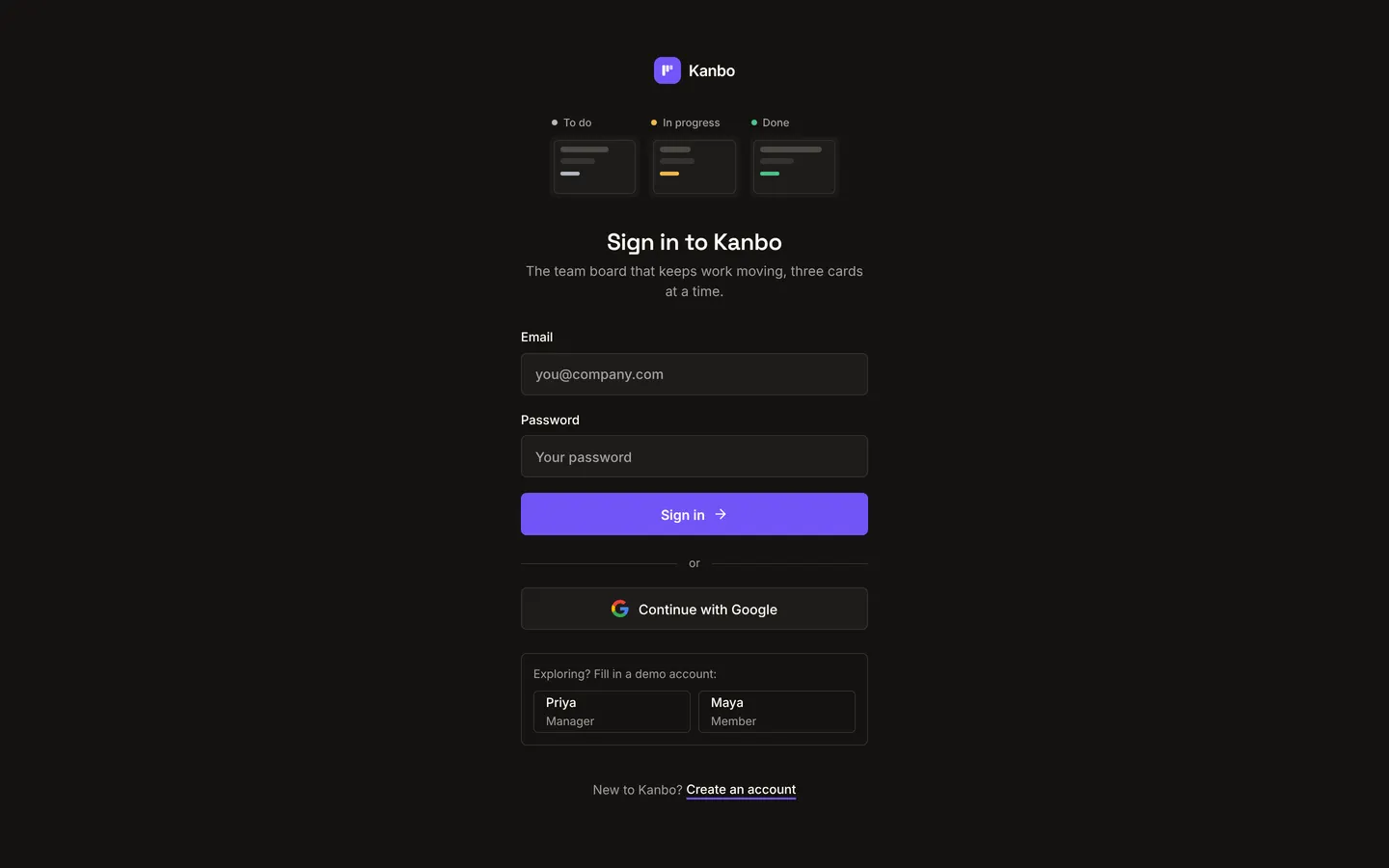
KanboLoginKeyboard-first sign-in in the app's own dark theme: animated board illustration, narrow form, GoogleKanboBoardKanban board with drag-and-drop, live updates, card sheet (checklist, comments, AI breakdown)KanboWorkMy work (cards by due date, inline checklist + stage moves), Projects overview with progress and lifecycle, and Team workload with recent activity
Rules on every write
cardWIP limit reached: this teammate already has 3 cards in progress.
How its workflows run
Each one is a server workflow in your project: it runs on its trigger, with retries, and its runs show in the builder's log.
- Tell people when a card is assigned to them
When a row changes:
assignment created. Then: Notify member. - Tell the assignee about new comments
When a row changes:
comment created. Then: Notify member. - Flag overdue cards every morning
On a schedule:
schedule daily 09:00 over card. Then: Look up card, then Update card, then Notify.
Set it up
It starts a new project, with its data, roles and sign-in ready.
- Start the project
Use the button above, or ask your coding agent with the Appbricx MCP server connected (quickstart).
- Sign in as each role
The demo logins open each role's home. Change what you like in plain words or in the contract.
- Deploy
When dev looks right, deploy. Production gets a snapshot first, so you can roll back.
Use it with your coding agent
The agent creates the project, builds it and signs in as each role.
Start a new Appbricx project from the Kanbo template (slug "kanbo") with use_template. Call it "My Kanbo", then sign in as each role, verify it and tell me what to change first.{
"tool": "use_template",
"arguments": {
"slug": "kanbo",
"name": "My Kanbo"
}
}appbricx templates use kanbo --name "My Kanbo"Goes well with
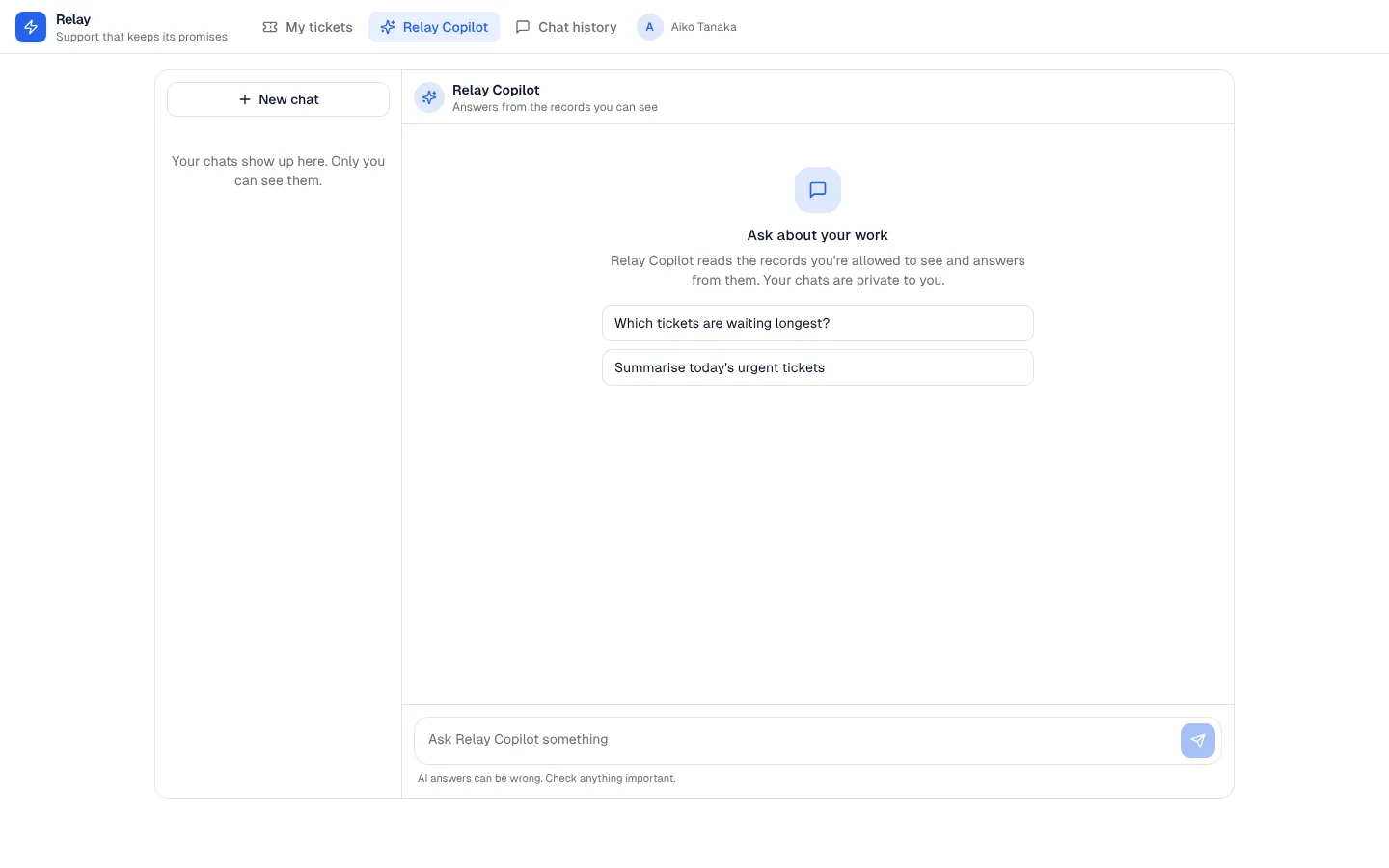
AI chat panel
A private AI assistant inside your app that answers from the records each person is allowed to see, with saved conversations.
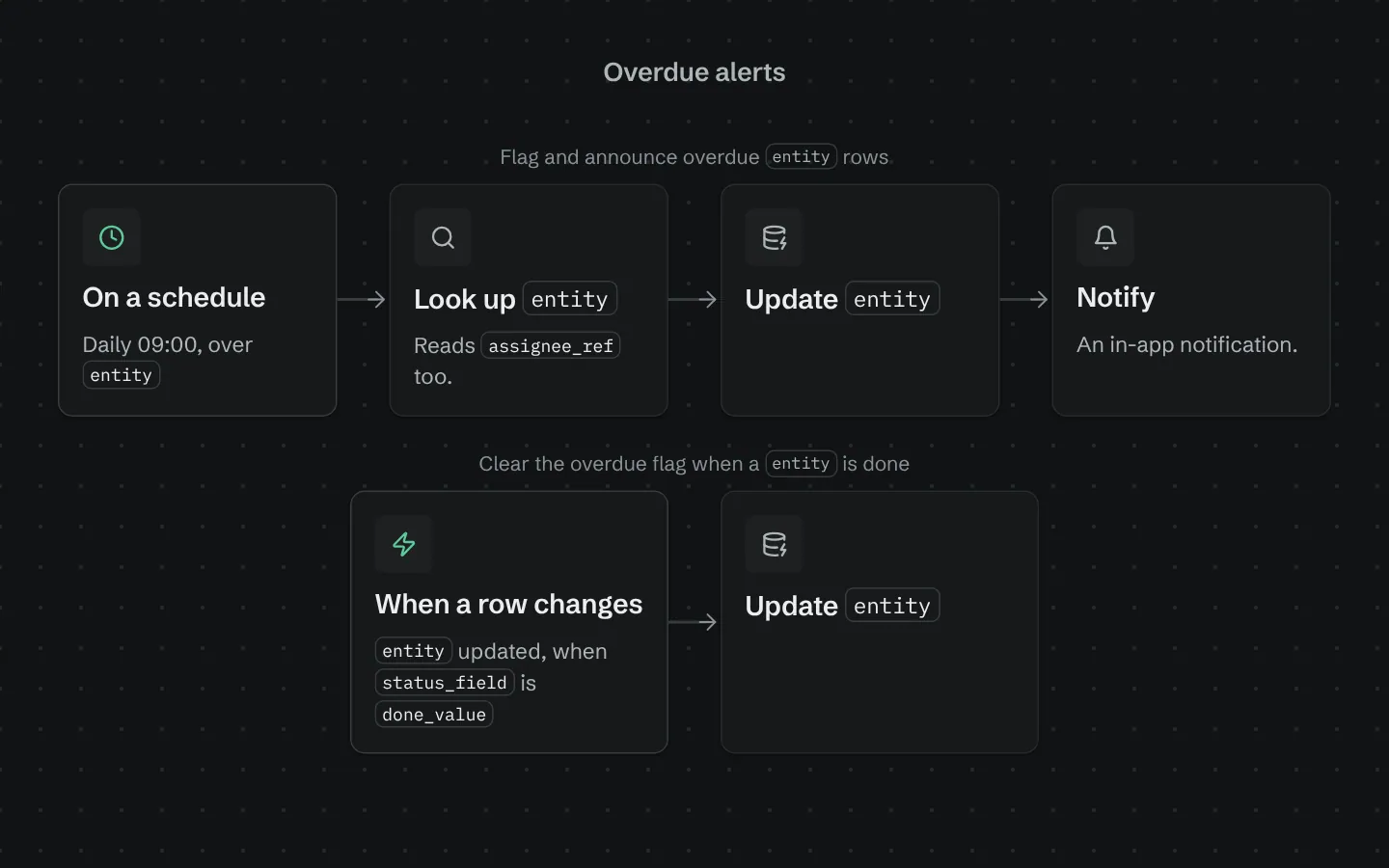
Overdue alerts
Each morning, flags rows past their due date, tells the person assigned and sends the team a list.
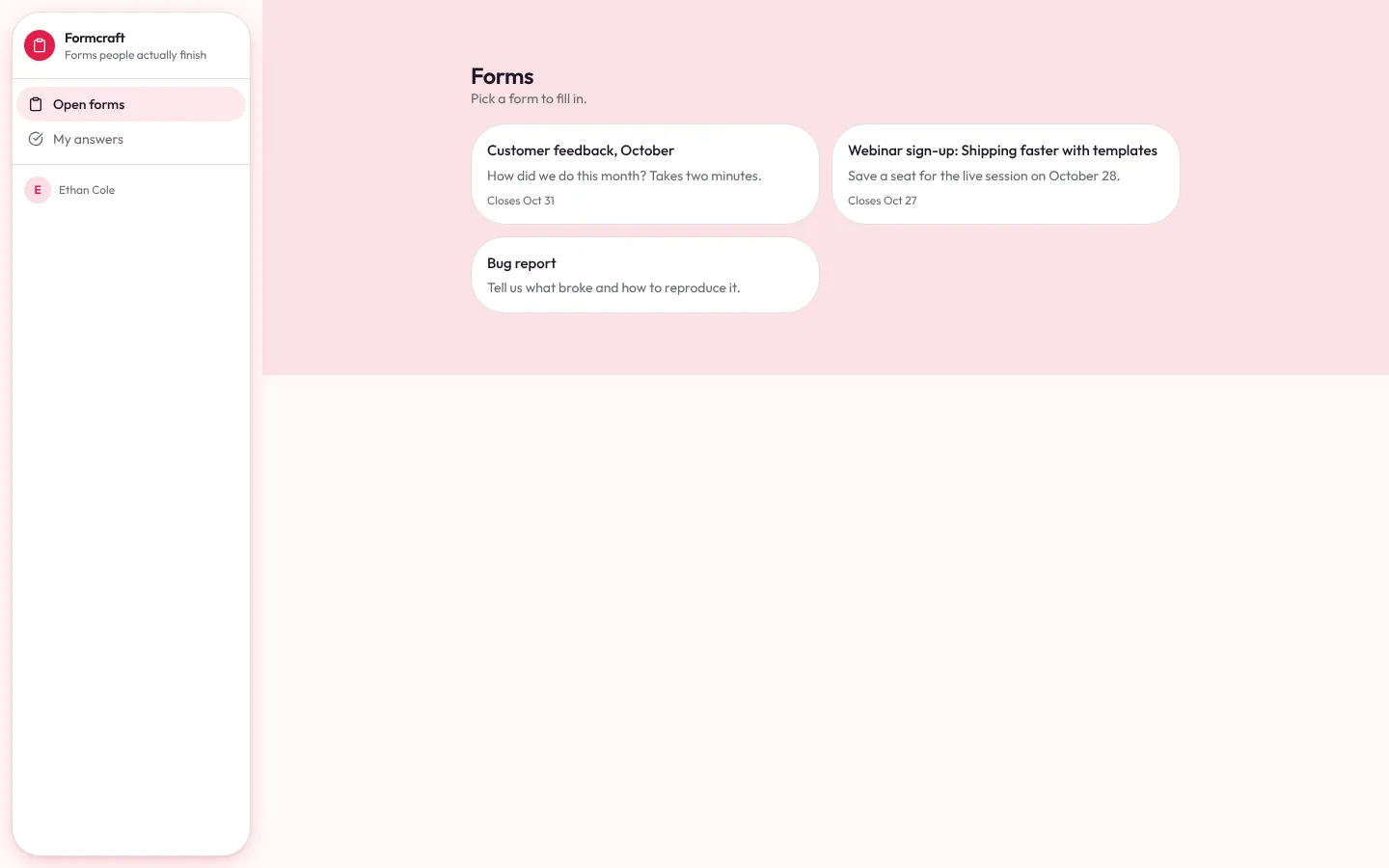
Form builder
Form builder: forms with nine question types, a share link, open sign-up for respondents, a signed webhook for website forms, response review, notifications and CSV export.