Overdue alerts
A daily check over any table with a due date and a status: tasks, jobs, invoices, orders. A row whose due date has passed and isn't done gets an overdue_since stamp, the assigned person gets a notification (when you name an assignee field), and the role you choose gets one notification listing everything overdue. Marking a row done clears the stamp.
What it adds to your app
Field overdue_since on your table. A daily 09:00 check that stamps and announces overdue rows. A workflow that clears the stamp when a row is done.
Fields added to your tables
‹entity›.overdue_since
How its workflows run
Each one is a server workflow in your project: it runs on its trigger, with retries, and its runs show in the builder's log.
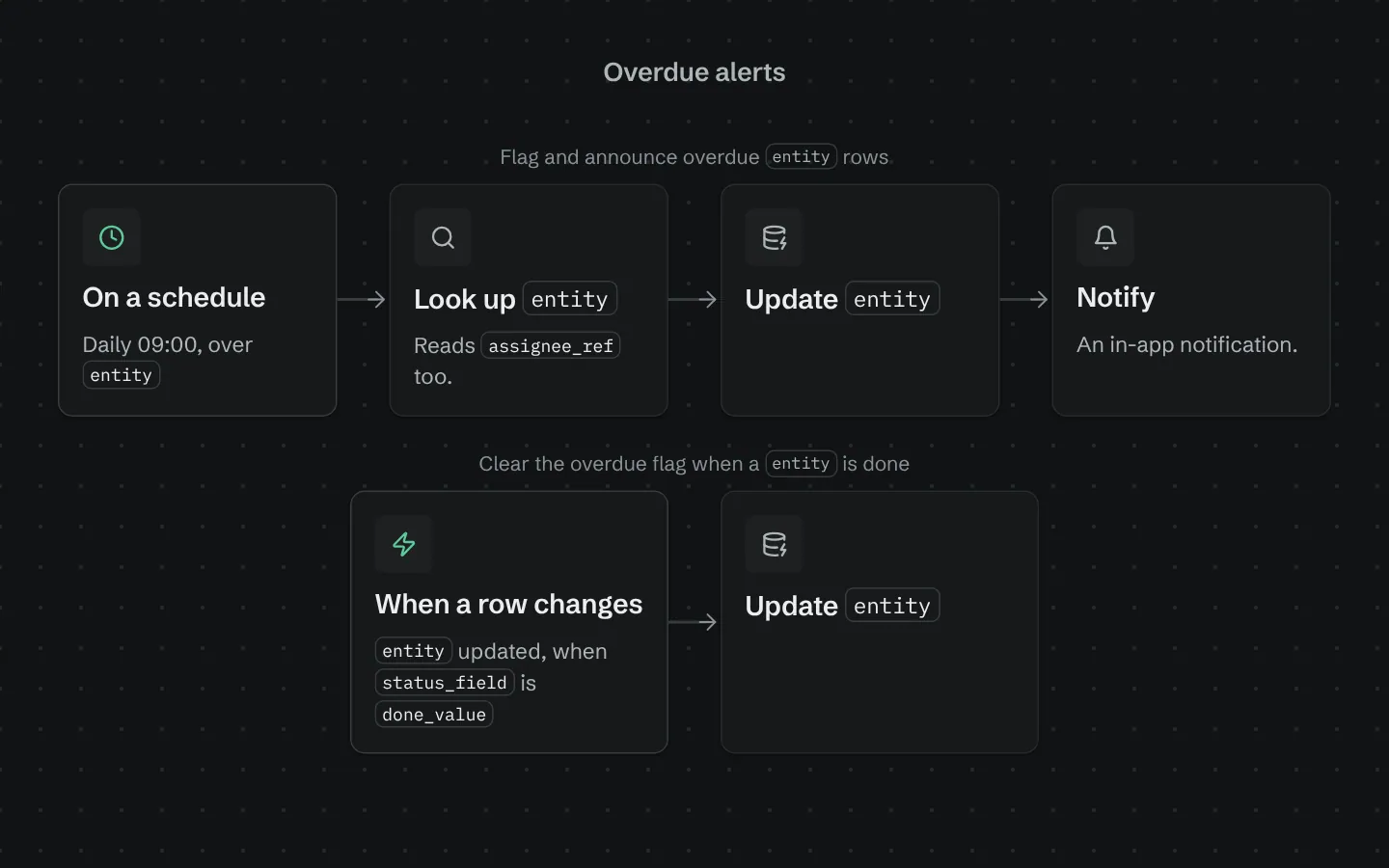
- Flag and announce overdue ‹entity› rows
On a schedule:
schedule daily 09:00 over ‹entity›. Then: Look up ‹entity›, then Update ‹entity›, then Notify. - Clear the overdue flag when a ‹entity› is done
When a row changes:
‹entity› updated, when ‹status_field› is ‹done_value›. Then: Update ‹entity›.
Set it up
It merges into the contract of an app you already have. Nothing is overwritten: a name you already use is refused until you pass a prefix.
- Pick the project
Use the button above, or ask your coding agent with the Appbricx MCP server connected (quickstart).
- Point it at your tables and roles
Leave out the ones with defaults; a wrong one is refused with the options your app has.
Param What it is Example entityThe table of things that can be late (tasks, jobs, invoices). Optional. taskdue_fieldThe date or timestamp field holding when it is due. Optional. due_onstatus_fieldThe enum field that says whether it is finished. Optional. statusdone_valueThe status value that means finished (never overdue). Optional. doneassignee_refOptional: the ref field naming the person responsible, so they are told directly. Leave it out to tell only the team. Optional. assignee_idnotify_roleThe role that gets the daily list of overdue rows. Optional. staff - Preview, then apply to dev
A dry run shows the diff and the check report; applying it changes your dev environment only.
- Deploy
When dev looks right, deploy. Production gets a snapshot first, so you can roll back.
Use it with your coding agent
The agent reads the template, runs a dry run, shows you the diff and applies it.
Add the Overdue alerts template (slug "overdue-alerts") to my Appbricx project. Read it with get_template, run use_template with dry_run first and show me the diff, then apply it. Ask me where it attaches if you can't tell from my contract (entity: table with due dates; due_field: due date field; status_field: status field; done_value: done value; assignee_ref: assigned person; notify_role: team to tell).{
"tool": "use_template",
"arguments": {
"slug": "overdue-alerts",
"project_id": "<your project id>",
"params": {
"entity": "task",
"due_field": "due_on",
"status_field": "status",
"done_value": "done",
"assignee_ref": "assignee_id",
"notify_role": "staff"
},
"dry_run": true
}
}appbricx templates use overdue-alerts --param entity=task --param due_field=due_on --param status_field=status --param done_value=done --param assignee_ref=assignee_id --param notify_role=staff --dry-runGoes well with
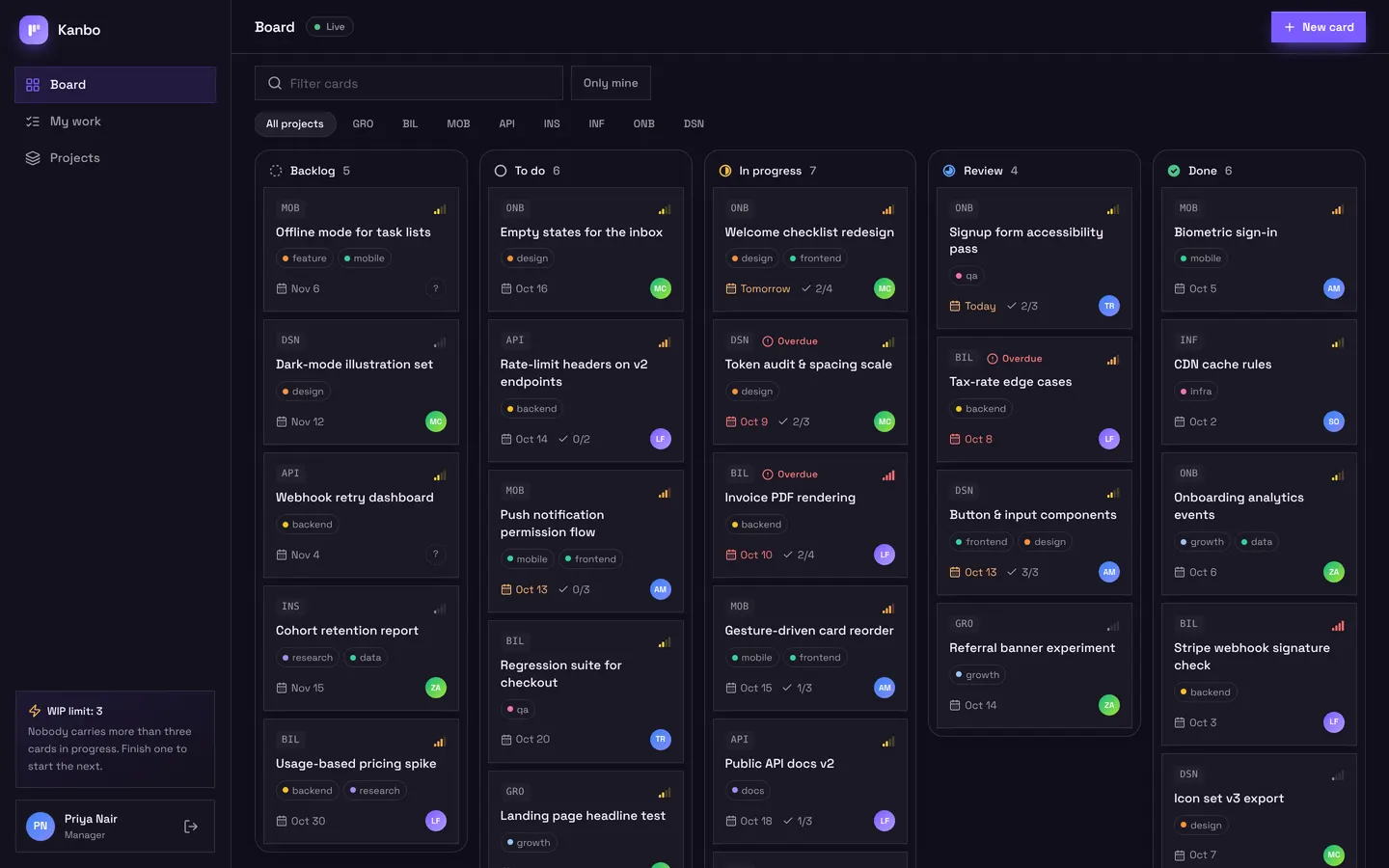
Kanbo
Team project board with drag-and-drop cards, checklists, comments and my work.
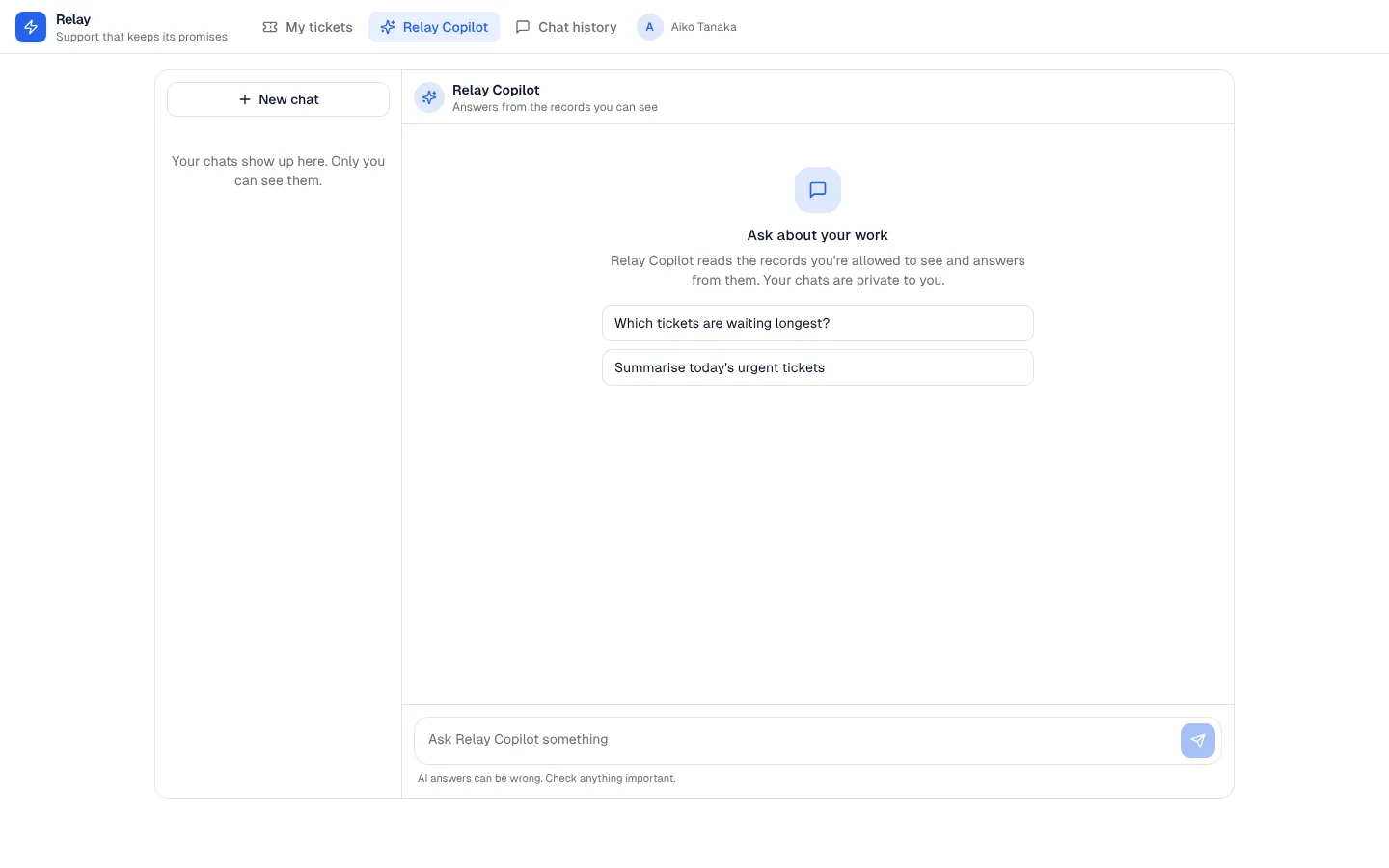
AI chat panel
A private AI assistant inside your app that answers from the records each person is allowed to see, with saved conversations.
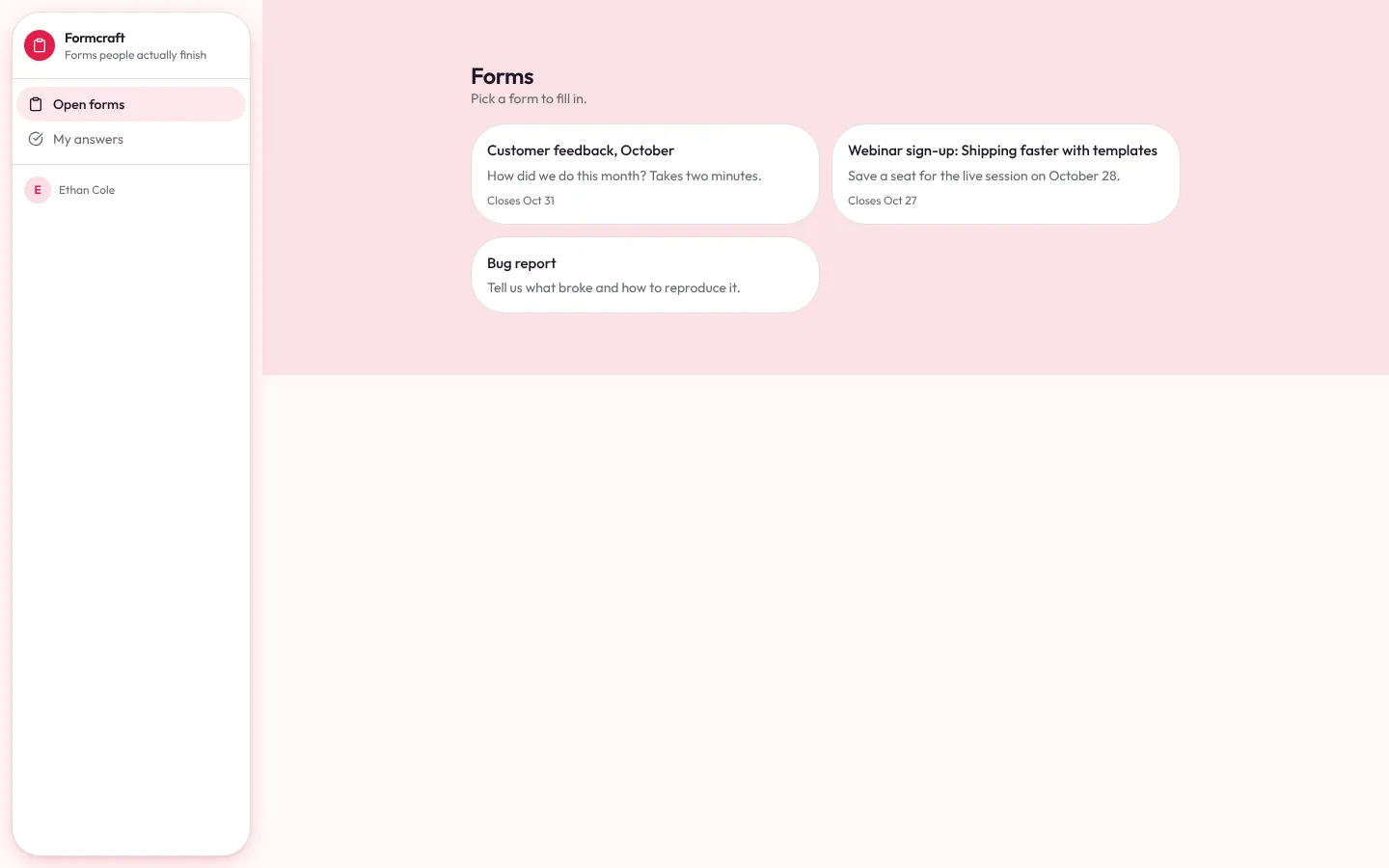
Form builder
Form builder: forms with nine question types, a share link, open sign-up for respondents, a signed webhook for website forms, response review, notifications and CSV export.