Notifications
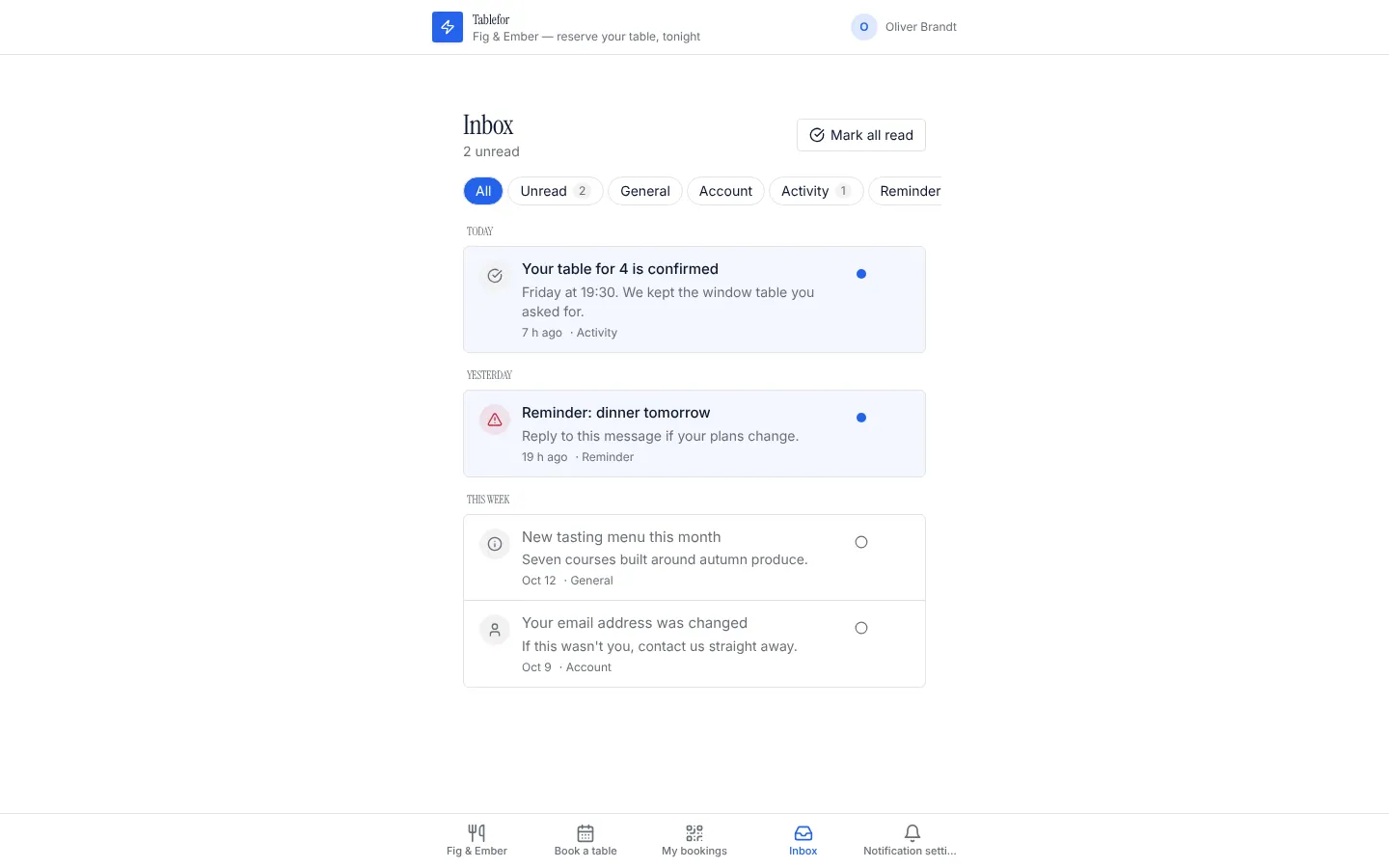
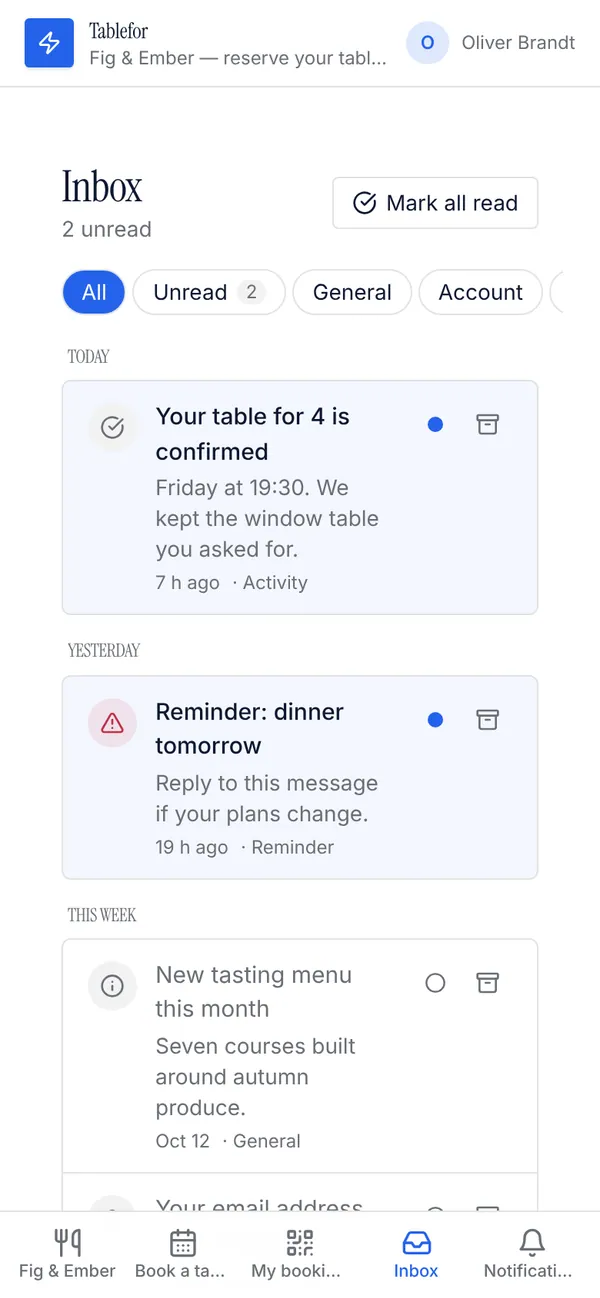
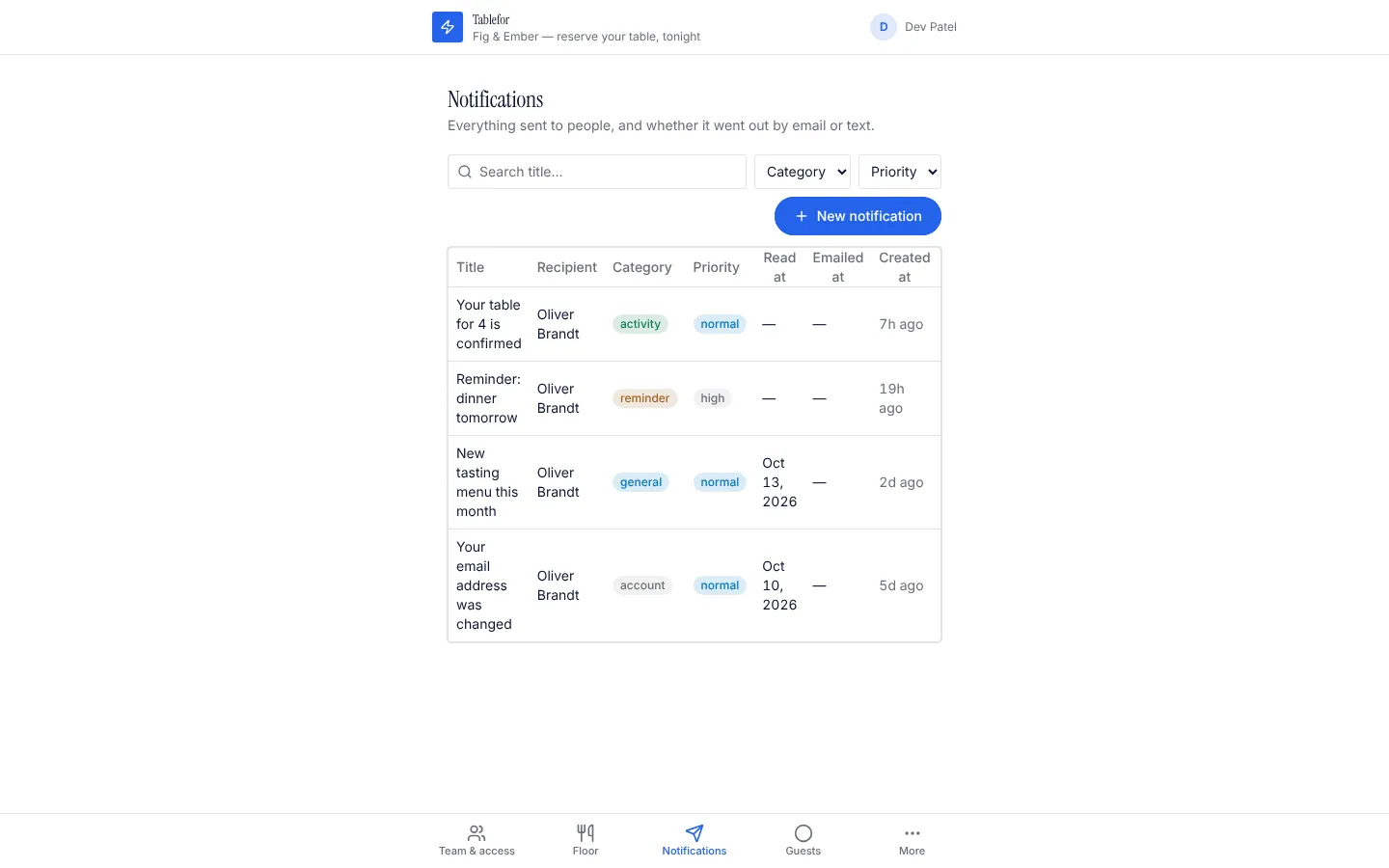
Adds a notification table, a notification centre (an Inbox page with tabs for unread and each category, grouped by day, mark read or unread, archive, live updates) and a NotificationBell component with the unread count and the latest notifications for any page header or dashboard, plus a settings page where each person chooses email and text messages. Every new notification lands in the inbox and is emailed (unless the person turned email off); people who opt in to texts get an SMS through your connected Twilio. Staff can send a notification by hand, and any workflow can create one with ctx.db.create("notification", ...).
What it adds to your app
Tables notification and notification_preference. A notification centre: the Inbox page (tabs, days, read/unread, archive). NotificationBell component for any page. Settings page for email and text messages. A staff page to send a notification by hand. Workflows that email and text each notification as the person prefers.
Tables
notificationrecipient_id, title, body, link, category, priority, read_at, emailed_at, …notification_preferenceperson_id, email, sms, phone
Pages
/inboxInbox (‹recipient_role›)/notification-settingsNotification settings (‹recipient_role›)/notifications-adminNotifications (@staff)
Components
NotificationInboxA person's notification centre: tabs for unread and each category, grouped by day, mark read or unread, archive, open links, live updates, older pagesNotificationSettingsEmail and text message preferences for the signed-in personNotificationBellA bell for any page header or dashboard: the unread count, the latest notifications, mark read, open the inbox
Rules on every write
notificationYou can mark a notification read, not change it.notification_preferenceAdd a mobile number (with country code) to get text messages.
How its workflows run
Each one is a server workflow in your project: it runs on its trigger, with retries, and its runs show in the builder's log.
- Email or text each new notification, as the person prefers
When a row changes:
notification created. Then: Look up notification_preference, then Send email, then Update notification. - Send queued text messages through Twilio
When a row changes:
notification updated, when text_message is queued. Then: Send sms.
Set it up
It merges into the contract of an app you already have. Nothing is overwritten: a name you already use is refused until you pass a prefix.
- Pick the project
Use the button above, or ask your coding agent with the Appbricx MCP server connected (quickstart).
- Point it at your tables and roles
Leave out the ones with defaults; a wrong one is refused with the options your app has.
Param What it is Example recipient_roleThe role whose people get notifications (their own table is the recipient). Optional. memberemail_fieldOptional: the email field on that role's table, for the email copy. Optional. emailsms_fromOptional: your Twilio phone number (E.164, like +15550100). Leave it out and texts stay off. Optional. +15550100 - Connect what it calls
connect Twilio (builder, Backend, Integrations). Text messages need Twilio connected and sms_from set; email and the inbox work without them.
- Preview, then apply to dev
A dry run shows the diff and the check report; applying it changes your dev environment only.
- Deploy
When dev looks right, deploy. Production gets a snapshot first, so you can roll back.
Use it with your coding agent
The agent reads the template, runs a dry run, shows you the diff and applies it.
Add the Notifications template (slug "notifications") to my Appbricx project. Read it with get_template, run use_template with dry_run first and show me the diff, then apply it. Ask me where it attaches if you can't tell from my contract (recipient_role: who receives them; email_field: their email field; sms_from: twilio number).{
"tool": "use_template",
"arguments": {
"slug": "notifications",
"project_id": "<your project id>",
"params": {
"recipient_role": "member",
"email_field": "email",
"sms_from": "+15550100"
},
"dry_run": true
}
}appbricx templates use notifications --param recipient_role=member --param email_field=email --param sms_from=+15550100 --dry-runWorks with
The services this template calls. Each page lists every action and what connecting it takes.
Goes well with
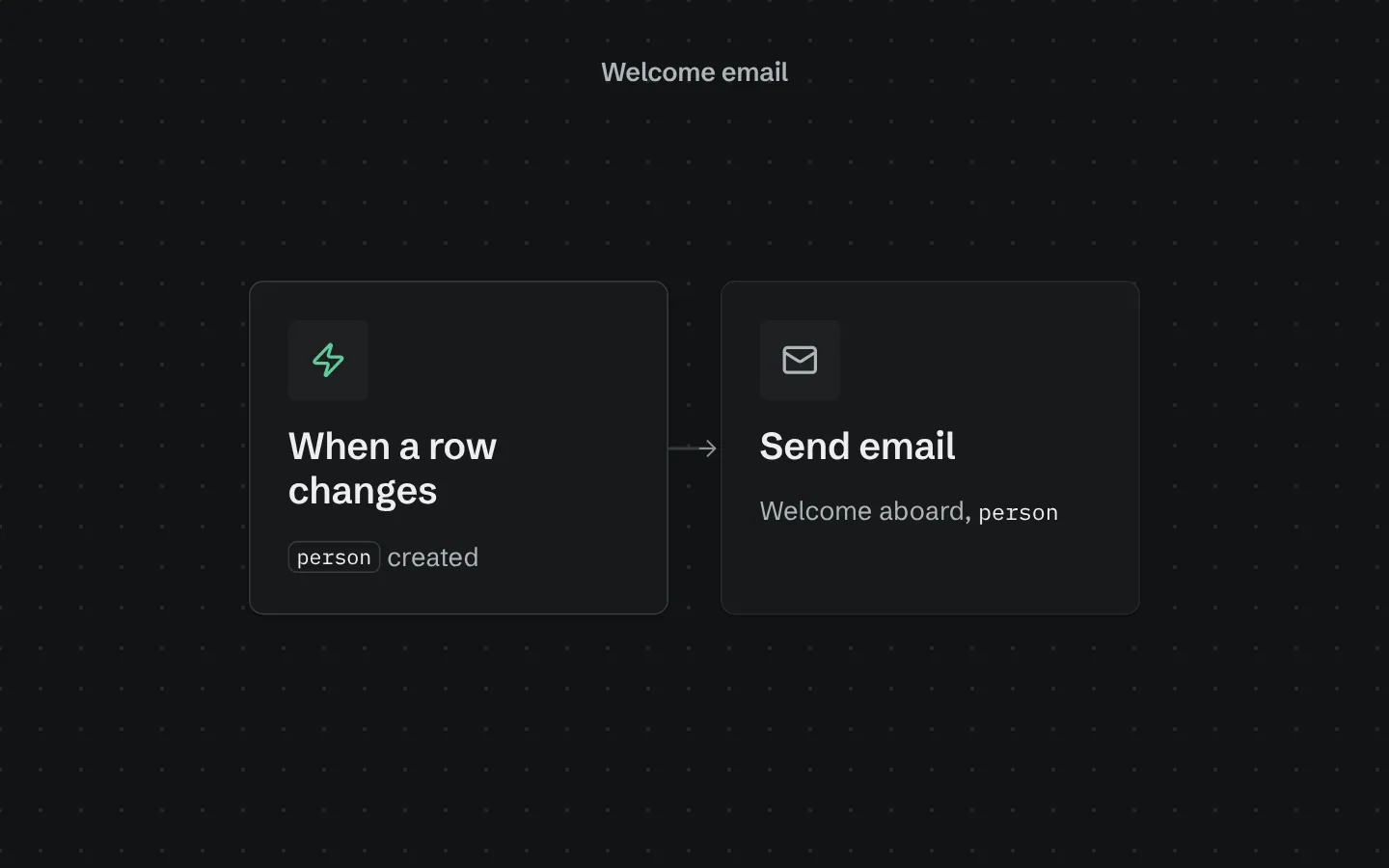
Welcome email
Emails every new person a short, friendly welcome the moment they sign up.
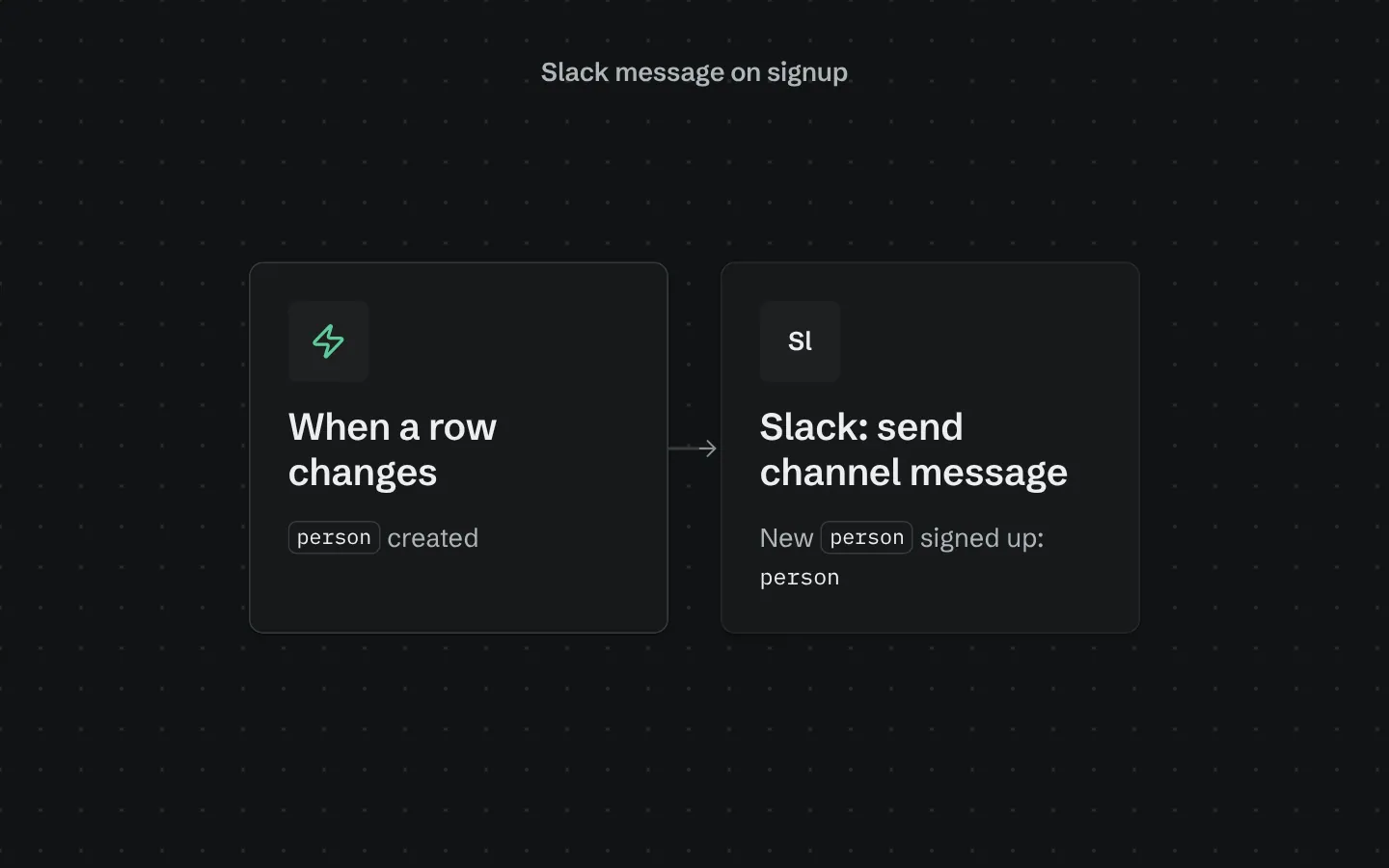
Slack message on signup
Posts to a Slack channel whenever someone new signs up, with their name and email.
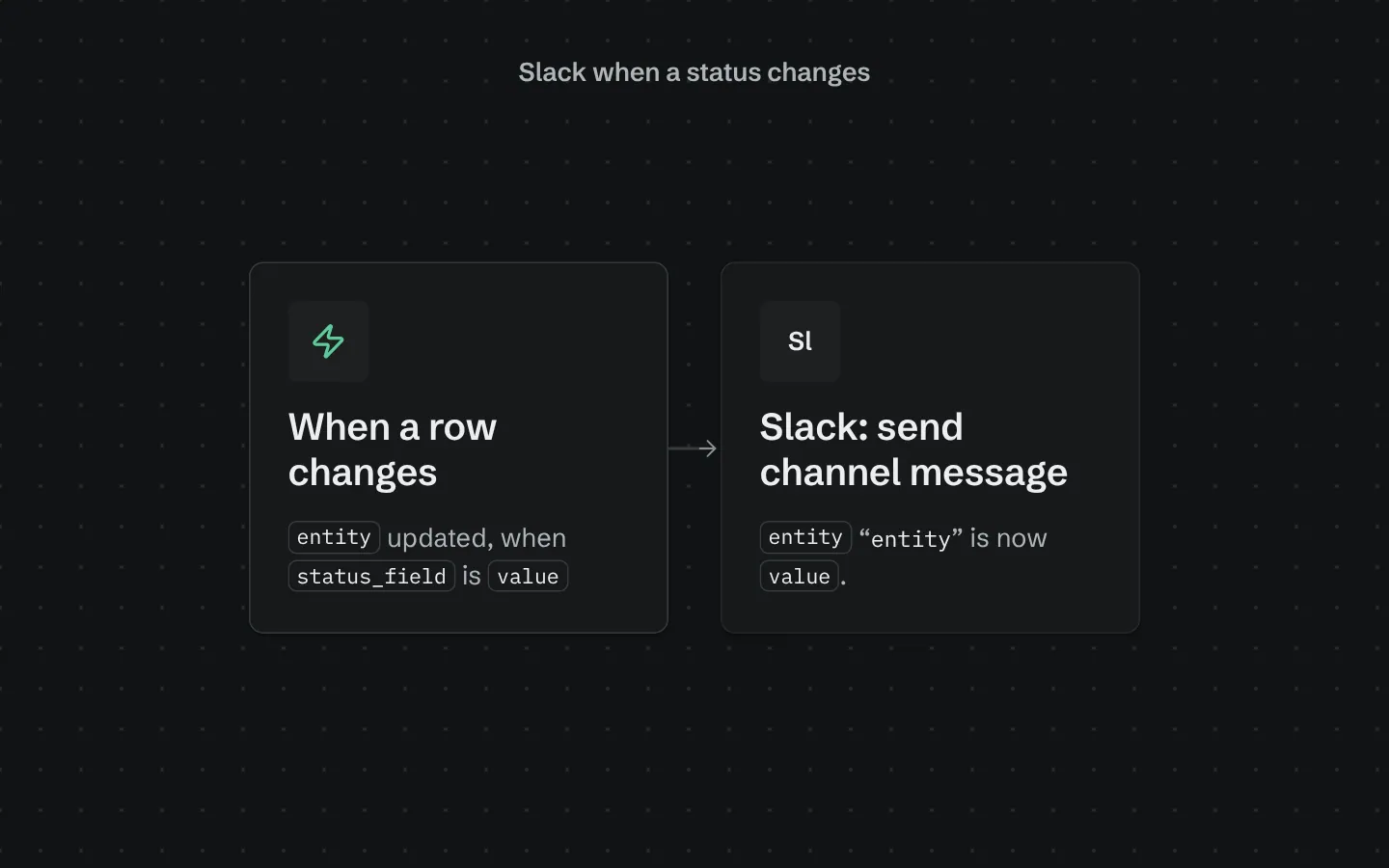
Slack when a status changes
Posts to a Slack channel when a row's status changes to the value you pick: an order shipped, a deal won, a ticket escalated.