One-off payments
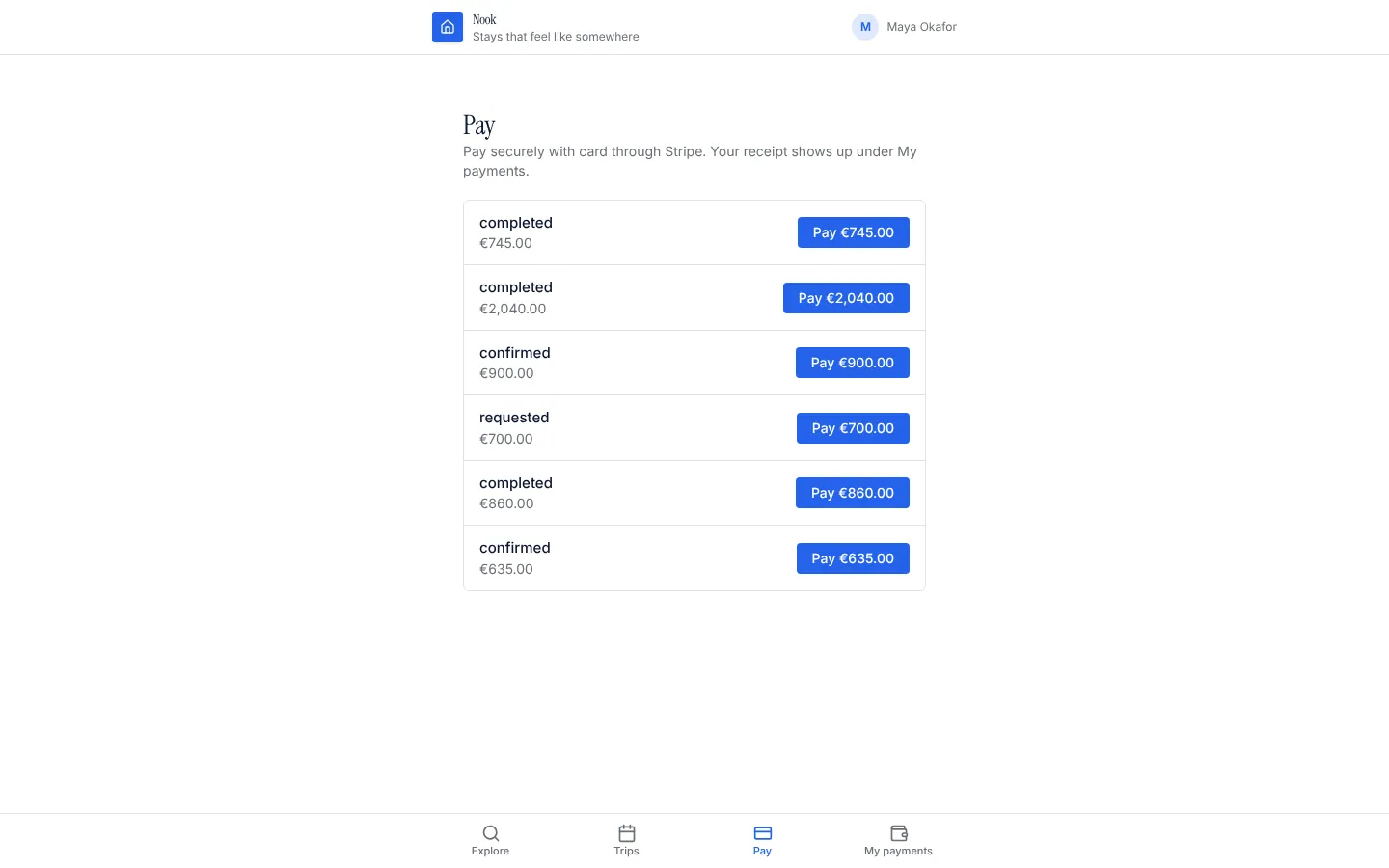
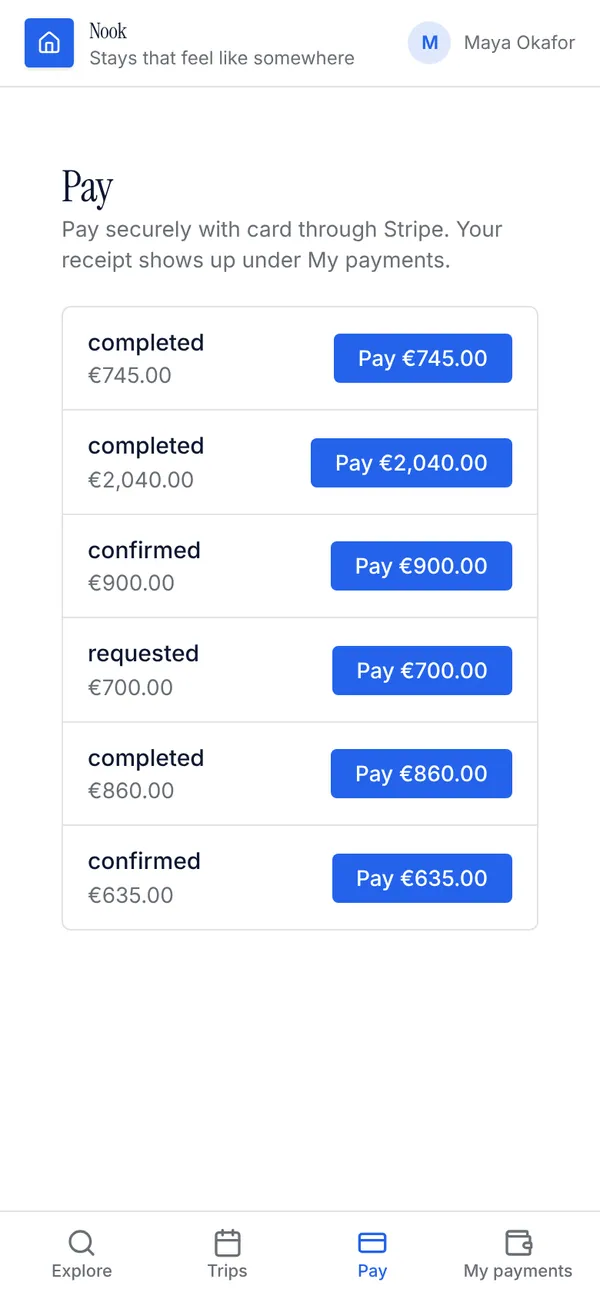
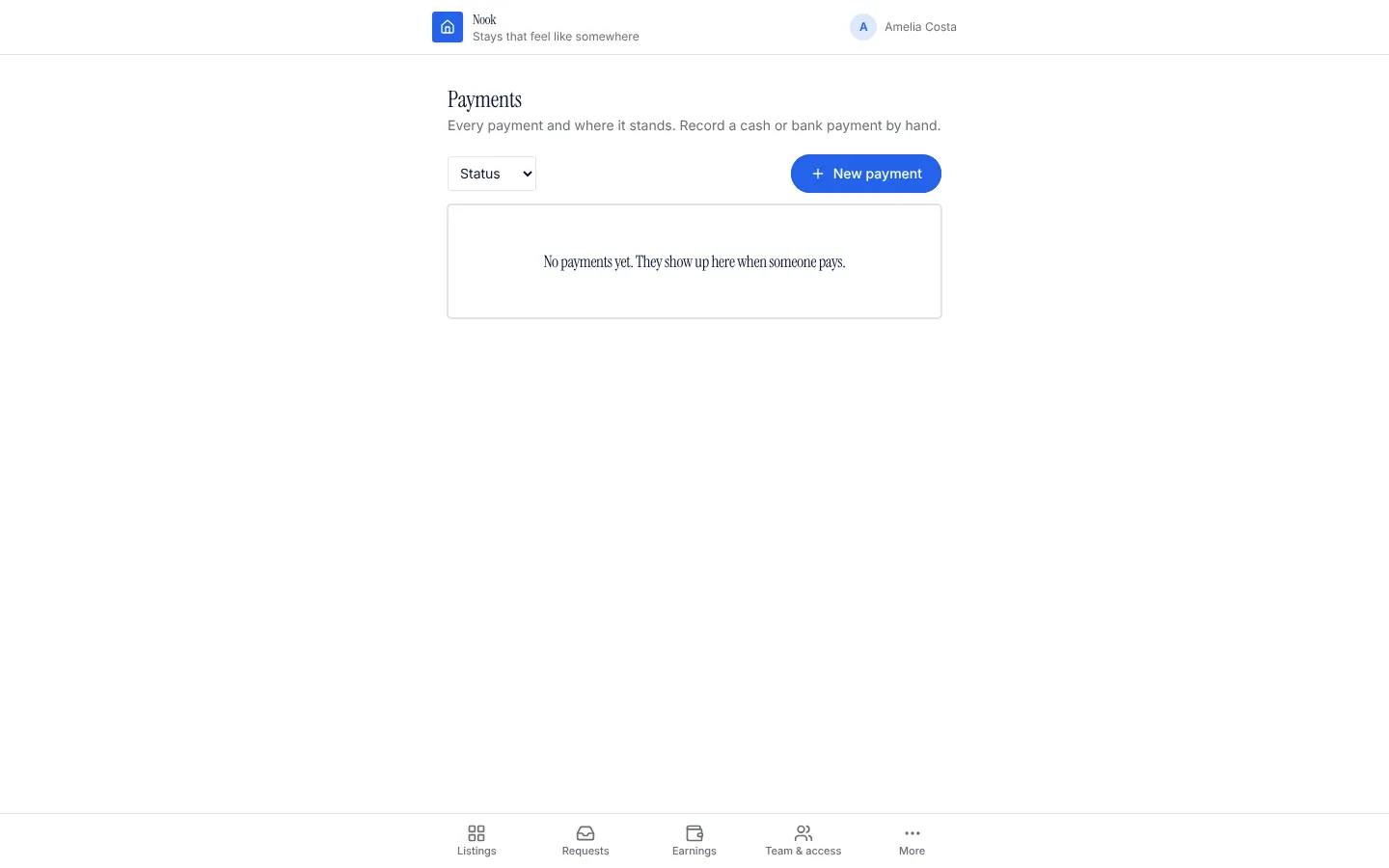
Adds a payment table linked to one of your tables and its price field. People see what they owe on a Pay page and pay on Stripe's secure checkout for exactly that record's price. Stripe tells the app through a signed webhook, and the server marks the payment paid only when Stripe charged the right amount. Payers read only their own payments and rules stop anyone changing an amount or marking a payment paid. Staff see every payment and can record cash by hand.
What it adds to your app
Table payment linked to your table. PayableList and MyPayments components with their pages. A Stripe-signed webhook that marks payments paid or not completed. Server functions: checkout and a manual check with Stripe. A staff payments page.
Tables
paymentrecord_id, payer_id, amount, currency, status, check, stripe_session_id, paid_at
Pages
/payPay (‹payer_role›)/my-paymentsMy payments (‹payer_role›)/payments-adminPayments (@staff)
Components
PayableListWhat the signed-in person can pay for, with a Pay button that opens Stripe CheckoutMyPaymentsThe signed-in person's payments; checks pending ones with Stripe on the way back
Rules on every write
paymentA payment starts as pending and matches the price.paymentOnly Stripe can change a payment.
How its workflows run
Each one is a server workflow in your project: it runs on its trigger, with retries, and its runs show in the builder's log.
- Start a Stripe Checkout for one ‹attach_to›
When the app calls it:
server function (‹payer_role›). Then: Look up ‹attach_to›, then Call api.stripe.com, then Create payment. - Apply Stripe's checkout events to payments
When a webhook arrives:
webhook stripe-payment-events. Then: Look up payment, then Update payment. - Check a payment with Stripe (fallback)
When the app calls it:
server function (‹payer_role›, @staff). Then: Look up payment, then Call api.stripe.com, then Update payment. - Apply what Stripe said about a payment
When a row changes:
payment updated, when check is requested. Then: Update payment. - Thank the payer when a payment goes through
When a row changes:
payment updated, when status is paid. Then: Notify.
Set it up
It merges into the contract of an app you already have. Nothing is overwritten: a name you already use is refused until you pass a prefix.
- Pick the project
Use the button above, or ask your coding agent with the Appbricx MCP server connected (quickstart).
- Point it at your tables and roles
Leave out the ones with defaults; a wrong one is refused with the options your app has.
Param What it is Example attach_toThe table whose records people pay for (bookings, orders, invoices). bookingprice_fieldThe number field on that table holding what to charge. Optional. totalpayer_roleThe role whose people pay (their own table is the payer). Optional. customerpayer_refOptional: the ref on that table naming the person who owes it, so people only see and pay their own. Optional. customer_idcurrencyThe three-letter currency code, lower case. Optional. usd - Connect what it calls
add the STRIPE_SECRET_KEY secret (project settings); add the STRIPE_WEBHOOK_SECRET secret (project settings). A table with a number price field. A Stripe webhook endpoint at the URL get_contract lists for stripe-payment-events (Backend, API in the builder), with its signing secret in STRIPE_WEBHOOK_SECRET.
- Preview, then apply to dev
A dry run shows the diff and the check report; applying it changes your dev environment only.
- Deploy
When dev looks right, deploy. Production gets a snapshot first, so you can roll back.
Use it with your coding agent
The agent reads the template, runs a dry run, shows you the diff and applies it.
Add the One-off payments template (slug "one-off-payments") to my Appbricx project. Read it with get_template, run use_template with dry_run first and show me the diff, then apply it. Ask me where it attaches if you can't tell from my contract (attach_to: what is paid for; price_field: price field; payer_role: who pays; payer_ref: whose record it is; currency: currency).{
"tool": "use_template",
"arguments": {
"slug": "one-off-payments",
"project_id": "<your project id>",
"params": {
"attach_to": "booking",
"price_field": "total",
"payer_role": "customer",
"payer_ref": "customer_id",
"currency": "usd"
},
"dry_run": true
}
}appbricx templates use one-off-payments --param attach_to=booking --param price_field=total --param payer_role=customer --param payer_ref=customer_id --param currency=usd --dry-runWorks with
The services this template calls. Each page lists every action and what connecting it takes.
Goes well with
Stripe subscriptions
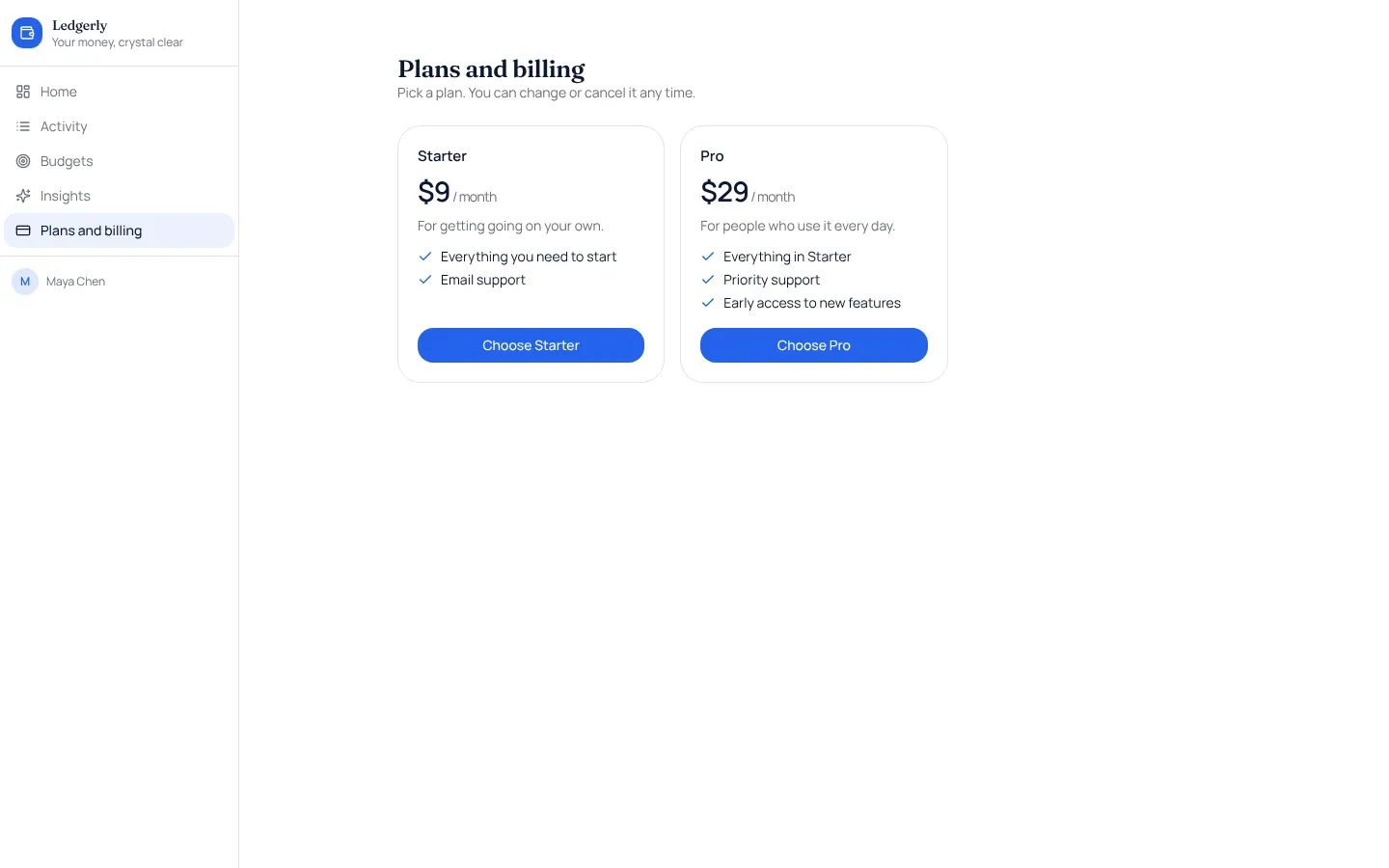
Monthly or yearly plans paid through Stripe Checkout, with a billing page and Stripe's own billing settings.
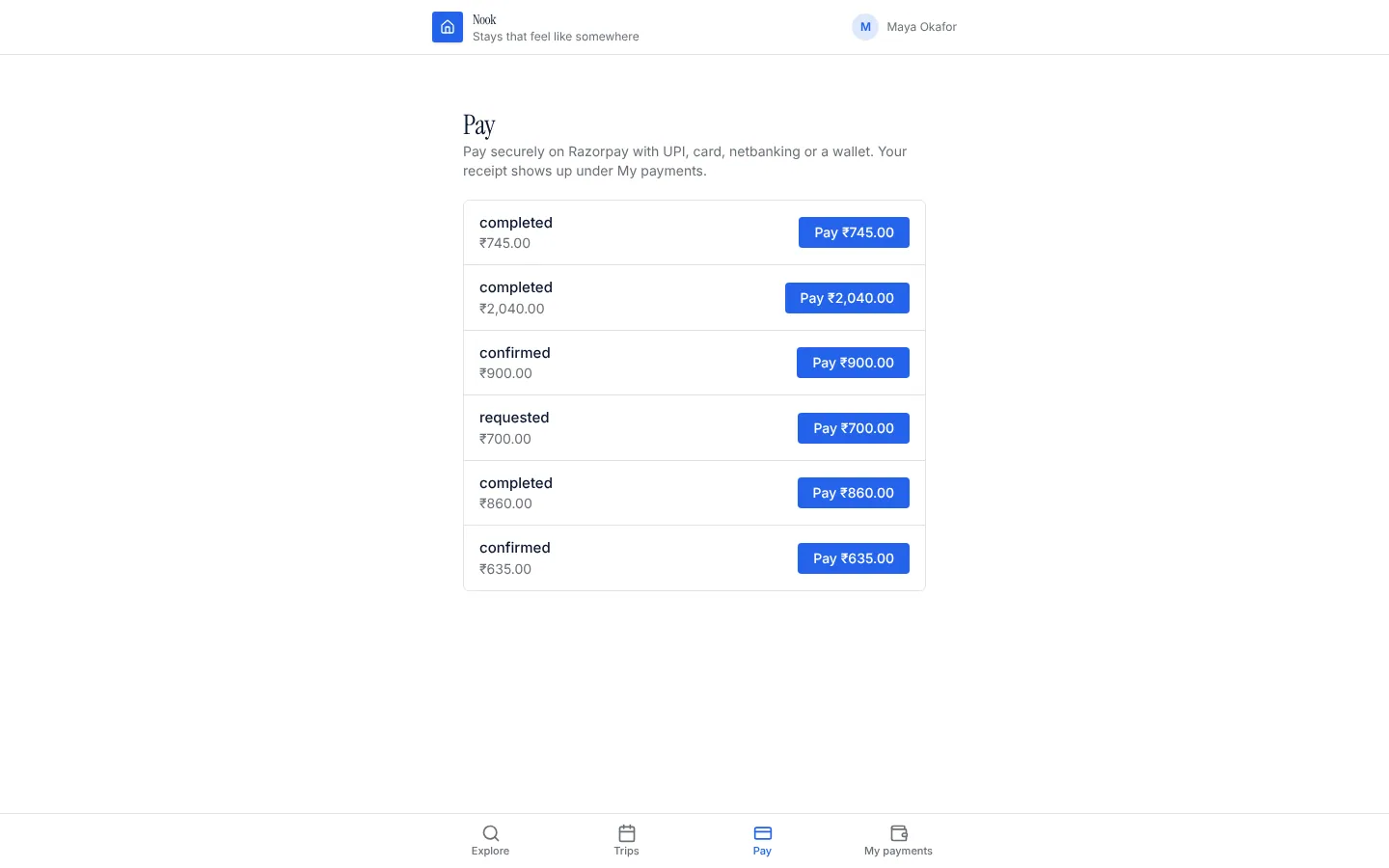
Razorpay payments
Take a payment in INR for any record (a booking, an order, an invoice) through a Razorpay Payment Link: UPI, cards, netbanking and wallets, confirmed by Razorpay's signed webhook.
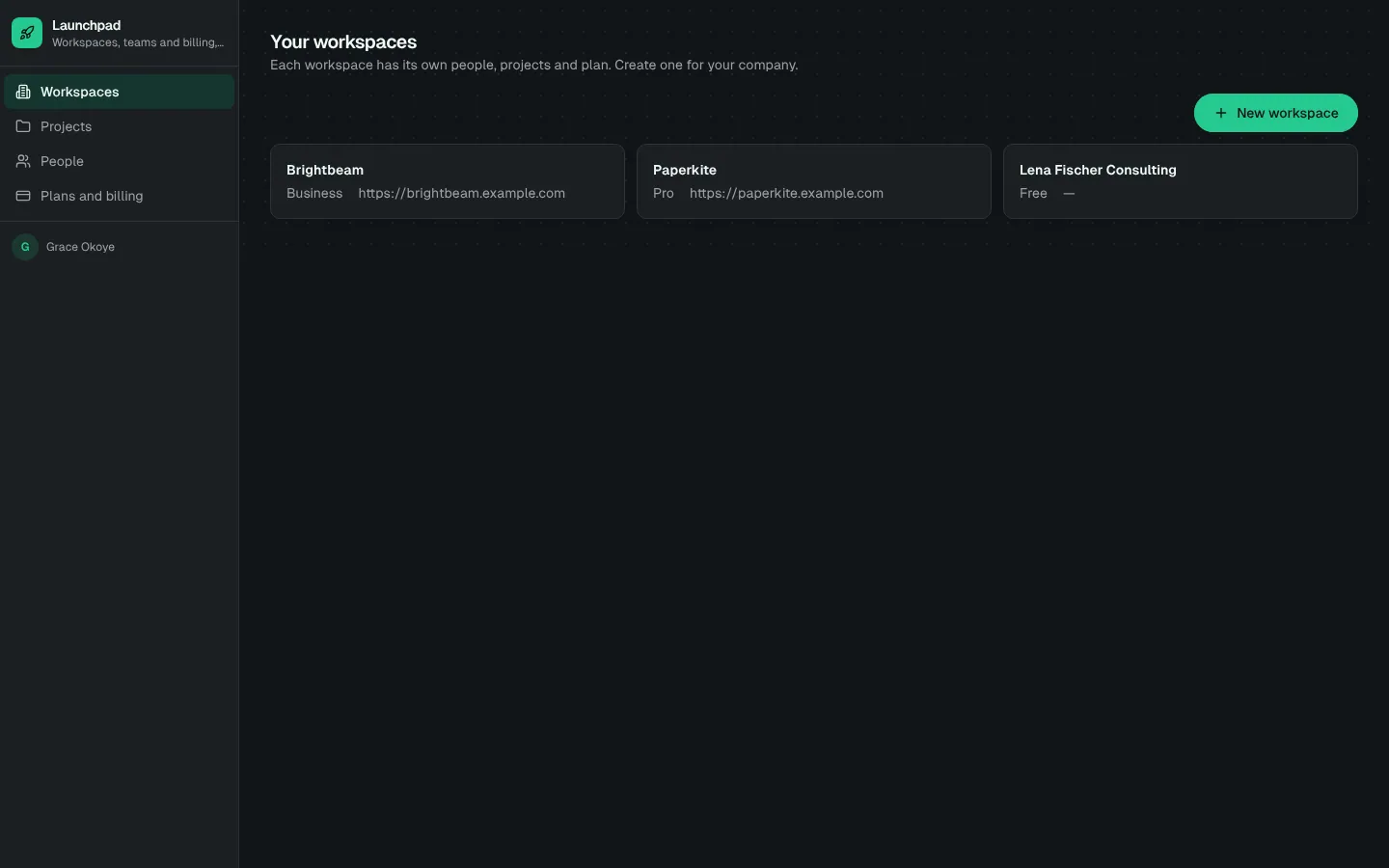
SaaS starter (Stripe)
B2B SaaS starter with a public landing page, sign-up, workspaces and teams, plan limits and Stripe subscription billing confirmed by signed webhooks.