Approvals
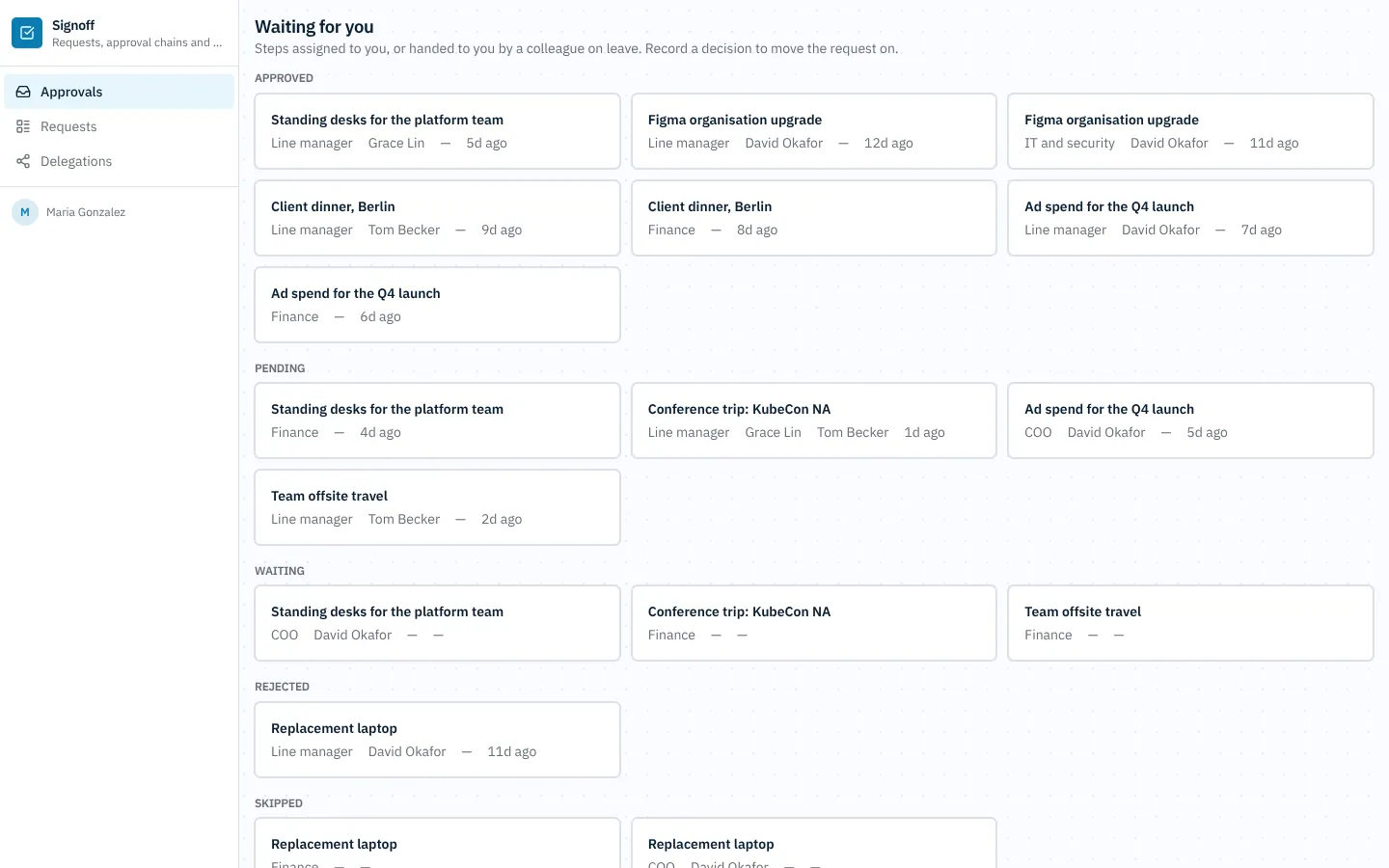
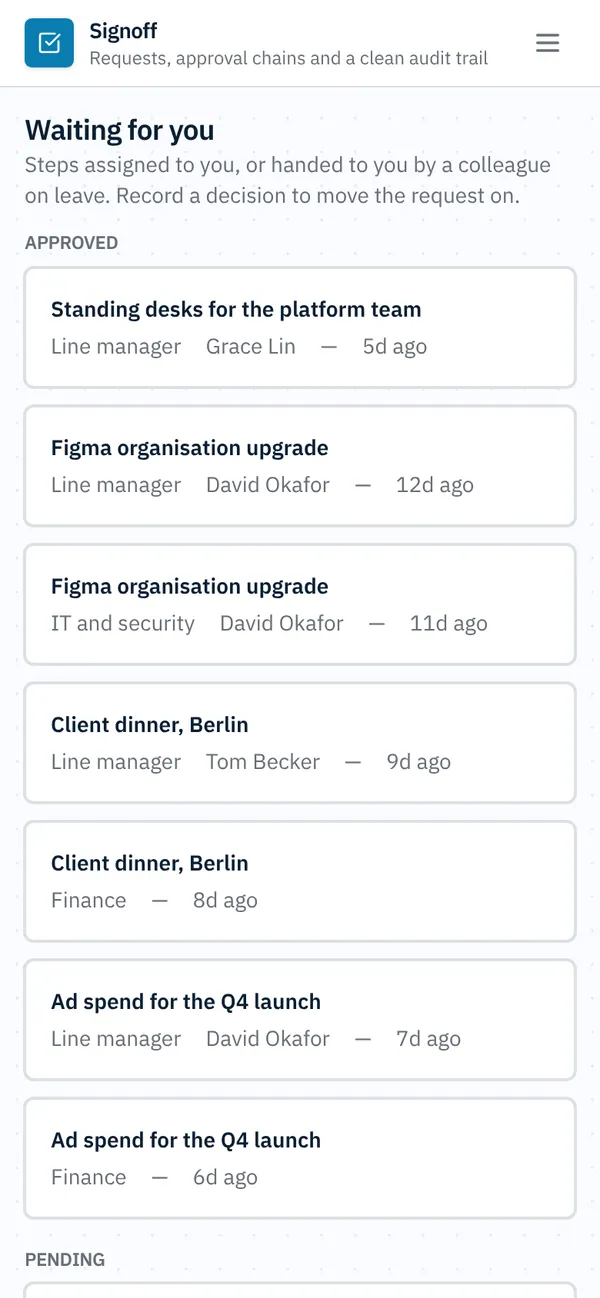
An internal tool for the requests a company signs off on. Employees draft a request and submit it; the first active policy for its type and amount builds the approval chain (line manager, finance, COO...) and each approver records a decision in turn. Approvers on leave delegate to a colleague for a date range and their pending steps move over. Rules make sure only the assigned approver (or their delegate) decides, a rejection says why, submitted requests can't be edited and nobody can mark a request approved by hand. A daily job escalates steps that wait longer than the policy allows, and every submission, decision, delegation and escalation lands in the audit trail.
Invite-only. Employees raise requests, approvers decide their steps and delegate, admins run policies and the audit trail.
What's inside
My requests: drafts, submit, a board and the request page with its chain. Approvals inbox and the decision form. Delegations by date range. Policies by type and amount, with their ordered steps. Company-wide requests, running chains and the audit trail.
Tables
adminname, emailapprovername, email, department, levelemployeename, email, department, location, manager_idpolicyname, request_type, min_amount, max_amount, escalate_after, active, descriptionpolicy_steppolicy_id, step_order, label, approver_idrequesttitle, type, amount, currency, details, vendor, needed_by, attachment, …approval_steprequest_id, step_order, label, approver_id, acting_approver_id, status, activated_at, decided_at, …decisionstep_id, decision, reason, comment, approver_iddelegationapprover_id, delegate_id, starts_on, ends_on, reasonaudit_eventrequest_id, action, source, actor_name, note, at
Roles
adminAdmin, staffapproverApprover, staffemployeeEmployee, staff
Pages
/my-requestsMy requests (employee)/requests/:idRequest (admin, approver, employee)/inboxApprovals (approver)/all-requestsRequests (approver, admin)/delegationsDelegations (approver, admin)/policiesPolicies (admin)/policies/:idPolicy (admin)/policy-stepsPolicy steps (admin)/chainsChains (admin)/auditAudit trail (admin)/peoplePeople (admin)/approversApprovers (admin)- and 2 more
Rules on every write
policyCheck the amountsrequestRequests are made in your own namerequestSubmitted requests are lockedapproval_stepSteps move by decisionsdecisionThis decision can't be recordeddelegationCheck the delegation
How its workflows run
Each one is a server workflow in your project: it runs on its trigger, with retries, and its runs show in the builder's log.
- Stamp the requester on a new request
When a row changes:
request created. Then: Look up employee, then Update request. - Start the approval chain
When a row changes:
request updated, when status is submitted. Then: Look up delegation, then Update request, then Create audit_event, then Send email. - Apply an approver's decision
When a row changes:
decision created. Then: Look up delegation, then Update decision, then Send email, then Create audit_event. - Hand pending approvals to a delegate
When a row changes:
delegation created. Then: Look up approver, then Update delegation, then Create audit_event, then Send email. - Escalate approvals that wait too long
On a schedule:
schedule daily 08:00 over approval_step. Then: Look up approval_step, then Create audit_event, then Send email, then Notify. - Close a cancelled request's chain
When a row changes:
request updated, when status is cancelled. Then: Look up approval_step, then Update approval_step, then Create audit_event. - Stamp admin notes in the audit trail
When a row changes:
audit_event created. Then: Update audit_event. - Weekly approvals summary for admins
On a schedule:
schedule weekly mon 08:00 over request. Then: Send email.
Set it up
It starts a new project, with its data, roles and sign-in ready.
- Start the project
Use the button above, or ask your coding agent with the Appbricx MCP server connected (quickstart).
- Sign in as each role
The demo logins open each role's home. Change what you like in plain words or in the contract.
- Deploy
When dev looks right, deploy. Production gets a snapshot first, so you can roll back.
Use it with your coding agent
The agent creates the project, builds it and signs in as each role.
Start a new Appbricx project from the Approvals template (slug "approvals") with use_template. Call it "My Approvals", then sign in as each role, verify it and tell me what to change first.{
"tool": "use_template",
"arguments": {
"slug": "approvals",
"name": "My Approvals"
}
}appbricx templates use approvals --name "My Approvals"Goes well with
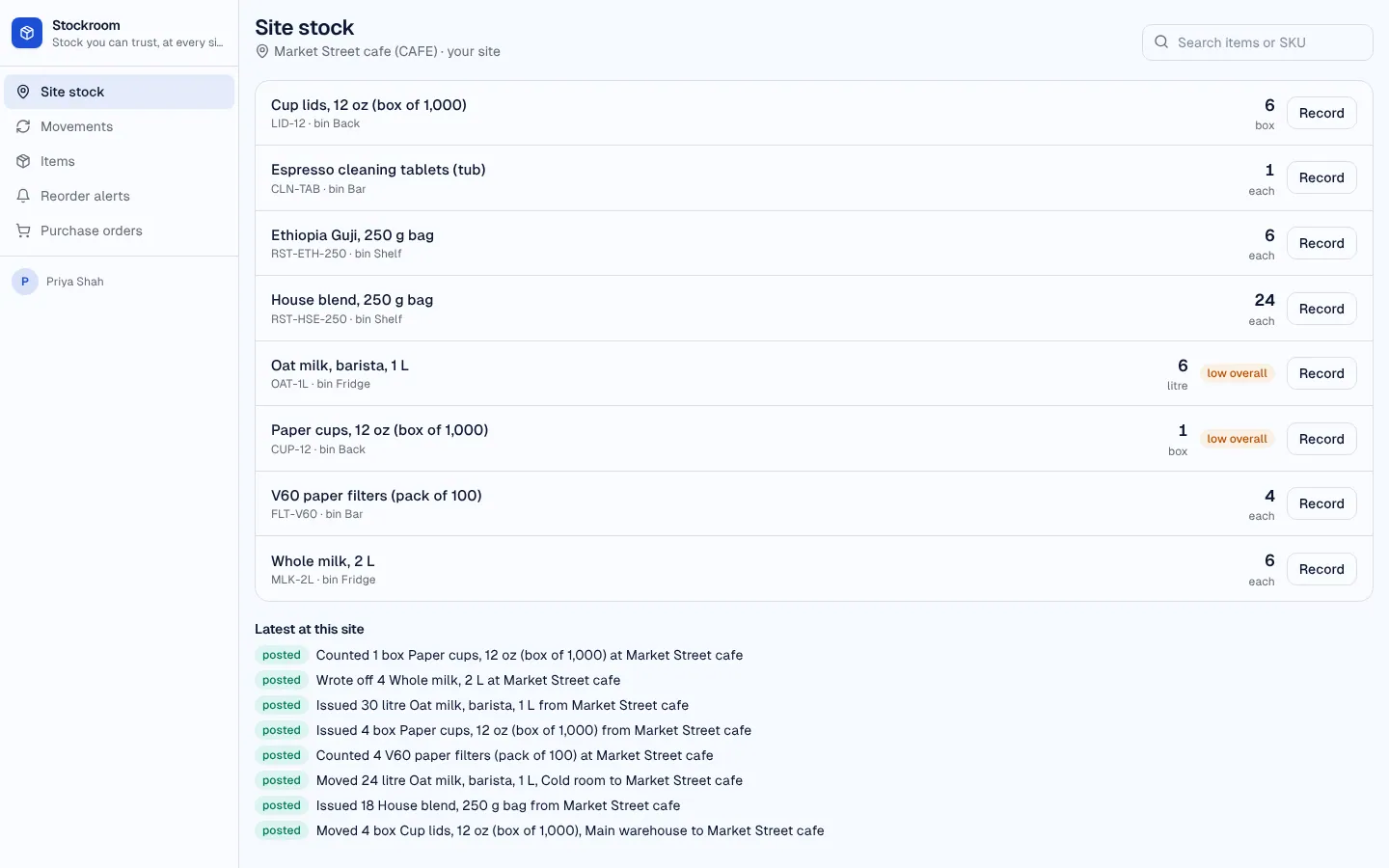
Inventory and stock control
Inventory app: items, sites, a stock ledger of receipts, issues, transfers, counts and write-offs that never goes below zero, reorder alerts and purchase orders.
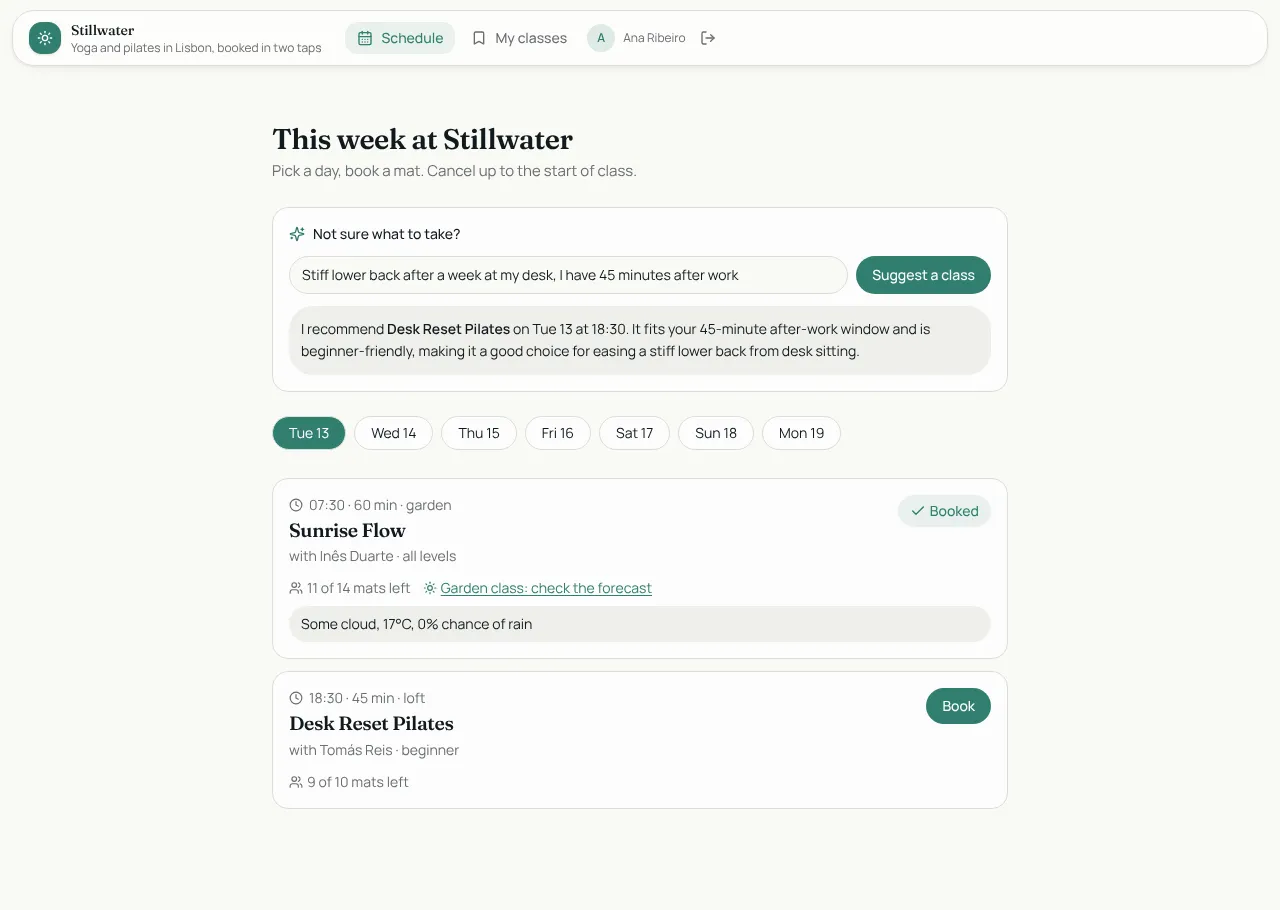
Studio Bookings
Class booking for a yoga and pilates studio: members book in two taps, instructors run the schedule.

Tablefor
Restaurant reservations with a host floor plan and a live kitchen board.