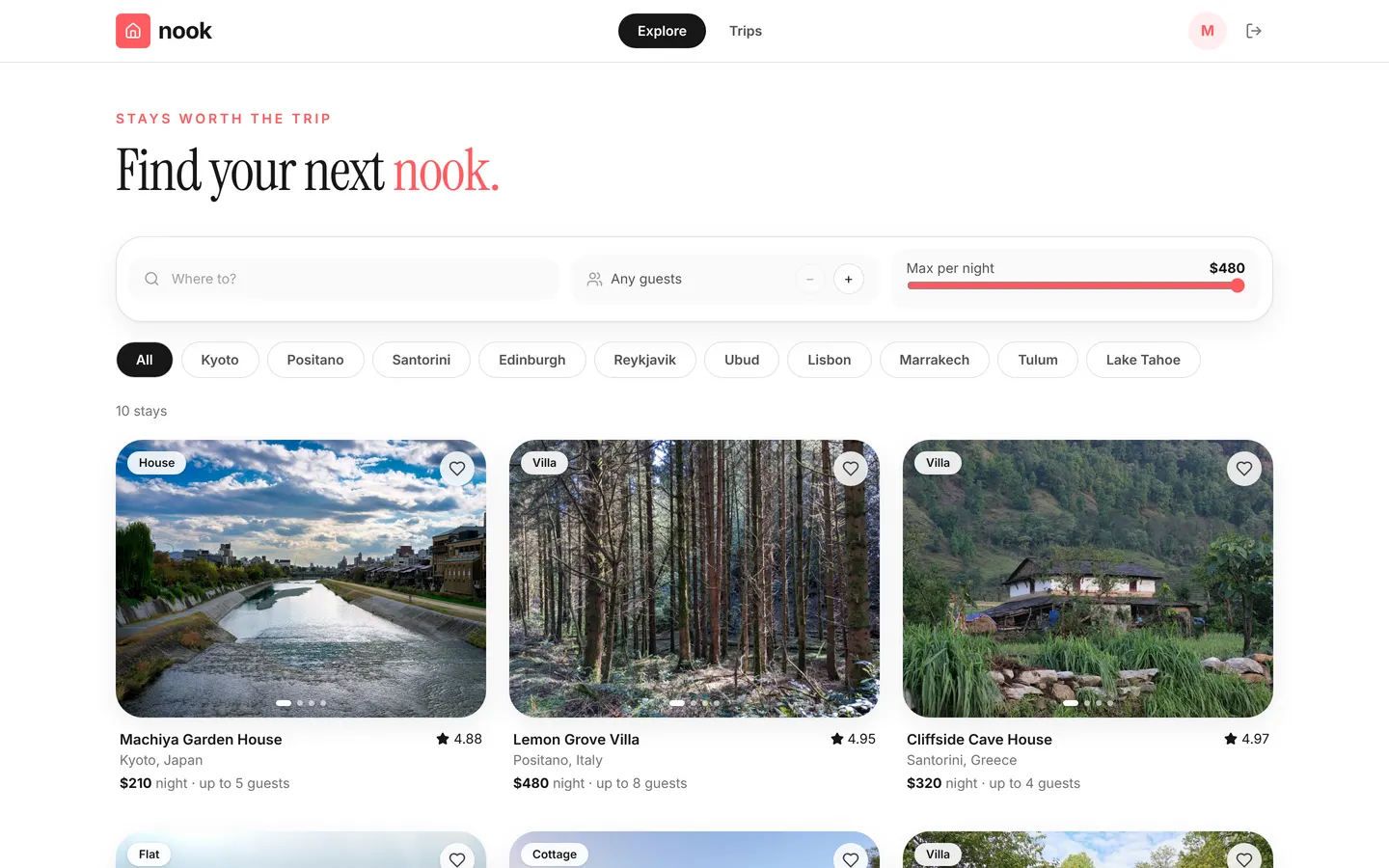
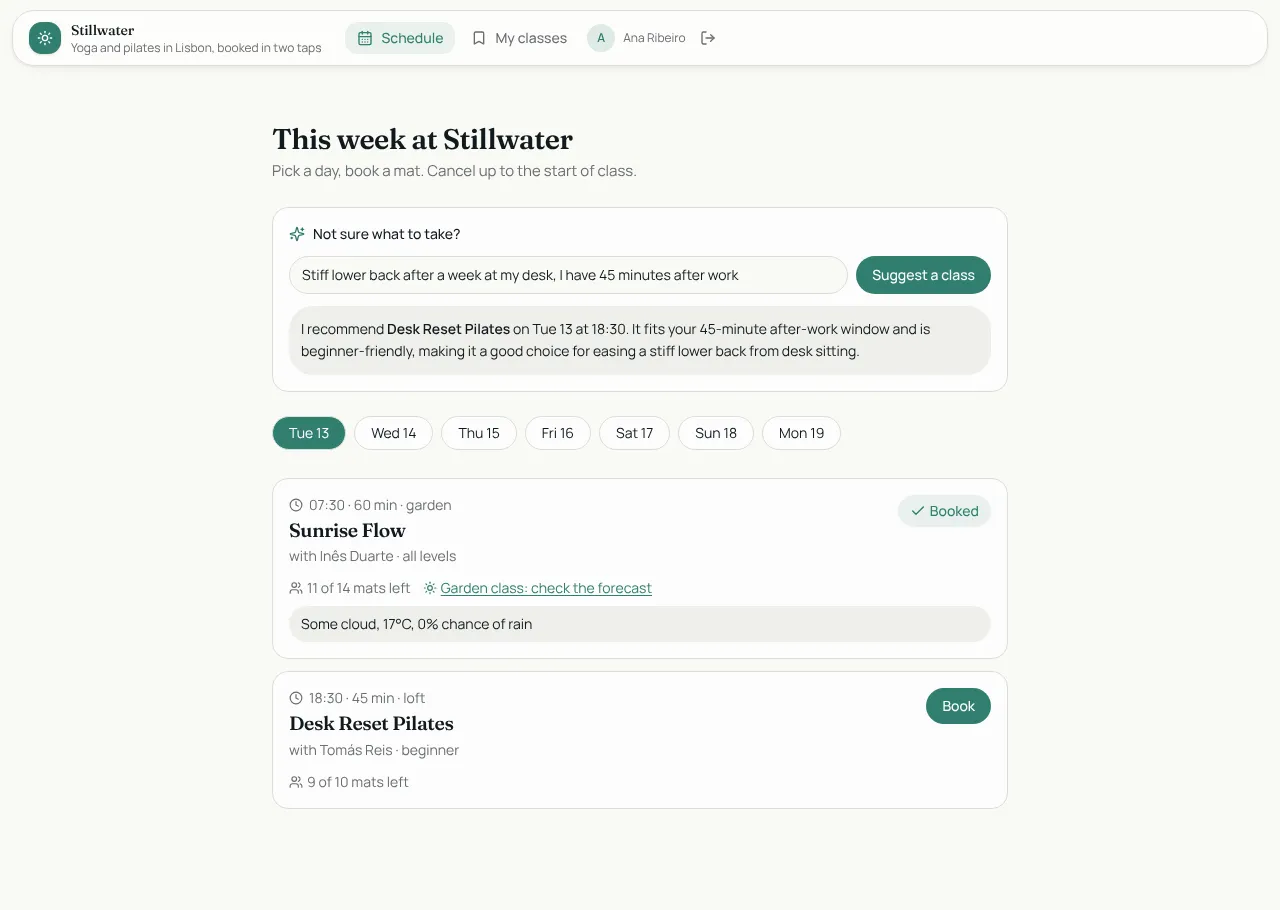
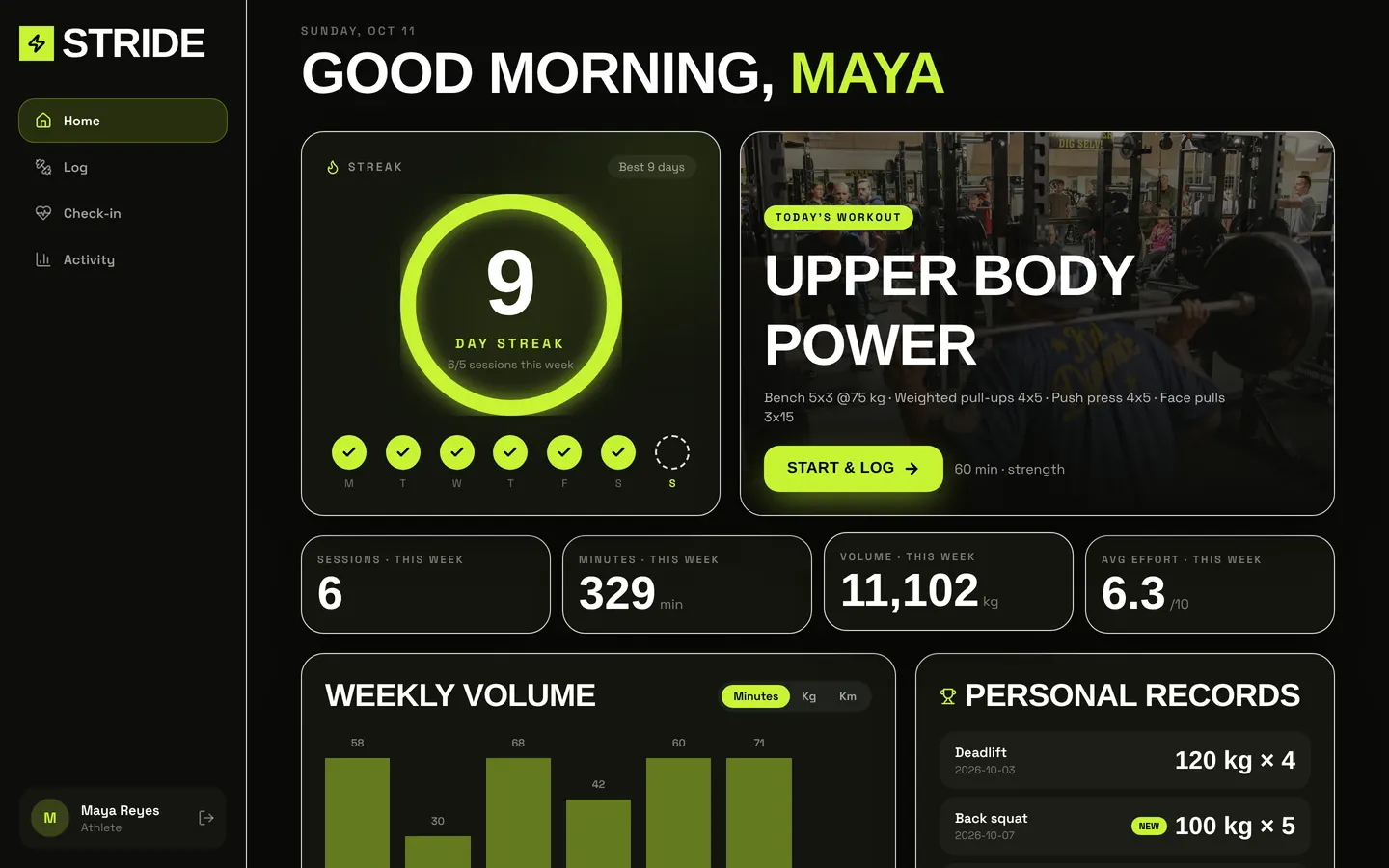
Tablefor
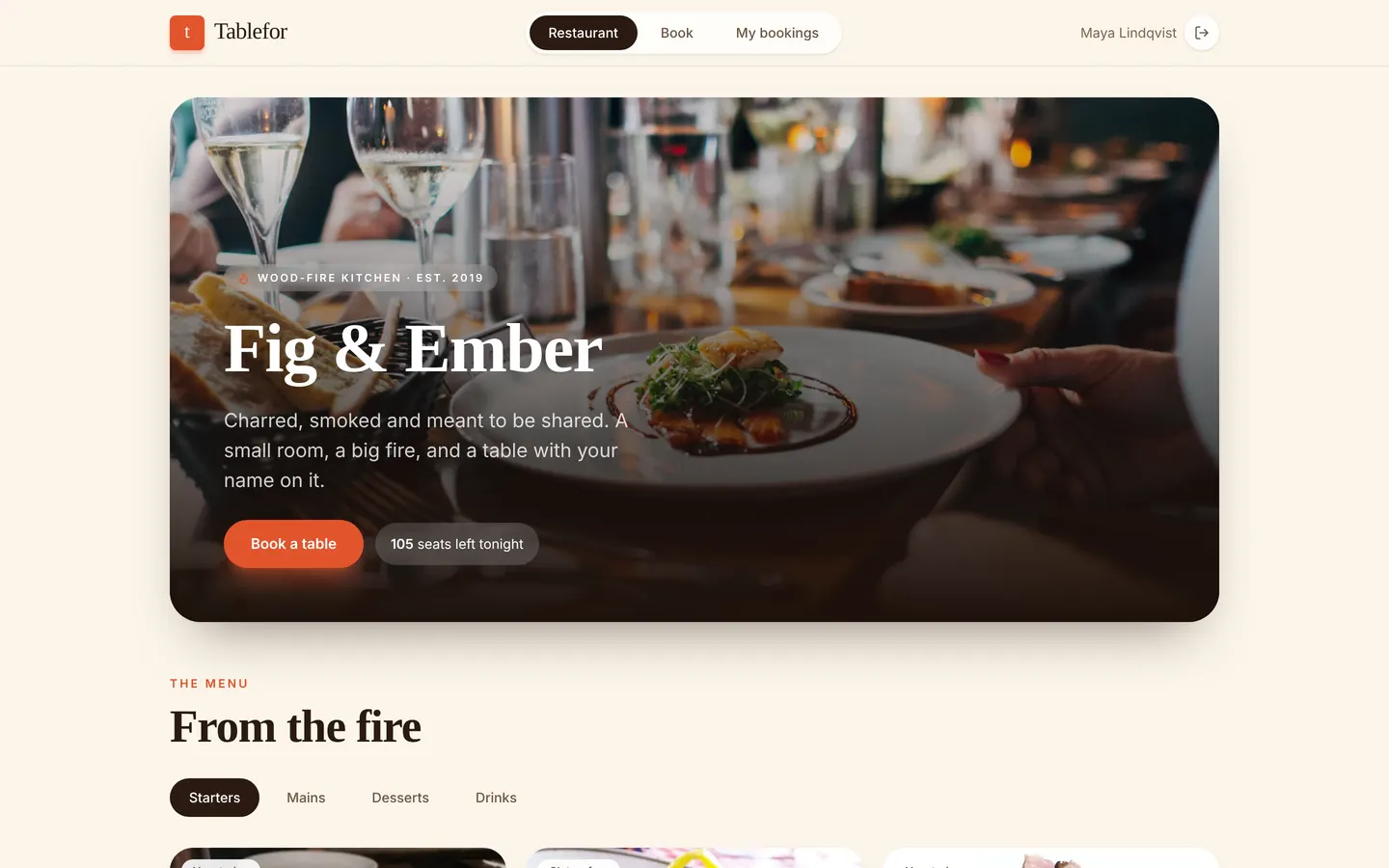
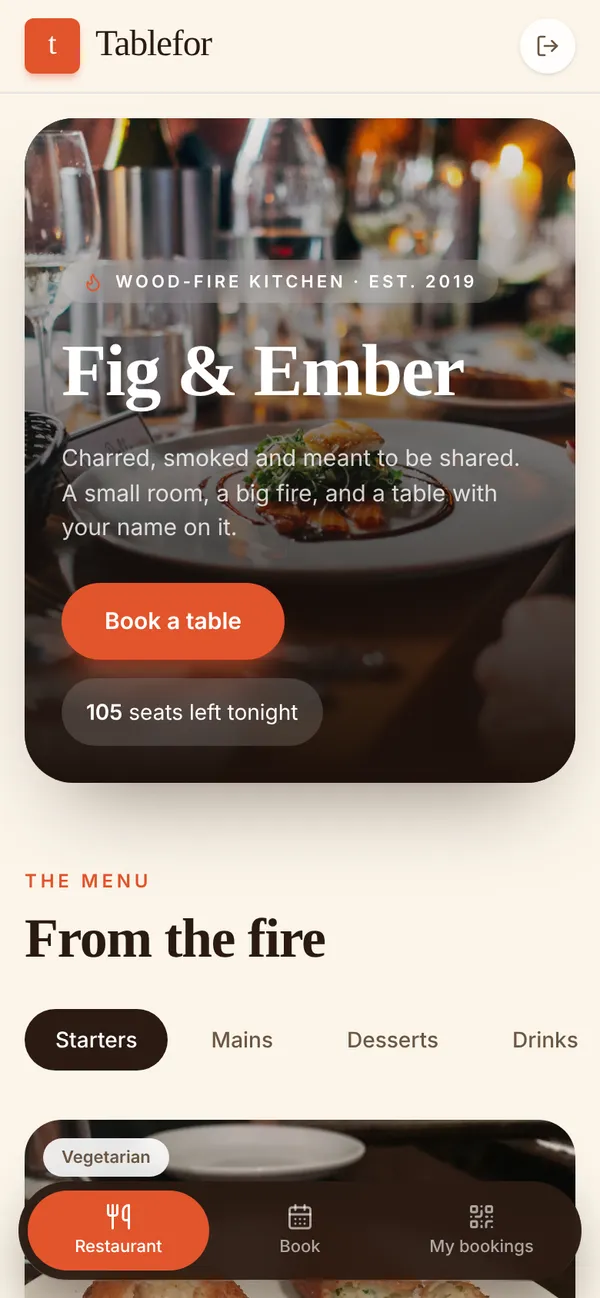
A booking site for a restaurant. Guests pick a slot and get a QR pass for the door; the host seats tonight's parties on a floor timeline and adds walk-ins; the kitchen gets full-screen tickets in real time. A rule stops a slot being overbooked and an hourly sweep marks no-shows.
Guests sign up and book. Hosts run the floor. Chefs work the kitchen display.
What's inside
Menu, opening hours and a slot picker. Bookings with a QR code for the door. Host floor timeline and walk-ins. Full-screen kitchen tickets.
Tables
guestname, email, phonehostname, titlechefname, stationdishname, description, price, category, photo, tagsopening_hourday, opens, closes, note, sortslottime, service, capacity, sortslot_loadslot_id, date, seatsbookingguest_id, guest_name, slot_id, date, time, starts_at, party_size, status, …ticketbooking_id, table_label, covers, items, course, note, status
Roles
guestGuest, consumerhostHost, staffchefChef, staff
Pages
/bookFig & Ember (guest)/kitchenKitchen (chef)/teamTeam & access (host)/floorFloor (host)/reserveBook a table (guest)/my-bookingsMy bookings (guest)
Components
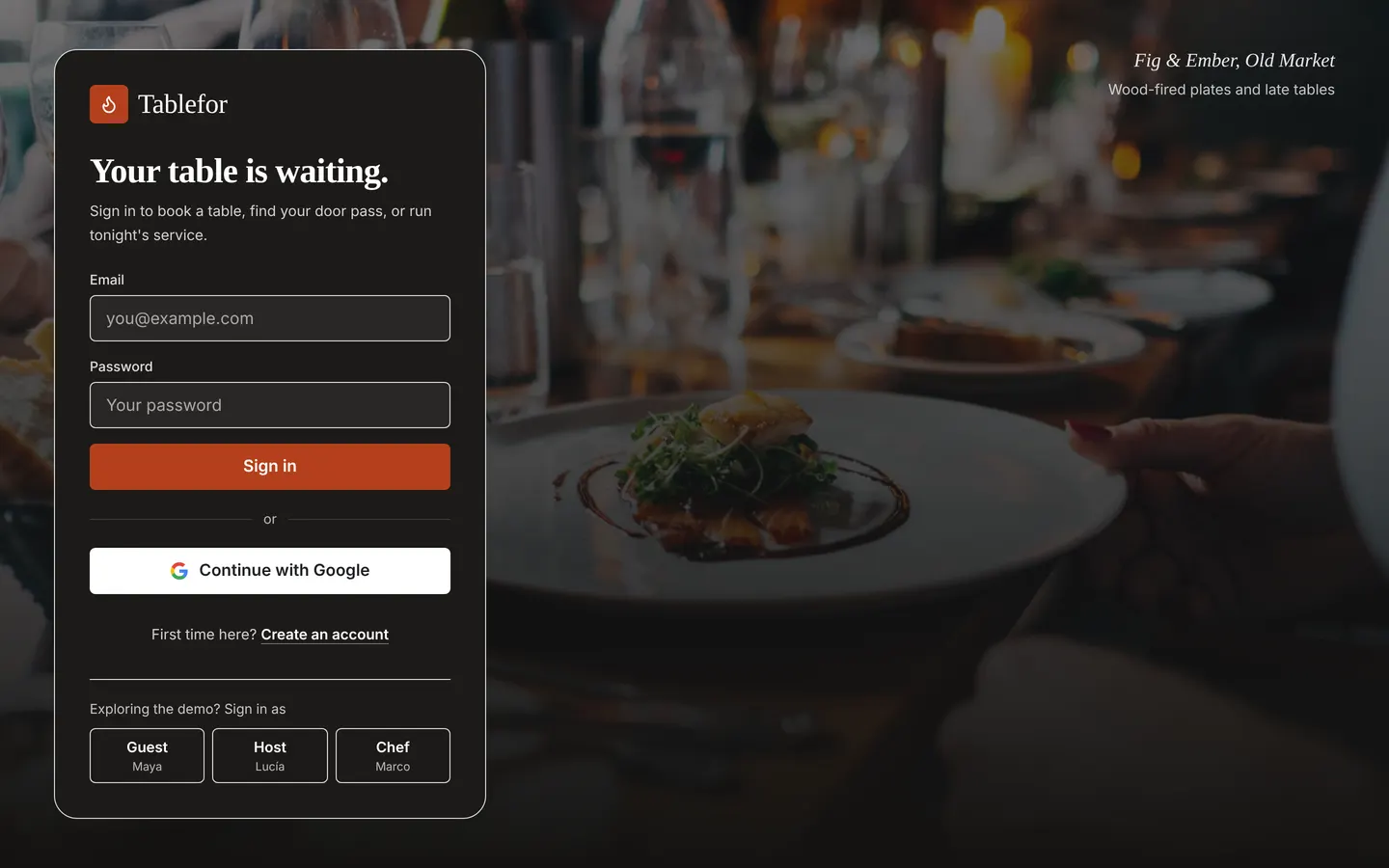
TableforLoginBranded candle-lit sign-in / create-account screen with GoogleGuestAppGuest experience: restaurant and menu with AI dish picks, booking flow, my bookings with QR door passHostFloorHost: tonight's floor timeline, seating, walk-ins, check-in by code, send orders to the kitchenKitchenBoardChef: full-screen dark live kitchen display of tickets
Rules on every write
bookingThat slot is full for your party size.
How its workflows run
Each one is a server workflow in your project: it runs on its trigger, with retries, and its runs show in the builder's log.
- New booking → host
When a row changes:
booking created. Then: Notify host. - Count seats in slot
When a row changes:
booking created. Then: Look up slot_load, then Update slot_load, then Create slot_load. - Free seats on cancel
When a row changes:
booking updated, when status is cancelled. Then: Look up slot_load, then Update slot_load. - Table seated → kitchen
When a row changes:
booking updated, when status is seated. Then: Notify chef. - Ticket ready → host
When a row changes:
ticket updated, when status is ready. Then: Notify host. - Hourly no-show sweep
On a schedule:
schedule hourly over booking. Then: Look up booking, then Update booking.
Set it up
It starts a new project, with its data, roles and sign-in ready.
- Start the project
Use the button above, or ask your coding agent with the Appbricx MCP server connected (quickstart).
- Sign in as each role
The demo logins open each role's home. Change what you like in plain words or in the contract.
- Deploy
When dev looks right, deploy. Production gets a snapshot first, so you can roll back.
Use it with your coding agent
The agent creates the project, builds it and signs in as each role.
Start a new Appbricx project from the Tablefor template (slug "tablefor") with use_template. Call it "My Tablefor", then sign in as each role, verify it and tell me what to change first.{
"tool": "use_template",
"arguments": {
"slug": "tablefor",
"name": "My Tablefor"
}
}appbricx templates use tablefor --name "My Tablefor"