Organisations and teams
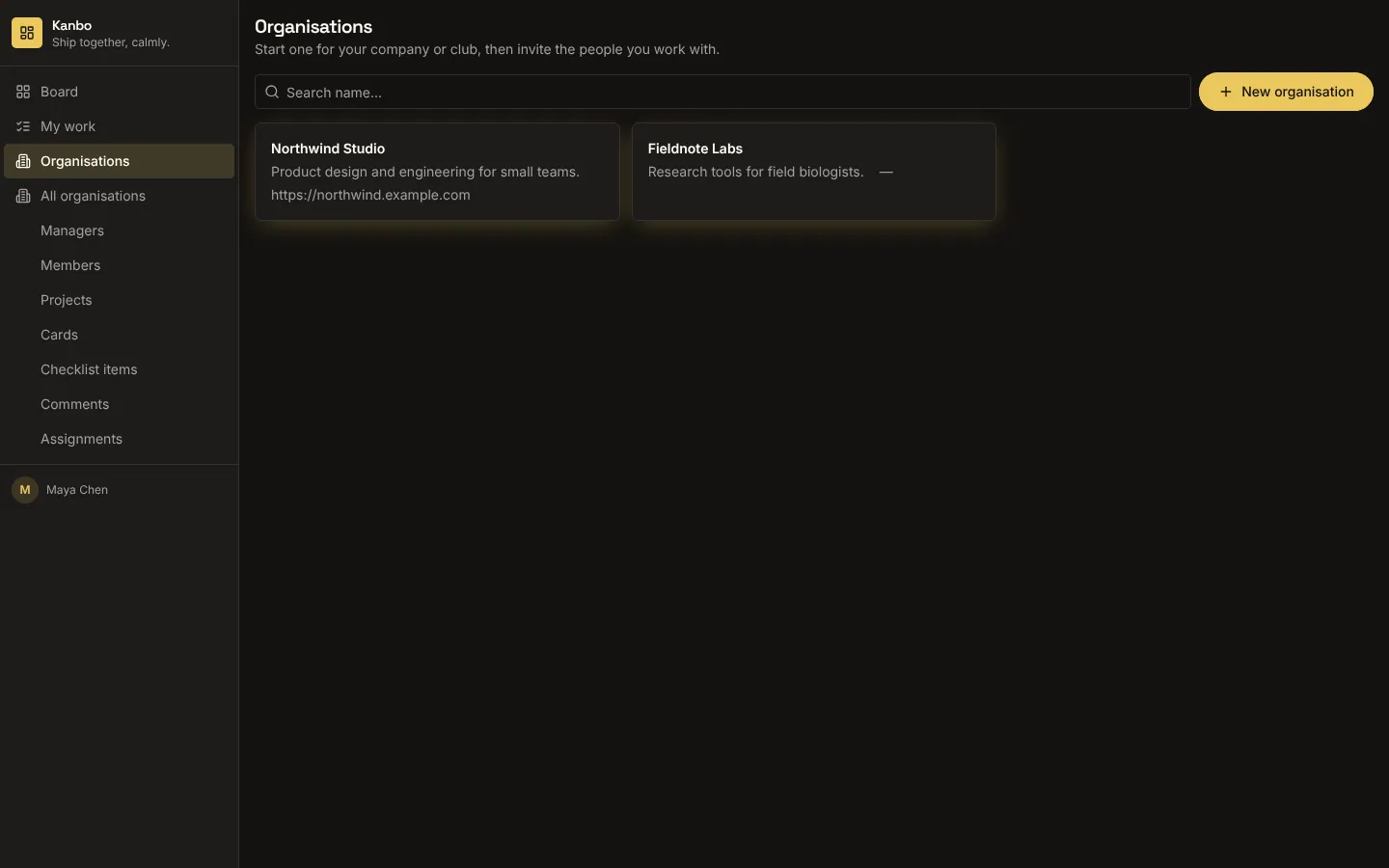
Adds organisations, teams, memberships with roles and email invitations, private to the members of each organisation: Postgres row-level security shows a person only the organisations they belong to and everything in them. Whoever creates an organisation becomes its owner; owners and admins invite people by email, create teams and change roles. An invited person who already has an account joins straight away; anyone else gets an email and joins when they sign up with that address. Optionally makes one of your tables (projects, accounts) belong to an organisation, private to its members too.
What it adds to your app
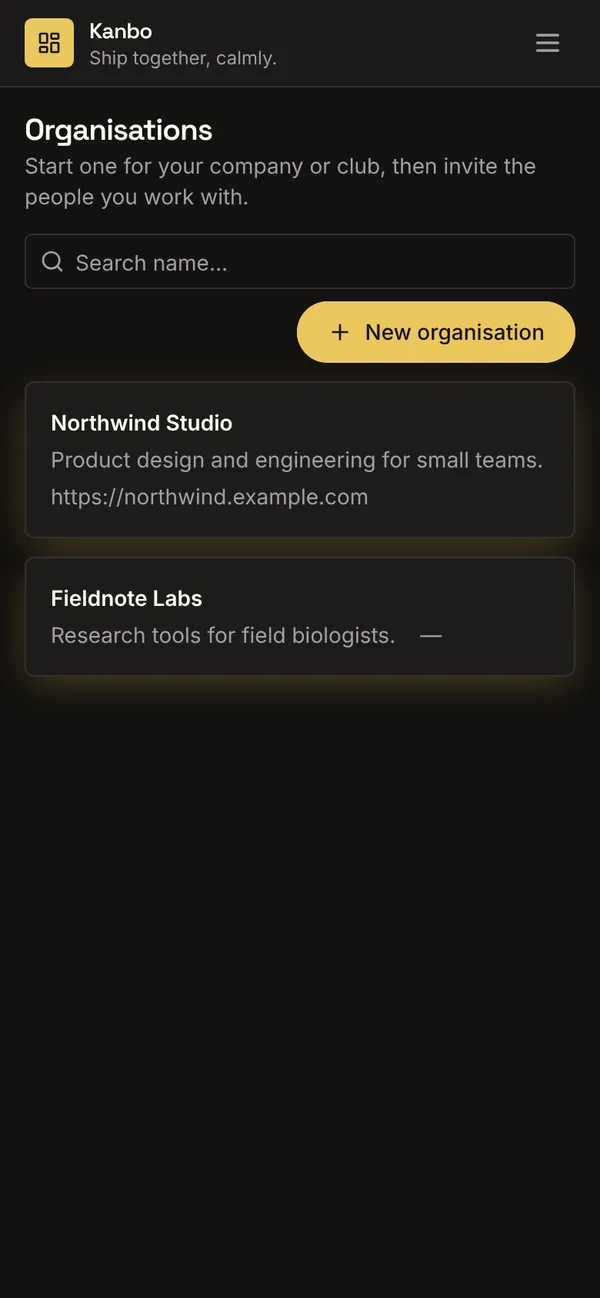
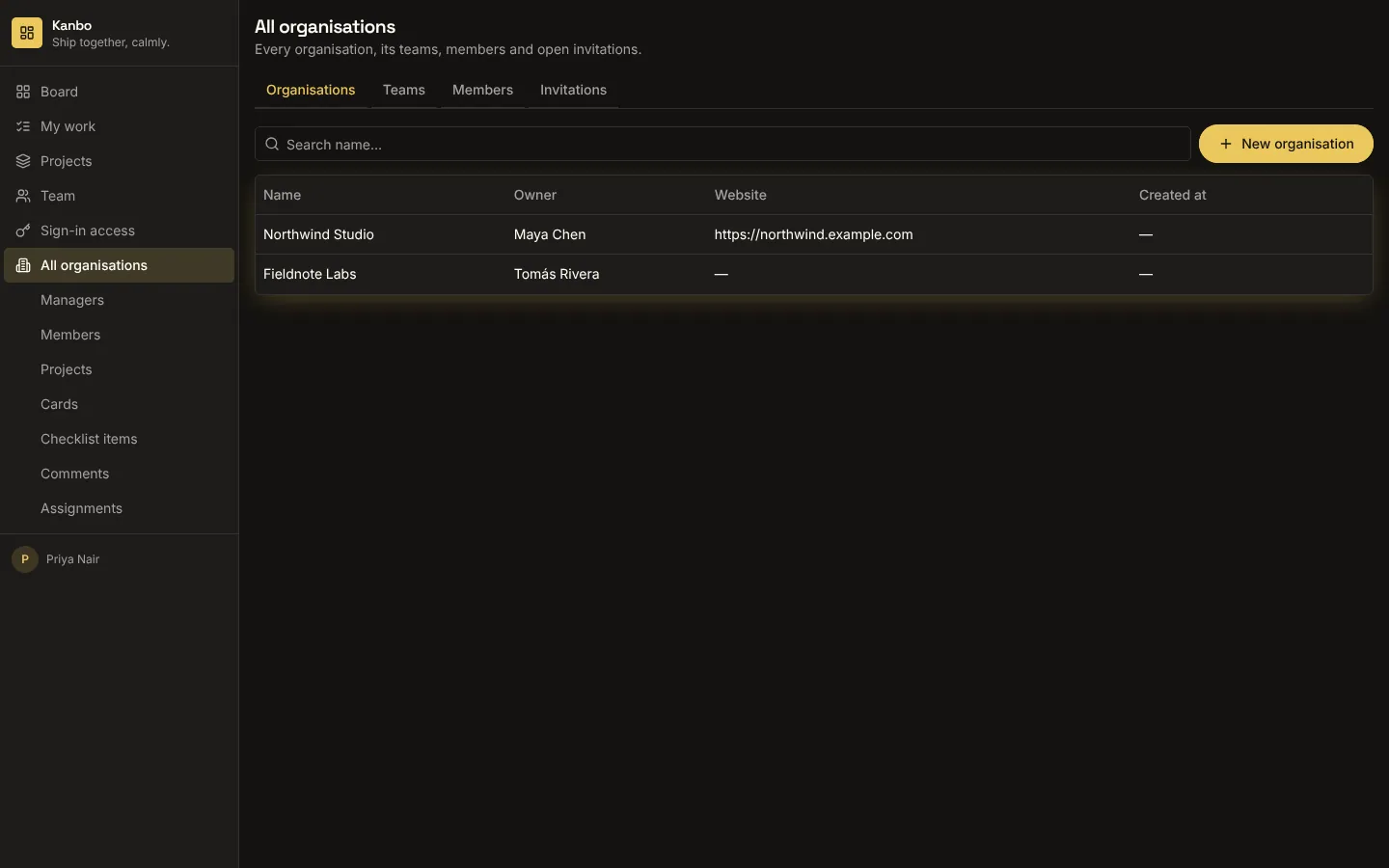
Tables organisation, team, membership and invitation. Organisations list and an organisation console (members, roles, teams, invites). A staff overview of every organisation. Workflows: owner membership, invite or add by email, join on signup.
Tables
organisationname, about, website, owner_idteamorganisation_id, name, descriptionmembershiporganisation_id, member_id, team_id, role, statusinvitationorganisation_id, email, role, team_id, status, invited_by
Fields added to your tables
‹attach_to›.organisation_id
Pages
/organisationsOrganisations (‹member_role›)/organisations/:idOrganisation (‹member_role›)/organisations-adminAll organisations (@staff)
Components
OrganisationConsoleOne organisation: members with roles, teams, and invitations, managed by its owner and admins
Rules on every write
organisationGive the organisation a name of 2 to 80 characters.teamOnly the organisation's owner or admins can do that.membershipOnly the organisation's owner or admins can do that.membershipA membership stays with its person and organisation.invitationOnly the organisation's owner or admins can do that.
How its workflows run
Each one is a server workflow in your project: it runs on its trigger, with retries, and its runs show in the builder's log.
- Make the creator the organisation's owner
When a row changes:
organisation created. Then: Create membership. - Add or email the person invited
When a row changes:
invitation created. Then: Look up organisation, then Create membership, then Update invitation, then Notify, then Send email. - Add new signups to the organisations that invited them
When a row changes:
‹member_role› created. Then: Look up invitation, then Create membership, then Update invitation.
Set it up
It merges into the contract of an app you already have. Nothing is overwritten: a name you already use is refused until you pass a prefix.
- Pick the project
Use the button above, or ask your coding agent with the Appbricx MCP server connected (quickstart).
- Point it at your tables and roles
Leave out the ones with defaults; a wrong one is refused with the options your app has.
Param What it is Example member_roleThe role whose people create and join organisations (their own table holds the members). Optional. memberemail_fieldOptional: the email field on that role's table, used to match invitations to people. Optional. emailattach_toOptional: a table of yours (projects, accounts) whose rows then belong to an organisation: it gets organisation_id, and that role sees and changes only its organisations' rows. Optional. project - Preview, then apply to dev
A dry run shows the diff and the check report; applying it changes your dev environment only.
- Deploy
When dev looks right, deploy. Production gets a snapshot first, so you can roll back.
Use it with your coding agent
The agent reads the template, runs a dry run, shows you the diff and applies it.
Add the Organisations and teams template (slug "organisations-and-teams") to my Appbricx project. Read it with get_template, run use_template with dry_run first and show me the diff, then apply it. Ask me where it attaches if you can't tell from my contract (member_role: who joins organisations; email_field: their email field; attach_to: records that belong to an organisation).{
"tool": "use_template",
"arguments": {
"slug": "organisations-and-teams",
"project_id": "<your project id>",
"params": {
"member_role": "member",
"email_field": "email",
"attach_to": "project"
},
"dry_run": true
}
}appbricx templates use organisations-and-teams --param member_role=member --param email_field=email --param attach_to=project --dry-runGoes well with
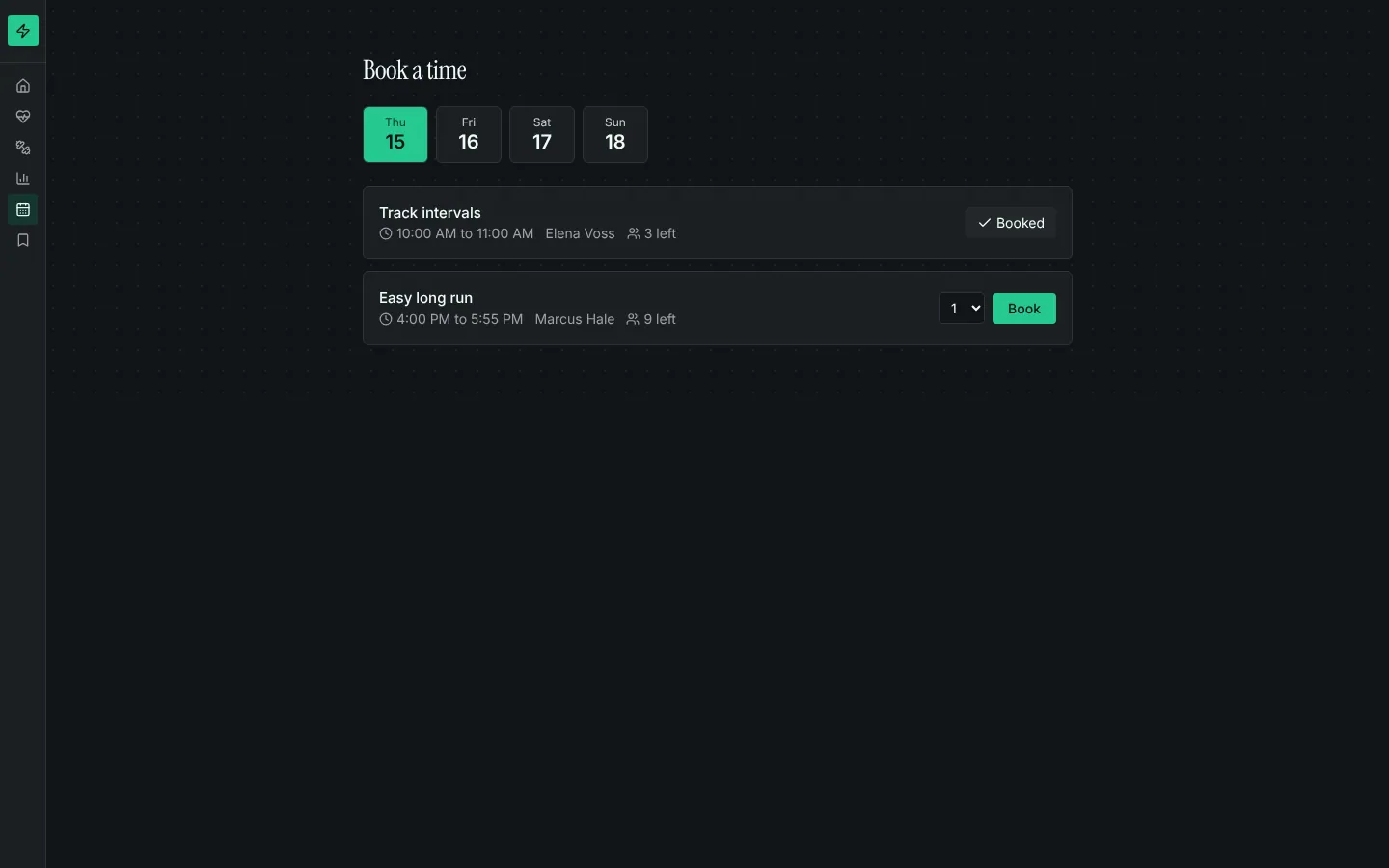
Booking calendar
Bookable time slots with capacity, a day picker, my bookings with cancel, and rules that stop double-booking.
Stripe subscriptions
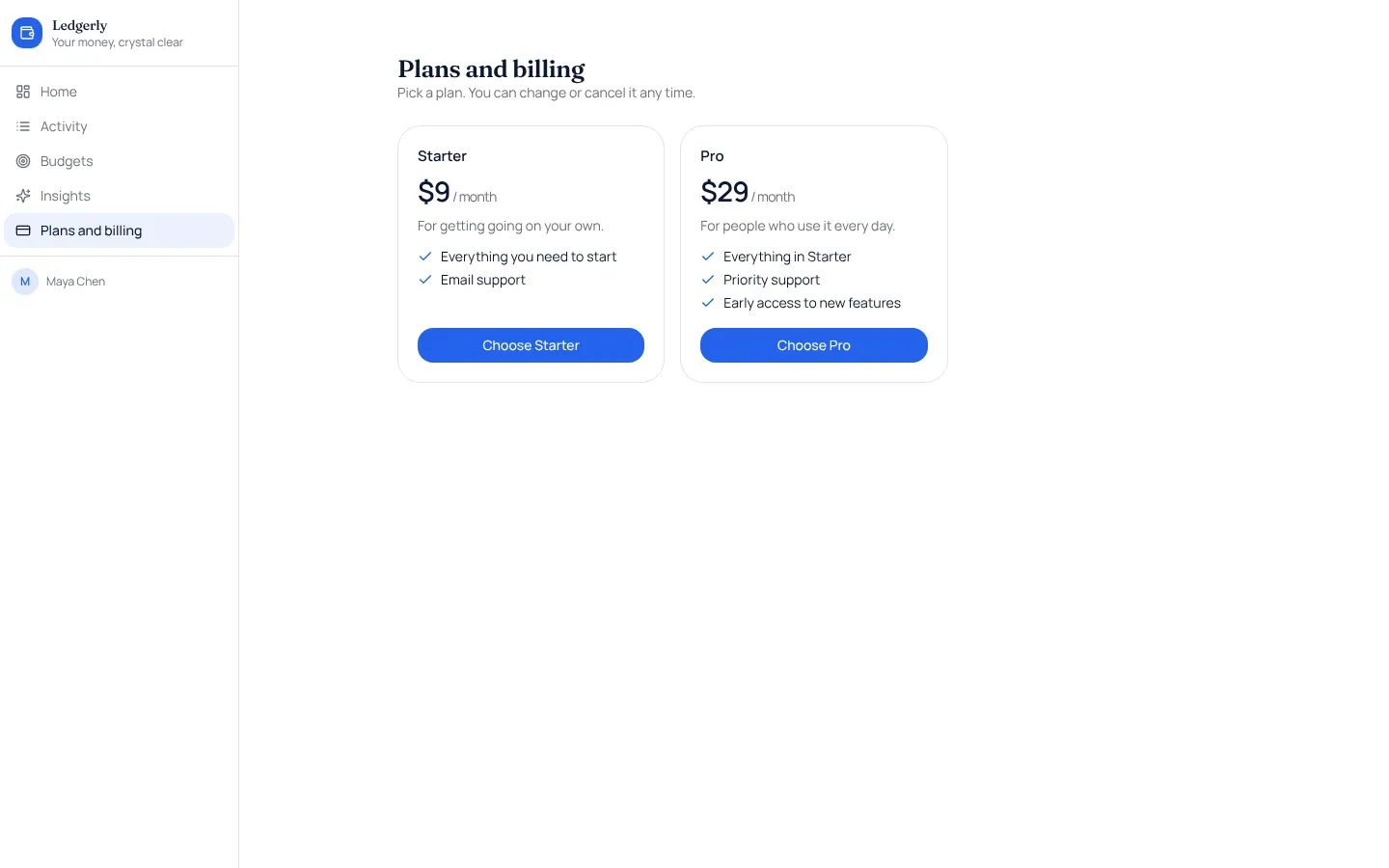
Monthly or yearly plans paid through Stripe Checkout, with a billing page and Stripe's own billing settings.
Comments
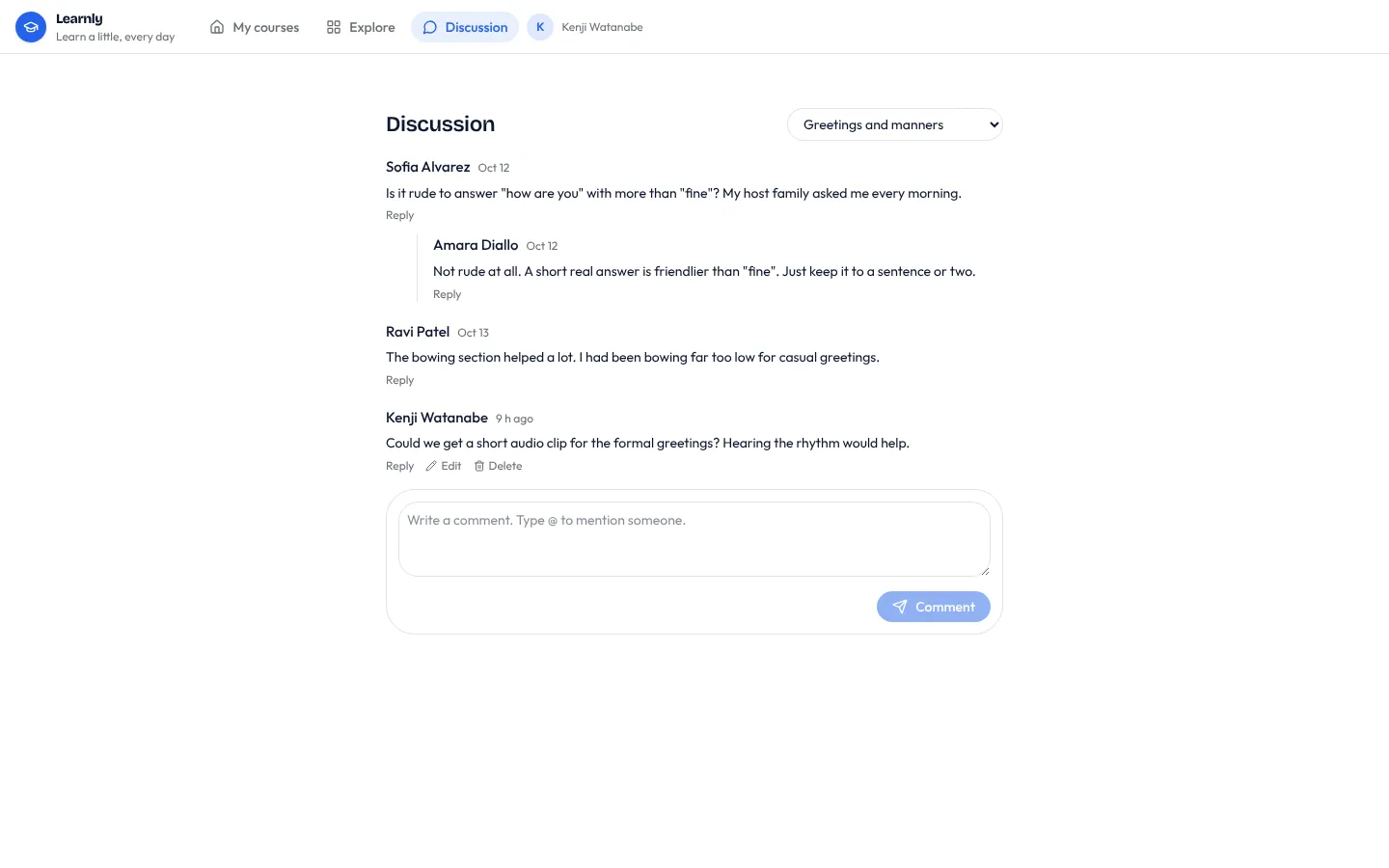
Threaded comments on any record, with replies, @mentions, edits and live updates.