Booking calendar
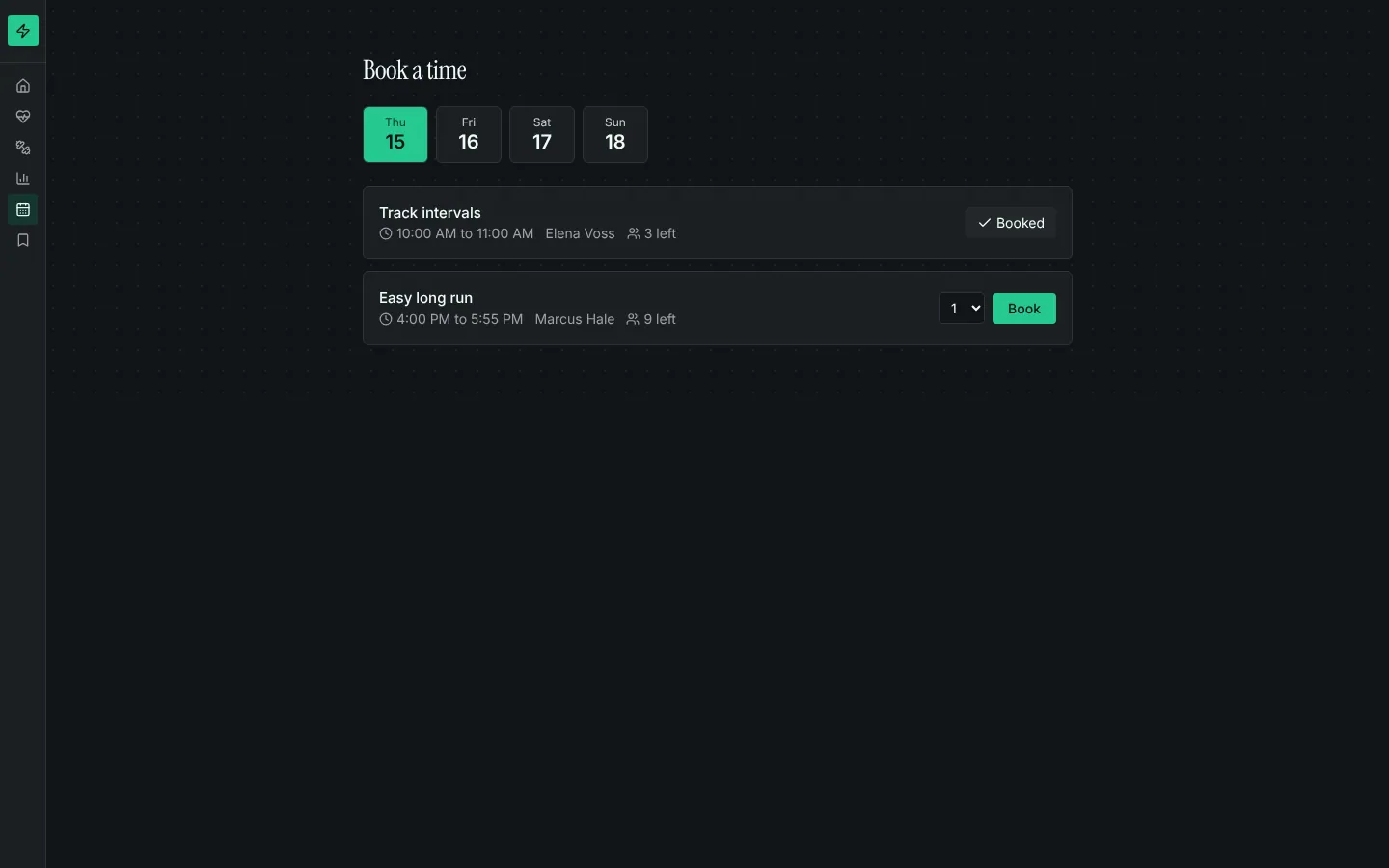
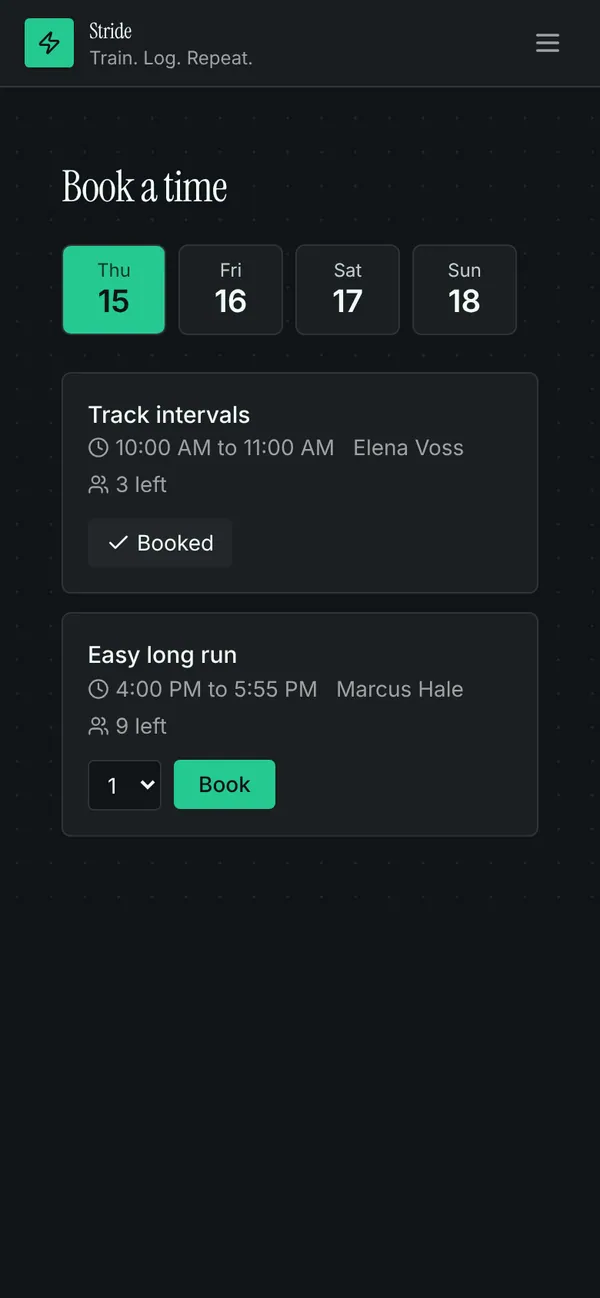
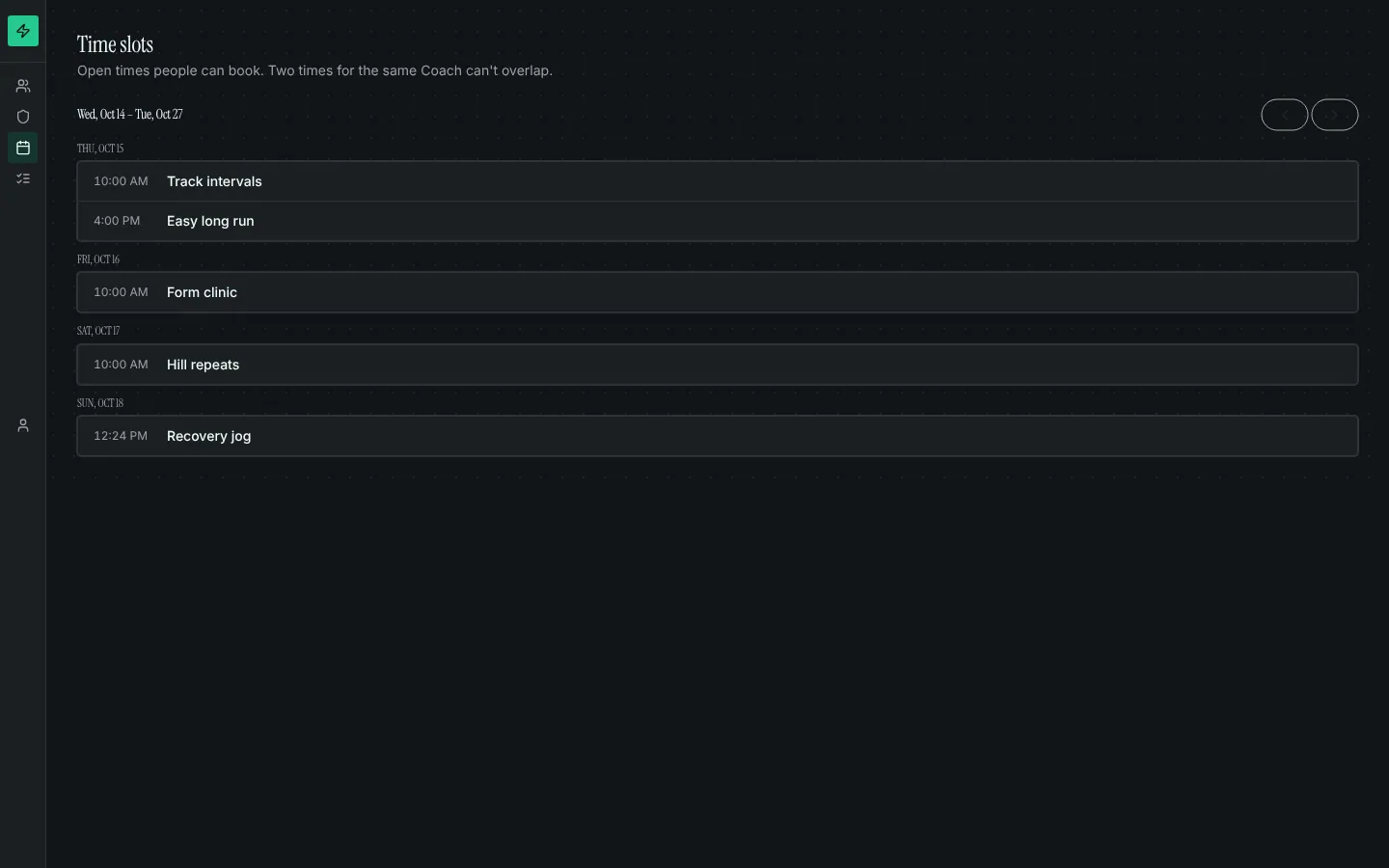
Adds time slots attached to whatever people book (a room, a coach, a class type, a court) and reservations against them. People pick a day, see places left and book; they can cancel their own upcoming bookings. Staff manage times on a week calendar and book people in by hand. Rules refuse a full slot, a slot that has started, two overlapping bookings for the same person, and two overlapping slots for the same resource.
What it adds to your app
Tables slot and reservation. SlotPicker and MyReservations components with their pages. Staff week calendar and reservations list. Workflows that keep places left up to date.
Tables
slottitle, resource_id, starts_at, ends_at, capacity, booked, status, note, …reservationslot_id, booker_id, seats, status, cancel_request, note
Pages
/bookBook (‹booker_role›)/my-bookingsMy bookings (‹booker_role›)/time-slotsTime slots (@staff)/reservationsReservations (@staff)
Components
SlotPickerPick a day and book an open time slot, with places left and a seat countMyReservationsThe signed-in person's upcoming bookings with cancel, and their history
Rules on every write
slotA time slot ends after it starts and holds 1 to 500 people.slotThat overlaps another time for the same resource.slotA time slot belongs to the organisation of what is booked.reservationThat time is full.reservationYou already have a booking at that time.reservationYou can cancel a booking, not change it.
How its workflows run
Each one is a server workflow in your project: it runs on its trigger, with retries, and its runs show in the builder's log.
- Count booked places on the time slot
When a row changes:
reservation created. Then: Look up slot, then Update slot. - Cancel a booking when its person asks
When a row changes:
reservation updated, when cancel_request is requested. Then: Update reservation. - Free the places when a booking is cancelled
When a row changes:
reservation updated, when status is cancelled. Then: Look up slot, then Update slot. - Give each time slot the organisation of what is booked
When a row changes:
slot created. Then: Look up ‹attach_to›, then Update slot.
Set it up
It merges into the contract of an app you already have. Nothing is overwritten: a name you already use is refused until you pass a prefix.
- Pick the project
Use the button above, or ask your coding agent with the Appbricx MCP server connected (quickstart).
- Point it at your tables and roles
Leave out the ones with defaults; a wrong one is refused with the options your app has.
Param What it is Example attach_toThe table of things people book time with (rooms, coaches, courts, services). roombooker_roleThe role whose people make bookings (their own table is the booker). Optional. memberorg_fieldOptional: the ref on that table naming its organisation (from organisations-and-teams). Time slots then belong to that organisation and only its members see and book them. Optional. organisation_id - Preview, then apply to dev
A dry run shows the diff and the check report; applying it changes your dev environment only.
- Deploy
When dev looks right, deploy. Production gets a snapshot first, so you can roll back.
Use it with your coding agent
The agent reads the template, runs a dry run, shows you the diff and applies it.
Add the Booking calendar template (slug "booking-calendar") to my Appbricx project. Read it with get_template, run use_template with dry_run first and show me the diff, then apply it. Ask me where it attaches if you can't tell from my contract (attach_to: what is booked; booker_role: who books; org_field: organisation (optional)).{
"tool": "use_template",
"arguments": {
"slug": "booking-calendar",
"project_id": "<your project id>",
"params": {
"attach_to": "room",
"booker_role": "member",
"org_field": "organisation_id"
},
"dry_run": true
}
}appbricx templates use booking-calendar --param attach_to=room --param booker_role=member --param org_field=organisation_id --dry-runGoes well with
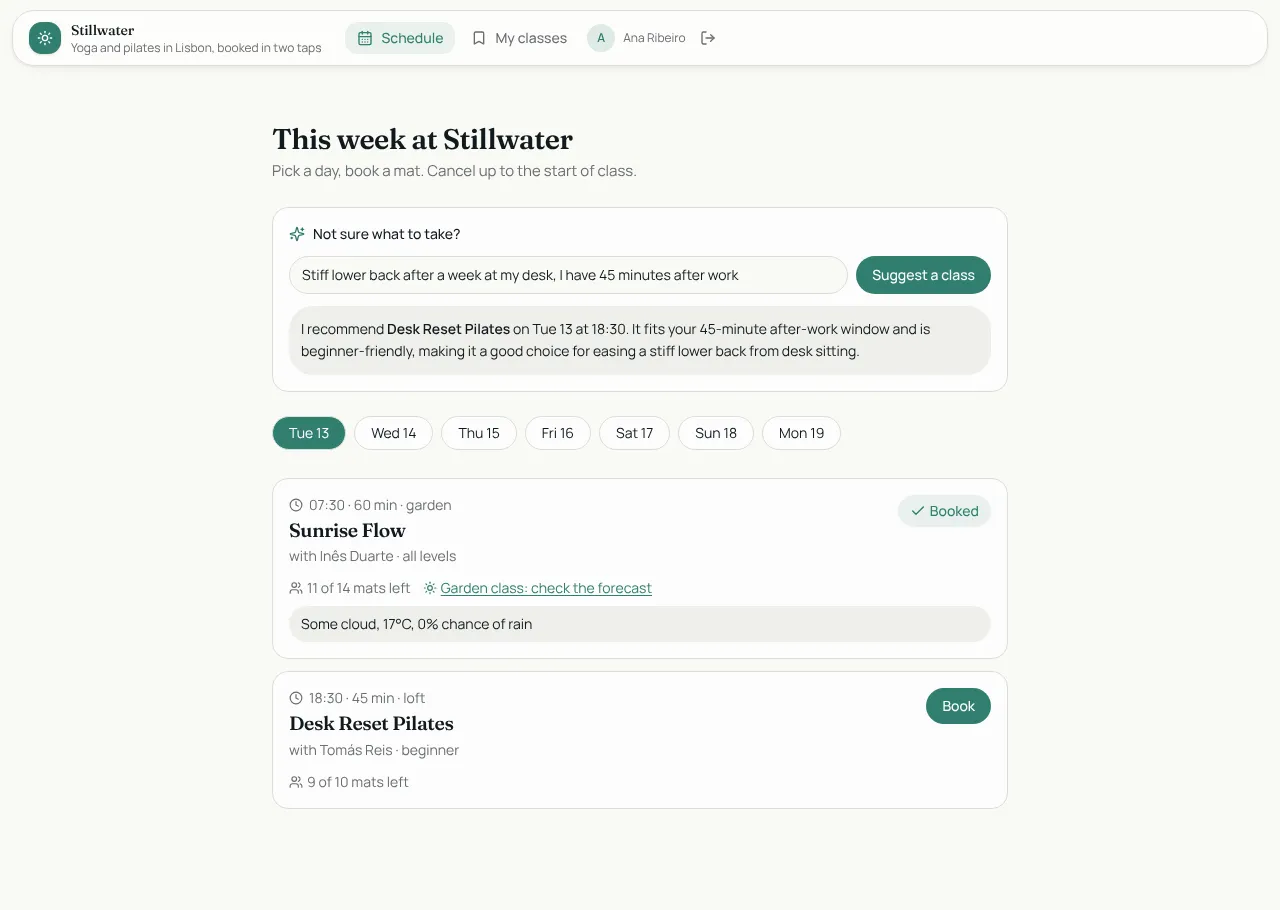
Studio Bookings
Class booking for a yoga and pilates studio: members book in two taps, instructors run the schedule.
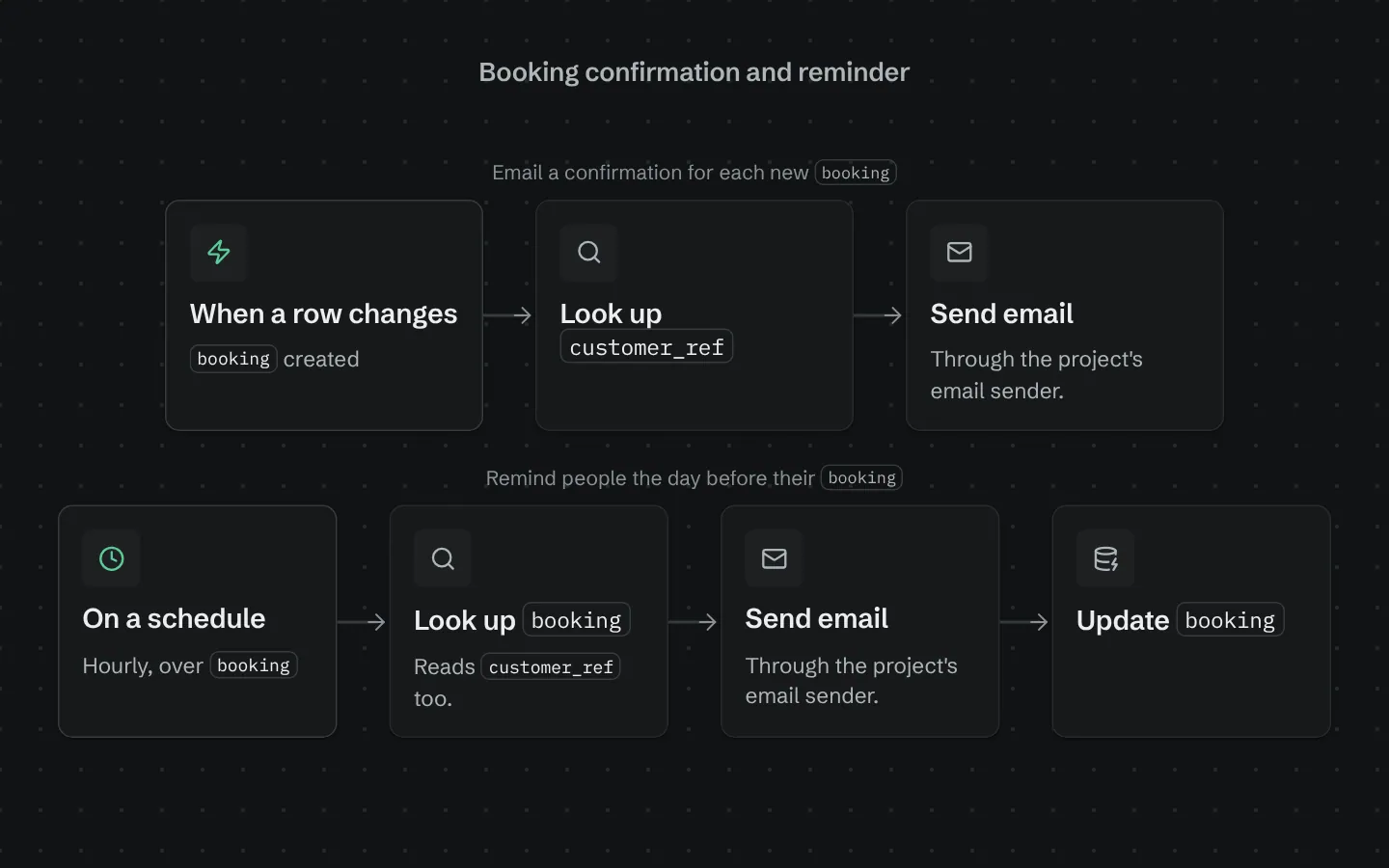
Booking confirmation and reminder
Emails a confirmation when a booking is made and a reminder the day before it starts.
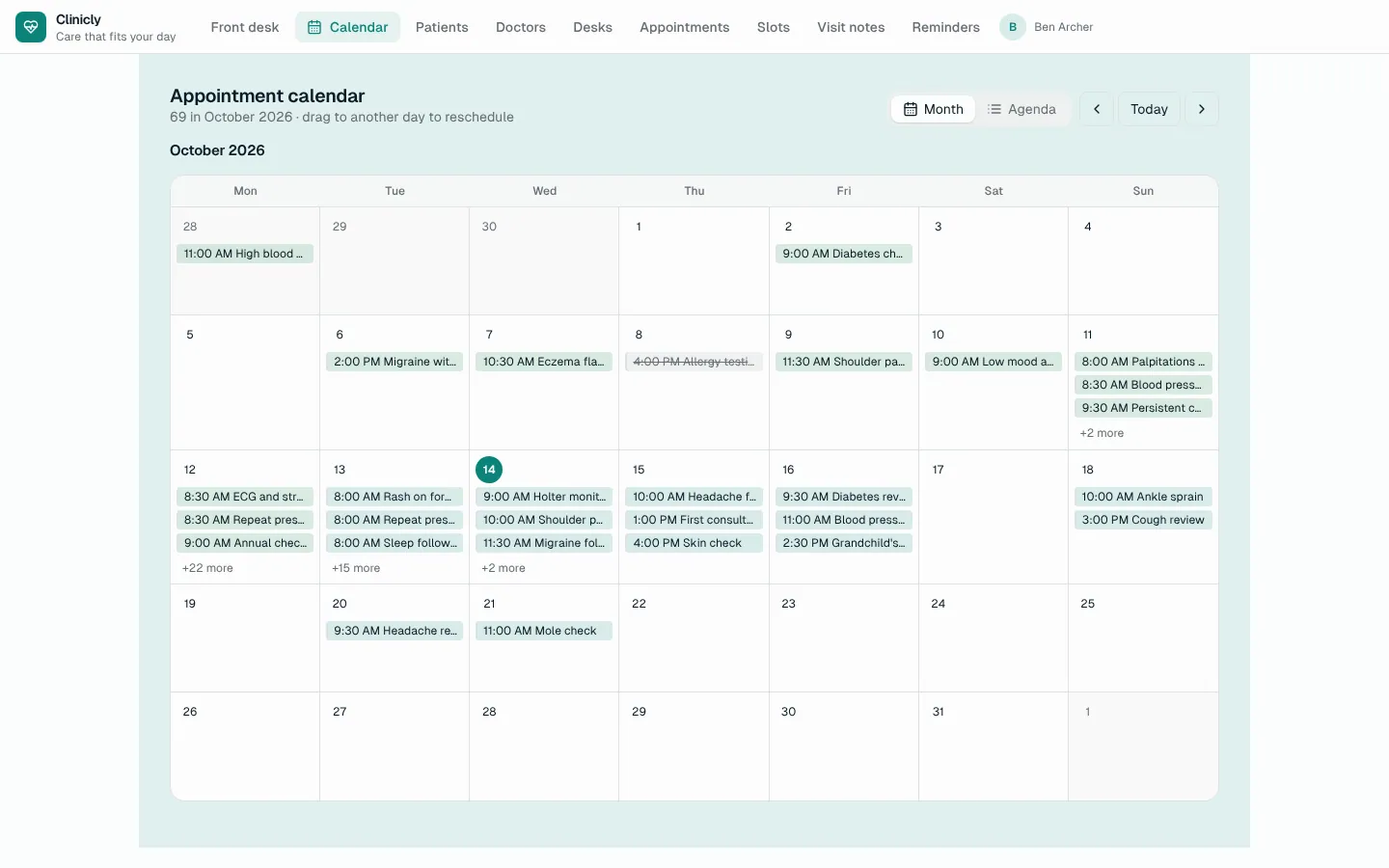
Calendar
A month calendar and agenda over any table with a date: colour-coded, drag to reschedule, add on a day, edit in place.