Relay
Customers open tickets and rate the help they got; agents work an inbox with SLA chips and internal notes; a lead watches the numbers. An inbound webhook turns email into tickets and an escalation runs every 15 minutes.
Customers sign up. Agents work the queue. A lead watches the numbers.
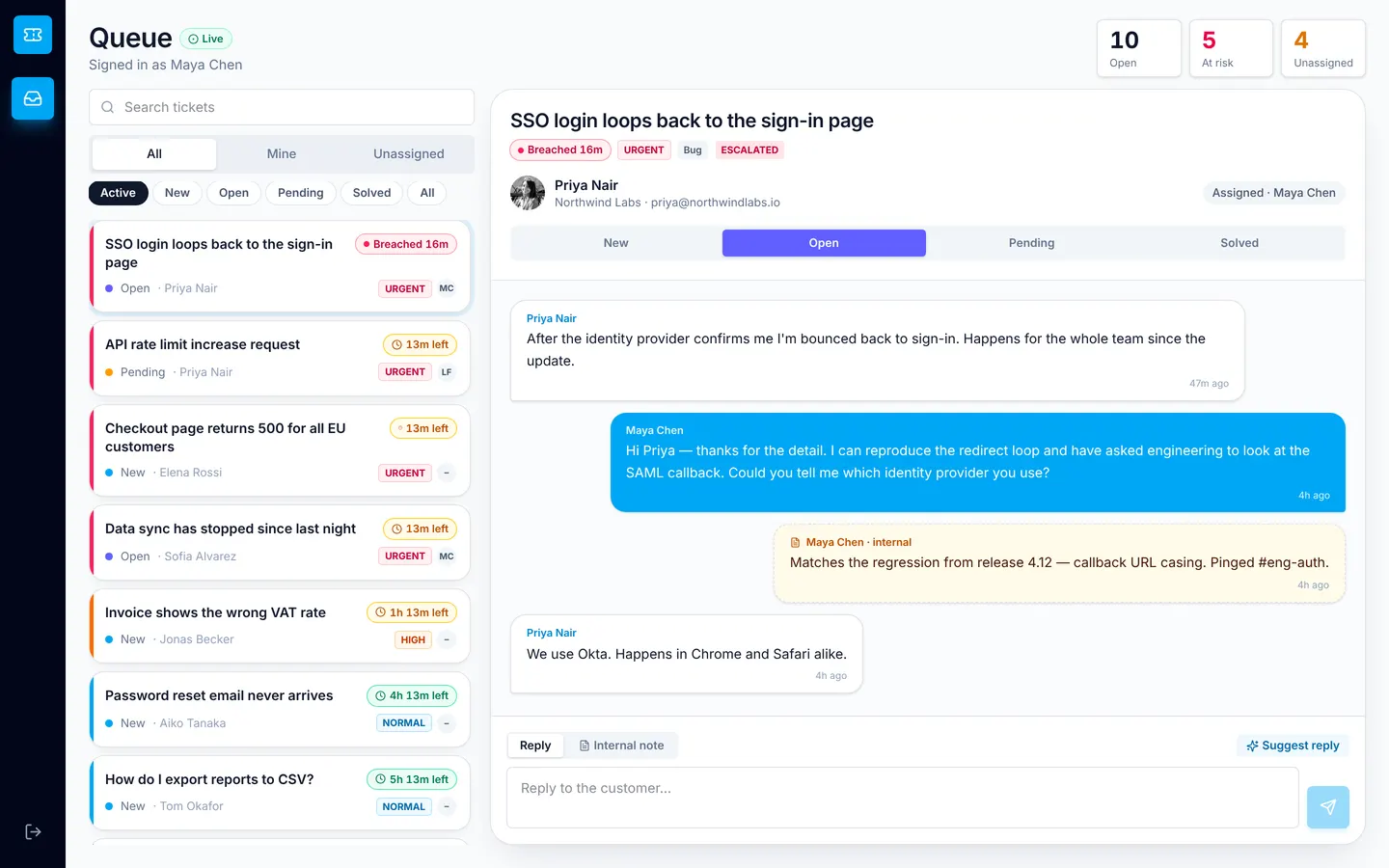
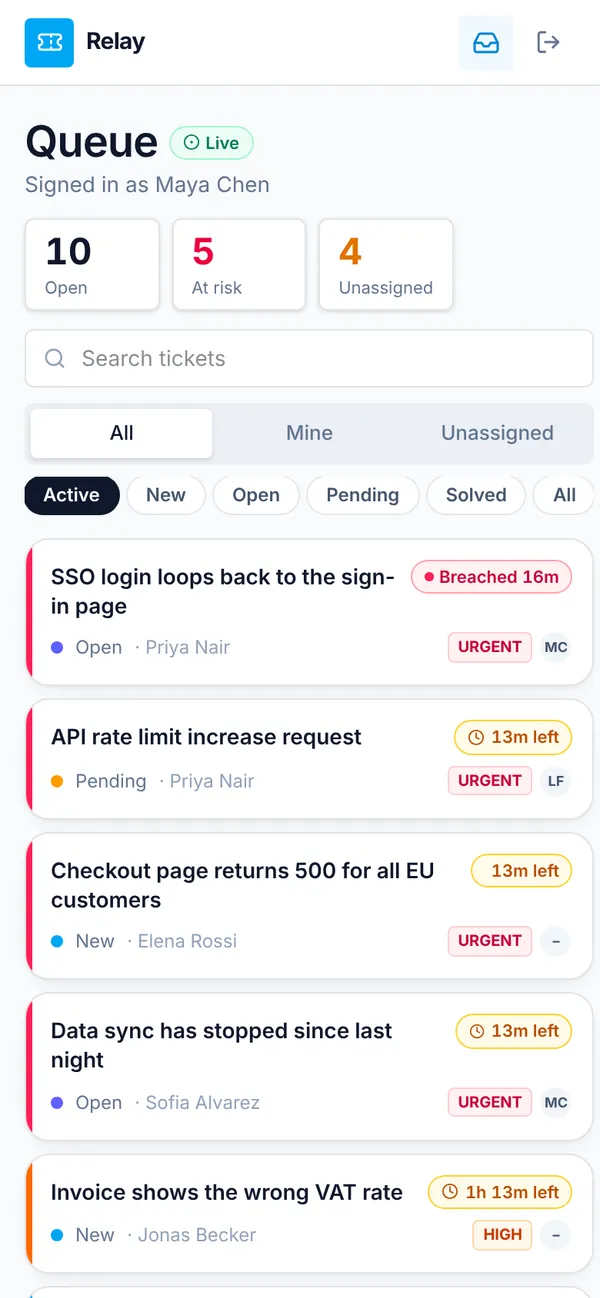
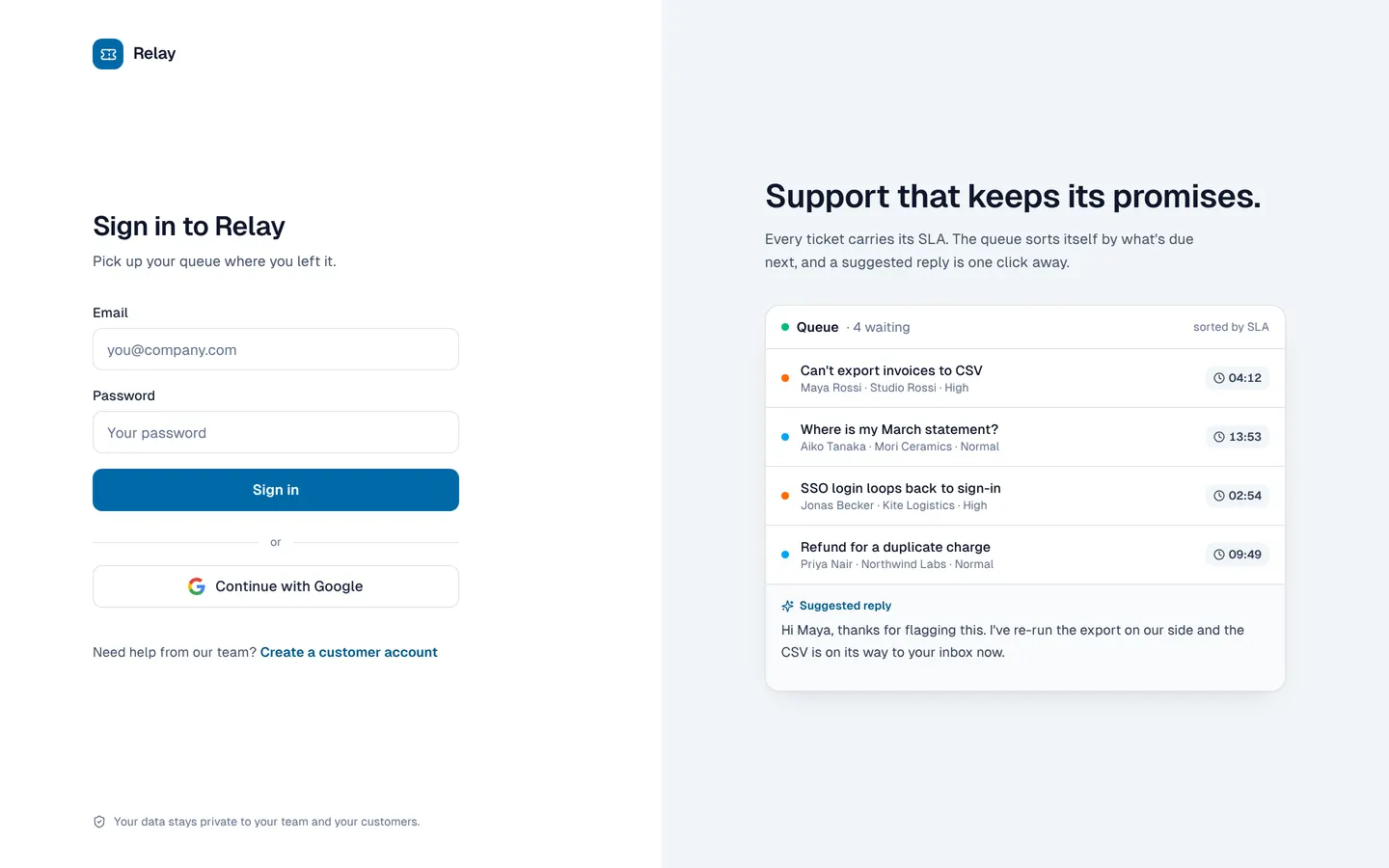
What's inside
Customer portal with ticket threads and ratings. Agent inbox with SLA chips. Lead dashboard.
Tables
customername, email, company, avataragentname, email, avatarleadname, email, avatarticketsubject, body, from, priority, category, status, customer_id, assignee_id, …messageticket_id, author_name, author_role, body, at, customer_idnoteticket_id, author_name, body, at
Roles
customerCustomer, consumeragentAgent, staffleadTeam lead, staff
Pages
/portalMy tickets (customer)/dashboardDashboard (lead)/inboxQueue (agent, lead)/teamTeam & access (agent)
Components
RelayLoginBrand sign-in: form on white, live queue preview with SLA timers and a suggested reply beside itCustomerPortalCustomer help centre: my tickets with last reply, conversation, new-ticket sheet with AI triage, CSAT ratingAgentInboxAgent queue: SLA-sorted ticket list, filters, thread with reply and internal notes, status, assignment, AI-drafted repliesLeadDashboardLead dashboard: KPI strip, tickets needing attention, priority mix, 7-day volume, CSAT, agent workload
Rules on every write
ticketTicket change refusedmessageMessage refused
How its workflows run
Each one is a server workflow in your project: it runs on its trigger, with retries, and its runs show in the builder's log.
- Email to ticket
When a webhook arrives:
webhook email-to-ticket. Then: Record a row. - Fill ticket defaults and alert agents
When a row changes:
ticket created. Then: Update ticket, then Notify. - Escalate tickets past SLA
On a schedule:
schedule every 15m over ticket. Then: Look up ticket, then Update ticket, then Notify. - Tell the customer about an agent reply
When a row changes:
message created. Then: Notify, then Send email. - Invite a rating when solved
When a row changes:
ticket updated, when status is solved. Then: Notify.
Set it up
It starts a new project, with its data, roles and sign-in ready.
- Start the project
Use the button above, or ask your coding agent with the Appbricx MCP server connected (quickstart).
- Sign in as each role
The demo logins open each role's home. Change what you like in plain words or in the contract.
- Deploy
When dev looks right, deploy. Production gets a snapshot first, so you can roll back.
Use it with your coding agent
The agent creates the project, builds it and signs in as each role.
Start a new Appbricx project from the Relay template (slug "relay") with use_template. Call it "My Relay", then sign in as each role, verify it and tell me what to change first.{
"tool": "use_template",
"arguments": {
"slug": "relay",
"name": "My Relay"
}
}appbricx templates use relay --name "My Relay"Goes well with
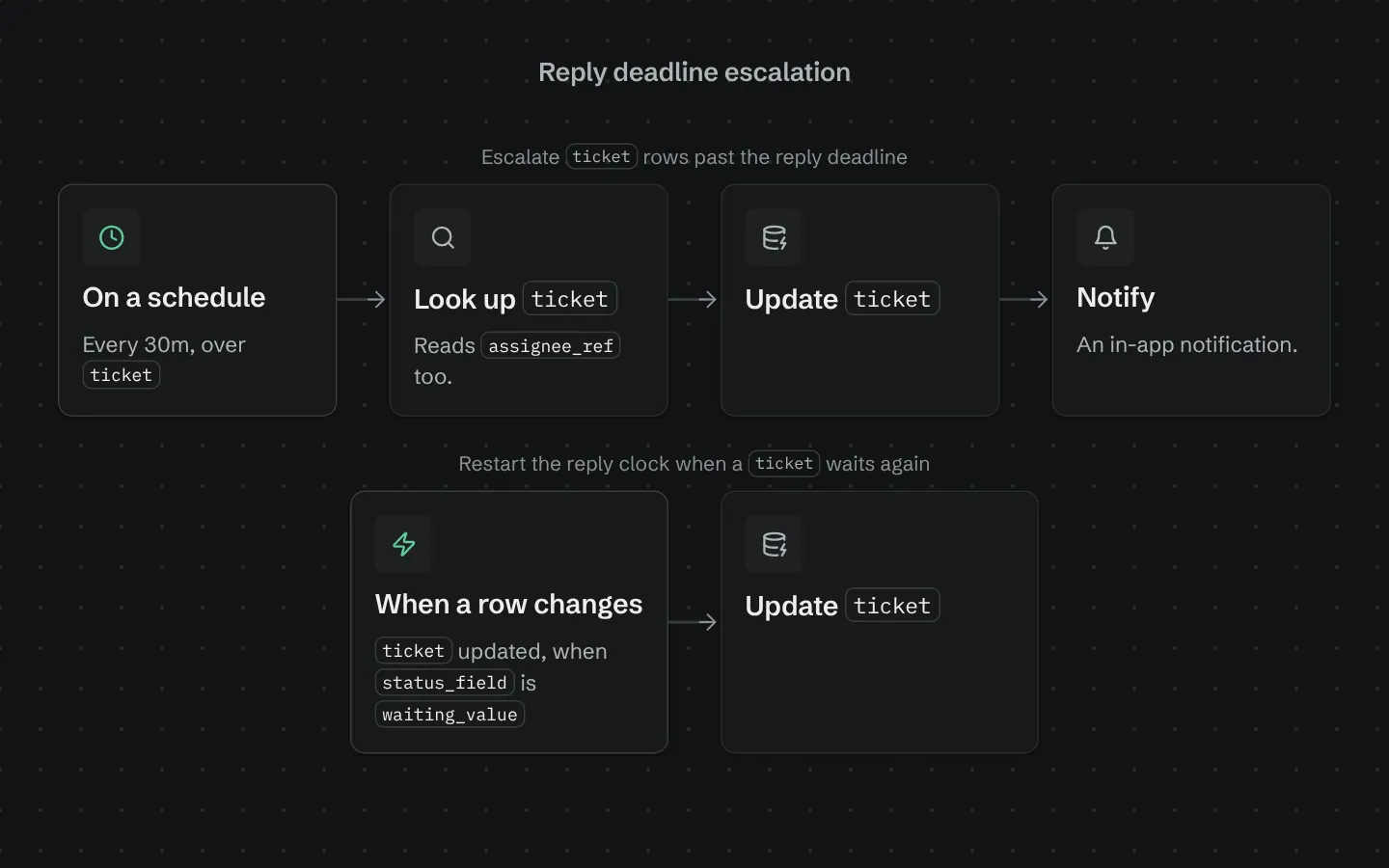
Reply deadline escalation
Escalates tickets or requests nobody has answered within your deadline, to a lead and the assignee.
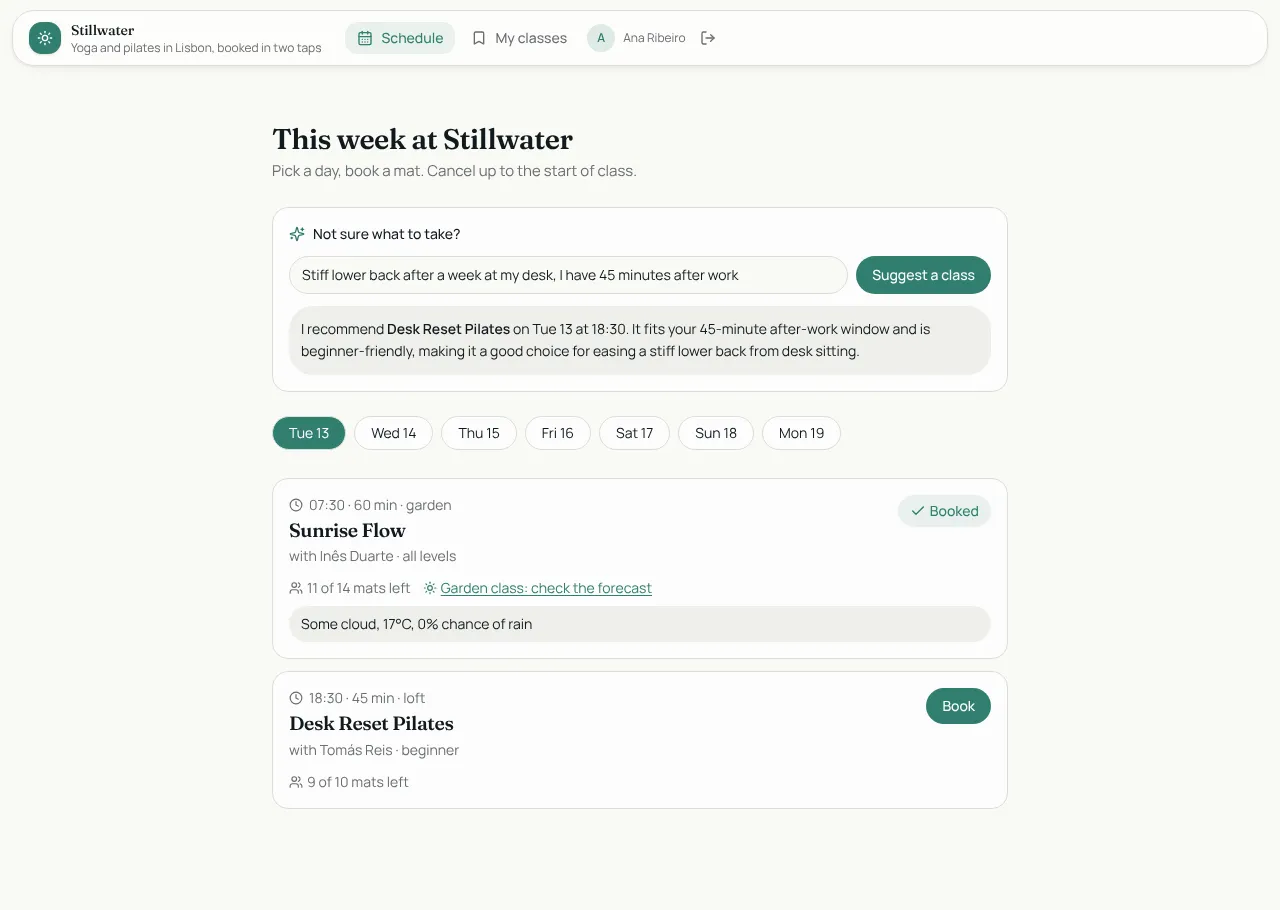
Studio Bookings
Class booking for a yoga and pilates studio: members book in two taps, instructors run the schedule.

Tablefor
Restaurant reservations with a host floor plan and a live kitchen board.