Appbricx vs Bolt.
Bolt builds in your browser with its own AI. Appbricx runs what your own agent builds, tested as every user.
What Bolt does well
Bolt puts a full development environment and an AI in a browser tab.
A real dev server in the browser
The app runs in the tab as it is written, with a terminal and the files open, and nothing to install.
Many frameworks
React, Vue, Svelte, Astro, Next.js and mobile apps with Expo, chosen per project.
Hands on the code
You can read and edit every file next to the chat, and download the project or push it to GitHub.
Publishing built in
One click puts the app on a public address, with hosting and database options of its own.
Side by side
The same questions we ask of every tool. Where Bolt's answer depends on the services you connect, we say so.
| Dimension | Appbricx | Bolt |
|---|---|---|
| Who writes the code, with which model | Your agent (Claude Code, Cursor, Codex, Claude or any MCP client) on your own model subscription, or you in your editor. No built-in AI writes your app. | Bolt's own AI agent, in the browser, on models Bolt chooses. You can edit the files yourself. |
| Code ownership and export | Plain TypeScript, React and SQL files. appbricx pull puts them in your repo. Export any time, or self-host the single binary. | Download the project or push it to GitHub, and run it anywhere its framework runs. |
| Database and access control | Postgres per project, with dev and prod databases. Access rules are SQL row-level security policies in db/access/, which the platform checks. | Bolt's own database option or a service you connect, such as Supabase. Access rules are what the generated code and policies set up. |
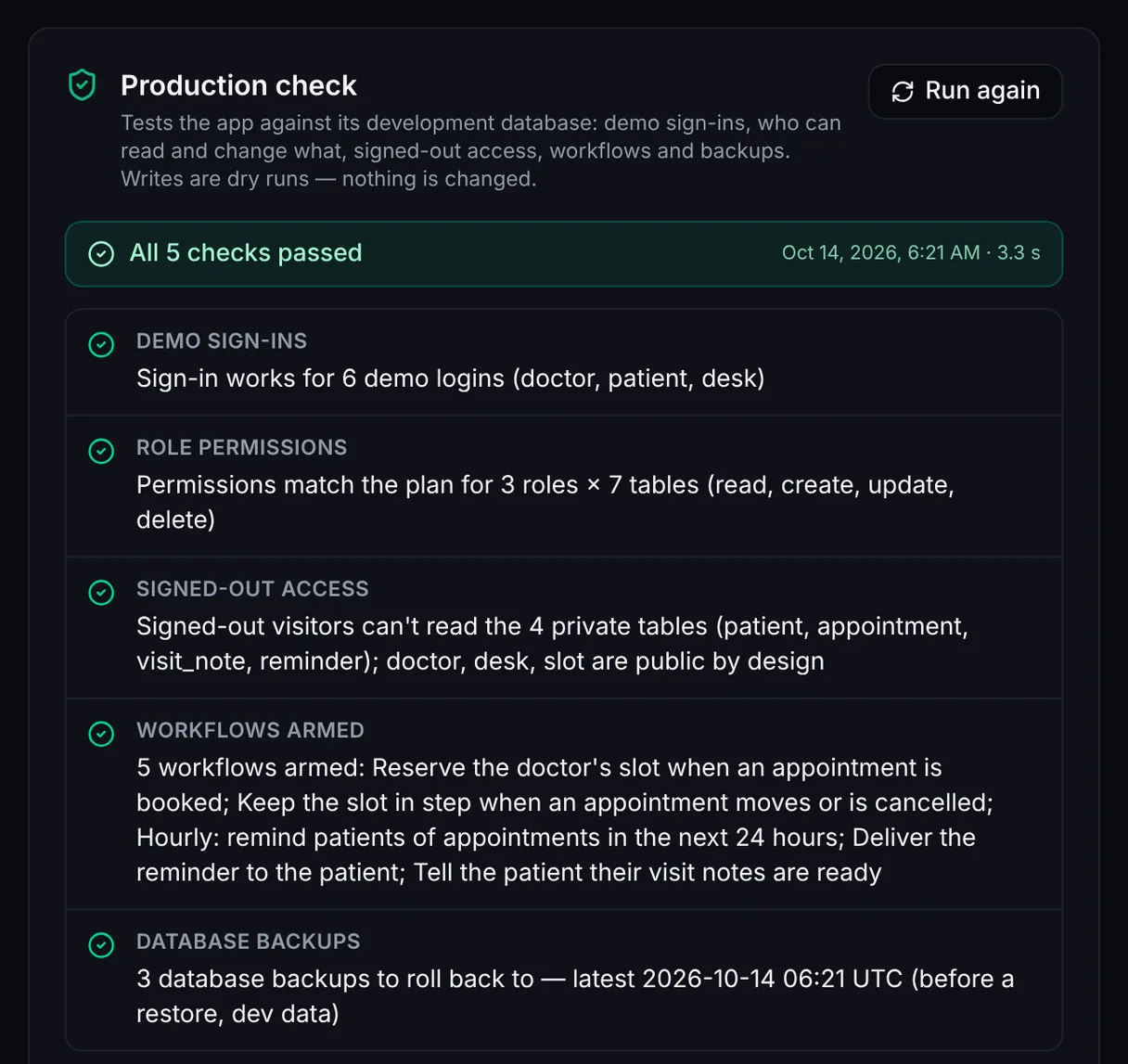
| Testing before release | verify signs in as every role and tries every table, page and action in a real browser before a release. Failures come back with evidence and the fix. | You run and click through the app in the browser preview. Tests are the ones you or the AI write. |
| Environments and rollback | Dev and prod per project, a preview per branch, expand-only migrations, a snapshot before every production change and rollback in one call, with the data if you want. | Restore earlier versions from the project's history. Separate environments and backups depend on the hosting and database you choose. |
| Workflows and background jobs | Durable workflows in TypeScript on data changes, schedules and webhooks, with step.sleep and step.waitFor. Dry runs list every effect without sending anything. | Server code and scheduled jobs depend on the framework and the services you connect. |
| Hosting | Server-rendered pages, actions and workflows on an Appbricx address or your own domain with HTTPS. | One-click publishing to Bolt's hosting, or deploys to a provider such as Netlify. |
| Pricing model | A free plan, then flat monthly plans for the apps you run. No AI credits: your agent's model stays on your own bill. A one-time license to self-host. | Plans with a monthly allowance of AI tokens that building uses up, and higher plans for more. |
When to pick which
Pick Bolt when
- You want a full development environment in a browser tab, with nothing installed.
- You need a framework Appbricx doesn't run, such as Vue, Svelte or a native mobile app.
- It is a prototype or an experiment, and you want to try ideas quickly before choosing a stack.
Pick Appbricx when
- You already build with Claude Code, Cursor, Codex or Claude and want to keep your agent and your model subscription. Build with your AI agent.
- Your app has real users in several roles, and every release must prove each one sees only their own data.
- You want the database, sign-in, workflows, email and hosting in one place your agent can operate.
- You want dev and prod, a snapshot before every production change and a rollback in one call.
Keep your agent, add production
Start free, connect the agent you already use, and ship an app with real sign-in, access rules tested per role and rollbacks.