Appbricx vs Firebase.
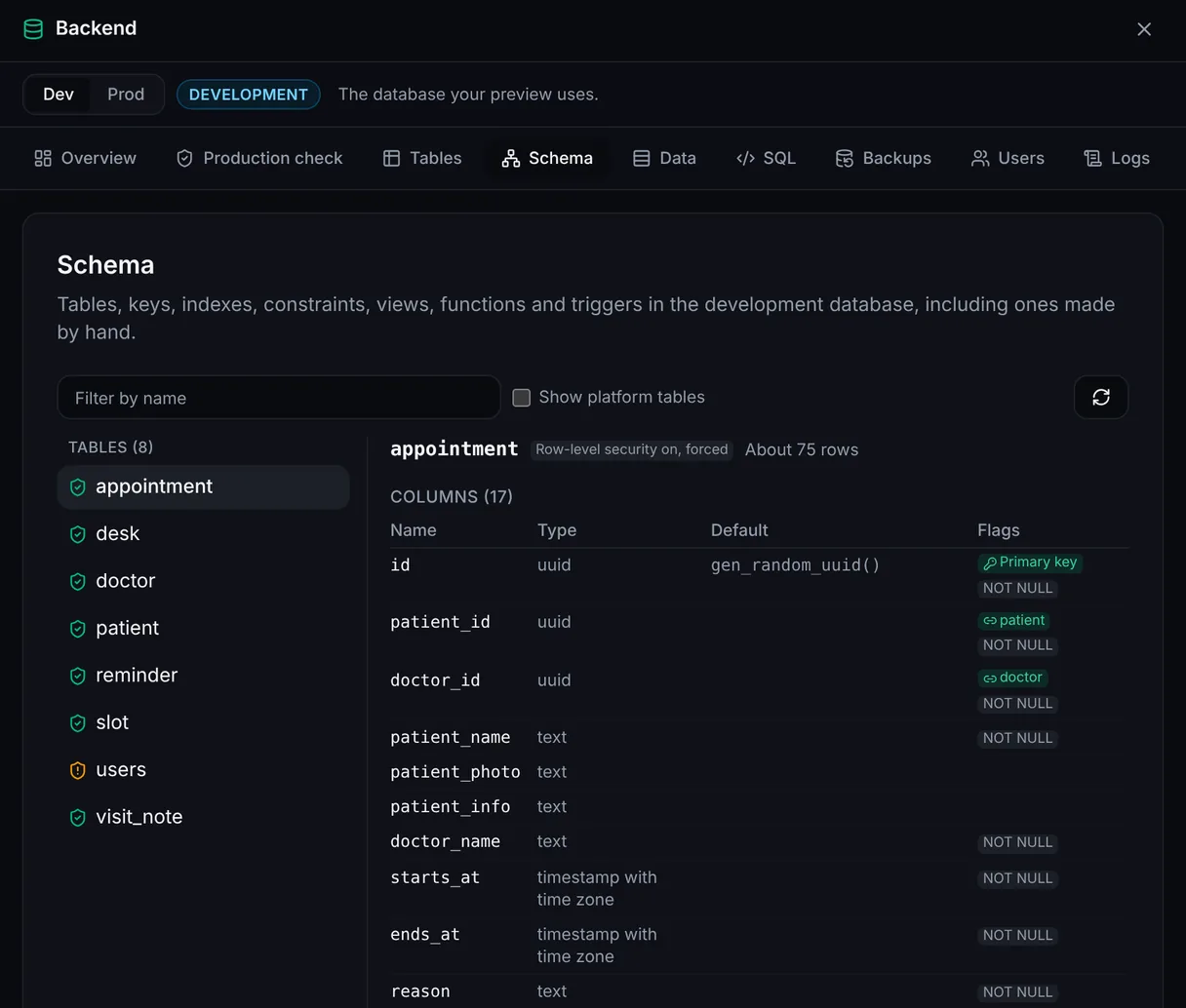
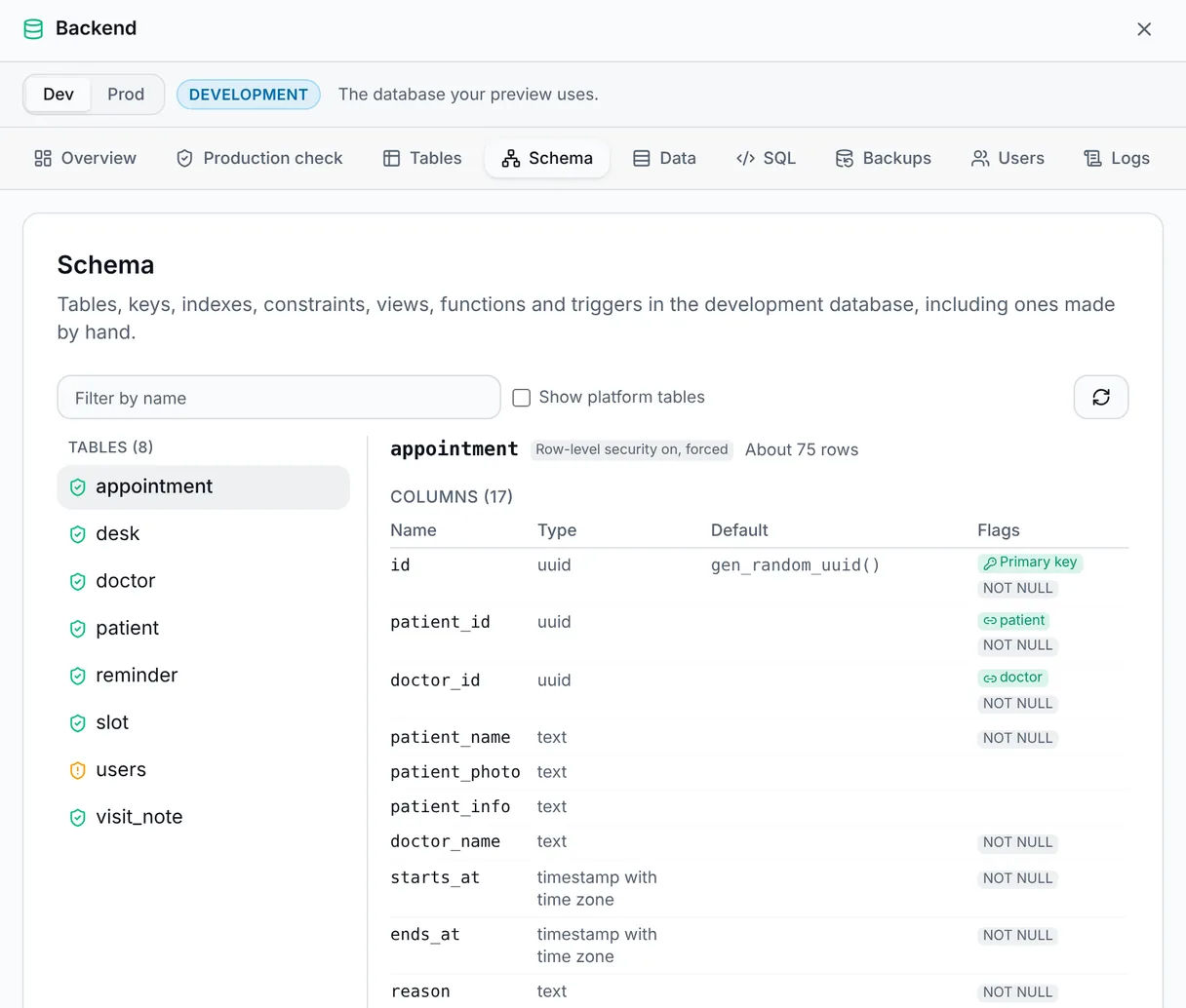
Firebase is built on a document database and rules. Appbricx is Postgres and SQL policies, in code you can take anywhere.
What Firebase does well
Firebase is Google's app platform, and for mobile apps in particular it is hard to beat.
Realtime and offline
Firestore and the Realtime Database sync data to devices as it changes, and keep working offline.
Mobile first
Mature SDKs for iOS, Android, Flutter and the web, with push messaging, analytics and crash reports alongside.
A local emulator
The Emulator Suite runs sign-in, the databases, functions and rules on your machine for tests.
Google's infrastructure
It scales with Google Cloud, and the rest of Google Cloud is one step away.
Side by side
The biggest difference is the data model: documents and rules, or tables and SQL.
| Dimension | Appbricx | Firebase |
|---|---|---|
| Who writes the code, with which model | Your agent (Claude Code, Cursor, Codex, Claude or any MCP client) on your own model subscription, or you in your editor. No built-in AI writes your app. | You or your agent write the app. Firebase Studio adds Google's own AI workspace, with Gemini. |
| Code ownership and export | Plain TypeScript, React and SQL files. appbricx pull puts them in your repo. Export any time, or self-host the single binary. | Your app code is yours. Data access is written against Firebase's APIs and rules, so moving off means rewriting it, and Firebase runs only on Google Cloud. |
| Database and access control | Postgres per project, with dev and prod databases. Access rules are SQL row-level security policies in db/access/, which the platform checks. | Firestore documents and collections, secured with Firebase Security Rules. Data Connect adds PostgreSQL through Cloud SQL. |
| Testing before release | verify signs in as every role and tries every table, page and action in a real browser before a release. Failures come back with evidence and the fix. | The Emulator Suite runs the backend locally, and rules unit tests are yours to write. |
| Environments and rollback | Dev and prod per project, a preview per branch, expand-only migrations, a snapshot before every production change and rollback in one call, with the data if you want. | Separate Firebase projects for staging and production. Hosting keeps release history with rollback; Firestore offers scheduled backups and point-in-time recovery. |
| Workflows and background jobs | Durable workflows in TypeScript on data changes, schedules and webhooks, with step.sleep and step.waitFor. Dry runs list every effect without sending anything. | Cloud Functions on data changes, schedules and HTTP requests. |
| Hosting | Server-rendered pages, actions and workflows on an Appbricx address or your own domain with HTTPS. | Firebase Hosting and App Hosting on Google's infrastructure. |
| Pricing model | A free plan, then flat monthly plans for the apps you run. No AI credits: your agent's model stays on your own bill. A one-time license to self-host. | A free plan with quotas, then pay as you go for reads, writes, function calls and storage. |
When to pick which
Pick Firebase when
- You are building a mobile app that needs offline sync and push messages first.
- Your data fits documents and collections, and your team knows Security Rules.
- You are already on Google Cloud and want everything there.
Pick Appbricx when
- Your data is relational, with joins, constraints and reports, and you want it in Postgres.
- You would rather state access as SQL policies, tested as every role before each release.
- You want plain TypeScript, React and SQL you can move, or run on your own servers. Build in code.
- Your agent should build, test and ship the app end to end. Build with your AI agent.
Try it on Postgres
Start free, connect your agent and put an app with tables, SQL access policies and sign-in live today.