Appbricx vs Lovable.
Lovable builds with its own AI in its editor. Appbricx runs what your own agent builds, tested as every user.
What Lovable does well
Lovable is one of the fastest ways to go from an idea to a working, good-looking app.
From a sentence to a screen
You describe the app in a chat and watch it appear in the browser, with nothing to install.
Polished front ends
It writes React with Tailwind that looks finished early, and lets you adjust the design visually.
A backend in reach
Its built-in backend and its Supabase integration give the app a database, sign-in and server functions.
Code in GitHub
Projects sync to a GitHub repository, so the code is not locked inside the editor.
Side by side
The same questions we ask of every tool. Where Lovable's answer depends on the backend you connect, we say so.
| Dimension | Appbricx | Lovable |
|---|---|---|
| Who writes the code, with which model | Your agent (Claude Code, Cursor, Codex, Claude or any MCP client) on your own model subscription, or you in your editor. No built-in AI writes your app. | Lovable's own AI, in its editor, on models Lovable chooses. You can also edit the code yourself. |
| Code ownership and export | Plain TypeScript, React and SQL files. appbricx pull puts them in your repo. Export any time, or self-host the single binary. | The code syncs to GitHub, and you can host it elsewhere. The backend lives in Lovable Cloud or your Supabase project. |
| Database and access control | Postgres per project, with dev and prod databases. Access rules are SQL row-level security policies in db/access/, which the platform checks. | Postgres through Supabase. Access is the row-level security policies the AI writes for you, which you review. |
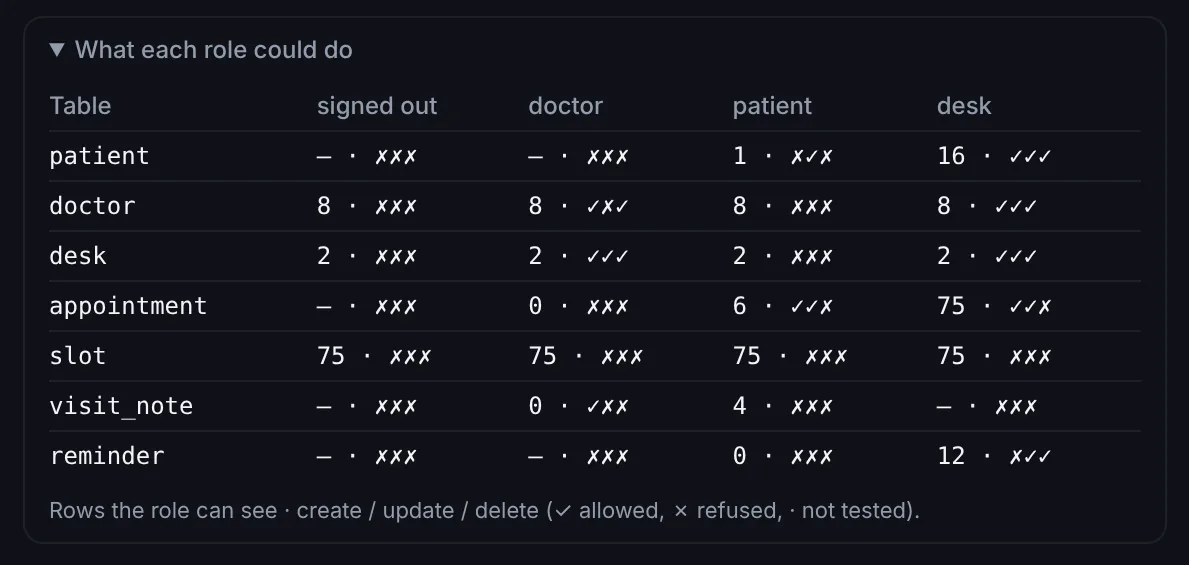
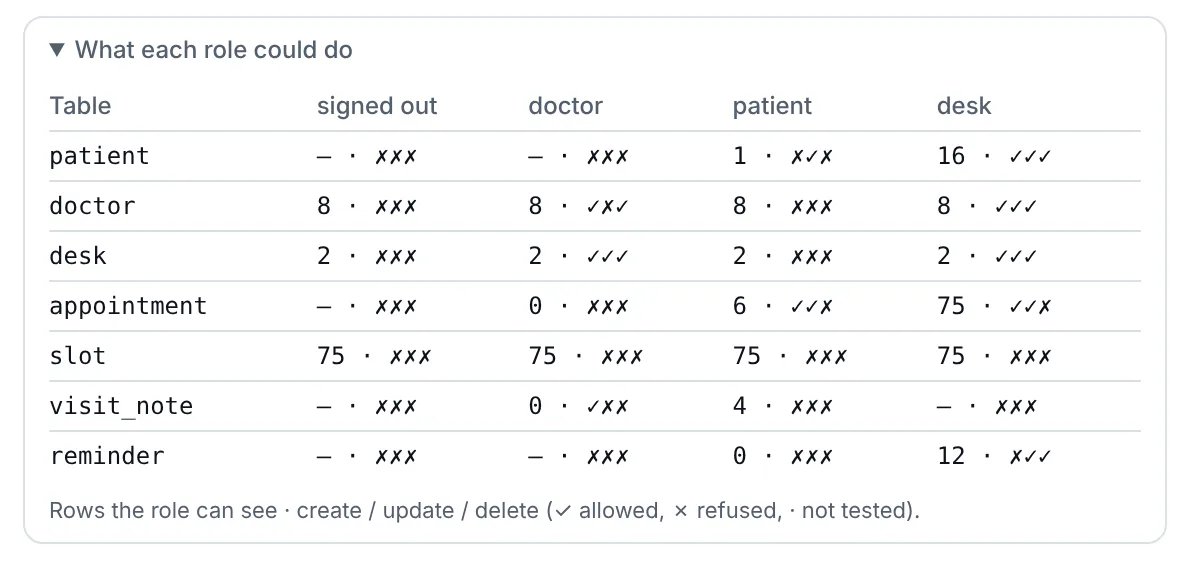
| Testing before release | verify signs in as every role and tries every table, page and action in a real browser before a release. Failures come back with evidence and the fix. | You preview and click through in the editor. Lovable can also scan for common security issues before you publish. |
| Environments and rollback | Dev and prod per project, a preview per branch, expand-only migrations, a snapshot before every production change and rollback in one call, with the data if you want. | Version history restores earlier code. Database changes and backups follow the Supabase setup behind the app. |
| Workflows and background jobs | Durable workflows in TypeScript on data changes, schedules and webhooks, with step.sleep and step.waitFor. Dry runs list every effect without sending anything. | Server logic as Supabase Edge Functions, written by the AI. Schedules and queues through the backend you use. |
| Hosting | Server-rendered pages, actions and workflows on an Appbricx address or your own domain with HTTPS. | Publishes to a Lovable address or your own domain. |
| Pricing model | A free plan, then flat monthly plans for the apps you run. No AI credits: your agent's model stays on your own bill. A one-time license to self-host. | Plans with a monthly allowance of AI credits that building uses up, and higher plans for more. |
When to pick which
Pick Lovable when
- You want to see a working app today and you don't want to write or read code.
- Design matters most at this stage, and you want to shape it visually.
- It is a prototype or a demo, and real users with private data are still a while away.
Pick Appbricx when
- You already build with Claude Code, Cursor, Codex or Claude and want to keep your agent and your model subscription. Build with your AI agent.
- Real users with different roles are signing in, and you need proof that each one sees only what they should.
- You want dev and prod, a snapshot before every production change and a rollback in one call.
- You want plain files you can pull, push and self-host. Build in code.
Keep your agent, add production
Start free, connect the agent you already use, and ship an app with real sign-in, access rules tested per role and rollbacks.