Booking confirmation and reminder
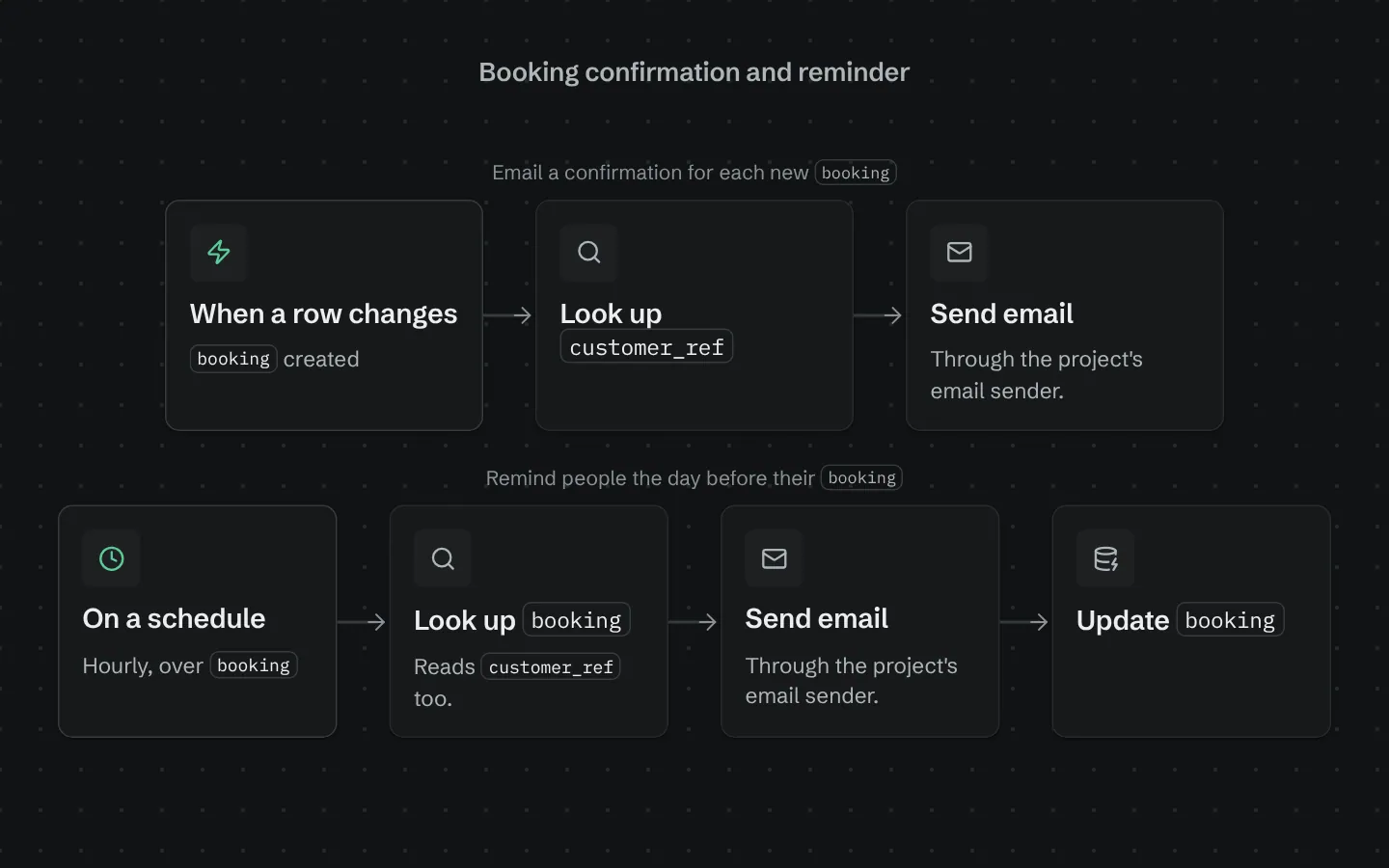
Two workflows for any table of bookings, appointments or reservations. The confirmation goes out the moment the row is created; the reminder runs every hour and emails everyone whose booking starts within the next 24 hours, once. Cancelled and declined bookings are skipped. It adds one field, reminder_sent_at, so nobody is reminded twice.
What it adds to your app
Confirmation email on every new booking. Hourly reminder for bookings in the next 24 hours. A reminder_sent_at field so nobody gets two.
Fields added to your tables
‹booking›.reminder_sent_at
How its workflows run
Each one is a server workflow in your project: it runs on its trigger, with retries, and its runs show in the builder's log.
- Email a confirmation for each new ‹booking›
When a row changes:
‹booking› created. Then: Look up ‹customer_ref›, then Send email. - Remind people the day before their ‹booking›
On a schedule:
schedule hourly over ‹booking›. Then: Look up ‹booking›, then Send email, then Update ‹booking›.
Set it up
It merges into the contract of an app you already have. Nothing is overwritten: a name you already use is refused until you pass a prefix.
- Pick the project
Use the button above, or ask your coding agent with the Appbricx MCP server connected (quickstart).
- Point it at your tables and roles
Leave out the ones with defaults; a wrong one is refused with the options your app has.
Param What it is Example bookingThe table of bookings, appointments or reservations. Optional. bookingstarts_fieldThe date or timestamp field holding when the booking starts. Optional. starts_atcustomer_refThe ref field on the booking that points at the person who made it. Optional. customer_idemail_fieldThe email field on the person's table. Optional. emailtzThe IANA time zone booking times are shown in, like Europe/London or America/New_York. Optional. Europe/London - Preview, then apply to dev
A dry run shows the diff and the check report; applying it changes your dev environment only.
- Deploy
When dev looks right, deploy. Production gets a snapshot first, so you can roll back.
Use it with your coding agent
The agent reads the template, runs a dry run, shows you the diff and applies it.
Add the Booking confirmation and reminder template (slug "booking-confirmation-and-reminder") to my Appbricx project. Read it with get_template, run use_template with dry_run first and show me the diff, then apply it. Ask me where it attaches if you can't tell from my contract (booking: bookings table; starts_field: when it starts; customer_ref: who booked; email_field: their email field; tz: time zone).{
"tool": "use_template",
"arguments": {
"slug": "booking-confirmation-and-reminder",
"project_id": "<your project id>",
"params": {
"booking": "booking",
"starts_field": "starts_at",
"customer_ref": "customer_id",
"email_field": "email",
"tz": "Europe/London"
},
"dry_run": true
}
}appbricx templates use booking-confirmation-and-reminder --param booking=booking --param starts_field=starts_at --param customer_ref=customer_id --param email_field=email --param tz=Europe/London --dry-runGoes well with
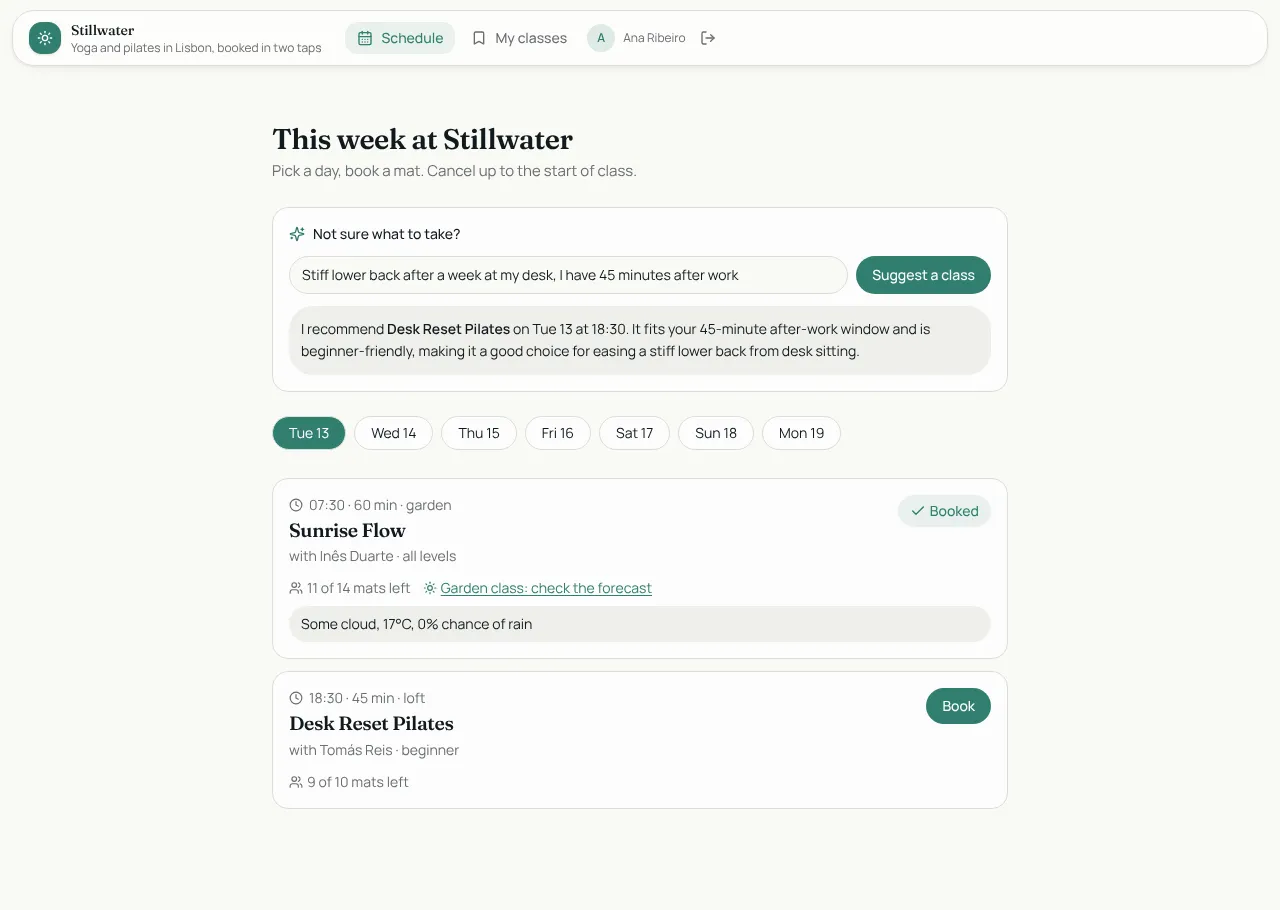
Studio Bookings
Class booking for a yoga and pilates studio: members book in two taps, instructors run the schedule.
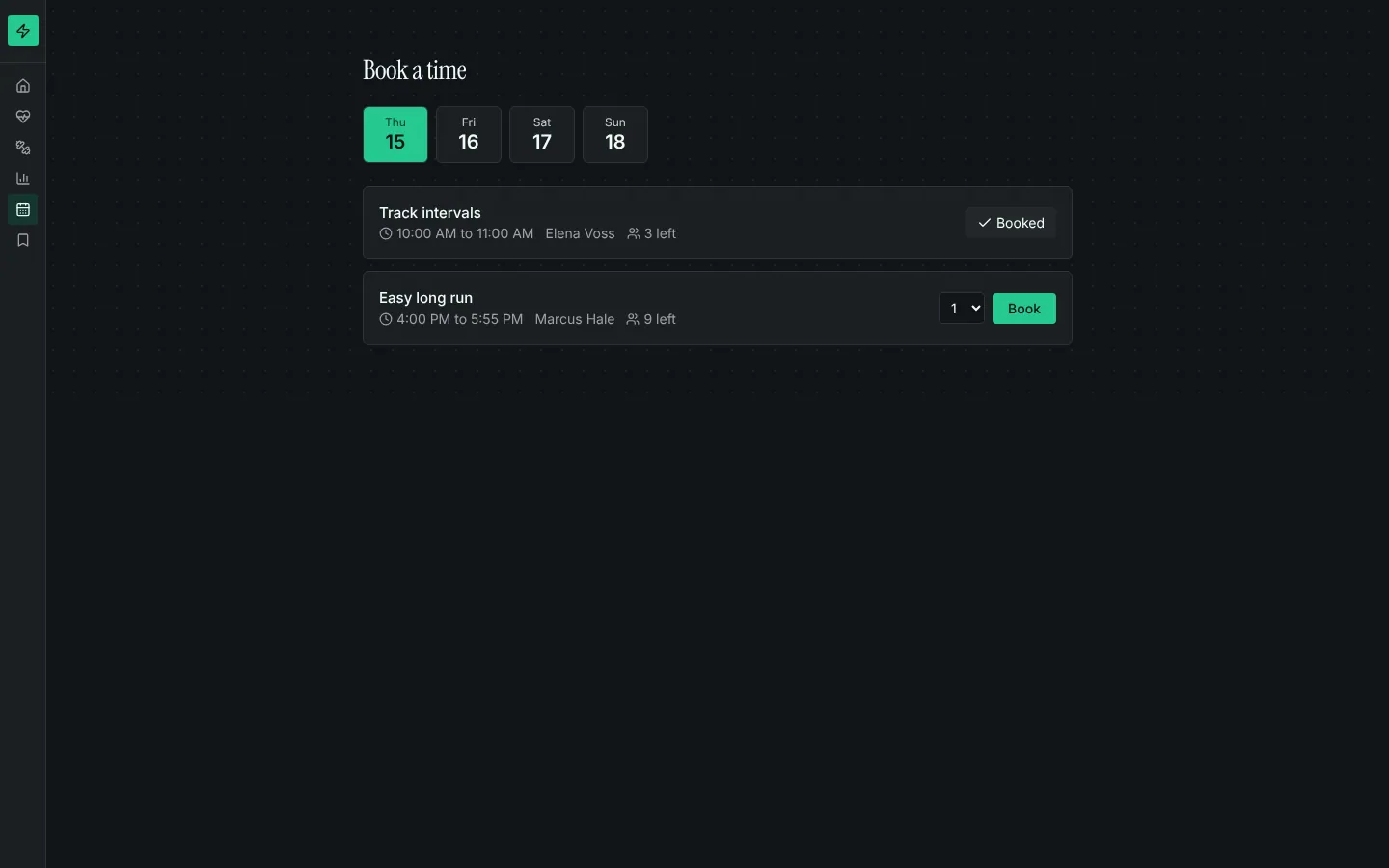
Booking calendar
Bookable time slots with capacity, a day picker, my bookings with cancel, and rules that stop double-booking.
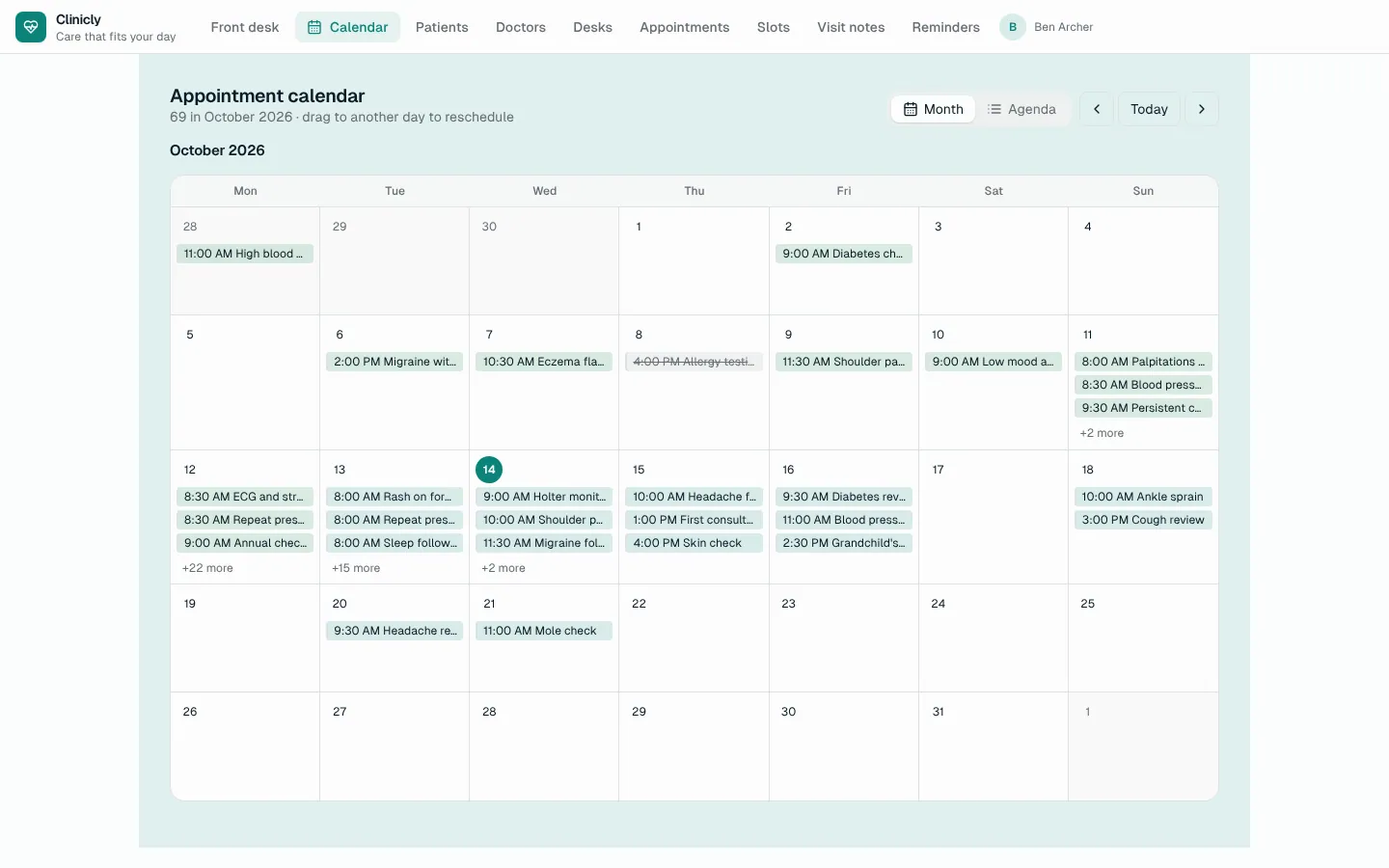
Calendar
A month calendar and agenda over any table with a date: colour-coded, drag to reschedule, add on a day, edit in place.