Clinicly
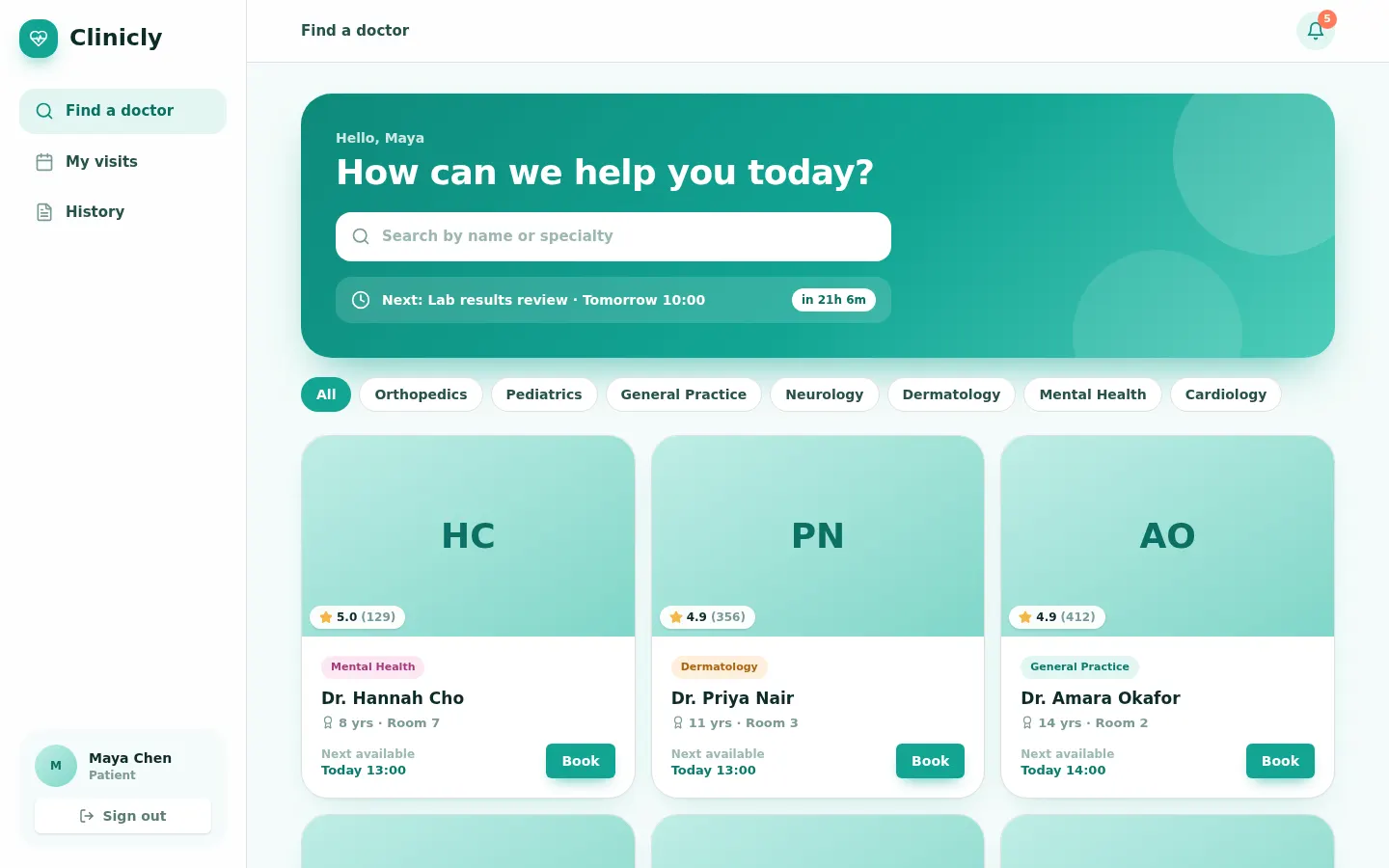
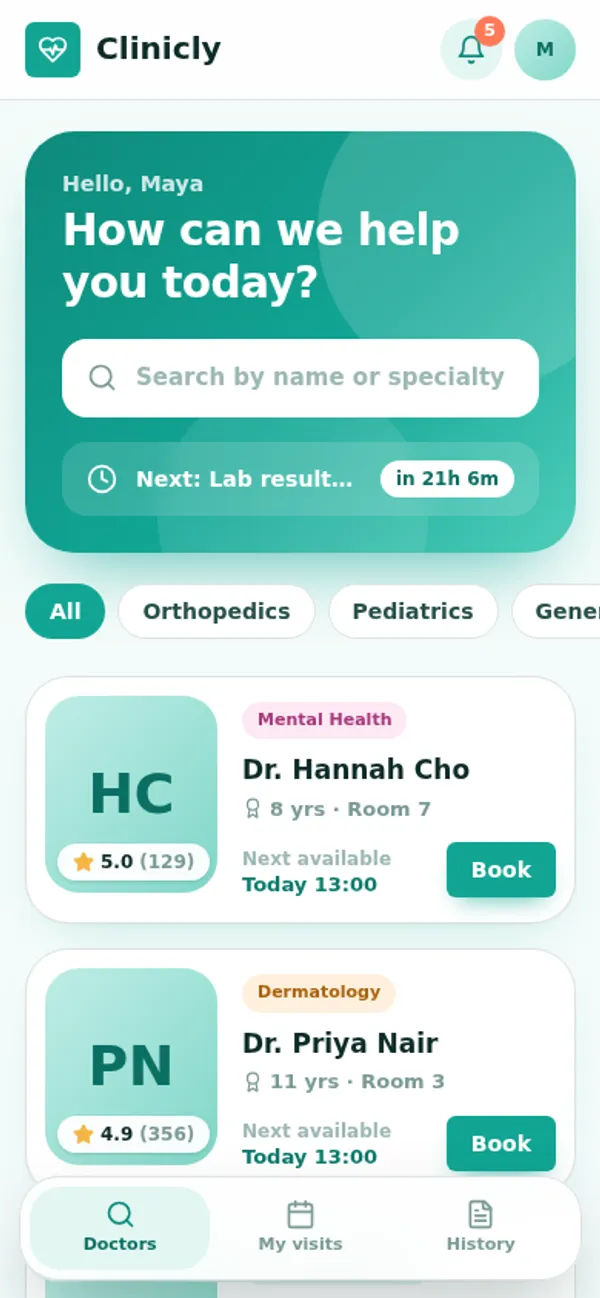
Patients find a doctor and book a slot; doctors work a day timeline and write visit notes; the front desk checks people in. A rule refuses overlapping appointments and bookings outside clinic hours, reminders go out hourly, and the desk can never read visit notes.
Patients sign up. Doctors and the front desk work the schedule.
What's inside
Find a doctor and book a slot. Doctor day timeline and visit notes. Front desk check-in.
Tables
patientname, photo, phone, dob, allergiesdoctorname, specialty, photo, rating, review_count, years_experience, bio, roomdeskname, photoappointmentpatient_id, doctor_id, patient_name, patient_photo, patient_info, doctor_name, starts_at, ends_at, …slotappointment_id, doctor_id, starts_at, ends_at, activevisit_noteappointment_id, patient_id, doctor_id, summary, diagnosis, plan, follow_upreminderappointment_id, patient_id, message
Roles
patientPatient, consumerdoctorDoctor, staffdeskFront desk, staff
Pages
/dayMy day (doctor)/bookFind a doctor (patient)/visitsMy visits (patient)/historyHistory (patient)/book/:idBook a visit (patient)/front-deskFront desk (desk)/teamTeam & access (doctor)
Components
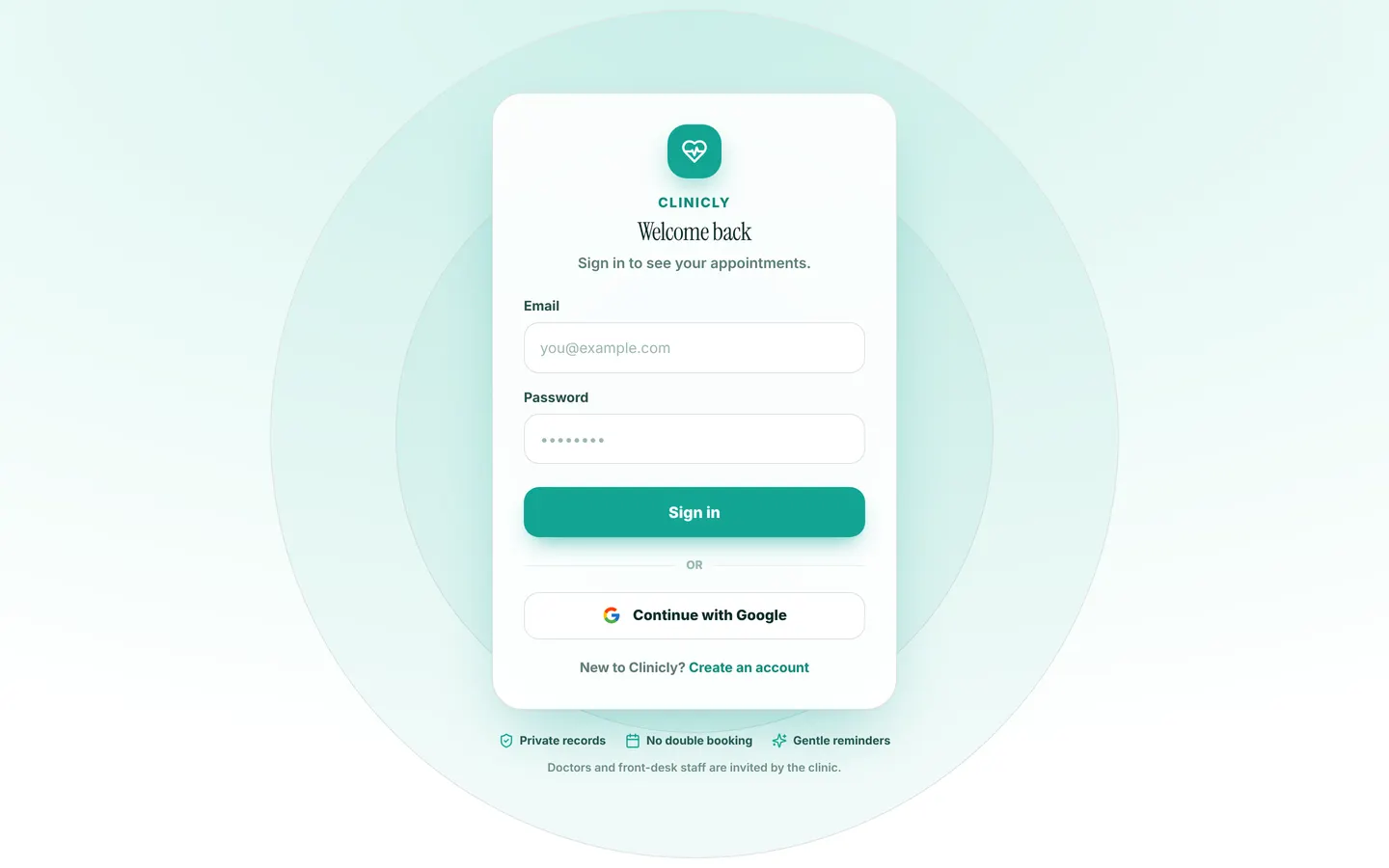
PatientAppPatient home: find a doctor, my visits, visit historyDoctorAppDoctor day: progress summary, day strip, timeline with now-line, appointment detail with patient history, AI history summary, visit notes, AI patient summaryDeskAppFront desk: the clinic's schedule across doctors, check-in, rescheduleClinicLoginSign-in: brand promise beside a calm form card, Google sign-in, patient sign-upBookDoctorFull-page booking: doctor profile, week picker with free-slot counts, free times only, reason, confirmationTeamHeaderTeam page header: the doctor top bar with nav, then the page title
Rules on every write
appointmentThat time is not available.
How its workflows run
Each one is a server workflow in your project: it runs on its trigger, with retries, and its runs show in the builder's log.
- Reserve the doctor's slot when an appointment is booked
When a row changes:
appointment created. Then: Create slot. - Keep the slot in step when an appointment moves or is cancelled
When a row changes:
appointment updated. Then: Look up slot, then Update slot. - Hourly: remind patients of appointments in the next 24 hours
On a schedule:
schedule hourly over appointment. Then: Look up appointment, then Create reminder, then Update appointment. - Deliver the reminder to the patient
When a row changes:
reminder created. Then: Notify. - Tell the patient their visit notes are ready
When a row changes:
appointment updated, when status is completed. Then: Notify.
Set it up
It starts a new project, with its data, roles and sign-in ready.
- Start the project
Use the button above, or ask your coding agent with the Appbricx MCP server connected (quickstart).
- Sign in as each role
The demo logins open each role's home. Change what you like in plain words or in the contract.
- Deploy
When dev looks right, deploy. Production gets a snapshot first, so you can roll back.
Use it with your coding agent
The agent creates the project, builds it and signs in as each role.
Start a new Appbricx project from the Clinicly template (slug "clinicly") with use_template. Call it "My Clinicly", then sign in as each role, verify it and tell me what to change first.{
"tool": "use_template",
"arguments": {
"slug": "clinicly",
"name": "My Clinicly"
}
}appbricx templates use clinicly --name "My Clinicly"